


Beyond the Blueprint: How to Choose the Right Floor Plan Software

Starting a new home design or renovation project is exciting, but navigating the world of floor plan software can be daunting. The options are vast, ranging from highly technical CAD programs for architects to simple, user-friendly apps for a quick room layout. The "best" tool isn't a one-size-fits-all solution; it depends entirely on your project's goal. Are you exploring initial ideas for a new build, creating a visual for a client, drafting a plan for a permit, or just seeing if a new sofa will fit?
Starting a new home design or renovation project is exciting, but navigating the world of floor plan software can be daunting. The options are vast, ranging from highly technical CAD programs for architects to simple, user-friendly apps for a quick room layout. The "best" tool isn't a one-size-fits-all solution; it depends entirely on your project's goal. Are you exploring initial ideas for a new build, creating a visual for a client, drafting a plan for a permit, or just seeing if a new sofa will fit?
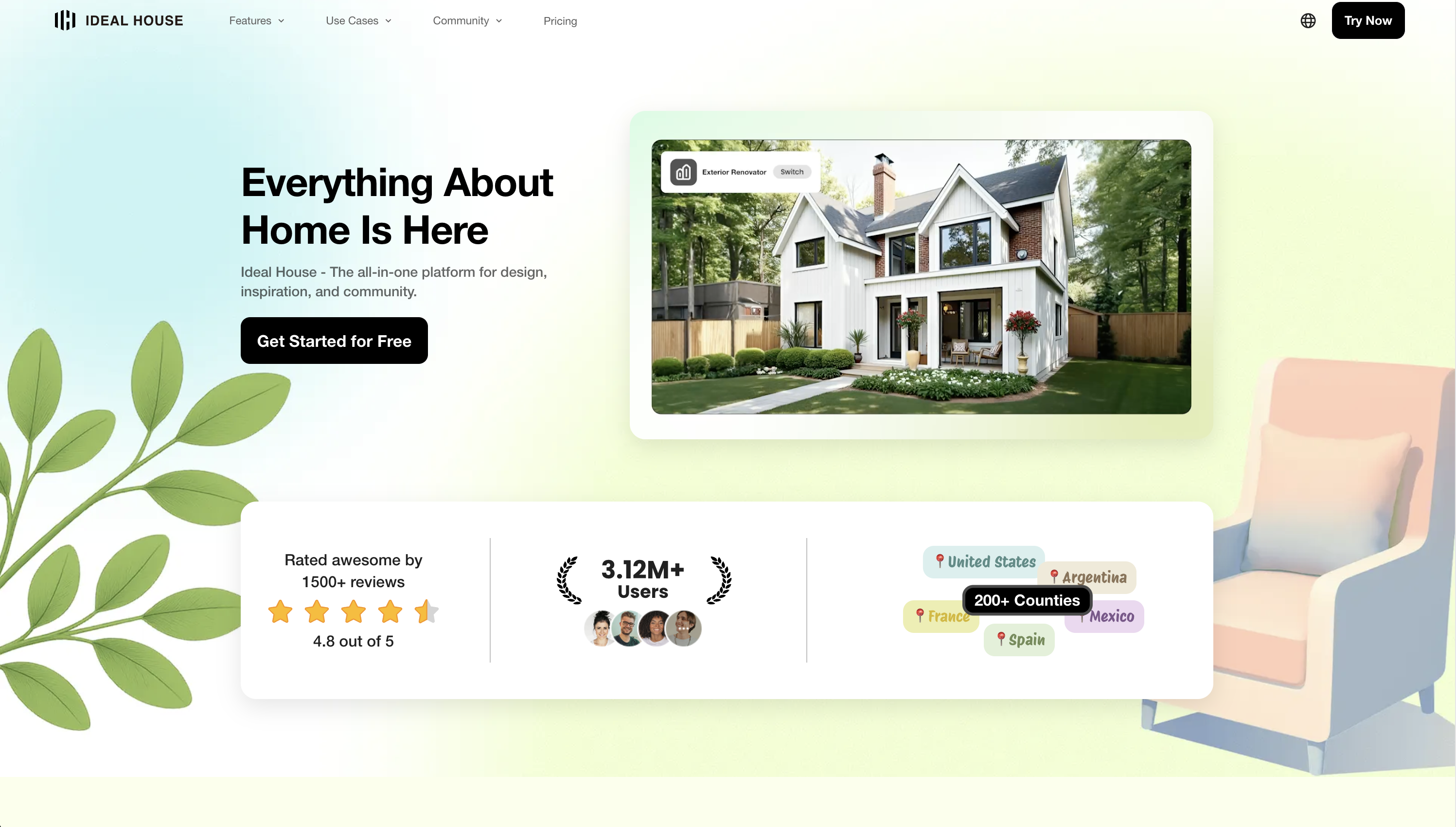
For those looking to skip the steep learning curves and manual drafting altogether, a new wave of AI-powered tools is changing the game. Platforms like Ideal House are built to generate and visualize plans in seconds, turning simple inputs into professional-looking designs. This new approach offers a compelling starting point for many projects, which we'll explore alongside more traditional options to help you find the perfect fit.
The New Wave: AI-Powered Floor Plan Generation and Visualization
If your primary goal is rapid design exploration without getting bogged down in technical tools, AI is your new best friend. Instead of drawing lines and walls, you define your needs and let an intelligent system generate layouts for you. This approach prioritizes creativity and speed, making it perfect for the conceptual phase of any project.
Ideal House is at the forefront of this shift, offering a suite of AI tools designed to take you from a vague idea to a stunning visual in minutes.
-
For Instant Layout Ideas: AI Floor Plan Generator Instead of starting with a blank canvas, you start with parameters. Tell the AI how many bedrooms and bathrooms you need, whether you want an open or closed kitchen, and the approximate gross area. You can even add extras like a walk-in closet, home office, or a combined living-dining space. In seconds, the AI floor plan maker drafts multiple clean 2D floor plan visuals that adhere to common circulation and adjacency rules. It's an unparalleled way to brainstorm and compare functional layouts before committing to a design.
-
For Bringing Plans to Life: AI Plan Visualizer Have a 2D plan already? Whether it's a professional CAD drawing, a simple digital sketch, or even a clear photo of a hand-drawn sketch, this tool can transform it. Upload your plan, choose a style (like Photorealistic or Watercolor), and select a view. The AI instantly generates a fully-furnished, high-quality rendering from a bird's-eye view or an immersive eye-level view. This is a game-changer for client presentations and for homeowners who want to truly feel a space before construction begins.
-
For Complete Conceptual Designs: AI House Plans Generator If you're starting from scratch on a new home, this tool can generate a complete conceptual package. Select an architectural style, such as Modern Farmhouse or Ranch style, define the size, and the AI creates a cohesive set of floor plans, exterior elevations, and photorealistic 3D renderings.
It's important to note that AI-generated plans from tools like Ideal House are intended for conceptual and inspirational purposes. They are the perfect, detailed starting point to bring to a licensed architect, not construction-ready blueprints.
The DIY & Pro-Sumer Toolkits: For Hands-On Control
If you prefer to be in the driver's seat and draw your own plans, a wide range of user-friendly software caters to everyone from DIY enthusiasts to design professionals.
For All-in-One 2D/3D Drawing and Visualization
These tools offer a great balance of features and ease of use, allowing you to draft in 2D and instantly see your creation in 3D.
- RoomSketcher : A popular and robust option, RoomSketcher features an intuitive drag-and-drop interface, Live 3D walkthroughs, and professional features like custom branding. It also offers a redraw service where they will create a plan for you from a sketch. This makes it a favorite among real estate agents and interior designers.
- Floorplanner: As a fully browser-based tool, Floorplanner is incredibly easy to access and use for creating quick mockups. Its free version is generous but has limitations, such as allowing only one project at a time and providing low-resolution exports.
- Planner 5D: Geared toward DIYers, this platform boasts a large furniture library and accessible 2D/3D modes. Some users note it can be laggy on desktop, but it's a fun tool for experimenting with different layouts and decor ideas.
For Creating Permit-Ready(ish) Drawings
When you need more than just a pretty picture and require plans with technical details for permits, these tools step up.
- Home Designer by Chief Architect: This software is the consumer version of a professional tool, making it powerful for creating detailed construction drawings, including framing plans and electrical layouts. It comes in different tiers (Suite, Architectural, Pro), but be aware of limitations in the lower tiers, such as printable paper size. The transition from a one-time purchase to a subscription model has also been a point of confusion for many users.
- Plan7Architect: Often highlighted as a strong, affordable alternative with a one-time purchase fee, this software is built specifically for creating building permit documents. It supports both US and European standards and can export to DWG/DXF, making it a solid choice for serious DIY builders and contractors.
For Simple and Free Sketching
If your needs are basic and your budget is zero, these options are fantastic starting points.
- Sweet Home 3D: This free, open-source desktop application is a workhorse. While its interface may feel a bit dated compared to slick web-based tools, it’s completely free and works offline, allowing you to create basic house and apartment floor plan layouts with a decent object library.
- SketchUp Free: Known for its powerful 3D modeling capabilities, SketchUp has a free web-based version. It has a steeper learning curve, especially for creating a 2D floor plan from scratch, but it's an incredibly flexible tool for those willing to watch a few tutorials.
The Professional-Grade Powerhouses
For licensed architects, engineers, and large-scale construction firms, the industry runs on highly complex, powerful, and expensive software.
- AutoCAD: The long-standing industry standard for precise 2D drafting. It’s built for technical accuracy, where every line is drawn with intention.
- Revit: The leader in BIM (Building Information Modeling). A Revit model is more than a drawing; it's a data-rich digital twin of the building, where a change in the floor plan automatically updates elevations, sections, and material schedules. These tools are overkill for most homeowners but are essential for creating construction-grade floor plan documentation.
Specialized Tools for Specific Tasks
Sometimes, you don't need an all-in-one solution but a specific tool for a single job.
- Scanning Existing Spaces (LiDAR & AR): If you're renovating, you need an "as-built" plan. Apps like magicplan, Polycam, and CubiCasa use the LiDAR and camera on your smartphone to create a floor plan from a room scan. These LiDAR floor plan apps are incredibly useful for capturing existing conditions accurately.
- Collaborating with an Architect: A common question is, "What software makes it easy to share with an architect?" The reality is that most architects will redraw your concept in their professional software (like Revit or AutoCAD). The most important thing is to communicate your ideas clearly. A clean PDF with accurate dimensions is often sufficient. If you want to provide a file they can work with directly, look for a tool that can export to DWG or DXF formats.
Floor Plan Software at a Glance
| Tool | Best For | Pricing Model | Ease of Use | Key Feature | Output |
|---|---|---|---|---|---|
| Ideal House | Rapid AI idea generation & visualization | Freemium / Subscription | Very Easy | AI-driven plan and render generation | 2D Plans, 3D Renders |
| RoomSketcher | All-in-one professional presentation | Freemium / Subscription | Easy | Live 3D walkthroughs & branding | 2D/3D Plans |
| Home Designer Pro | Detailed DIY construction drawings | Subscription / Purchase | Moderate | CAD-like detail for home use | 2D/3D Plans |
| SketchUp Free | 3D modeling and creative design | Free | Steep | Flexible 3D push-pull modeling | 3D Models |
| Sweet Home 3D | Basic offline planning on a budget | Free (Open Source) | Easy | Completely free, works offline | 2D/3D Plans |
| AutoCAD / Revit | Professional architectural & BIM docs | Subscription (Expensive) | Very Steep | Industry-standard precision & BIM | Construction Docs |
Finding Your Perfect Match
Ultimately, the right floor plan software is the one that aligns with your specific needs, budget, and technical comfort level.
If your goal is to quickly explore design ideas, generate multiple layouts, and visualize your future space without getting bogged down in technical software, an AI-powered platform like Ideal House offers an unmatched combination of speed and simplicity. It empowers you to move from a high-level concept to a stunning visualization in minutes, providing the perfect foundation for discussions with your family, clients, or architect.
Ready to see how AI can transform your design process? Upload your plan or start generating ideas with Ideal House for free.