








Generator
Historia
Generátor planów AI
Wijzigingshulpmiddel
Model
Basis
Przełącz
Pokoje
sypialnia
-
2
+
łazienka
-
1
+
Kuchnia
otwarty
zamknięty
Powierzchnia brutto
Jednostka Metryka
 imperial
Metryka imperialArea
< 50㎡
50-80㎡
80-100㎡
100-120㎡
120-150㎡
> 150㎡
Dodatki
walk-in closet
laundry room
storage room
utility room
home office
garage
pantry
combined living-dining
balcony

Generate Your Simple House Design Floor Plan Instantly
Unleash your architectural vision with Ideal House's AI Floor Plan Generator. Quickly create precise, visually appealing 2D floor plans tailored to your exact specifications. Whether you're exploring home design concepts, preparing property listings, or visualizing custom floor plans, our intuitive tool makes generating a simple house design floor plan effortless. Experience the future of floor plan software and bring your ideas to life in seconds.
Generate My Floor Plan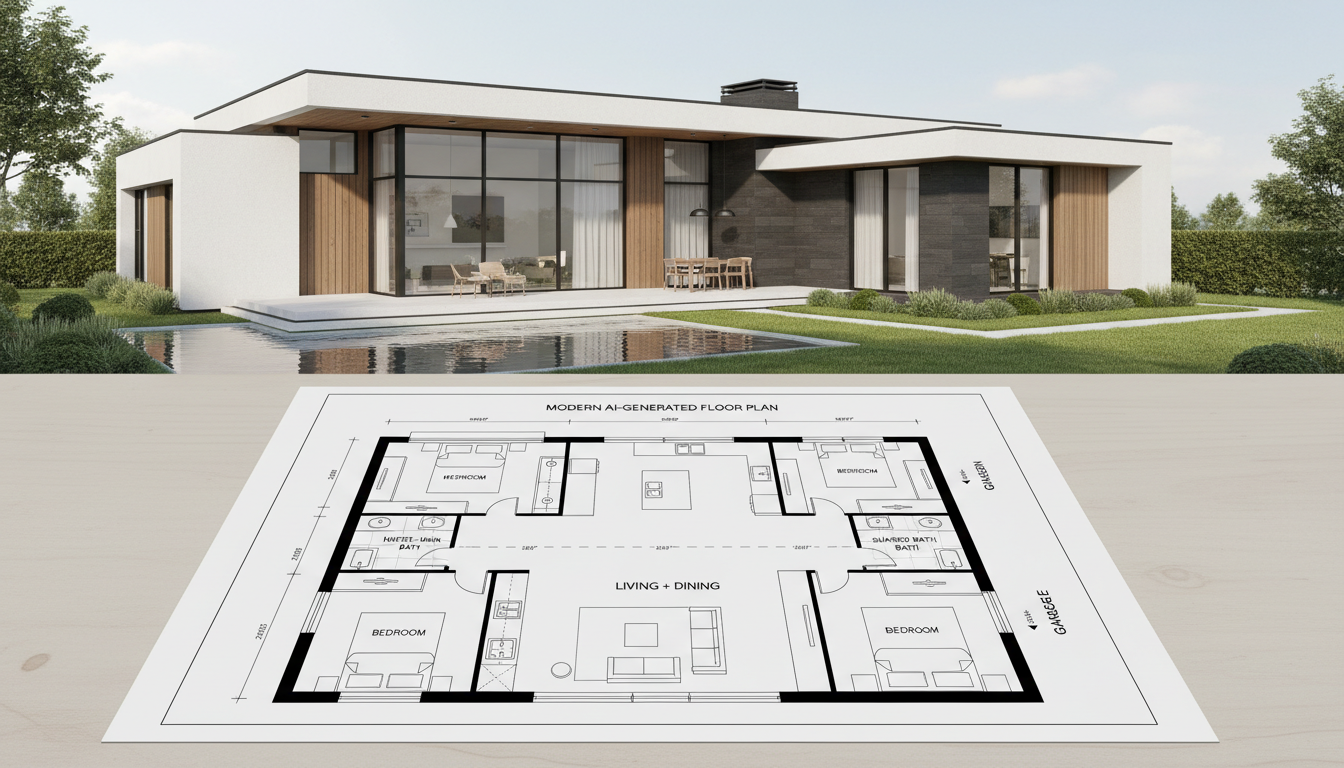


Why Ideal House is Your Ultimate Floor Plan Creator
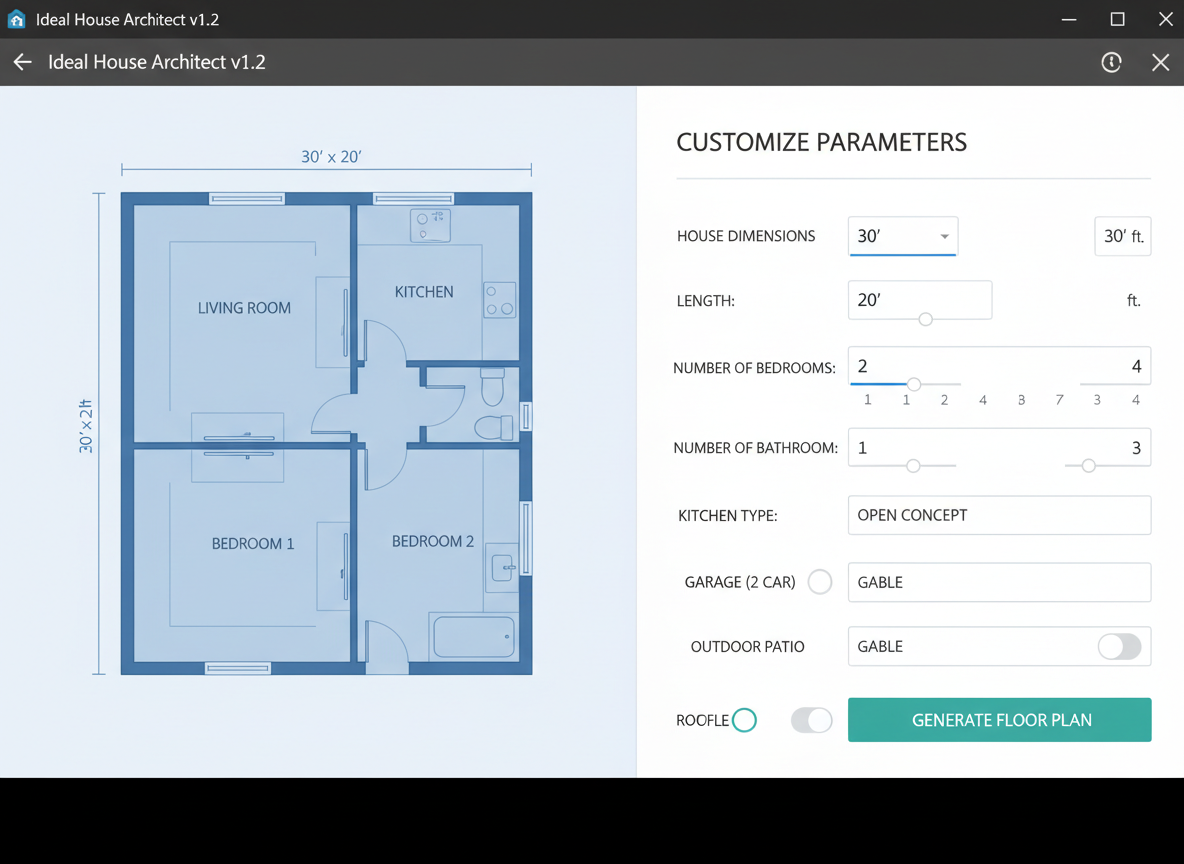
Effortless Customization for Any House Layout
Design your dream home with unparalleled ease. Our AI Floor Plan Generator allows you to specify bedrooms, bathrooms, kitchen style (open or closed), and gross area range. These parameters intelligently shape your simple house design floor plan, providing a quick way to iterate on house plans without complex architectural drawing. Craft a home design that truly reflects your needs.
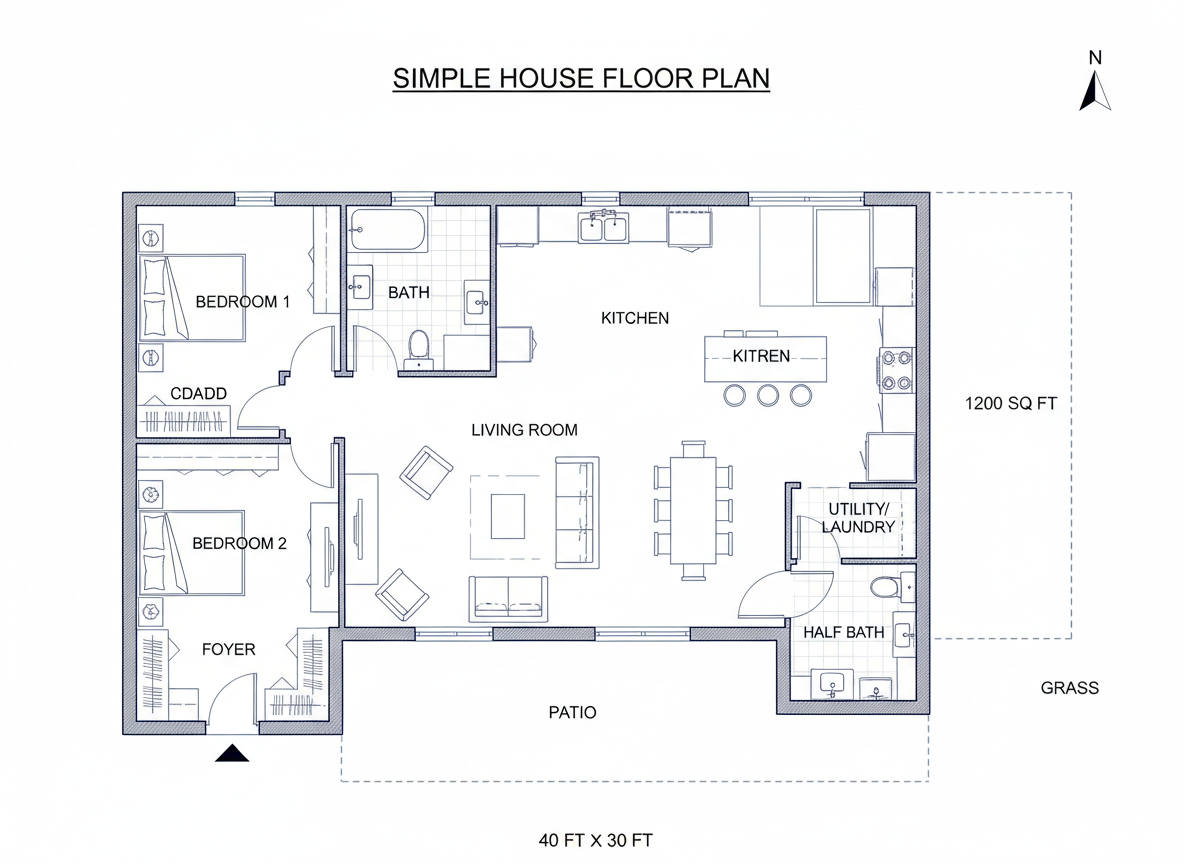
Speed and Precision for Digital Floor Plans
Say goodbye to time-consuming manual drafting. Our AI-powered design swiftly translates your requirements into detailed 2D floor plans. Get presentation-ready digital floor plans in seconds, perfect for quick design iterations, client presentations, or real estate listings. This floorplan software redefines efficiency for residential floor plans.
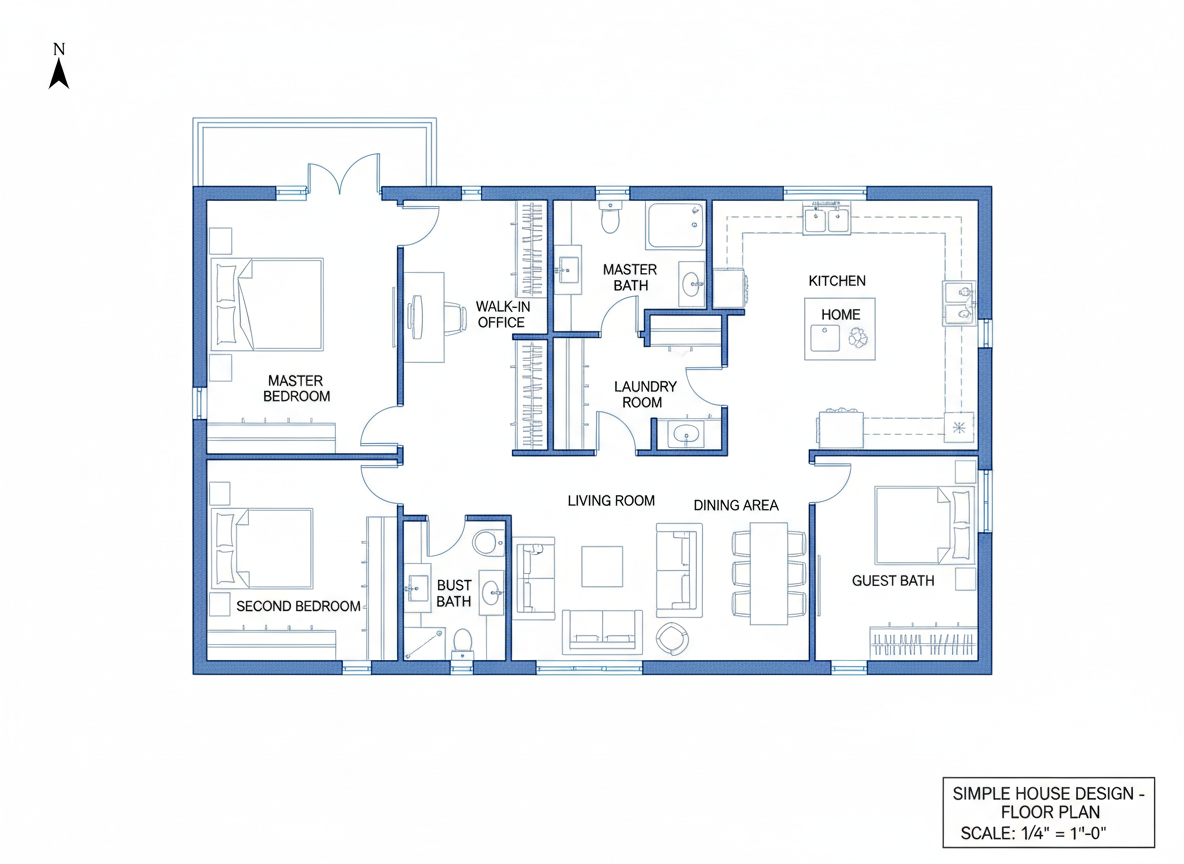
Intelligent Features for Modern House Plans
Go beyond the basics with smart extras like walk-in closets, laundry rooms, home offices, and combined living-dining areas. These additions inform the AI floor plan maker to optimize room layout and flow, ensuring your simple house design floor plan is both functional and aesthetically pleasing. Explore modern house plans with intelligent zoning.
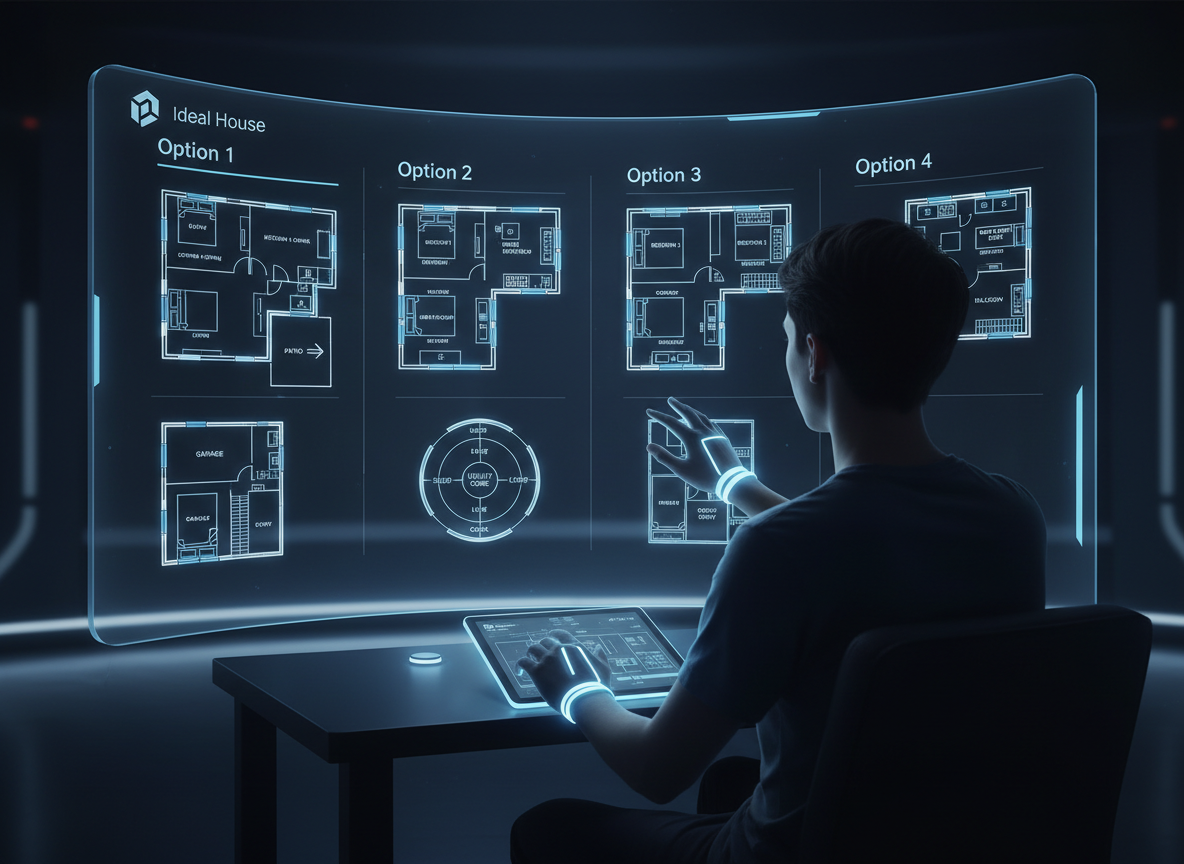
Comprehensive History and Comparison for Perfect Design
Every design iteration is saved in your Generation History, making it easy to compare different versions of your simple house design floor plan. Filter and review multiple layouts to pinpoint the perfect home design. This feature is invaluable for making informed decisions on your apartment layout or small house plans.

Who Benefits from Our AI Floor Plan Generator?

Homeowners & DIY Planners: Visualize your renovation or new build with ease. Experiment with different bedroom layouts, open vs. closed kitchen concepts, and add amenities like a walk-in closet.

Interior Designers & Decorators: Rapidly generate initial apartment layout concepts for clients, iterating on home design ideas in real-time. Create a simple house design floor plan that aligns with your vision.

Real Estate Agents & Developers: Produce professional 2D real estate floor plans for listings instantly, enhancing buyer understanding of space and flow. Essential for showcasing any house layout.

Contractors & Consultants: Quickly translate verbal briefs into clear, concise residential floor plans for project alignment, scope discussion, and accelerating decision-making processes.

Create Your Simple House Design Floor Plan in 6 Easy Steps
1
Set Rooms: Define your desired number of bedrooms (0–4) and bathrooms (1–3) to shape the core of your house layout.
2
Choose Kitchen Style: Select 'open' or 'closed' kitchen to influence the flow and privacy of your living room layout and dining areas.
3
Pick Gross Area: Specify your target gross area range to guide the overall scale and proportions of your simple house design floor plan.
4
Add Extras: Multi-select features like a walk-in closet, laundry room, home office, garage, or balcony to customize your floor plan further.
5
Generate & Review: Click 'Generate' to instantly create your 2D floor plan. Review and compare versions in your Generation History to refine your perfect home design.
6
Download & Share: Export your chosen virtual floor plan as an image or PDF to easily share with clients, colleagues, or for property listings.
FAQs About Our AI Floor Plan Generator
How does the AI turn my selections into a simple house design floor plan?
Our AI floor plan generator interprets your inputs (beds, baths, kitchen type, gross area, extras) and applies smart spatial logic and common architectural principles to draft a clean 2D floor plan. Each click generates a fresh, unique concept.
What are the available ranges and default settings for the floor plan creator?
Bedrooms range from 0-4 (default 2), bathrooms from 1-3 (default 1). Kitchen can be open or closed (default open). Gross Area offers various bands. Extras are multi-selectable to customize your house layout.
What influence does 'Gross Area' have on the simple house design floor plan?
The selected Gross Area band guides the overall footprint of your home design, ensuring that rooms, corridors, and features are appropriately sized and scaled for a realistic and functional virtual floor plan.
How does selecting 'open' versus 'closed' kitchen impact the house layout?
An 'open' kitchen option typically creates a more integrated living-dining-kitchen area, promoting a seamless flow. A 'closed' kitchen prioritizes a distinct, often more private, cooking zone within the house plans.
What do the 'Extras' achieve in the AI floor plan maker?
Extras like a walk-in closet, pantry, or home office tell the AI floor plan maker to strategically position these elements within your floor plan, optimizing their adjacency and functionality according to typical home design conventions.
Enhance Your Simple House Design Floor Plan with Related Tools
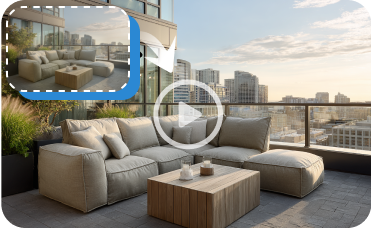
Image to Video
Create a stunning video walkthrough of your home's new exterior to share with family or contractors.
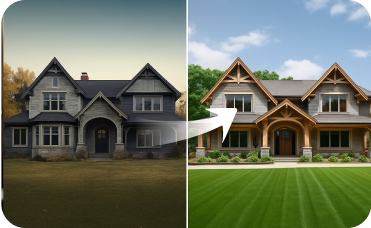
Exterior Renovator
Extend the modern Mediterranean aesthetic to your home's exterior for cohesive, show-stopping curb appeal.

Photo Enhancer
Create crystal-clear, professional images of your finished landscape designs for listings and portfolios.
Ready to Design Your Simple House Design Floor Plan?
Transform your ideas into professional 2D floor plans in minutes. Fast, intuitive, and precise.
Create My 2D Floor Plan Now
💰 Ontvang 10% commissie als affiliate-partner van Ideal House.
Sluit je aan