1/10
How to remove the wallpaper from your iPhone 14 Pro's always-on display
This article provides a comprehensive guide on how to customize the always-on display (AOD) on iPhone 14 Pro and iPhone 14 Pro Max devices, following the release of the iOS 16.2 update. Initially, Apple's AOD offered limited customization, drawing criticism from users. The iOS 16.2 update addresses some of these concerns by introducing options to disable wallpaper and notifications on the AOD, aiming to reduce distractions and potentially improve power efficiency.
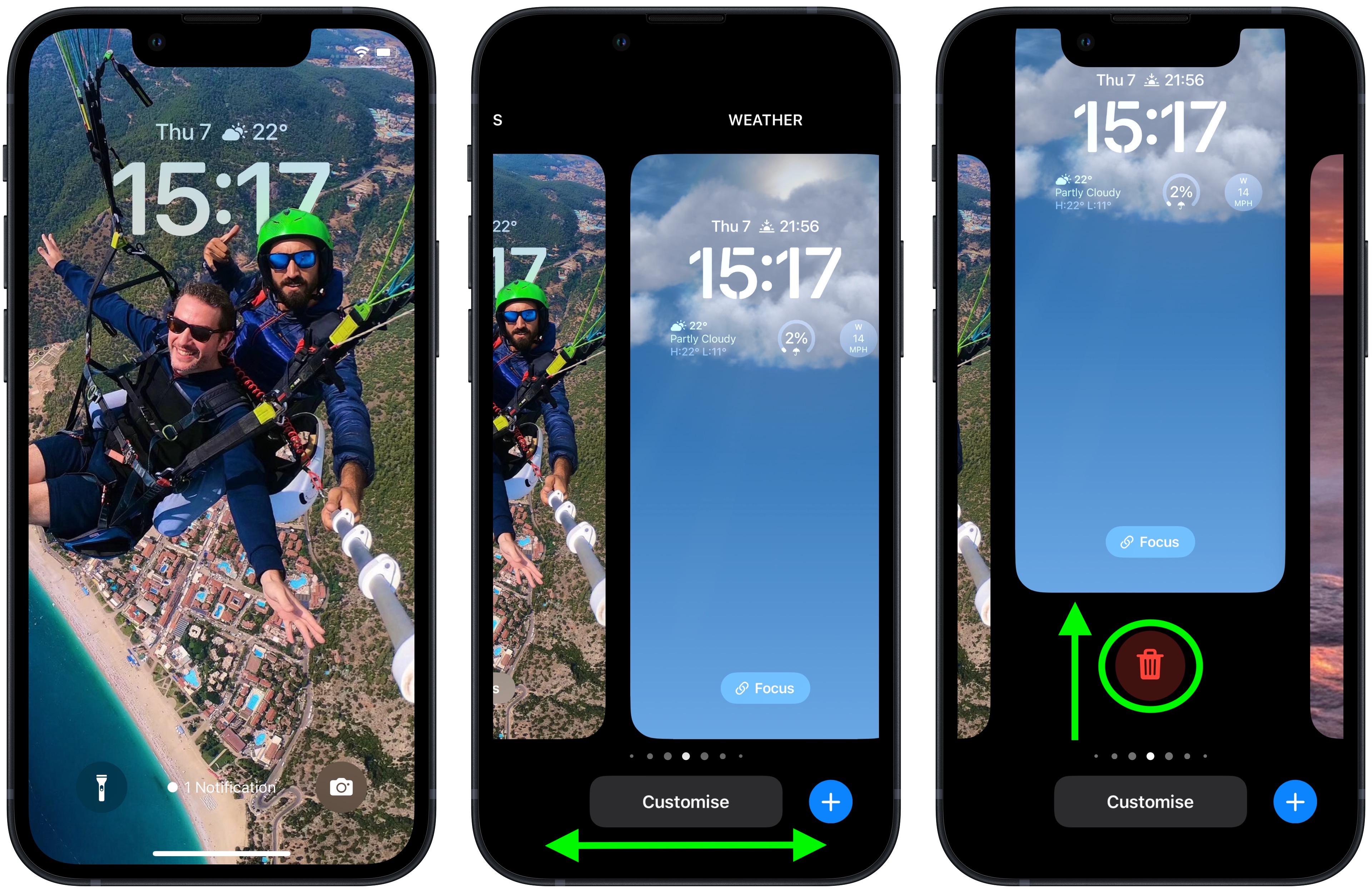
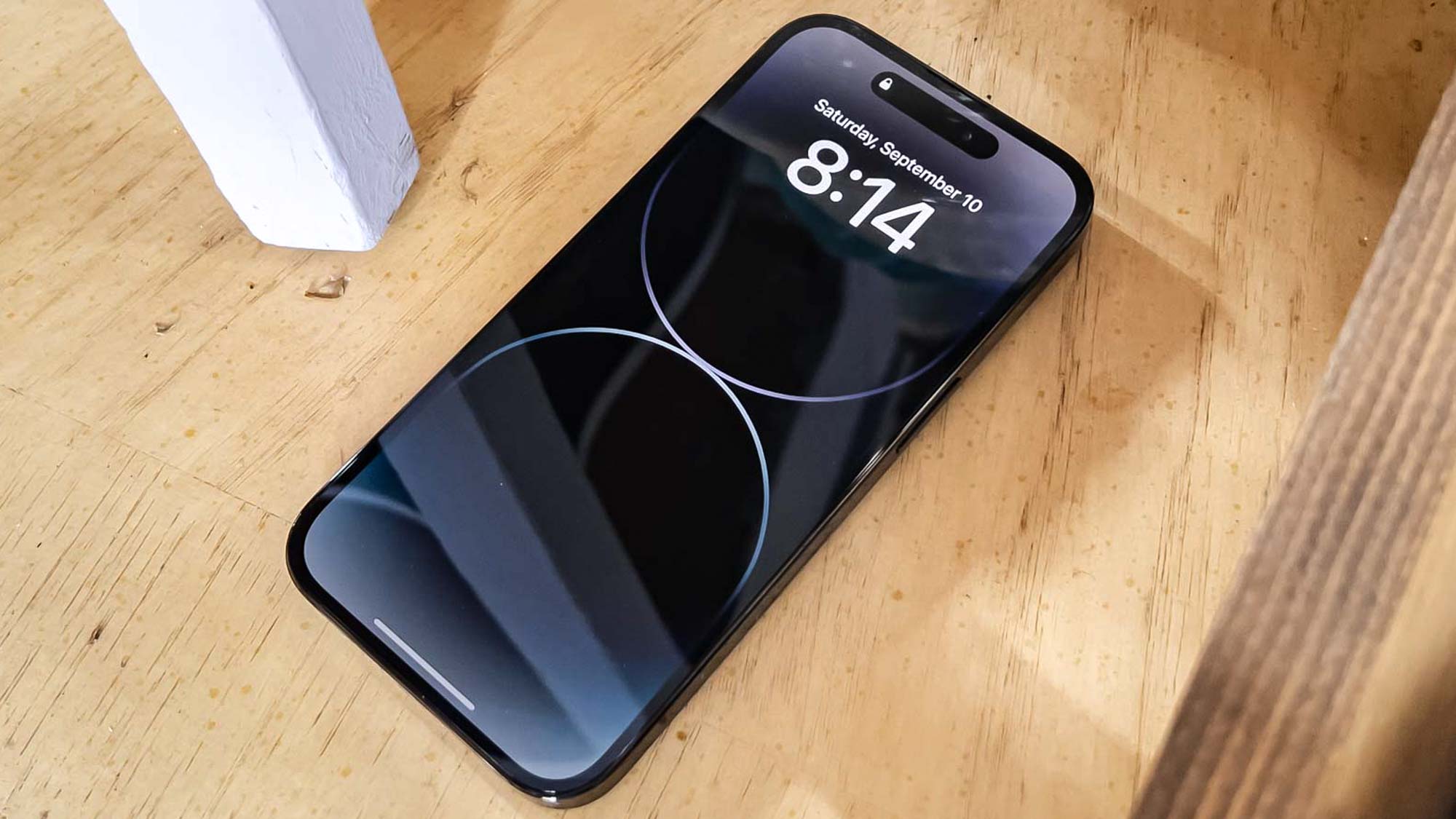
The customization process begins by accessing the "Settings" app on a compatible iPhone model. Users then navigate to the "Display & Brightness" menu and select "Always-On Display." Within this section, three primary toggles are available: "Always On Display," "Show Wallpaper," and "Show Notifications." The article specifies that the AOD feature is currently exclusive to the iPhone 14 Pro and iPhone 14 Pro Max models, with anticipation for broader availability in future iPhone releases.
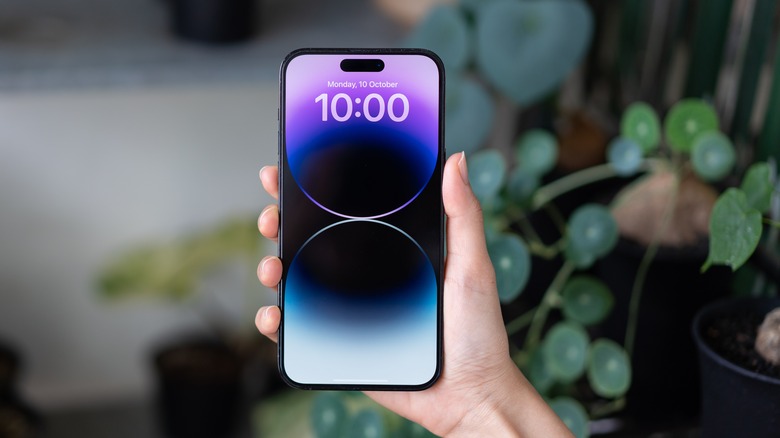
The "Show Wallpaper" toggle allows users to turn off the display of a desaturated version of their lock screen wallpaper on the AOD. By default, the AOD presents a dimmed version of the wallpaper, along with the time, date, and any widgets. Disabling this option results in a simpler AOD that shows only the time, date, and widgets, without the background image. This change makes the display less visually busy and might contribute to battery savings.
Another significant option is "Show Notifications." When this toggle is switched off, pop-up banners from applications that would typically appear on the lock screen will no longer be visible on the AOD. This feature is particularly useful for users who prefer to minimize interruptions and maintain privacy when their phone is idle. With both "Show Wallpaper" and "Show Notifications" disabled, the AOD becomes a minimalist display, presenting only essential information such as the date, time, and any customized widgets.
The article acknowledges that while these new settings offer more control, the customization options are still somewhat limited. Users cannot, for instance, adjust the brightness level of the AOD wallpaper or selectively choose which apps can display notifications. The author expresses hope that future iOS updates will introduce more granular controls, allowing users greater personalization over their always-on display experience. The guide concludes by encouraging users to explore other iPhone-related how-tos available on the platform, covering topics such as Live Photos, passkeys, Action Mode, personalized ads, height measurement, and finding the Downloads folder.
#iPhone14Pro #iOS16 #AlwaysOnDisplay #SmartphoneCustomization #AppleUpdate #MobileTechnology #DisplaySettings #iPhone14Pro #iOS16 #AlwaysOnDisplay #SmartphoneCustomization #AppleUpdate #MobileTechnology #DisplaySettings
0 commenti in totale
 Nessun commento ancora
Potresti anche gradire
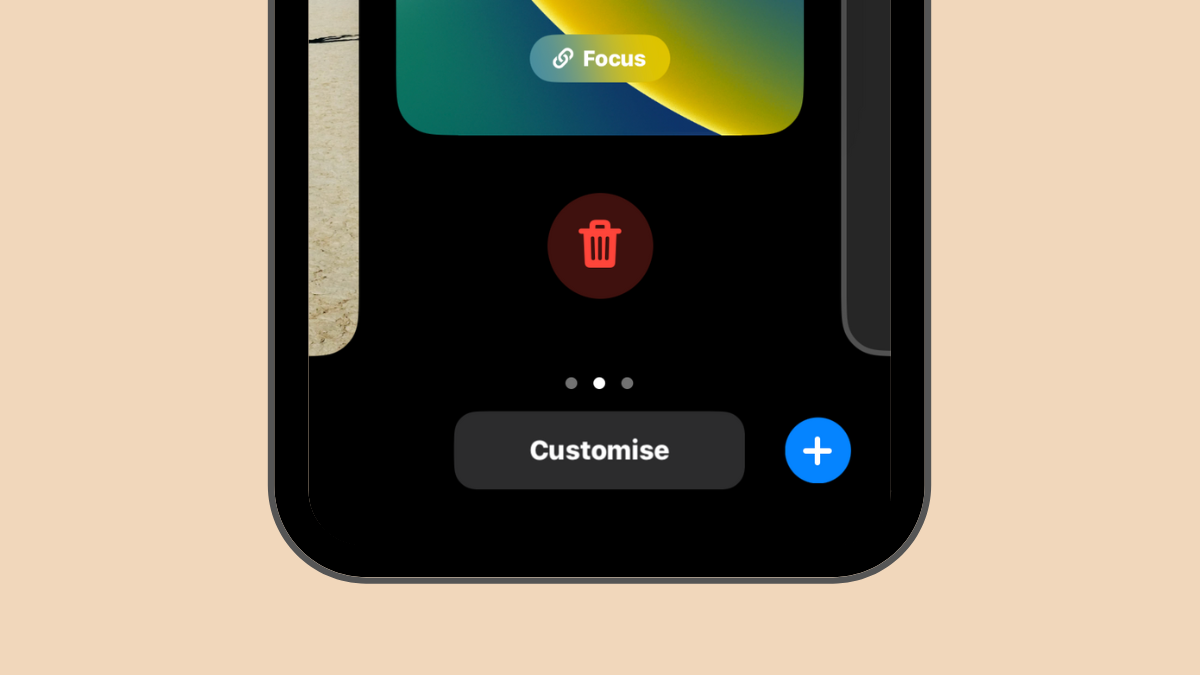
How to Delete a Wallpaper on iPhone

DIY Removable Wallpaper
The 6 best removable wallpapers, according to an expert
We're Not Worried About Damaged Walls With These 6 Removable Wallpapers

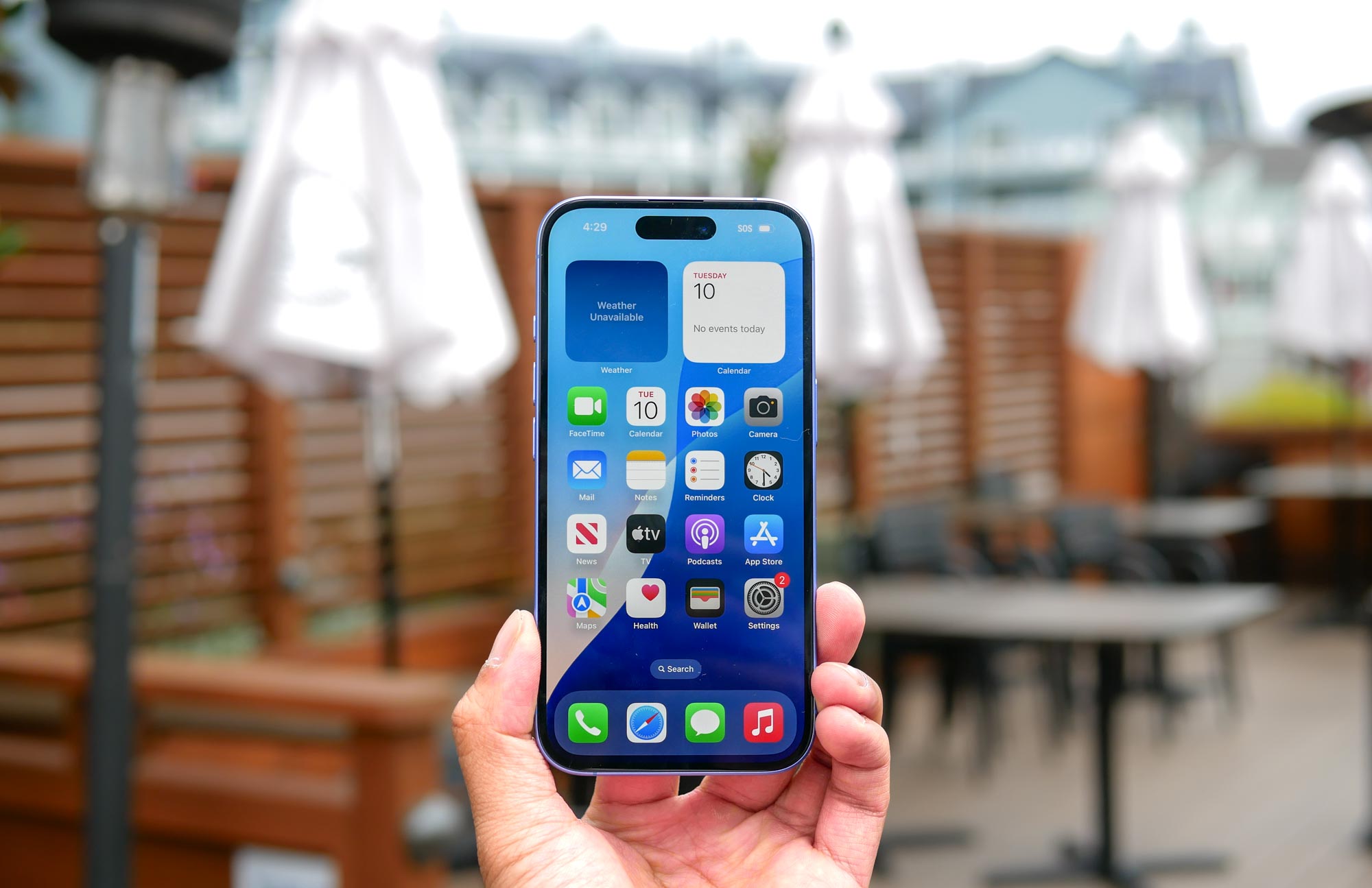
How to delete a wallpaper on your iPhone
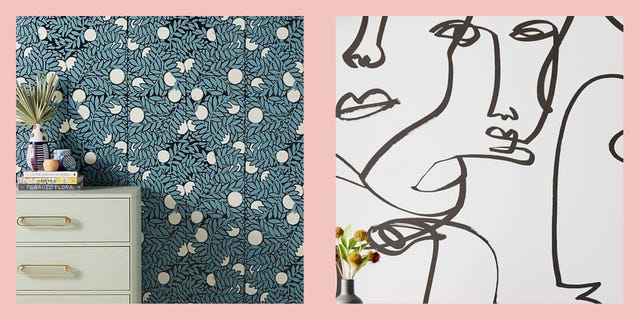
You’d Never Know That These Stylish Wallpapers Are Totally Removable
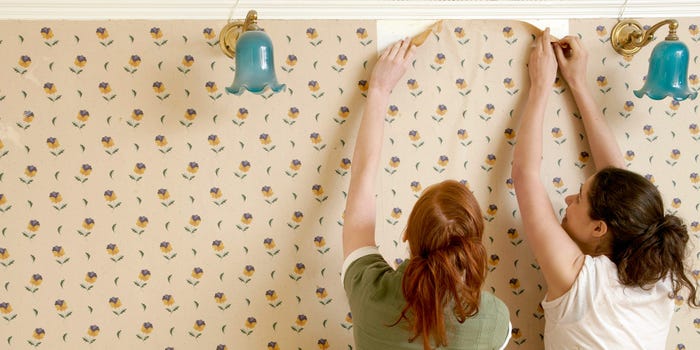
3 ways to remove wallpaper quickly
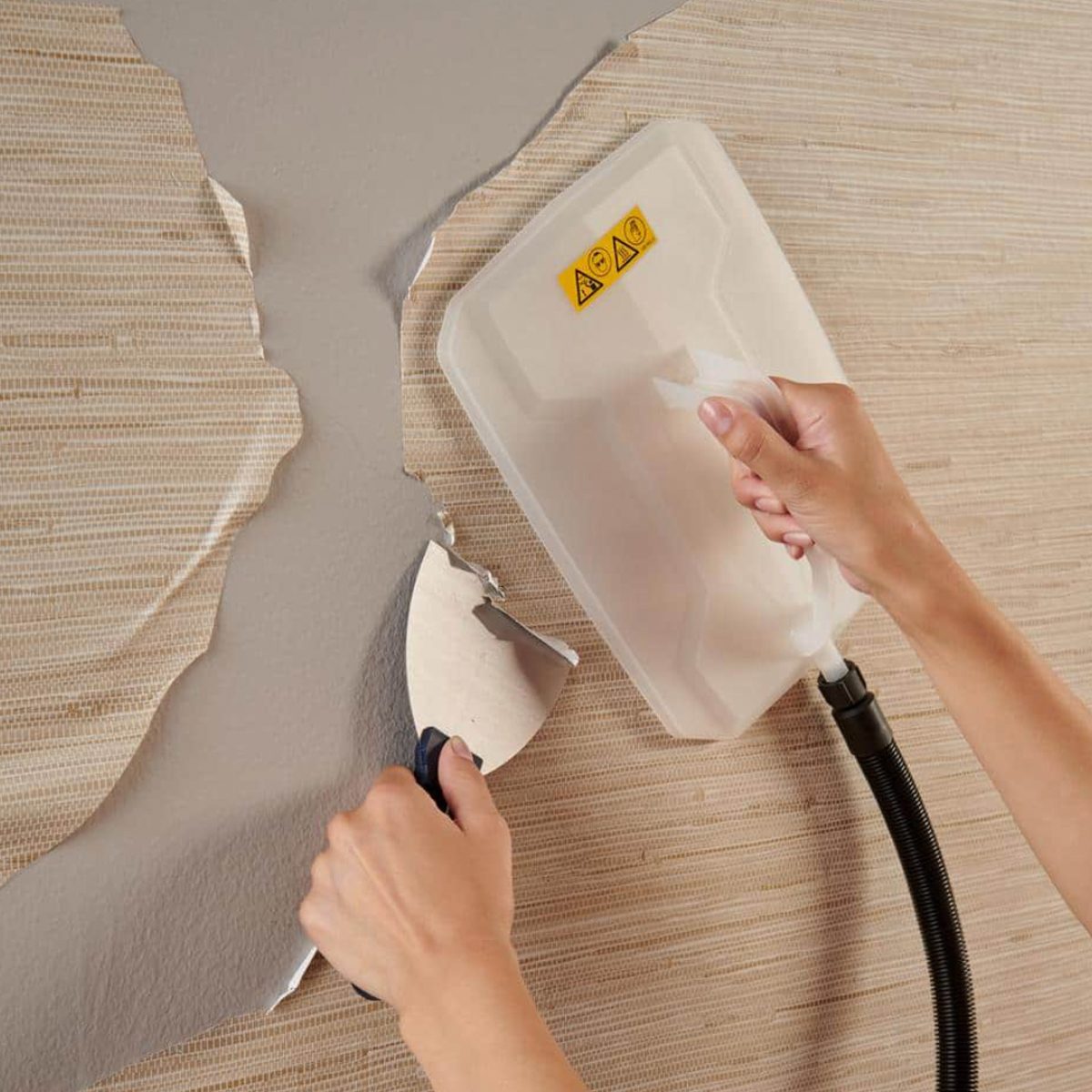
9 Best Wallpaper Removers

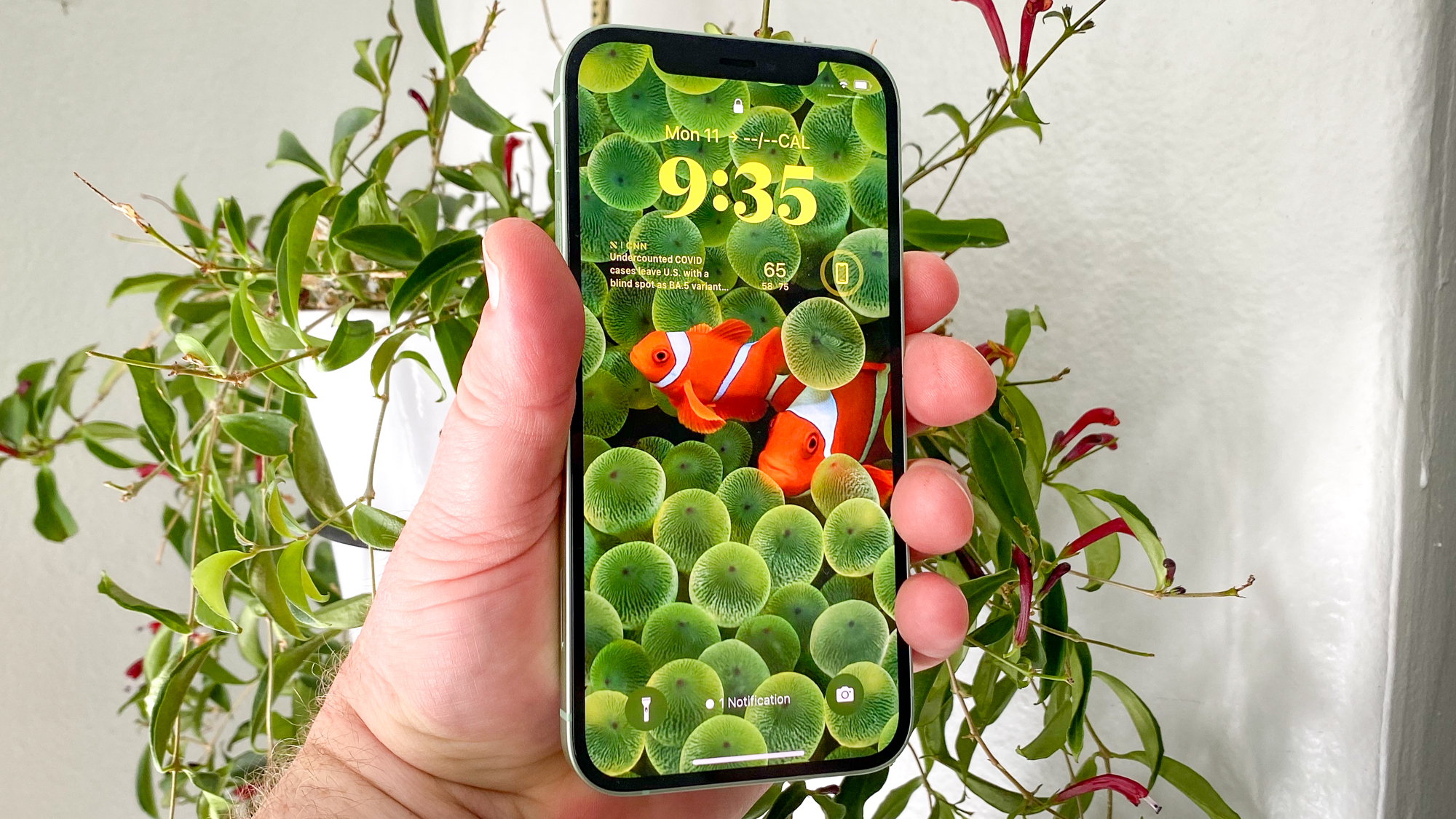
How to delete wallpapers on iPhone
iOS 16: How to Delete a Lock Screen Wallpaper
These Removable Wallpapers Will Completely Transform Your Space (Without Damaging Your Walls)
Everything you need to know about removable wallpaper

How To Delete Wallpapers On Your iPhone

Backdrop Just Released This Award-Winning Wallpaper in a Removable Version
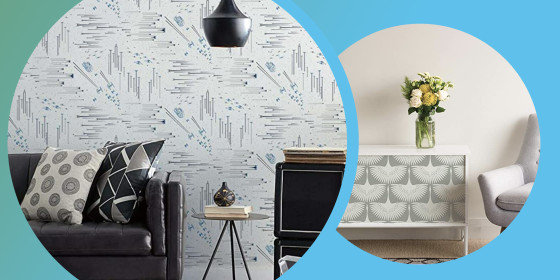
13 best peel-and-stick removable wallpapers of 2021 - TODAY

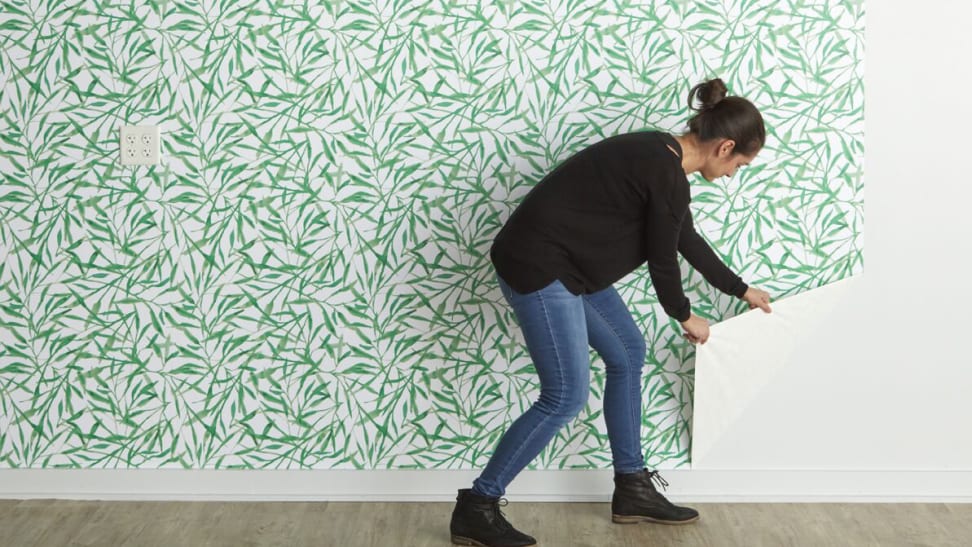
Everything you need to know about removable wallpaper

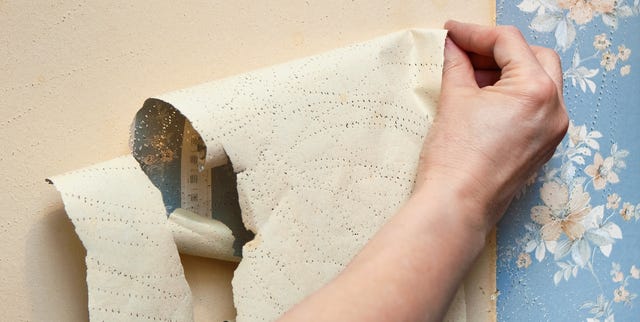
A Stress-Free Way to Remove Wallpaper
26 removable wallpapers to jazz up your boring rented walls
We Tested 28 Removable Wallpapers and Narrowed Them Down to the 6 Best for Your Walls

Transform Your Space: 7 Top Renter-Friendly Wallpaper Brands