








Generador
Historia
Generador de planos AI
Herramienta de cambio
Modelo
Básico
Cambiar
Habitaciones
dormitorio
-
2
+
baño
-
1
+
Cocina
abierto
cerrado
Área bruta
Unidad Métrico
 imperial
Métrico imperialÁrea
< 50㎡
50-80㎡
80-100㎡
100-120㎡
120-150㎡
> 150㎡
Extras
armario walk-in
sala de lavado
cuarto de almacenamiento
sala de servicios
oficina en casa
garaje
despensa
sala-comedor combinado
balcón

Transform Concepts to Blueprints: The Ultimate App to Draw Blueprints Instantly
Imagine turning your vision for a new home or renovation into a precise floor plan in minutes. Ideal House's AI Floor Plan Generator is the revolutionary app to draw blueprints, empowering homeowners, designers, and real estate professionals to create stunning 2D floor plans with unparalleled speed and ease. Ditch the complex software and embrace an intuitive, AI-powered home layout tool that brings your design ideas to life, perfect for early exploration and impactful presentations.
Generate My Floor Plan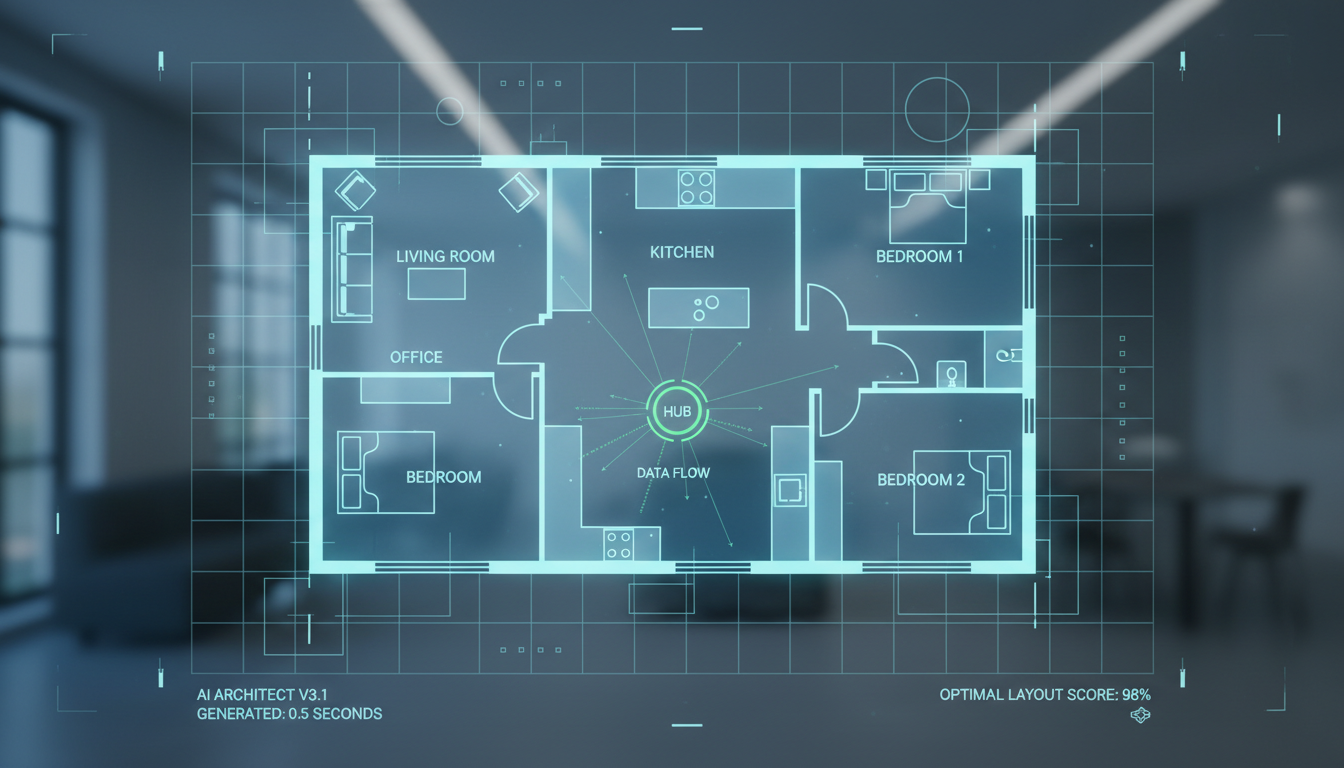


Why Ideal House is Your Go-To App to Draw Blueprints
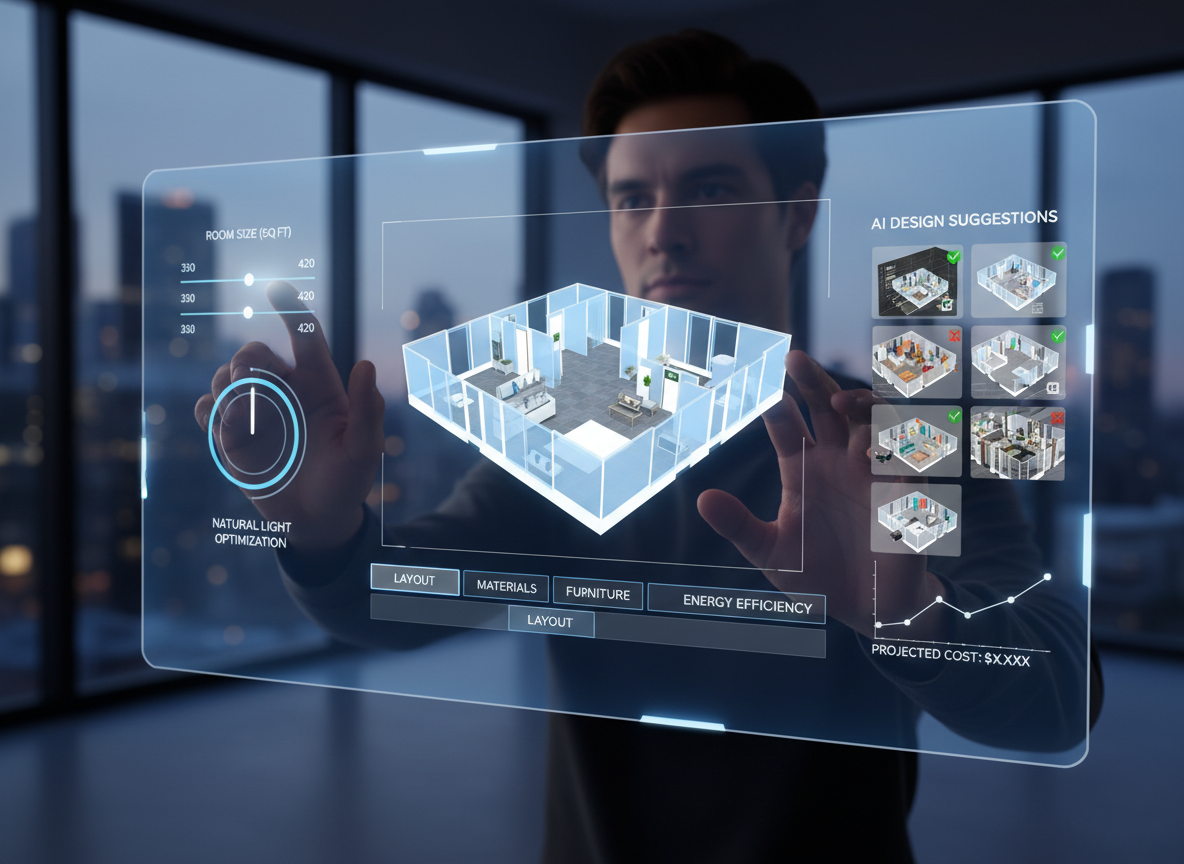
Effortless Design with AI Precision
Our AI-powered platform makes it incredibly simple to create detailed floor plans. Just input your requirements – from the number of bedrooms and bathrooms to specific features like a walk-in closet or home office – and watch as our AI delivers a professional-grade 2D floorplan generator output. It’s an intelligent app to draw blueprints that understands your needs.

Speed & Efficiency for Every Project
Time is money, especially in real estate and design. Our architectural drawing app generates complete floor plans in seconds, not hours. This speed allows you to iterate on designs rapidly, explore multiple layouts, and present options to clients or buyers without delay. It's the ultimate digital blueprint tool for fast-paced environments, accelerating your design workflow.
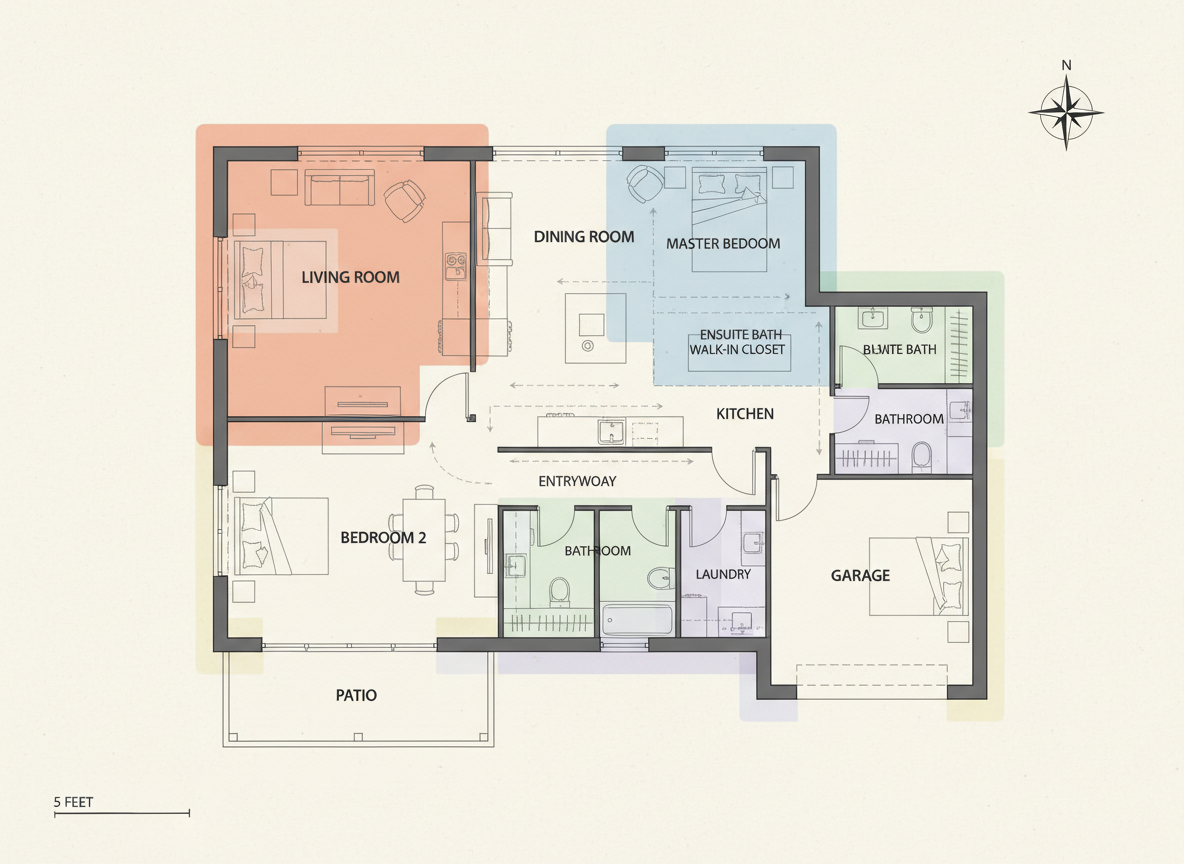
Realistic Layouts, Real-World ROI
Ideal House doesn't just create floor plans; it crafts intelligent, functional layouts that adhere to common adjacency and circulation rules. This realism is crucial for homeowners visualizing their dream space and for real estate professionals needing compelling visuals for listings. Boost engagement and close deals faster with our reliable app to draw blueprints, adding significant ROI to your property presentations.

Seamless Integration & Collaboration
From initial concept to final presentation, our home layout tool supports your entire workflow. Easily save, revisit, and compare multiple generated plans in your history. Download high-quality images or PDFs to share with clients, contractors, or to enhance your property listings. This comprehensive residential blueprint maker is designed for easy collaboration.

Who Benefits from Our AI Floor Plan Generator?

Homeowners & DIY Enthusiasts: Easily visualize renovations, additions, or new home layouts without expensive software or designers.

Interior Designers & Decorators: Quickly mock up concepts, iterate on designs with clients, and demonstrate spatial flow with a powerful room planner application.

Real Estate Agents & Brokers: Create compelling, consistent 2D real estate floor plans for listings, attracting more buyers and enhancing property appeal.

Your Step-by-Step Guide: Using Our App to Draw Blueprints
1
Define Your Space: Select the desired number of bedrooms (0-4) and bathrooms (1-3) to outline your basic structural needs.
2
Choose Kitchen Style: Decide between an 'open' or 'closed' kitchen layout to influence the flow and separation of your living areas.
3
Set Gross Area: Pick a gross area range (<50㎡ to >150㎡) to guide the overall scale and proportions of your floor plan drawing tool output.
4
Add Specific Features: Personalize your design by adding 'extras' such as a walk-in closet, laundry room, home office, garage, pantry, combined living-dining, or balcony.
5
Generate & Refine: Click 'Generate' to instantly create a 2D floor plan. Review the result, make adjustments to your selections, and regenerate to compare different versions effortlessly.
6
Export & Share: Download your preferred plan as an image or PDF. Share it with clients, incorporate it into listings, or use it for your next project.
Frequently Asked Questions About Our App to Draw Blueprints
How does Ideal House turn my selections into a precise floor plan?
Our advanced AI floor plan generator interprets your parameters – beds, baths, kitchen type, gross area, and extras – and applies sophisticated design principles and common architectural adjacencies to draft a clear, functional 2D floor plan. Each generation provides a unique, intelligent concept.
What are the available ranges and default settings for design inputs?
You can choose 0-4 bedrooms (default 2), 1-3 bathrooms (default 1), and toggle between open or closed kitchens (default open). Gross Area offers several bands to match your target size, and you can multi-select various extras.
How does 'Gross Area' influence the generated floor plan?
The selected Gross Area band guides the overall footprint and scale of your design, ensuring rooms and corridors are appropriately sized for the intended space. Selecting the closest band yields the most believable and functional home layout tool output.
What is the difference between an 'open' and 'closed' kitchen in the generator?
An 'open' kitchen typically favors a continuous sightline and flow into living and dining areas, fostering a more connected feel. A 'closed' kitchen prioritizes a defined, separate cooking zone with clearer separation from other spaces.
How do the 'Extras' impact the AI floor plan creation?
Selecting extras tells the AI floor plan maker which specific spaces to prioritize and how to integrate them intelligently. For example, a walk-in closet will be placed near a primary bedroom, or a pantry adjacent to the kitchen, influencing the overall space planning app's design.
Enhance Your Designs with Related Ideal House Tools
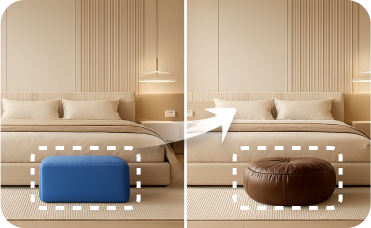
Smart Replacer
Change flooring, wall colors, or even ceiling fixtures with a single click.

Magic Editor
Selectively add or change elements, like swapping a modern light fixture for classic wrought iron home accents.
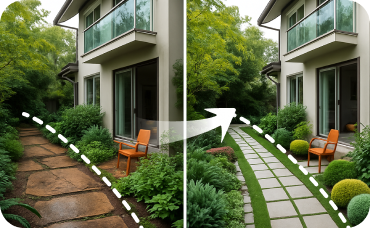
Landscaping
Complement your new Bauhaus facade with geometric garden beds, simple concrete pathways, and minimalist plantings.
Ready to Design Your Dream Space?
Experience the fastest and smartest app to draw blueprints. Start creating professional 2D floor plans today.
Generate My Floor Plan
💰 Gana una comisión del 10% como Afiliado de Ideal House.
Únete a nosotros