








Generator
History
AI Floor Plan Generator
Change Tool
Model
Base
Switch
Rooms
BedRoom
-
2
+
BathRoom
-
1
+
Kitchen
open
closed
Gross Area
Unit metric
 imperial
metric imperialArea
< 50㎡
50-80㎡
80-100㎡
100-120㎡
120-150㎡
> 150㎡
Extras
walk-in closet
laundry room
storage room
utility room
home office
garage
pantry
combined living-dining
balcon

Design Your Dream Home with Our Simple Blueprint Maker
Unleash your architectural vision with Ideal House's AI Floor Plan Generator. Quickly transform your ideas into professional, presentation-ready 2D floor plans. Whether you're a homeowner, designer, or realtor, our intuitive simple blueprint maker streamlines the design process, making complex layouts simple and accessible. Generate detailed house plans in seconds, tailored to your exact specifications.
Generate My Floor Plan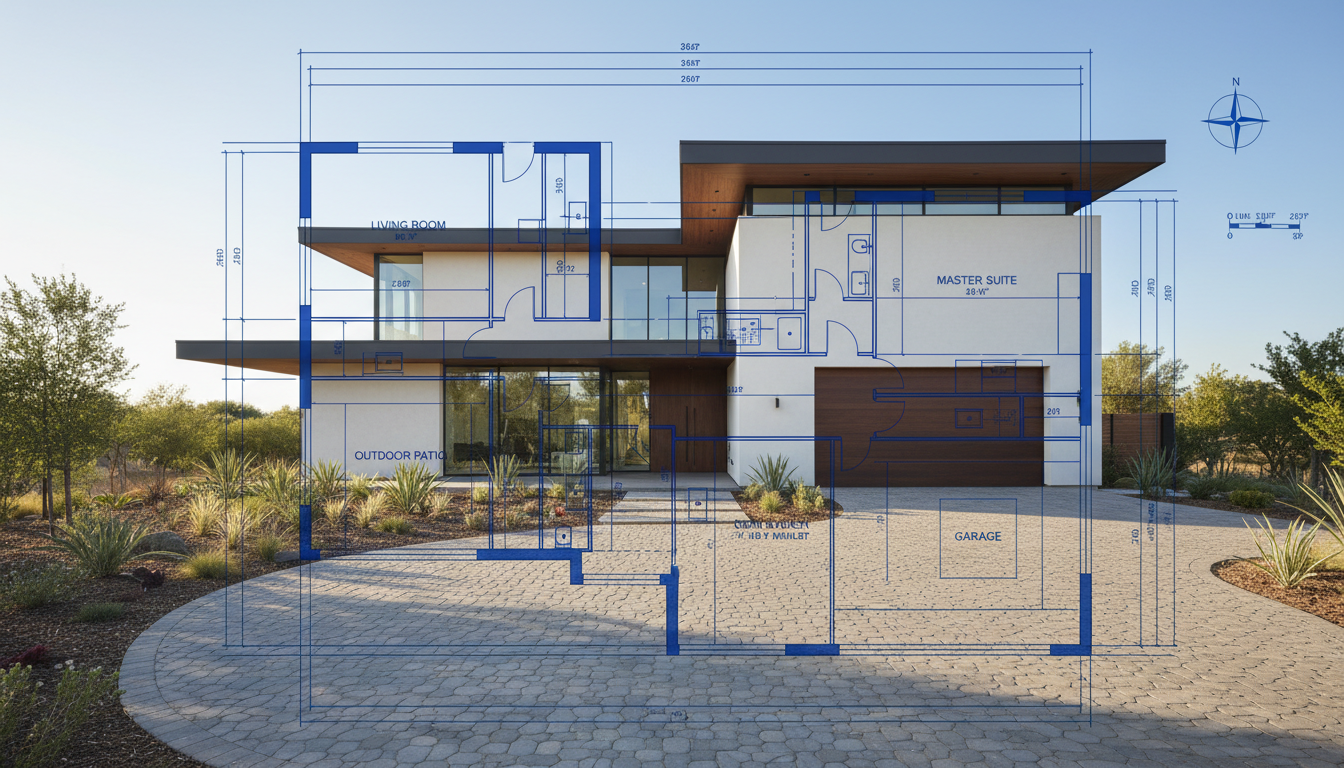


Why Ideal House is Your Ultimate Simple Blueprint Maker
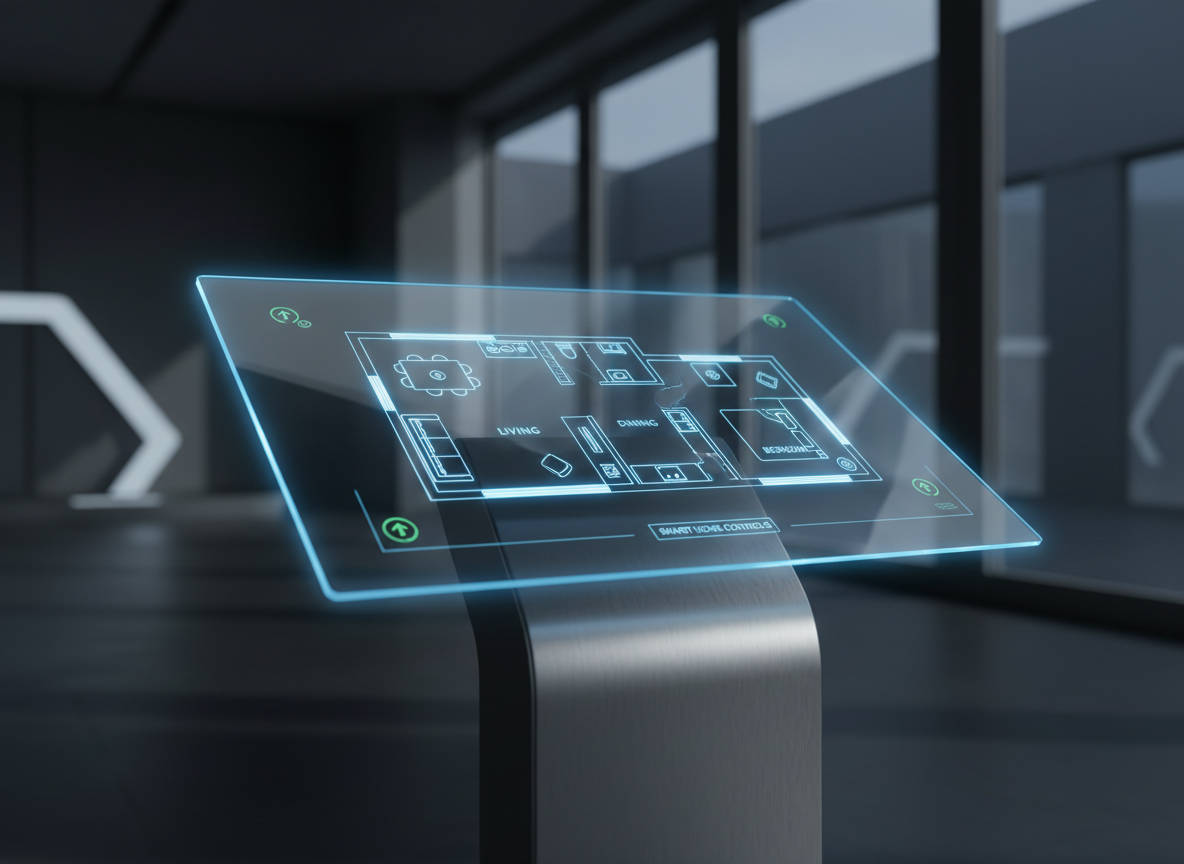
Instant 2D Floor Plan Generation
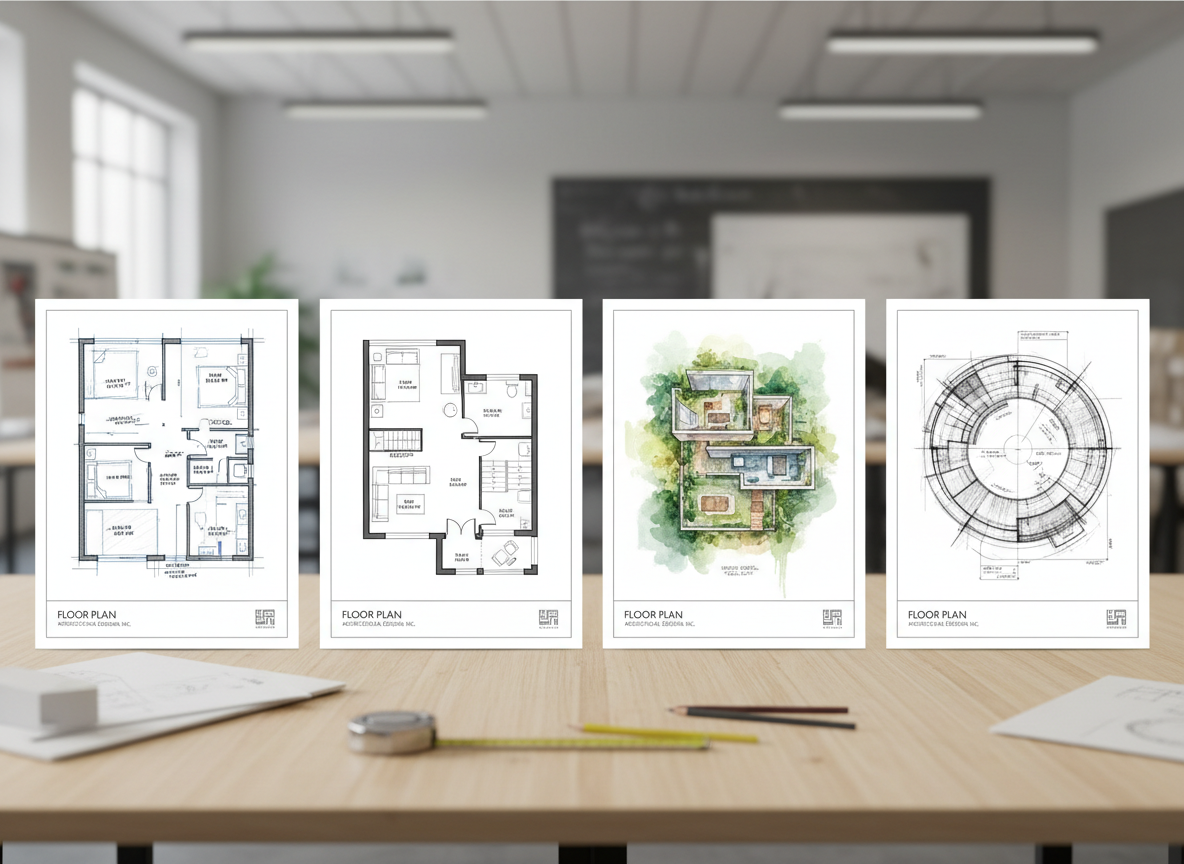
Say goodbye to manual drafting. Our AI floor plan generator instantly creates clear, precise 2D floor plans from your inputs. Get immediate visual feedback on your design ideas, accelerating your project timeline whether for a residential plan creator or commercial use. This quick floor plan solution saves you valuable time and effort.
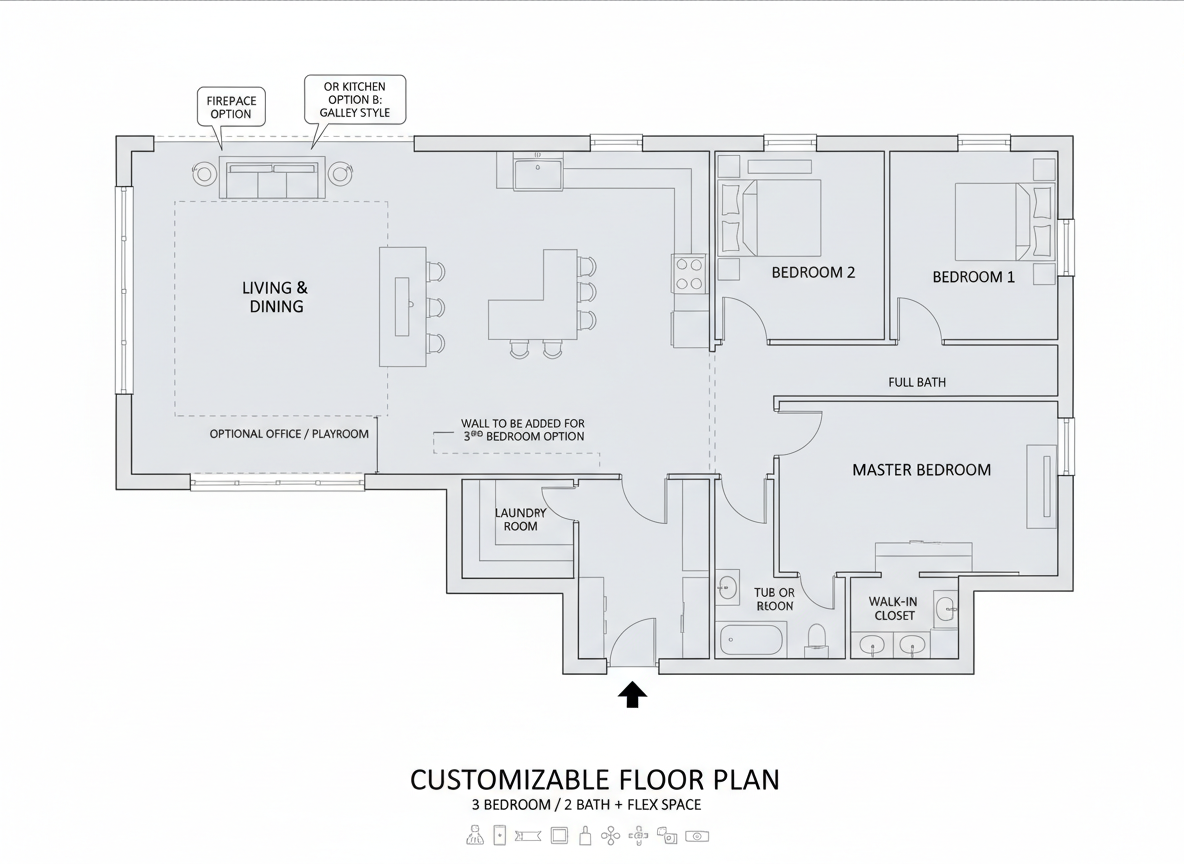
Unrivaled Customization for Every Space
From the number of bedrooms and bathrooms to specific extras like a walk-in closet or home office, our simple blueprint maker offers unparalleled control. Design custom floor plans that perfectly match your lifestyle or client brief, all with a few clicks. Experiment with an open or closed kitchen and various gross area ranges to refine your interior layout design.
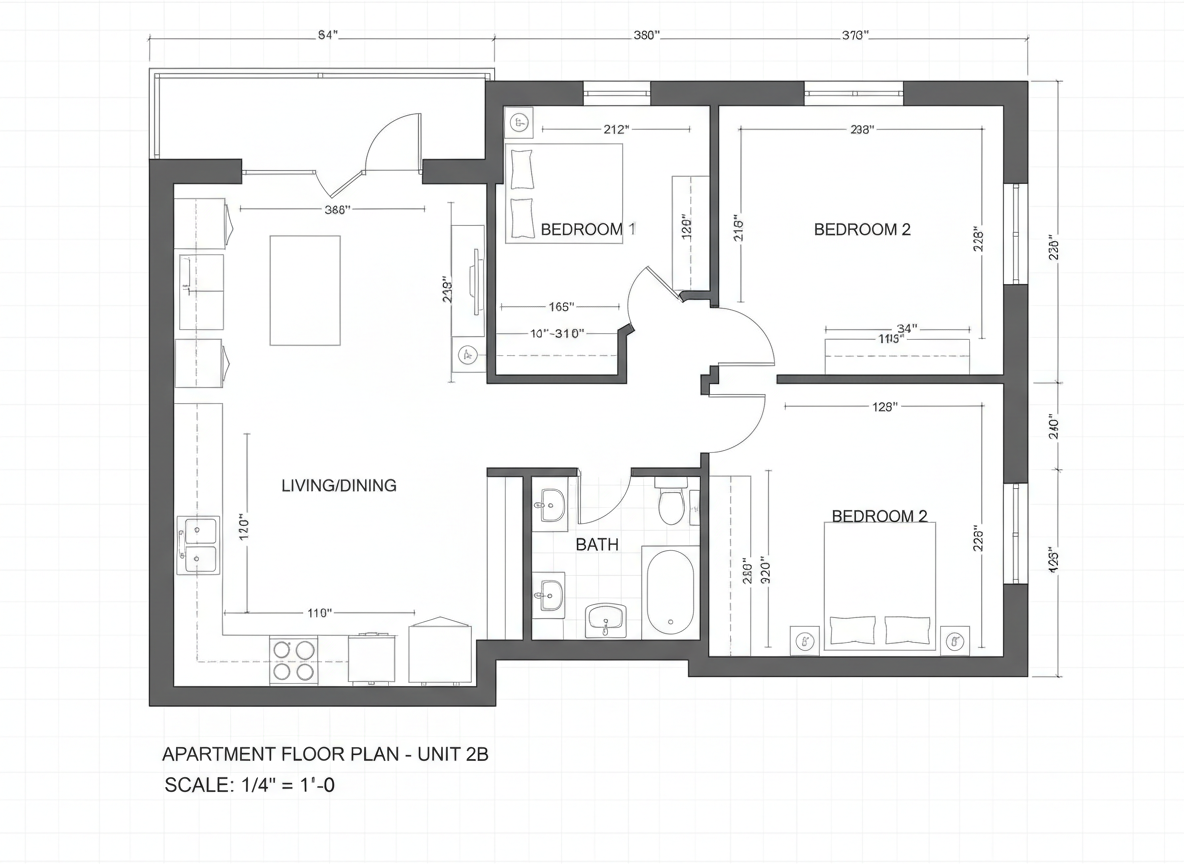
Realism and Precision for North American Listings
Ideal House provides a digital blueprint that reflects real-world architectural drawing tool standards. Our AI ensures that your house plan maker output is not only aesthetically pleasing but also practical and ready for North American real estate listings, offering an accurate room layout planner. Boost your listing's appeal with professional, consistent 2D real estate floor plans.
Efficient Workflow & Design Iteration
Our simple blueprint maker keeps a comprehensive history of all your generated designs. Easily compare different versions, tweak parameters, and refine your smart floor plan until it's perfect. This seamless process makes Ideal House the go-to home design software for fast and effective design iteration, serving as an invaluable apartment layout tool.

Who Benefits from Our AI Floor Plan Generator?

Homeowners & DIY Enthusiasts: Easily visualize potential home renovations or new builds with a personal simple blueprint maker.

Interior Designers & Decorators: Rapidly generate design concepts and iterate with clients using this intuitive floor plan creator.

Real Estate Agents & Developers: Create compelling 2D floor plans for property listings that captivate buyers and tenants.

Craft Your Ideal Floor Plan in 5 Simple Steps
1
Define Your Space: Begin by selecting the desired number of bedrooms (0-4) and bathrooms (1-3) for your ideal layout.
2
Choose Your Kitchen Style: Decide between an open or closed kitchen concept to influence the flow and separation of your living areas.
3
Set Gross Area: Pick a gross area range that aligns with your target size, ensuring proportionate and realistic room layouts for your house plan.
4
Add Key Features: Enhance your design with crucial extras like a walk-in closet, laundry room, home office, or balcony, guiding the AI floor plan generator.
5
Generate & Refine: Click 'Generate' to instantly see your custom floor plan. Review, tweak, and regenerate until your perfect digital blueprint is achieved. Then download your finished design.
Frequently Asked Questions About Our Simple Blueprint Maker
How does the AI create a floor plan from my selections?
Our AI floor plan generator intelligently interprets your inputs—bedrooms, bathrooms, kitchen style, gross area, and extras—applying established architectural principles to produce a clear 2D floor plan. Each generation provides a unique concept you can refine by adjusting parameters, making it an advanced room layout planner.
What are the available ranges for customization?
You can select 0-4 bedrooms (default 2), 1-3 bathrooms (default 1), and toggle between open or closed kitchen (default open). Gross Area bands are available, and you can multi-select extras like a walk-in closet, home office, or combined living-dining.
How does 'Gross Area' impact my floor plan?
The selected Gross Area band guides the overall scale of your 2D floor plan, ensuring that room sizes and circulation paths are appropriately proportioned for the intended footprint. Choosing the closest band helps our simple blueprint maker generate the most believable and functional layout.
What's the difference between an open and closed kitchen in the generator?
An open kitchen typically promotes a continuous sightline and flow between living and dining areas, fostering a more communal feel. A closed kitchen, conversely, creates a more defined, separate cooking zone, offering privacy and containing cooking odors. Our AI floor plan maker adjusts the layout accordingly.
Can I compare different generated floor plans?
Absolutely! Every design created by our AI floor plan generator is saved to your 'Generation History'. You can easily use the 'Created with AI Floorplan' filter and switch between grid or list views to compare multiple versions side-by-side, making design decisions much easier.
Expand Your Design Capabilities with Ideal House Tools

Photo Enhancer
Automatically improve the lighting and clarity of your exterior photos for sharper, more professional design results.
Virtual Staging
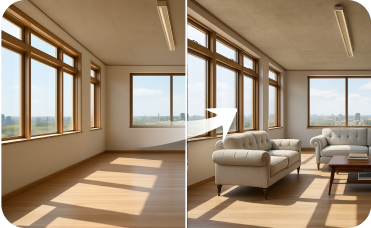
Furnish completely empty rooms from scratch with beautiful, realistic furniture to showcase their full potential.

HouseGPT
Get expert advice on material choices, design principles, and renovation planning from our conversational AI.
Ready to Design Your Space with the Easiest Simple Blueprint Maker?
Experience the future of home design. Create stunning, accurate 2D floor plans in minutes, not hours. Ideal House is your go-to AI floor plan generator for every project.
Generate My Floor Plan
💰 Earn 10% commission as a Ideal House Affiliate Partner.
Join us