








Generator
History
AI Floor Plan Generator
Change Tool
Model
Base
Switch
Rooms
BedRoom
-
2
+
BathRoom
-
1
+
Kitchen
open
closed
Gross Area
Unit metric
 imperial
metric imperialArea
< 50㎡
50-80㎡
80-100㎡
100-120㎡
120-150㎡
> 150㎡
Extras
walk-in closet
laundry room
storage room
utility room
home office
garage
pantry
combined living-dining
balcon

Design Your Dream Home with AI: Explore Open House Plans Instantly
Unlock the potential of your living space with Ideal House's AI Floor Plan Generator. Quickly visualize various open house plans, experiment with different house layouts, and create professional-grade floor plan designs in seconds. Whether you're a homeowner, designer, or real estate professional, our intuitive tool transforms your ideas into clear, actionable residential blueprints, perfect for modern living and property listings.
Generate My Floor Plan


Revolutionary Advantages of Our AI Floor Plan Generator
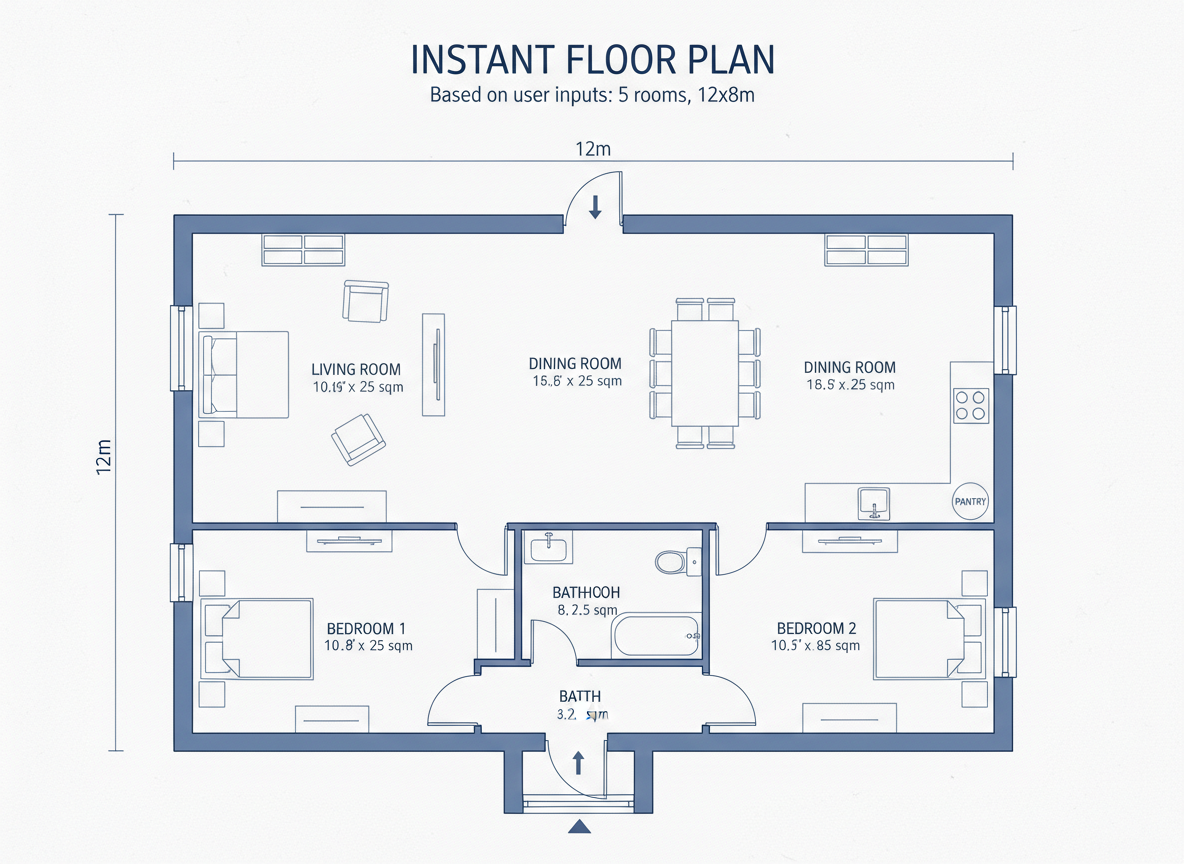
Speed & Efficiency in Floor Plan Design
Gone are the days of manual drafting. Our AI floor plan maker rapidly converts your specifications into detailed 2D floor plans. Get multiple open house plans, customized home plans, and innovative house layouts in a fraction of the time, boosting your design workflow and accelerating project timelines.
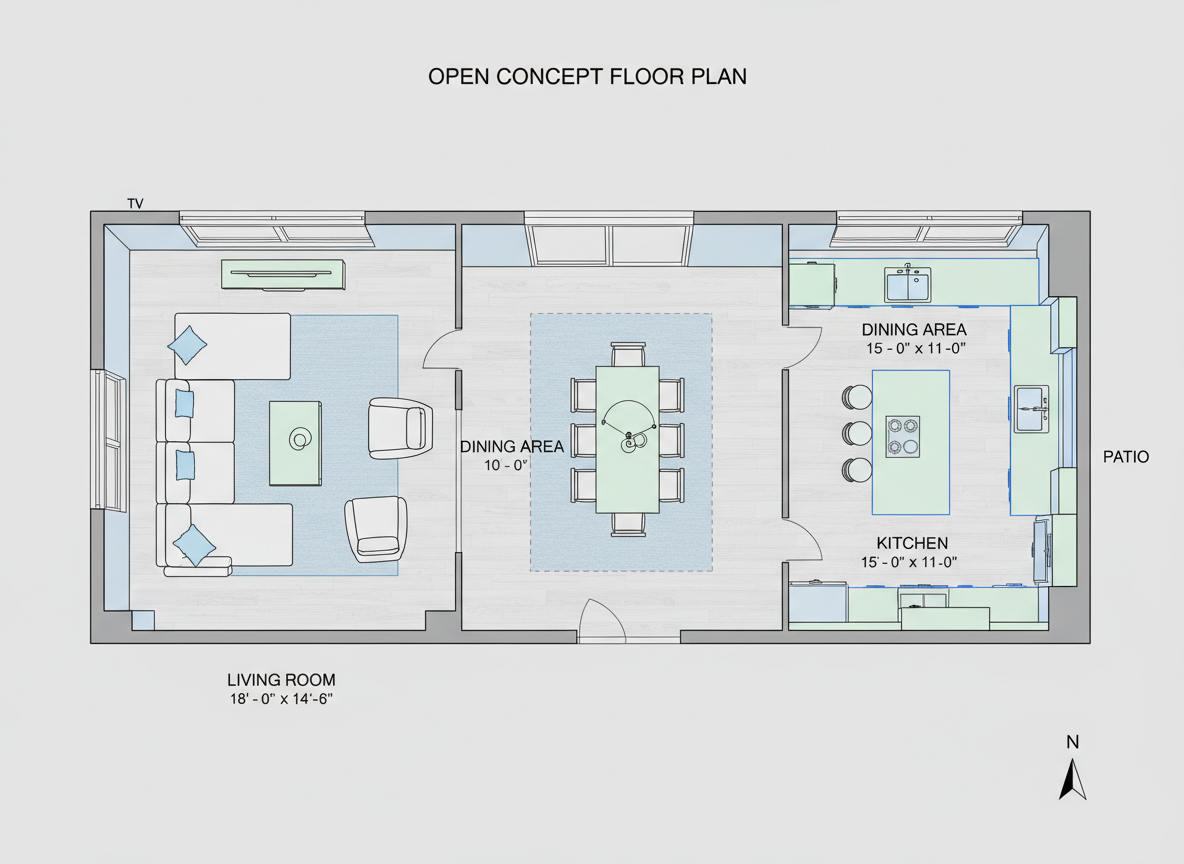
Realistic & Versatile House Layouts
Ideal House delivers realistic and functional open house plans tailored to your needs. Experiment with various room configurations, from cozy small house plans to expansive modern house plans. Visualize every detail with precision, ensuring your custom floor plans reflect practical living and aesthetic appeal.
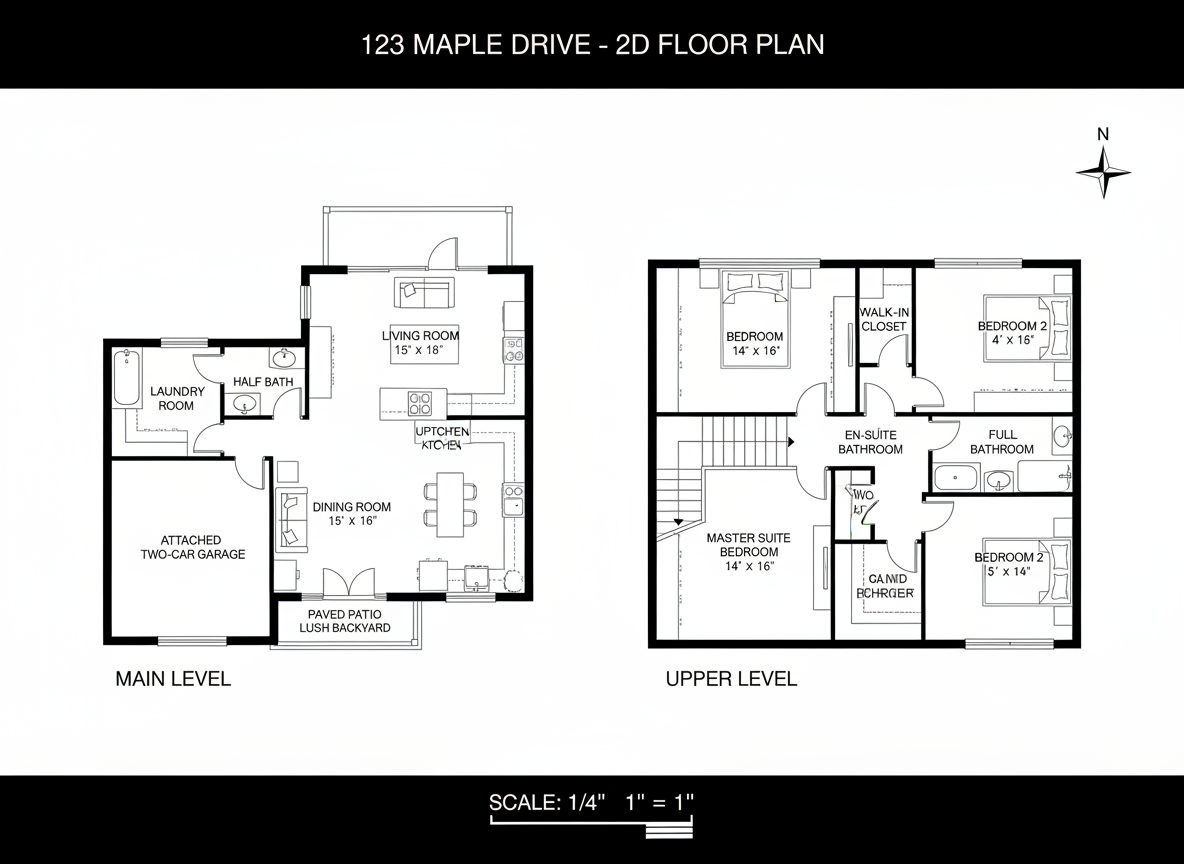
Enhance Listings with Professional Residential Blueprints
For real estate professionals, clear residential blueprints are crucial. Our tool generates stunning, presentation-ready 2D floor plans that clearly illustrate property layouts. Highlight the advantages of open concept design or other unique features, making your listings stand out and attracting more potential buyers with engaging visual content.
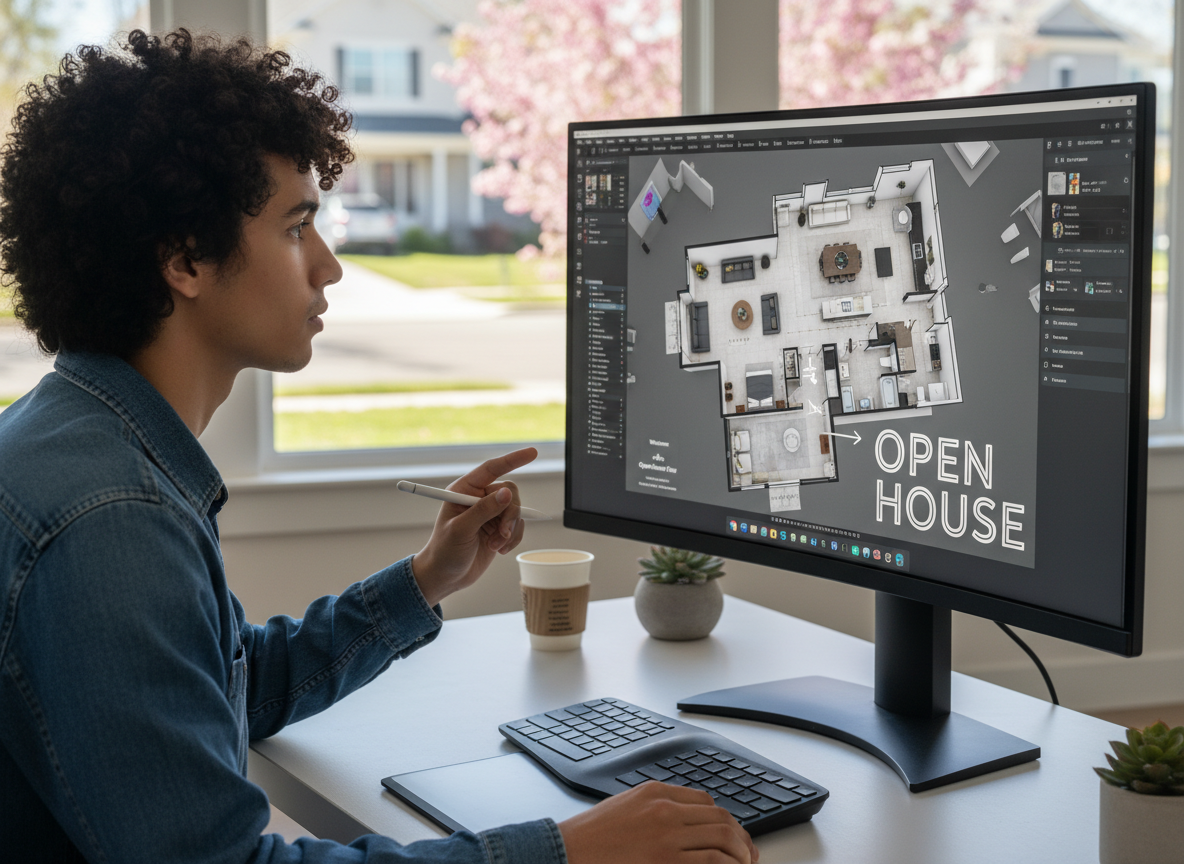
Seamless Integration into Your Design Process
Our AI Floor Plan Generator acts as powerful home design software, effortlessly fitting into your creative process. Generate, compare, and refine building plans and home floor plans with ease. Whether you're exploring new open house plans or fine-tuning existing architectural plans, Ideal House provides the flexibility and power you need.

Who Benefits from Ideal House AI Floor Plan Generator?

Homeowners seeking to visualize new open house plans or home renovations.

Interior Designers needing quick conceptual home plans and client presentation tools.

Real Estate Agents looking to create compelling, professional property layouts for listings.

Crafting Your Perfect Open House Plans in 6 Easy Steps
1
Define Your Space: Set the number of bedrooms (0–4) and bathrooms (1–3) to match your desired open house plans.
2
Kitchen Style: Choose 'open' or 'closed' kitchen to influence the flow of your home plans, impacting the overall open concept design.
3
Select Gross Area: Pick a gross area range (<50㎡ to >150㎡) to guide the scale and proportions of your floor plan design.
4
Add Custom Features: Incorporate extras like a walk-in closet, home office, or combined living-dining to tailor your house layouts.
5
Generate & Refine: Click 'Generate' to instantly create your 2D floor plan. Use the Generation History to compare and iterate on your open house plans.
6
Download & Share: Export your chosen custom floor plans as an image or PDF, ready for sharing or integration into your project.
Frequently Asked Questions About AI Floor Plan Generation
How does the AI create open house plans from my selections?
Our advanced AI floor plan maker interprets your desired bedrooms, bathrooms, kitchen style, gross area, and extras. It then applies smart adjacency and circulation rules to generate clear 2D floor plans, including various open house plans, optimizing for functionality and aesthetic flow.
What are the available options for room counts and kitchen styles?
You can select 0-4 bedrooms (default 2) and 1-3 bathrooms (default 1). For kitchens, you can choose between an 'open' or 'closed' style. These choices significantly impact the resulting home floor plans and overall property layouts.
How does 'Gross Area' affect the floor plan design?
The 'Gross Area' range you select guides the overall scale of your building plans. Choosing the closest band ensures that rooms, corridors, and features like open concept design feel appropriately sized for the intended footprint, leading to more believable and functional house layouts.
What's the difference between open and closed kitchen styles in the generated plans?
Open kitchens prioritize continuous sightlines and a seamless flow between living and dining areas, central to many open house plans. Closed kitchens, conversely, create a distinct, separated cooking zone, offering more privacy and often appealing to different home design preferences.
Can I add specific features like a home office or a walk-in closet to my floor plans?
Absolutely! Our AI floor plan generator allows you to multi-select various 'Extras' such as a walk-in closet, laundry room, home office, garage, pantry, combined living-dining, or balcony. These options help the AI prioritize and integrate these elements into your custom floor plans, optimizing the overall layout designer process.
Enhance Your Design Projects with More Ideal House Tools
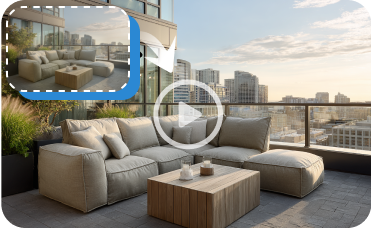
Image to Video
Create a captivating video tour of your newly designed property to share on social media or in listings.
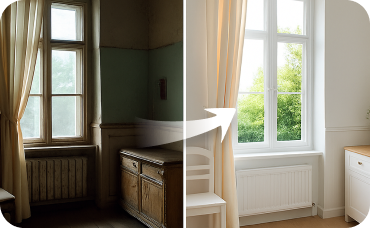
Interior Remodel
Go beyond furniture—change walls, floors, and ceilings for a total room redesign.
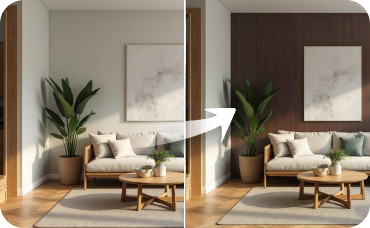
Room Visualizer
Take the new style inside by redesigning your living room, kitchen, and bedrooms with AI.
Ready to Design Your Perfect Space?
Experience the future of home design with Ideal House. Generate stunning open house plans and custom floor plans effortlessly.
Generate My Floor Plan
💰 Earn 10% commission as a Ideal House Affiliate Partner.
Join us