








Generator
History
AI Floor Plan Generator
Change Tool
Model
Base
Switch
Rooms
BedRoom
-
2
+
BathRoom
-
1
+
Kitchen
open
closed
Gross Area
Unit metric
 imperial
metric imperialArea
< 50㎡
50-80㎡
80-100㎡
100-120㎡
120-150㎡
> 150㎡
Extras
walk-in closet
laundry room
storage room
utility room
home office
garage
pantry
combined living-dining
balcon

Design Your Dream Layout: The Ultimate Online Site Plan Maker
Unleash your architectural vision with Ideal House’s AI Floor Plan Generator. This intuitive online site plan maker empowers you to create detailed 2D floor plans in seconds. Whether you're a homeowner, designer, or real estate professional, generate perfect layouts, visualize spaces, and bring your ideas to life with unparalleled ease and speed. Say goodbye to complex software and hello to instant, professional-grade floor plans.
Generate My Floor Plan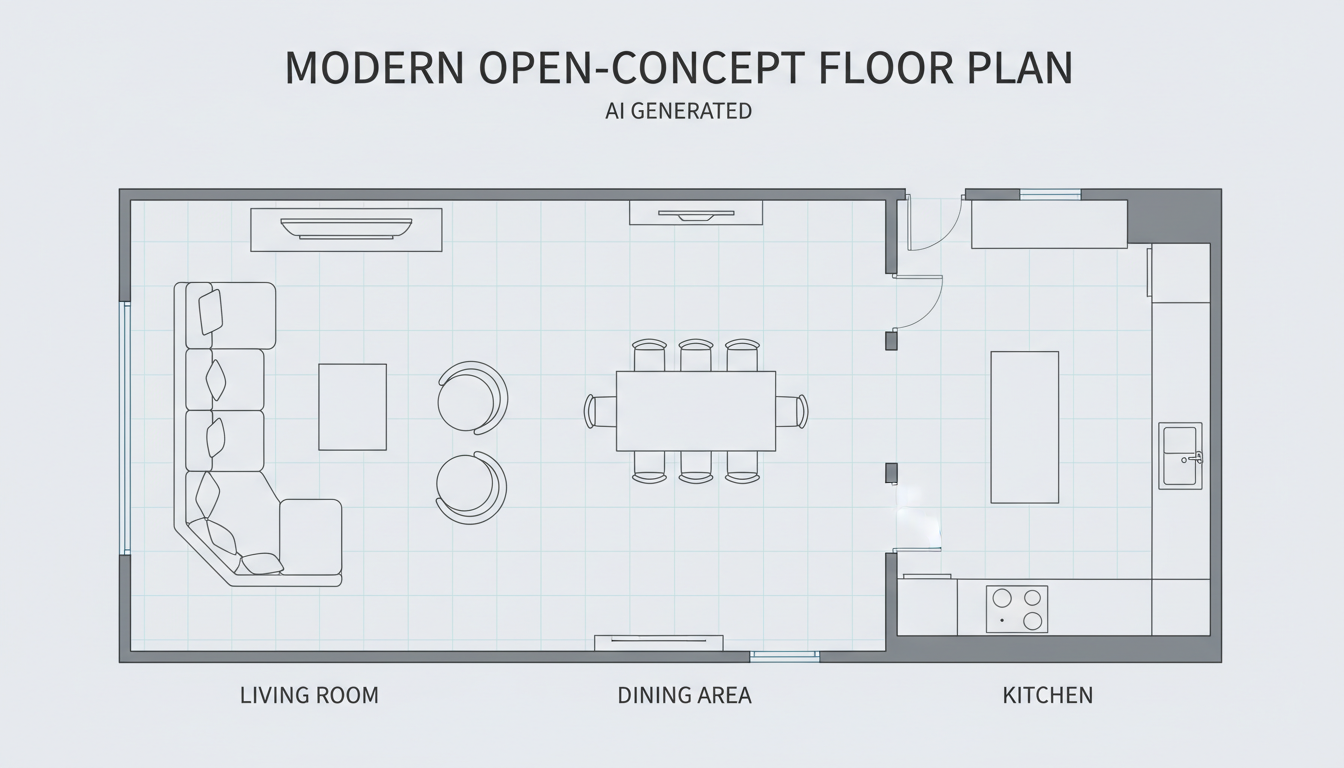


Transform Your Ideas with Our AI Floor Plan Generator
Instant 2D Floor Plan Creation
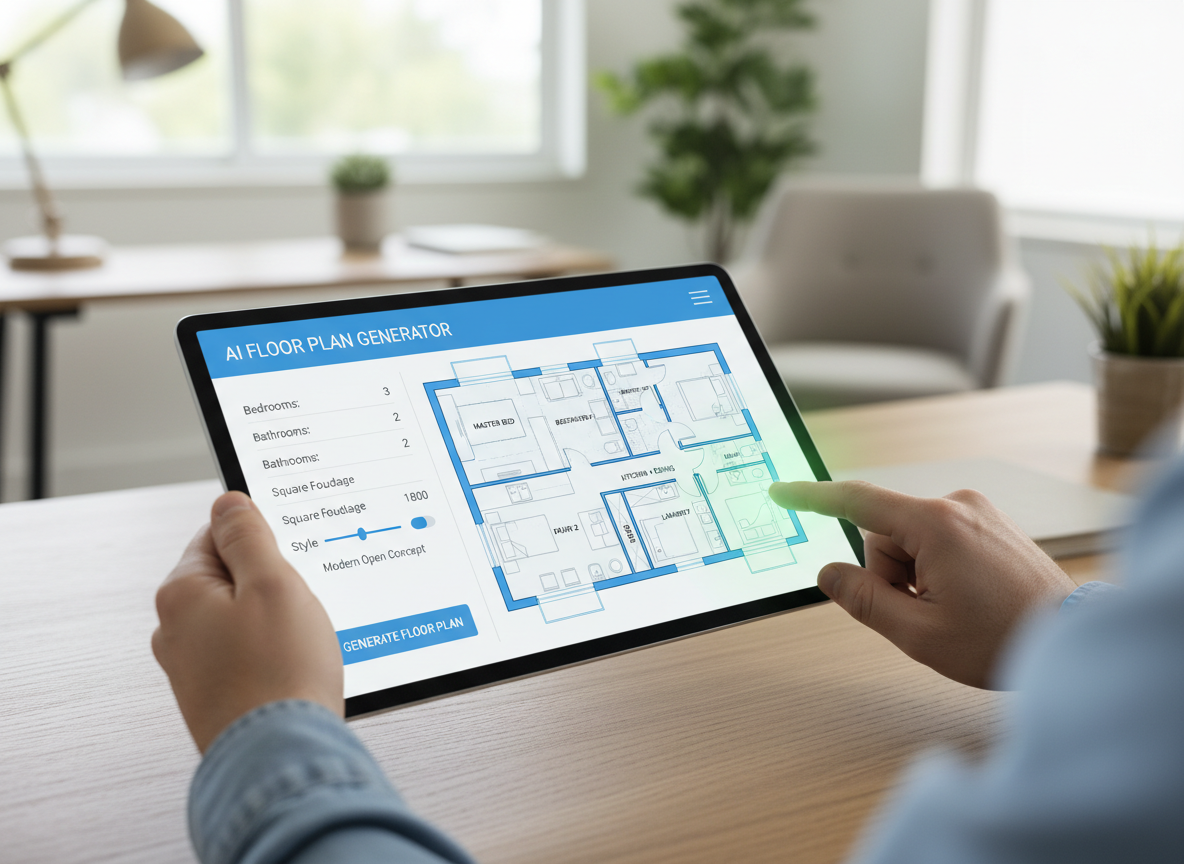
Our AI floor plan generator turns your high-level requirements into clean 2D floor plan visuals in seconds. Simply input your desired rooms, kitchen style, and area, and watch as a professional-grade layout appears, perfect for early layout exploration and client conversations. This powerful online site plan maker drastically cuts down design time.
Parameter-Driven Custom Floor Plans
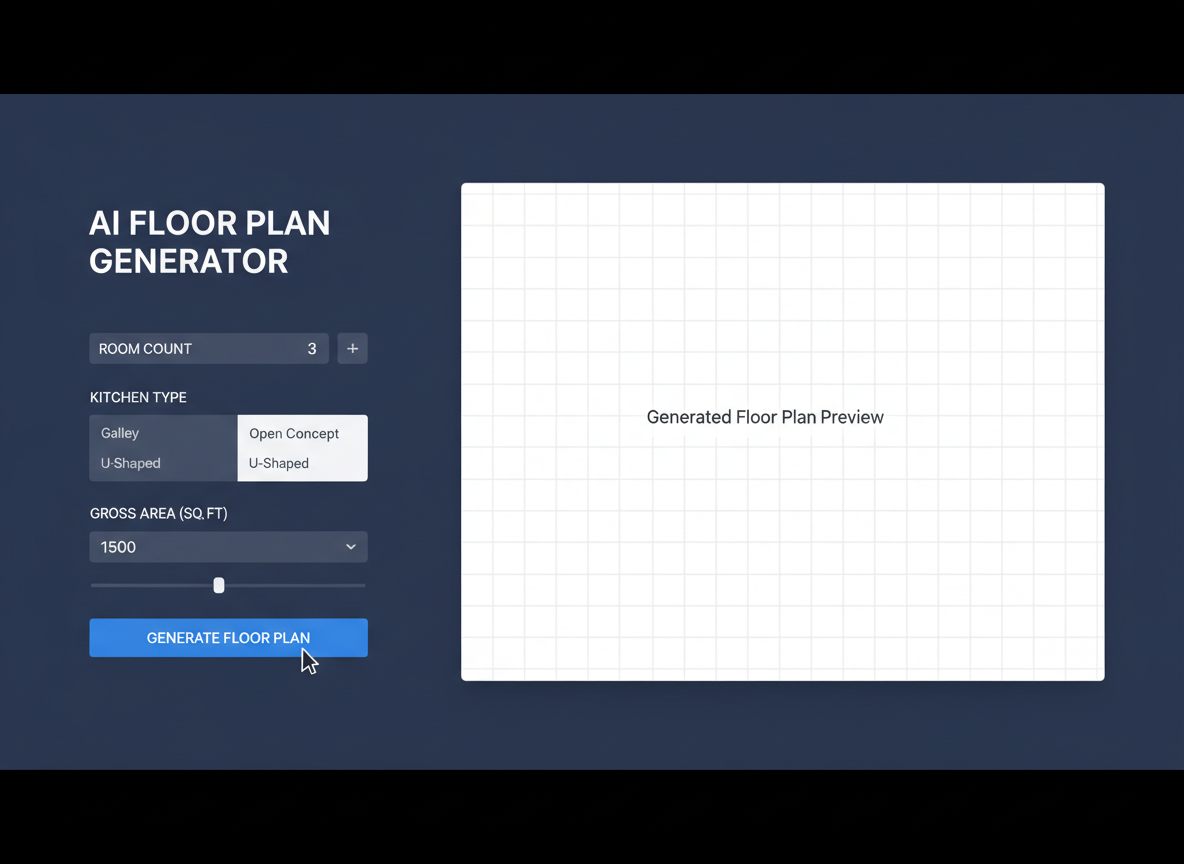
Gain complete control over your design with our parameter-driven planning. Specify bedrooms (0-4), bathrooms (1-3), choose between an open or closed kitchen, and select a gross area band. Add custom extras like a walk-in closet, laundry room, or home office to guide the AI layout generator precisely. This ensures every digital floor plan meets your exact needs.
Visualize and Iterate with Ease
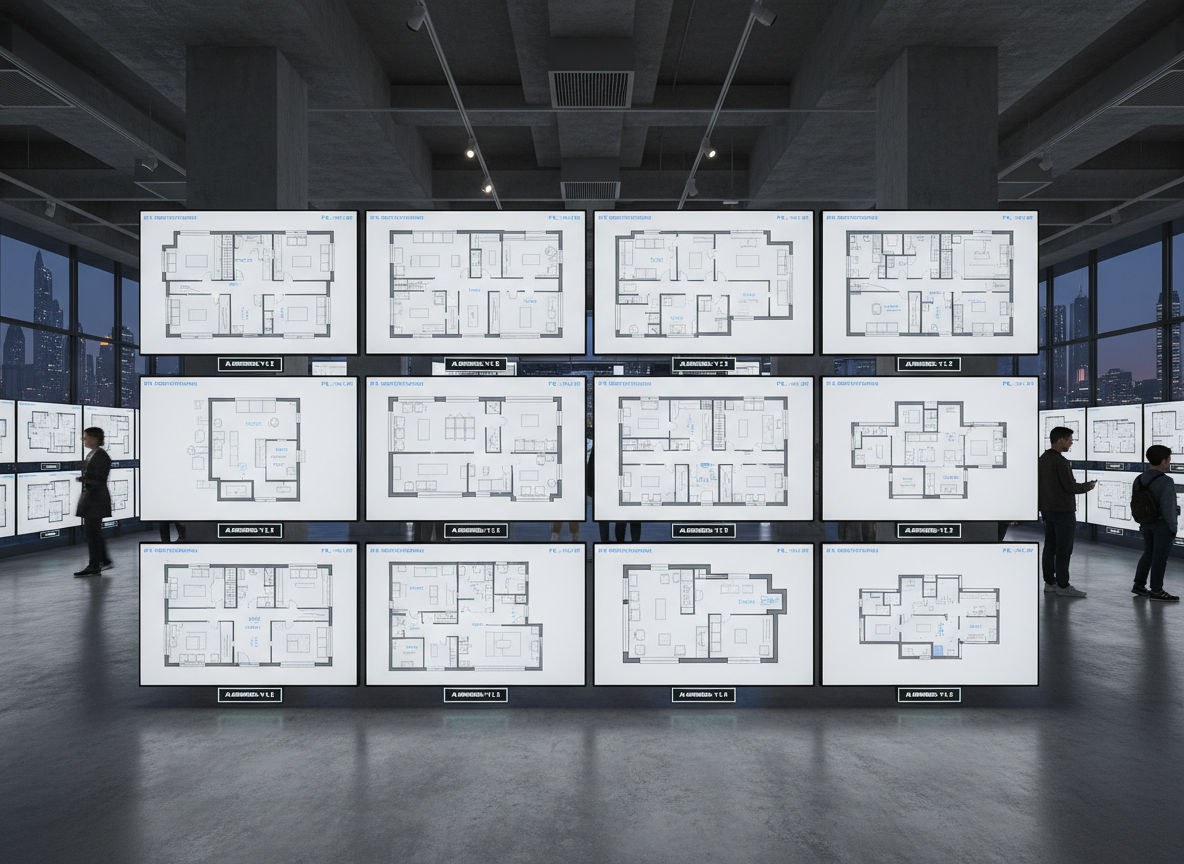
Every generated result is saved in your Generation History, allowing you to easily compare drafts. Use our filtering options to review different versions of your custom floor plan, making it simple to pick the perfect one. Our interactive floor plan feature means you can tweak and regenerate until your vision is perfectly captured by this advanced house plan maker.
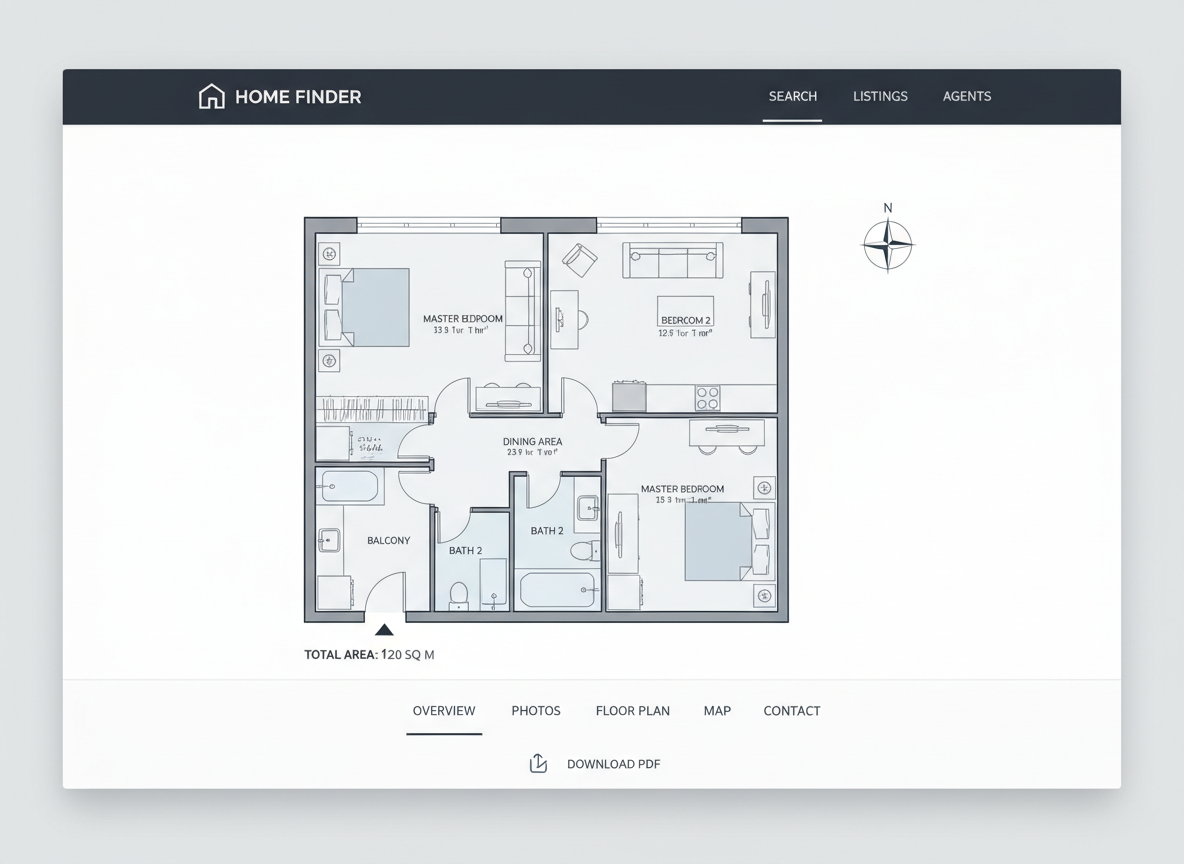
Professional-Grade Real Estate Floor Plans
Generate simple, consistent 2D real estate floor plans for all your listings. Buyers instantly grasp the layout and flow, enhancing engagement and accelerating sales. Our online site plan maker provides clear, presentation-ready blueprints that elevate your property listings and impress potential clients with minimal effort.

Who Benefits from Our Online Site Plan Maker?

Homeowners & DIY Planners: Experiment with layouts, bedroom counts, and kitchen styles to visualize your ideal living space.

Interior Designers & Decorators: Quickly create on-brand apartment floor plan concepts and iterate with clients in real-time.

Real Estate & Rental Professionals: Generate consistent, compelling 2D floor plans for listings to attract and inform buyers.

How to Use Ideal House's Online Site Plan Maker
1
Set Rooms: Choose the number of bedrooms (0-4) and bathrooms (1-3) to define your initial layout.
2
Choose Kitchen Style: Toggle your kitchen preference between an open or closed design to influence flow.
3
Pick Gross Area: Select a target size range to guide the overall proportions and scale of your digital floor plan.
4
Add Extras: Multi-select features like a walk-in closet, home office, or balcony to further customize your space planner layout.
5
Generate & Review: Click 'Generate' to instantly create your 2D floor plan. Review results in your Generation History and refine as needed.
6
Download & Share: Export your chosen plan as an image or PDF for easy sharing with clients, colleagues, or on listing pages.
Frequently Asked Questions About Our AI Floor Plan Generator
How does this online site plan maker turn my selections into a plan?
Our AI floor plan generator interprets your inputs—beds, baths, kitchen type, gross area, and extras—and applies established architectural rules to draft a clear 2D floor plan. Each generation creates a fresh concept you can tweak and refine.
What ranges and defaults does the AI floor plan generator use?
Bedrooms: 0–4 (default 2); Bathrooms: 1–3 (default 1); Kitchen: open/closed (default open); Gross Area: choose the closest band for optimal results. Extras are multi-selectable.
What does 'Gross Area' influence in my digital floor plan?
The gross area band guides the overall scale of your layout, ensuring rooms and corridors are proportioned realistically for the selected footprint. Choosing the closest band yields the most believable and functional design.
Can I compare multiple versions created by this house plan maker?
Absolutely! Every generation is automatically saved to your Generation History. Utilize the 'Created with AI Floorplan' filter and grid/list views to review and compare different layouts side by side, making it easy to decide on your final custom floor plan.
How fast is the online site plan maker, and how are credits used?
Most floor plan generations finish in mere seconds, providing immediate results. Each click of 'Generate' consumes the credits displayed, and all your generated layouts are conveniently stored for future reference.
Enhance Your Design Workflow with Related Ideal House Tools
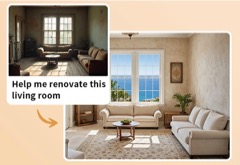
HouseGPT
Ask our design AI for recommendations on paint colors, lighting fixtures, or decor that complement your new German Mixed Modern furniture.

Photo Enhancer
Automatically improve the quality and lighting of your source photo for even more stunning and detailed holiday remodels.

Magic Editor
Make precise, object-aware edits to specific elements in your generated exterior designs.
Ready to Design Your Perfect Space?
Map your vision in minutes with the most advanced online site plan maker. Simple, fast, and ready to share.
Generate My Floor Plan
💰 Earn 10% commission as a Ideal House Affiliate Partner.
Join us