








Generator
History
AI Floor Plan Generator
Change Tool
Model
Base
Switch
Rooms
BedRoom
-
2
+
BathRoom
-
1
+
Kitchen
open
closed
Gross Area
Unit metric
 imperial
metric imperialArea
< 50㎡
50-80㎡
80-100㎡
100-120㎡
120-150㎡
> 150㎡
Extras
walk-in closet
laundry room
storage room
utility room
home office
garage
pantry
combined living-dining
balcon

Design Your Dream Space with Our Online Room Layout Creator
Unleash your inner architect with Ideal House's AI Floor Plan Generator. This intuitive online room layout creator empowers you to design, visualize, and refine your living spaces in minutes. Perfect for homeowners, real estate professionals, and designers, our tool simplifies the creation of detailed 2D floor plans, making home design accessible and efficient. Stop sketching and start generating stunning layouts today.
Generate My Floor Plan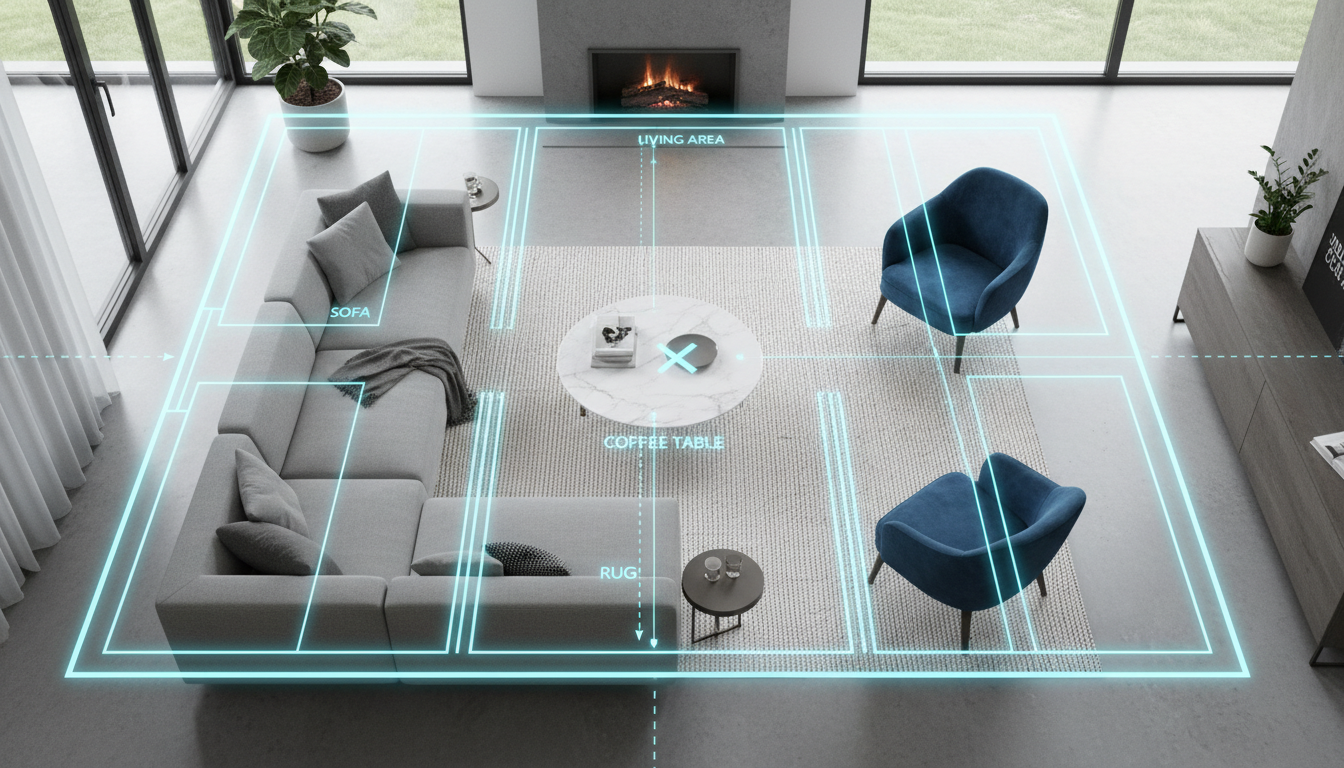


Transform Your Vision with Our Online Room Layout Creator
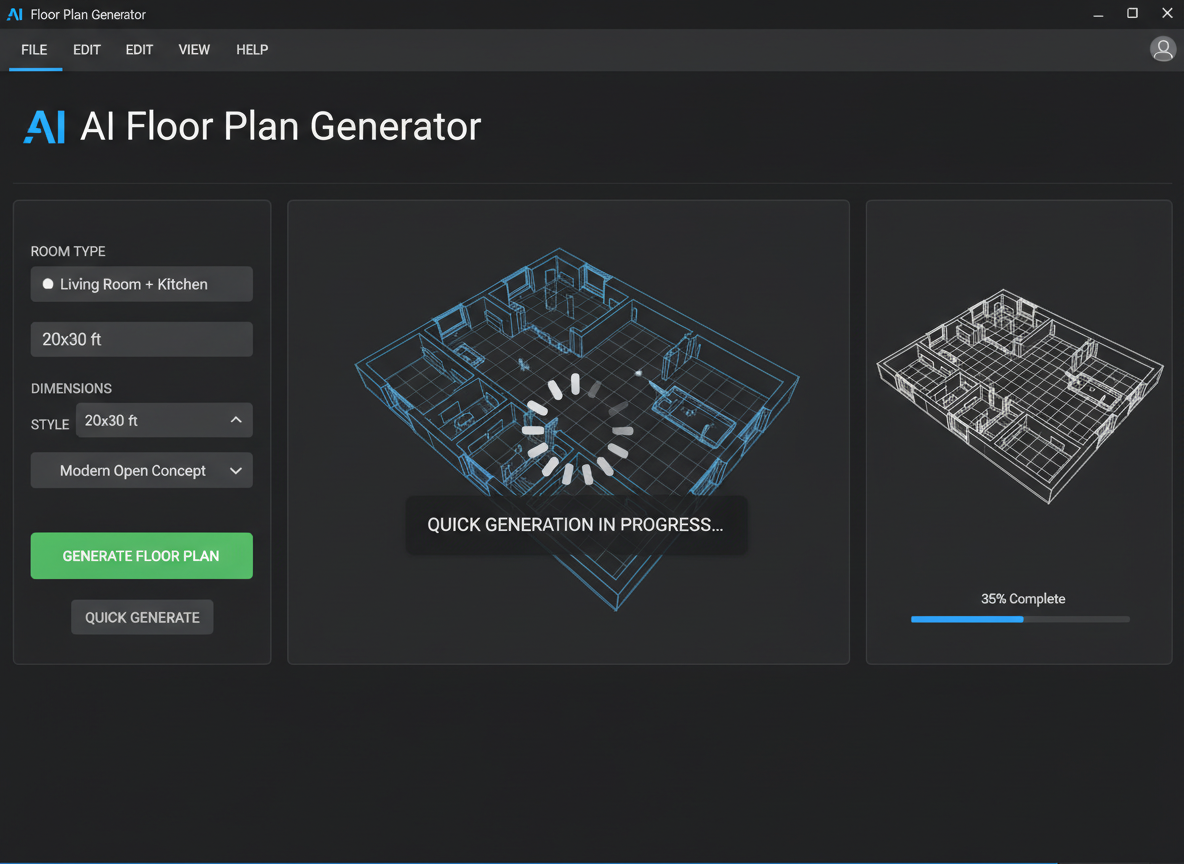
Instant 2D Floor Plan Generation
Say goodbye to complex software and lengthy design processes. Our AI Floor Plan Generator is an advanced online room layout creator that produces clear, professional 2D floor plans in seconds. Simply input your preferences—bedrooms, bathrooms, kitchen style—and watch as innovative architectural floor plans come to life. It's the quickest way to visualize your residential floor plans and kickstart your home design online journey.

Customizable Layouts for Every Need
Whether you need a simple virtual room layout or a complex custom floor plan design, our online room layout creator offers unparalleled flexibility. Adjust parameters like gross area, add specific 'extras' such as a walk-in closet or home office, and even choose between an open or closed kitchen. This level of detail ensures your digital floor plan truly reflects your unique needs and preferences.
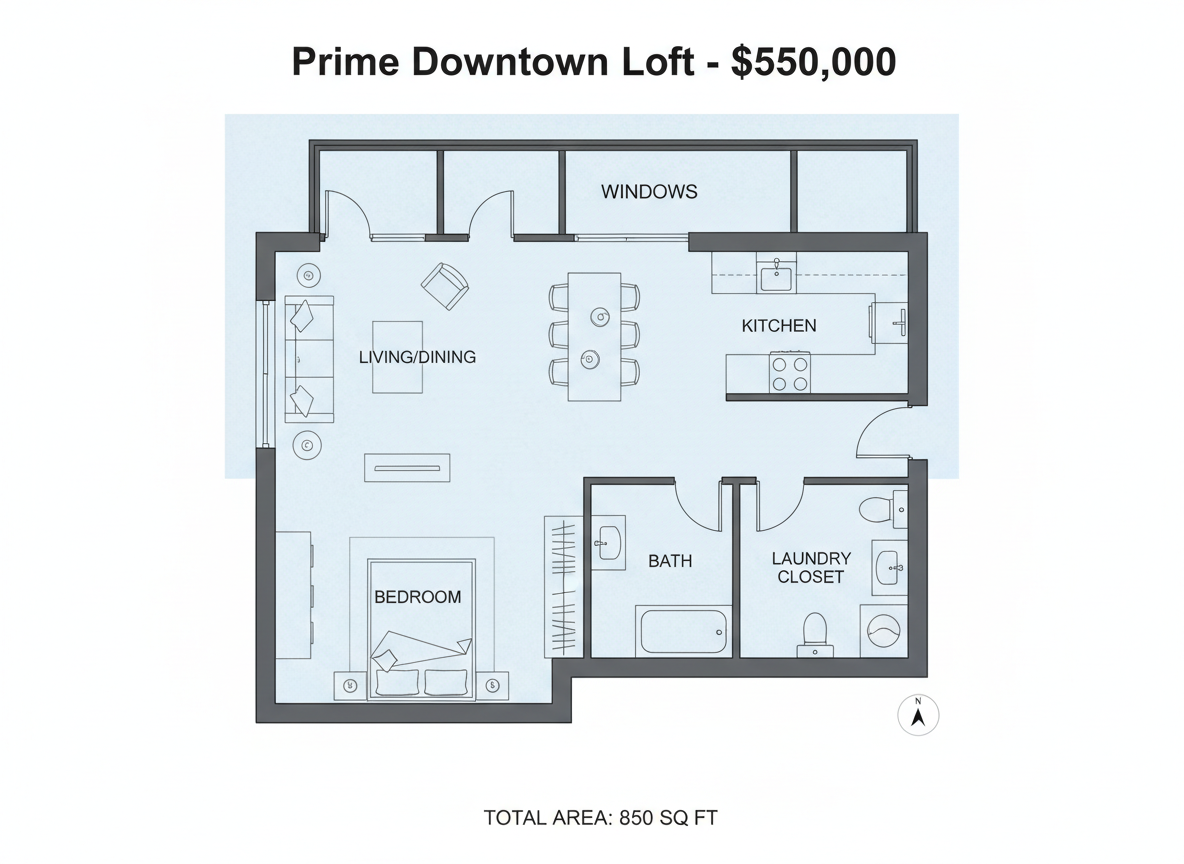
Ideal for Real Estate & Home Renovation Planning
Real estate agents can generate consistent, high-quality 2D real estate floor plans for listings, helping potential buyers quickly grasp the property's flow. Homeowners embarking on a home renovation planner project will find our online room layout creator invaluable for experimenting with different configurations before committing to costly changes. It’s a powerful space planning tool for any project.
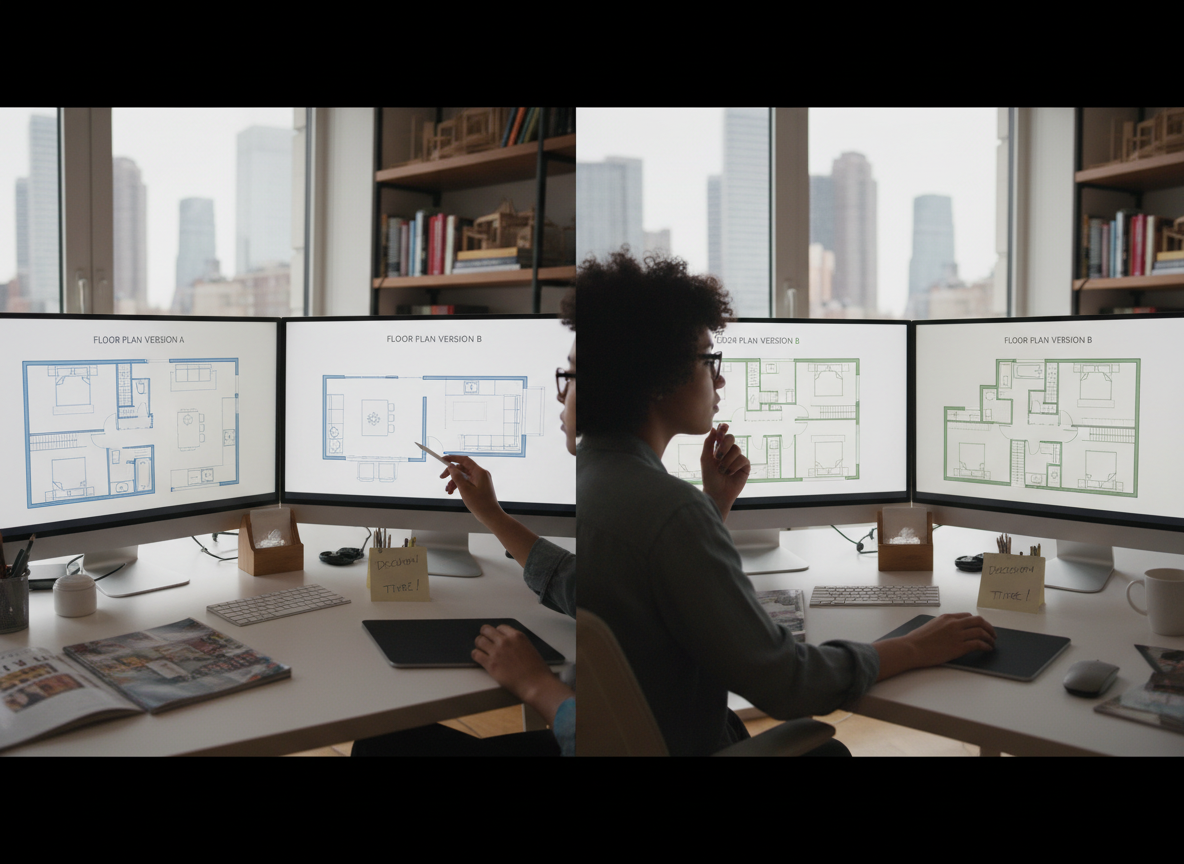
Intuitive Interface, Powerful Results
You don't need to be an expert to use our floor plan creator. The intuitive floor planner guides you through each step, making it easy to create complex designs. Every iteration is saved, allowing you to compare multiple versions and refine your perfect layout. Ideal House makes professional-grade interior layout planning accessible to everyone, ensuring you achieve the best possible design.

Who Benefits from Our Online Room Layout Creator?

Homeowners & DIY Enthusiasts: Easily visualize new layouts, renovation ideas, and dream homes.

Interior Designers & Decorators: Quickly generate concepts, iterate with clients, and present professional architectural floor plans.

Real Estate Professionals: Create compelling 2D floor plans for listings that attract and inform buyers.

How to Use Ideal House's Online Room Layout Creator
1
Set Rooms: Define the number of bedrooms (0-4) and bathrooms (1-3) to fit your desired living space. This is your first step in creating a tailored digital floor plan.
2
Choose Kitchen Style: Decide between an open or closed kitchen concept, significantly impacting the flow and feel of your home design online.
3
Pick Gross Area: Select a size range to guide the overall proportions and scale of your quick floor plan, ensuring realistic room dimensions.
4
Add Extras: Personalize your layout by including features like a walk-in closet, laundry room, home office, or balcony, influencing the custom floor plan design.
5
Generate & Review: Click 'Generate' to instantly produce your 2D floor plan. Review the results and make adjustments to parameters to create the perfect virtual room layout.
6
Download & Share: Export your finalized floor plan as an image or PDF, ready for sharing with clients, family, or including in property listings.
FAQs About Our AI Floor Plan Generator
How does the AI Floor Plan Generator interpret my selections?
Our AI floor plan generator uses your specified program—beds, baths, kitchen type, gross area, and extras—to apply common architectural and space planning principles. It intelligently drafts a clear 2D floor plan, ensuring optimal adjacency and circulation. Each generation offers a fresh concept, allowing for iterative refinement.
What customizable options are available for my floor plan?
You can customize bedrooms (0-4), bathrooms (1-3), and select between an open or closed kitchen. Gross area bands are available for size guidance, and you can add multiple 'extras' like a walk-in closet, home office, or combined living-dining space, truly making it your custom floor plan design.
How does 'Gross Area' influence the generated floor plan?
The 'Gross Area' selection guides the overall scale of your floor plan, helping the AI create room and corridor dimensions that feel appropriate for the chosen footprint. Selecting the closest band ensures a more believable and functional residential floor plan.
What is the difference between an open and closed kitchen in the generator?
An open kitchen typically promotes a continuous flow and sightline between the kitchen, living, and dining areas, fostering a more communal feel. A closed kitchen creates a distinct, separate cooking zone, often preferred for privacy or containing cooking odors. Our online room layout creator adapts the layout based on your choice.
How do 'Extras' impact the online room layout creator?
Selecting 'Extras' tells the AI floor plan maker which additional spaces to prioritize and how to integrate them. For example, a walk-in closet will be placed near a primary bedroom, a pantry adjacent to the kitchen, or a home office in a quieter corner, optimizing your interior layout planner results.
Can I compare different versions of my floor plans?
Absolutely! Every generation is automatically saved to your 'Generation History.' You can use the 'Created with AI Floorplan' filter and switch between grid and list views to easily review and compare multiple 2D floor plan concepts side-by-side, helping you choose the best home design online.
How fast is the generation process, and how are credits used?
Most floor plan generations are completed in mere seconds. Each click of the 'Generate' button consumes the credits indicated. All generated results are stored in your history, so you can always revisit and refine your digital floor plan designs.
Is the online room layout creator compatible with tablets?
Yes, our tool is fully browser-based and optimized for both desktop and iPad use, providing a seamless experience. Your settings persist across sessions until you choose to modify them and regenerate a new quick floor plan.
Enhance Your Designs with Related Ideal House Tools
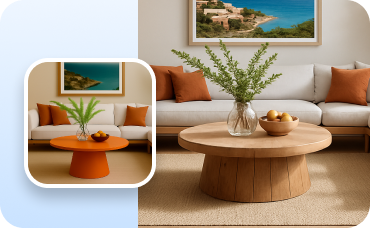
Change Furniture
Swap out specific furniture pieces in your virtually staged room to fine-tune the design.
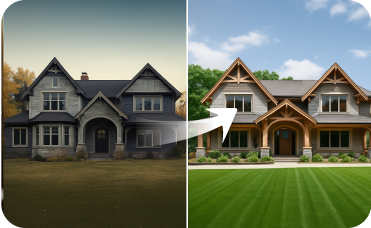
Exterior Renovator
Boost curb appeal by redesigning your home's exterior, from siding to landscaping.

Magic Editor
Fine-tune your staged room by adding, removing, or changing specific decor items to perfect the look.
Ready to Design Your Space with the Ultimate Online Room Layout Creator?
Experience the fastest, most intuitive way to create stunning 2D floor plans. Ideal House brings your vision to life.
Generate My Floor Plan
💰 Earn 10% commission as a Ideal House Affiliate Partner.
Join us