








Generator
History
AI Floor Plan Generator
Change Tool
Model
Base
Switch
Rooms
BedRoom
-
2
+
BathRoom
-
1
+
Kitchen
open
closed
Gross Area
Unit metric
 imperial
metric imperialArea
< 50㎡
50-80㎡
80-100㎡
100-120㎡
120-150㎡
> 150㎡
Extras
walk-in closet
laundry room
storage room
utility room
home office
garage
pantry
combined living-dining
balcon

Design Your Dream Space with Our AI-Powered Online Construction Plan Maker
Unlock the power of effortless design with Ideal House's AI Floor Plan Generator. Quickly create precise, professional 2D floor plans from basic inputs. Whether you're planning a new build, a renovation, or prepping a real estate listing, our intuitive online construction plan maker streamlines your workflow, saving you time and resources. Visualize your residential floor plans in seconds, tailored to your exact specifications.
Generate My Floor Plan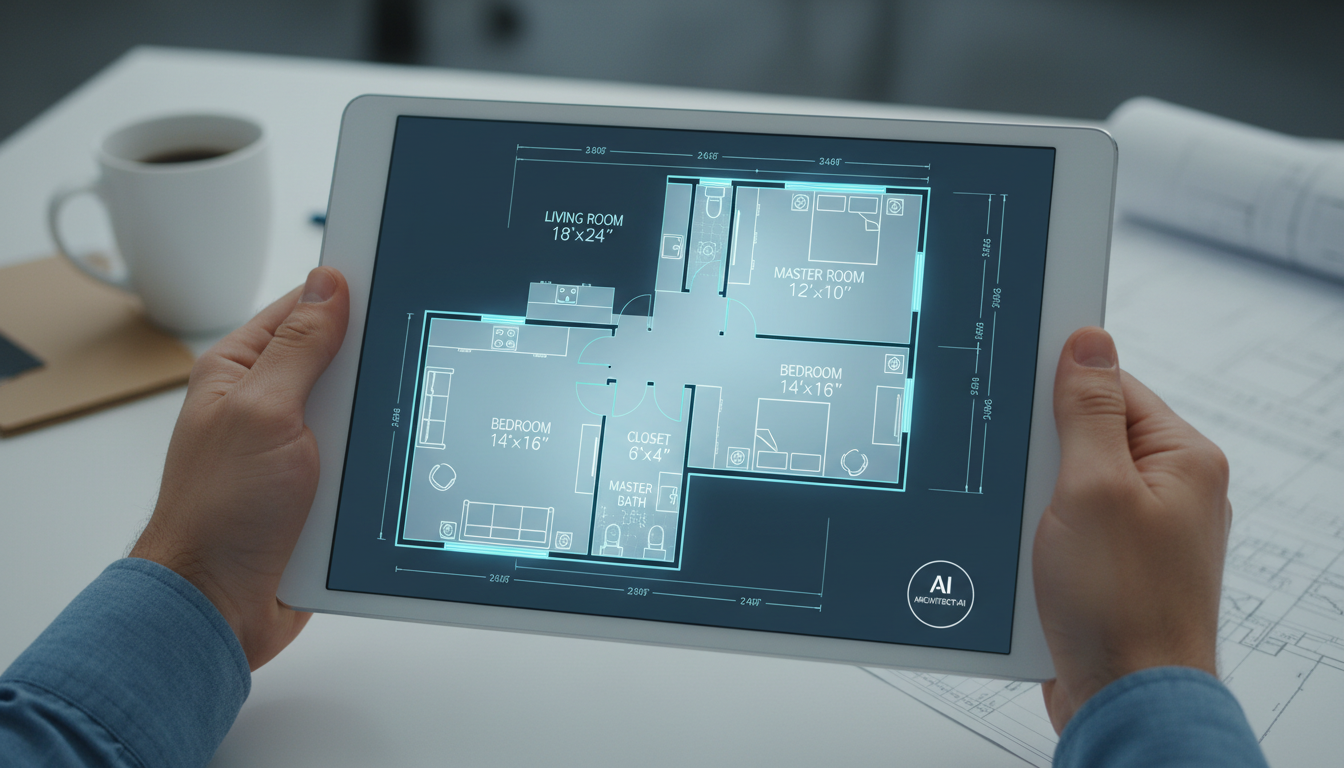


Revolutionize Your Design Process with Ideal House
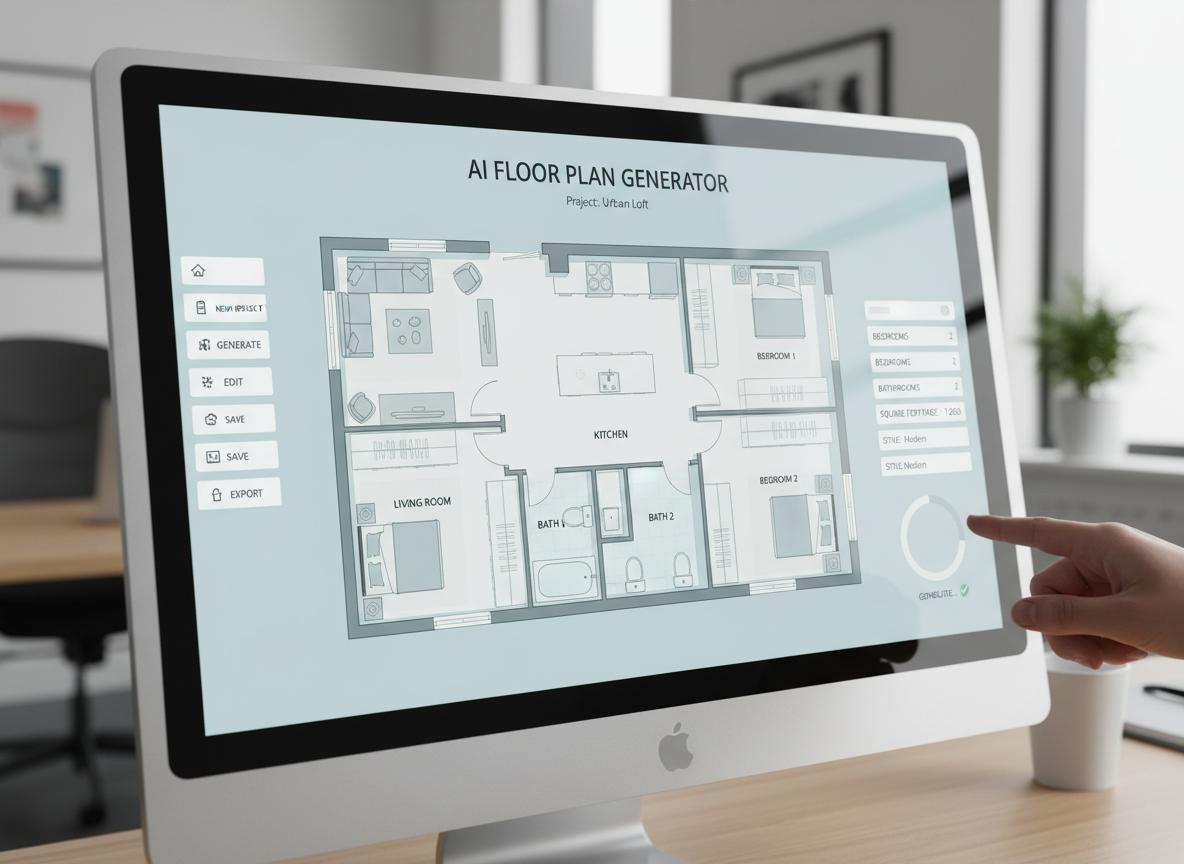
Instant 2D Floor Plans
Say goodbye to manual drafting. Our AI Floor Plan Generator takes your preferences – like bedroom count, kitchen style, and gross area – and instantly produces clear, detailed 2D floor plans. It's the ultimate house plan generator for speed and efficiency.

Customizable Layouts for Any Project
From adding a walk-in closet to defining an open-concept living space, our online construction plan maker allows you to customize every aspect. Select specific 'extras' to influence the blueprint maker's output, ensuring your custom floor plans meet your unique needs.
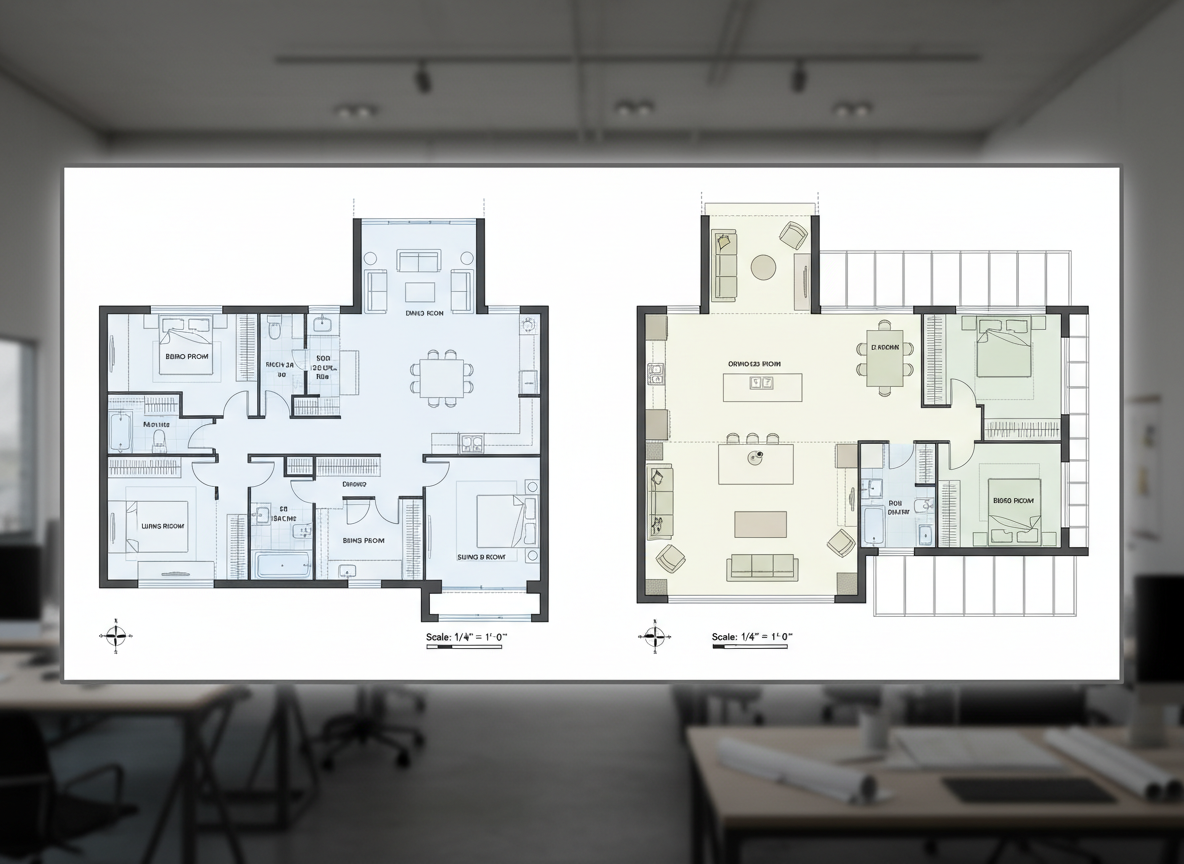
Visualize and Iterate with Ease
Explore multiple design possibilities without starting from scratch. Our architectural drawing software saves every iteration, allowing you to compare different residential floor plans side-by-side. This home design tool makes it simple to refine and choose the perfect layout.
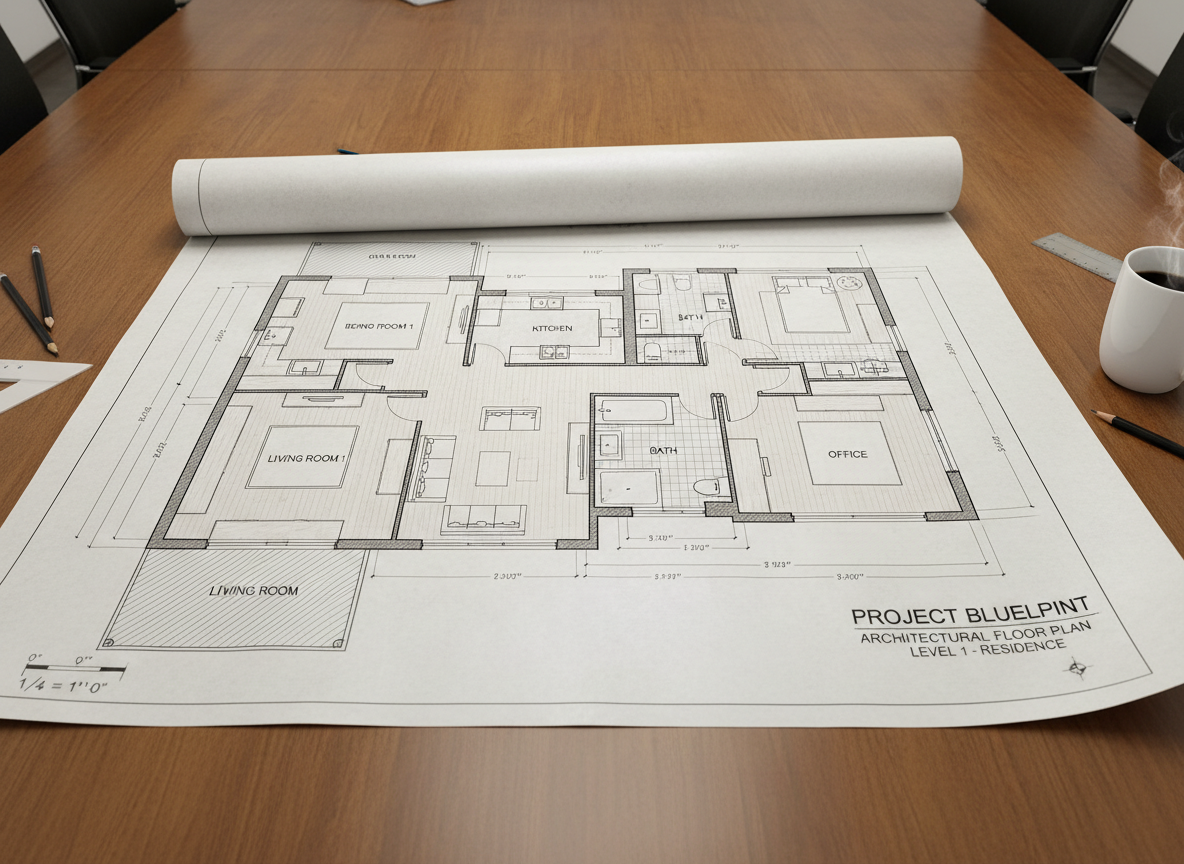
Professional-Grade Plans for Every Need
Ideal for real estate listings, client presentations, or personal projects, the plans generated by our online construction plan maker are presentation-ready. Export high-quality images or PDFs perfect for sharing, making it an invaluable building plan creator.

Who Benefits from Our Online Construction Plan Maker?

Real Estate Professionals looking for quick, appealing floor plans for listings.

Homeowners and DIY Enthusiasts planning renovations or new builds.

Interior Designers & Decorators needing rapid concept generation and client collaboration.

Contractors & Consultants requiring clear 2D visuals for project alignment.

How to Use Ideal House's Online Construction Plan Maker
1
Define Your Space: Select desired bedrooms (0- 4) and bathrooms (1-3).
2
Choose Your Style: Decide between an open or closed kitchen layout.
3
Set the Scale: Pick a gross area range that matches your target size to guide proportions.
4
Add Key Features: Multi-select 'extras' like a walk-in closet, home office, or balcony.
5
Generate & Refine: Click 'Generate' to see your 2D floor plan. Tweak inputs and regenerate to explore options with our online construction plan maker.
6
Export Your Plan: Download your finished design as an image or PDF to share.
Frequently Asked Questions About Our AI Floor Plan Generator
How does the AI create a plan from my selections?
Our AI floor plan generator interprets your inputs – beds, baths, kitchen type, gross area, and extras – then applies architectural principles to draft a clear 2D floor plan. Each generation provides a fresh concept, acting as a sophisticated room layout planner.
What customizable options are available?
You can set bedrooms (0-4, default 2), bathrooms (1-3, default 1), kitchen style (open/closed, default open), and a gross area band. Multi-select extras like a walk-in closet, laundry room, home office, garage, pantry, combined living-dining, or balcony to further customize your digital floor planner output.
Can I compare different generated floor plans?
Yes, every plan created by our online construction plan maker is saved in your 'Generation History'. You can use filters and different views to easily compare and select the best residential floor plans for your needs.
Is this tool suitable for home remodeling projects?
Absolutely! It's an excellent home remodeling planner, allowing you to quickly visualize new layouts and structural changes before committing. It helps explore space planning options efficiently.
How quickly does the online construction plan maker generate designs?
Most designs are generated in mere seconds. This speed makes it an incredibly efficient drafting software for quick conceptualization and iteration. Each click consumes credits shown on the button.
Enhance Your Vision with Related Ideal House Tools
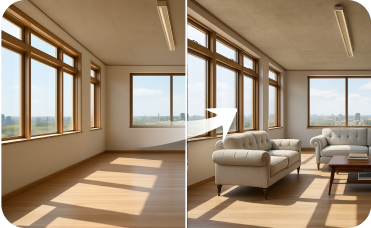
Virtual Staging
Add outdoor furniture to your AI-designed natural stone patio to complete the scene.
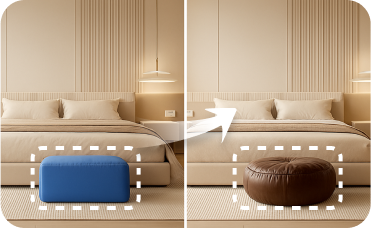
Smart Replacer
Fine-tune your Himalayan Slate design by instantly swapping windows, doors, or trim styles.

Photo Enhancer
Automatically improve the lighting and clarity of your room photos for more realistic AI design results.
Ready to Transform Your Ideas into Reality?
Create professional, detailed 2D floor plans effortlessly with the leading online construction plan maker. Start designing your ideal space today!
Generate My Floor Plan
💰 Earn 10% commission as a Ideal House Affiliate Partner.
Join us