








Generator
History
AI Floor Plan Generator
Change Tool
Model
Base
Switch
Rooms
BedRoom
-
2
+
BathRoom
-
1
+
Kitchen
open
closed
Gross Area
Unit metric
 imperial
metric imperialArea
< 50㎡
50-80㎡
80-100㎡
100-120㎡
120-150㎡
> 150㎡
Extras
walk-in closet
laundry room
storage room
utility room
home office
garage
pantry
combined living-dining
balcon

Unlock Your Vision: The Ultimate Interior Design Floor Plan Maker
Transform your design ideas into stunning, functional layouts with Ideal House’s AI Floor Plan Generator. Our intuitive interior design floor plan maker allows you to create professional 2D floor plans in seconds, perfect for homeowners, real estate professionals, and interior designers alike. Easily define bedrooms, bathrooms, kitchen styles, and gross area, then add custom features to bring your dream space to life. Say goodbye to complex software and hello to effortless layout design. Generate realistic residential floor plans with unparalleled speed and precision. Whether you're exploring open concept floor plans or need a quick floor plan for a client, our AI floor planner is your go-to solution.
Generate My Floor Plan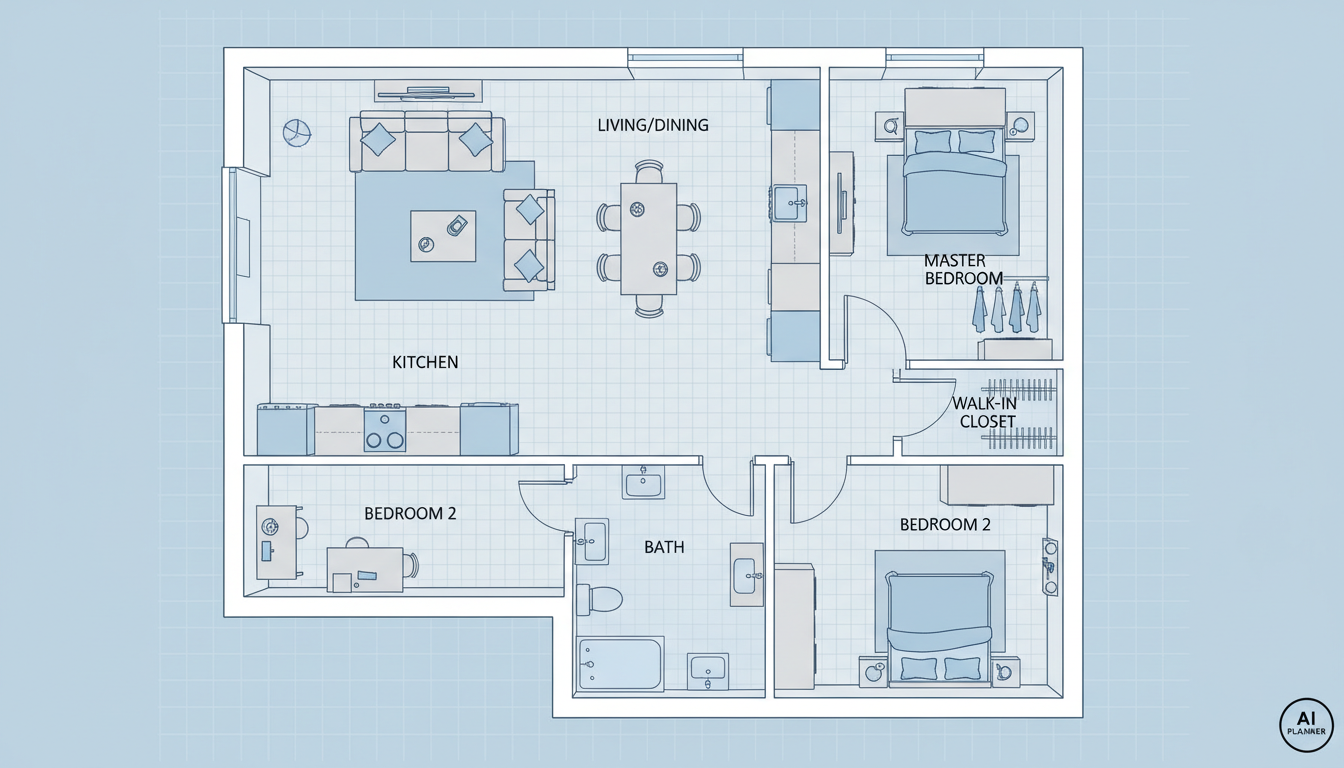


Why Ideal House is Your Go-To Interior Design Floor Plan Maker

Instant 2D Floor Plan Creation
Gone are the days of manual drafting. Our AI floor plan generator instantly converts your specifications into clear, presentation-ready 2D floor plans. Simply input your desired rooms, kitchen style, and gross area, and watch as our smart floor plan technology brings your vision to life. This quick floor plan capability is ideal for fast iterations and conceptual design, making it an essential online floor plan creator for anyone involved in home design.

Tailored Layout Design with AI
Our interior design floor plan maker offers unparalleled customization. Specify the number of bedrooms (0-4) and bathrooms (1-3), choose between an open or closed kitchen, and define a gross area range. Go further by adding 'extras' like a walk-in closet, laundry room, home office, or balcony to sculpt your ideal layout design. This comprehensive room layout planner helps you explore countless custom floor plans, ensuring every detail aligns with your needs.

Efficient Workflow for Professionals
For interior designers, real estate agents, and contractors, efficiency is key. Ideal House provides an architectural drawing tool that streamlines your process. Generate quick floor plans for client consultations, marketing materials, or early-stage project planning. Our intuitive floor plan interface saves valuable time, allowing you to focus on client relationships and design refinement. Access comprehensive home design software features designed for North American market needs, enabling faster project turnaround.
Smart Iteration and History Tracking
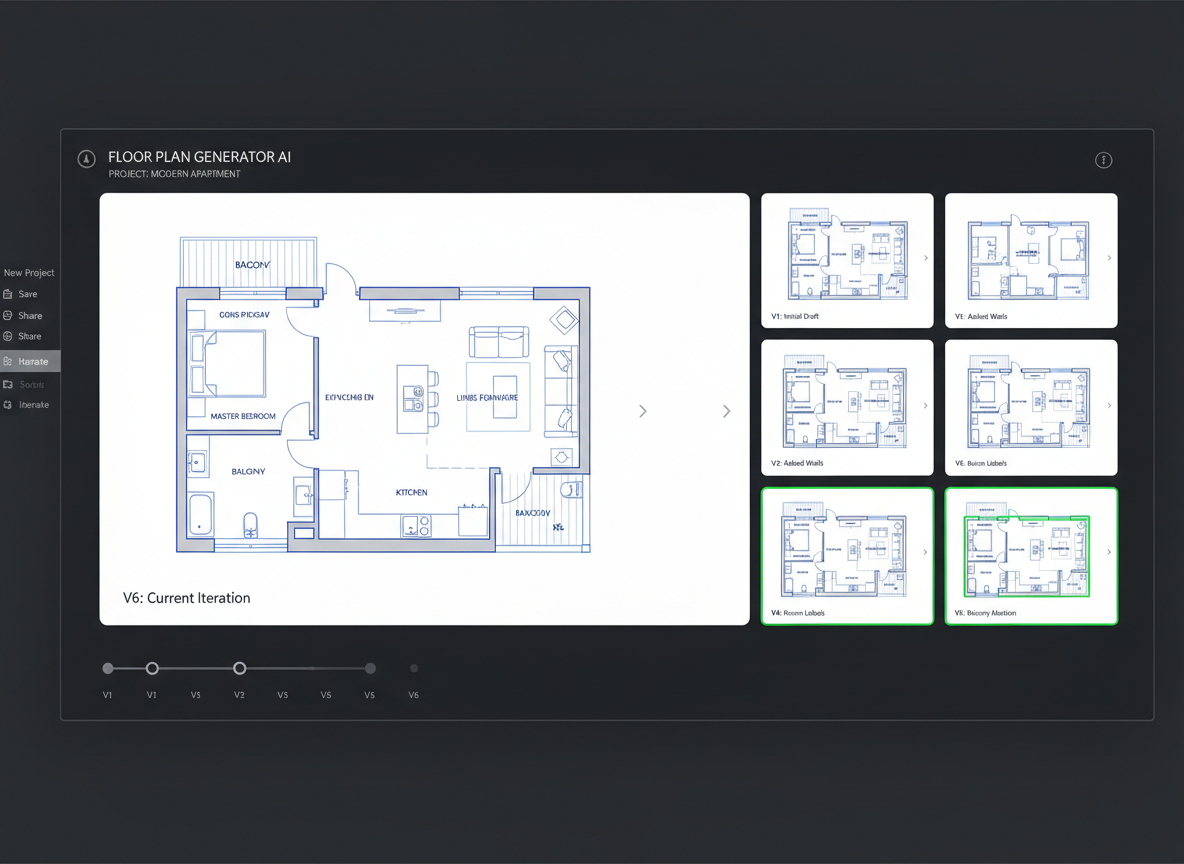
Every floor plan generated is automatically saved in your 'Generation History,' making it easy to compare and refine your designs. Utilize filtering options to revisit past concepts and choose the best layout. This feature is invaluable for exploring different room layout planner ideas or for fine-tuning kitchen layout planner configurations. Our interior design floor plan maker empowers you to experiment without losing track of your progress, ensuring you always find the perfect custom floor plans.

Who Benefits from Our Interior Design Floor Plan Maker?

Homeowners & DIY Enthusiasts: Easily visualize potential home renovations or new home layouts, from open concept floor plans to small house plans.

Interior Designers & Decorators: Rapidly generate initial design concepts and iterate with clients using detailed 2D floor plans for custom projects.

Real Estate Agents & Developers: Create professional residential floor plans for listings, enhancing buyer understanding and accelerating sales.

How to Use Ideal House's Interior Design Floor Plan Maker
1
1. Define Your Space: Select the desired number of bedrooms (0-4) and bathrooms (1-3) to begin shaping your residential floor plans.
2
2. Choose Kitchen Style: Toggle between an open or closed kitchen layout, a crucial step for your kitchen layout planner considerations.
3
3. Set Gross Area: Pick a gross area range to guide the overall scale and proportions of your quick floor plan.
4
4. Add Custom Features: Incorporate 'extras' like a walk-in closet, home office, or balcony to refine your layout design.
5
5. Generate & Refine: Click 'Generate' to create your 2D floor plan. Review, adjust your parameters, and regenerate until perfect.
6
6. Download & Share: Export your digital floor plan as an image or PDF to share with clients, family, or for your listings.
Frequently Asked Questions About Our AI Floor Plan Generator
How does the AI create a floor plan from my selections?
Our AI floor plan generator interprets your inputs—bedrooms, bathrooms, kitchen type, gross area, and extras—to apply intelligent adjacency and circulation rules. It then drafts a clear 2D floor plan, offering fresh concepts with every click. It's an intuitive floor plan tool that adapts to your needs.
What are the available ranges and default settings?
Bedrooms range from 0-4 (default 2), bathrooms from 1-3 (default 1). The kitchen can be open or closed (default open). You select the gross area band, and 'Extras' are multi-select options to further customize your residential floor plans.
How does 'Gross Area' influence the floor plan?
The 'Gross Area' selection guides the overall scale of your layout, ensuring rooms and corridors are proportioned realistically for the chosen footprint. It's vital for creating believable custom floor plans.
What's the difference between an open and closed kitchen layout?
An open kitchen promotes a continuous living-dining sightline and smooth flow, often leading to open concept floor plans. A closed kitchen defines a separate cooking zone, offering clearer separation and sometimes more storage, an important consideration for your kitchen layout planner.
What do the 'Extras' features achieve?
'Extras' instruct the interior design floor plan maker to prioritize specific spaces. For example, a walk-in closet will typically be placed near the primary bedroom, a pantry near the kitchen, and a home office in a quieter corner for optimal layout design.
Can I compare different versions of my floor plans?
Absolutely! Every generation is saved in your 'Generation History.' You can use the 'Created with AI Floorplan' filter and switch between grid and list views to easily compare side-by-side versions of your digital floor plans and select the ideal one.
How quickly does it generate plans, and how are credits used?
Most 2D floor plan generations are completed in seconds. Each click of the 'Generate' button consumes the credits displayed. All generated results are stored in your history, ensuring you never lose a potential layout design.
Is the AI Floor Plan Generator compatible with tablets?
Yes, our AI floor plan generator is browser-based and optimized for both desktop and iPad. The settings you choose persist until you change them and regenerate, offering a seamless experience across devices for your room layout planner needs.
Explore More Ideal House Design Tools
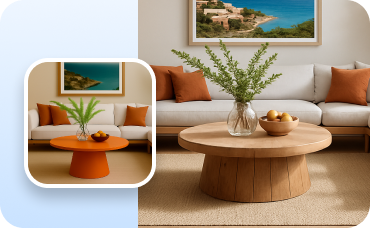
Change Furniture
Virtually stage your new patio or deck with outdoor furniture that fits your tropical theme.

HouseGPT
Get expert design advice, material suggestions, and step-by-step renovation guidance from our conversational AI.
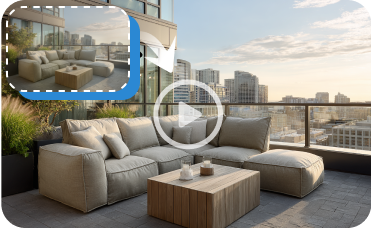
Image to Video
Transform your static exterior design into a dynamic video tour that brings your neoclassical vision to life.
Ready to Design Your Perfect Space?
Experience the fastest, smartest interior design floor plan maker. Create stunning, share-ready 2D floor plans in minutes.
Generate My Floor Plan
💰 Earn 10% commission as a Ideal House Affiliate Partner.
Join us