








Generator
History
AI Floor Plan Generator
Change Tool
Model
Base
Switch
Rooms
BedRoom
-
2
+
BathRoom
-
1
+
Kitchen
open
closed
Gross Area
Unit metric
 imperial
metric imperialArea
< 50㎡
50-80㎡
80-100㎡
100-120㎡
120-150㎡
> 150㎡
Extras
walk-in closet
laundry room
storage room
utility room
home office
garage
pantry
combined living-dining
balcon

Design Your Dream Home Instantly: The AI House Floorplan Generator
Unleash your creativity with Ideal House's revolutionary AI House Floorplan Generator. Transform your ideas into precise 2D house plans in seconds. Whether you're a homeowner, designer, or real estate professional, our intuitive tool helps you visualize your perfect living space. Say goodbye to complex software and hello to effortless floor plan creation. Get ready to generate stunning, functional layouts with just a few clicks.
Generate My Floor Plan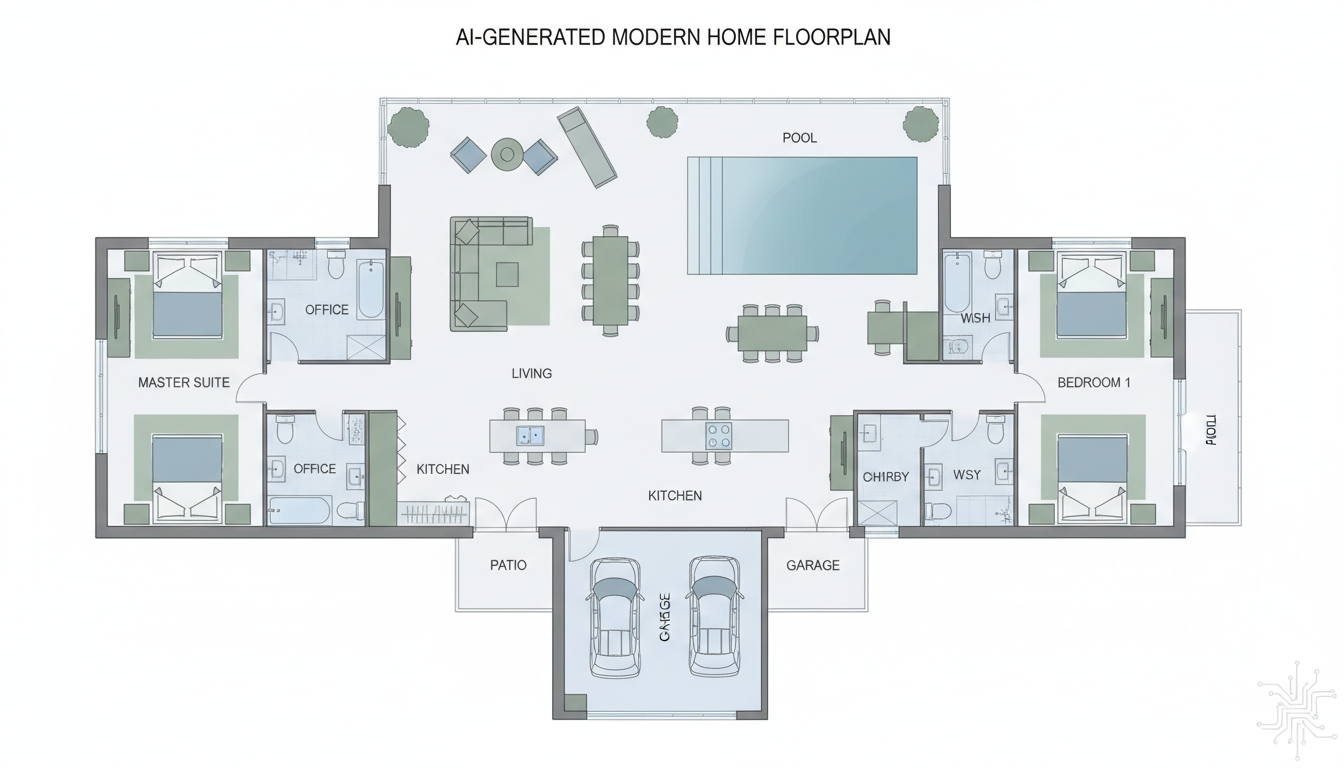


Experience the Ideal House Advantage: Smart Floor Plan Generation
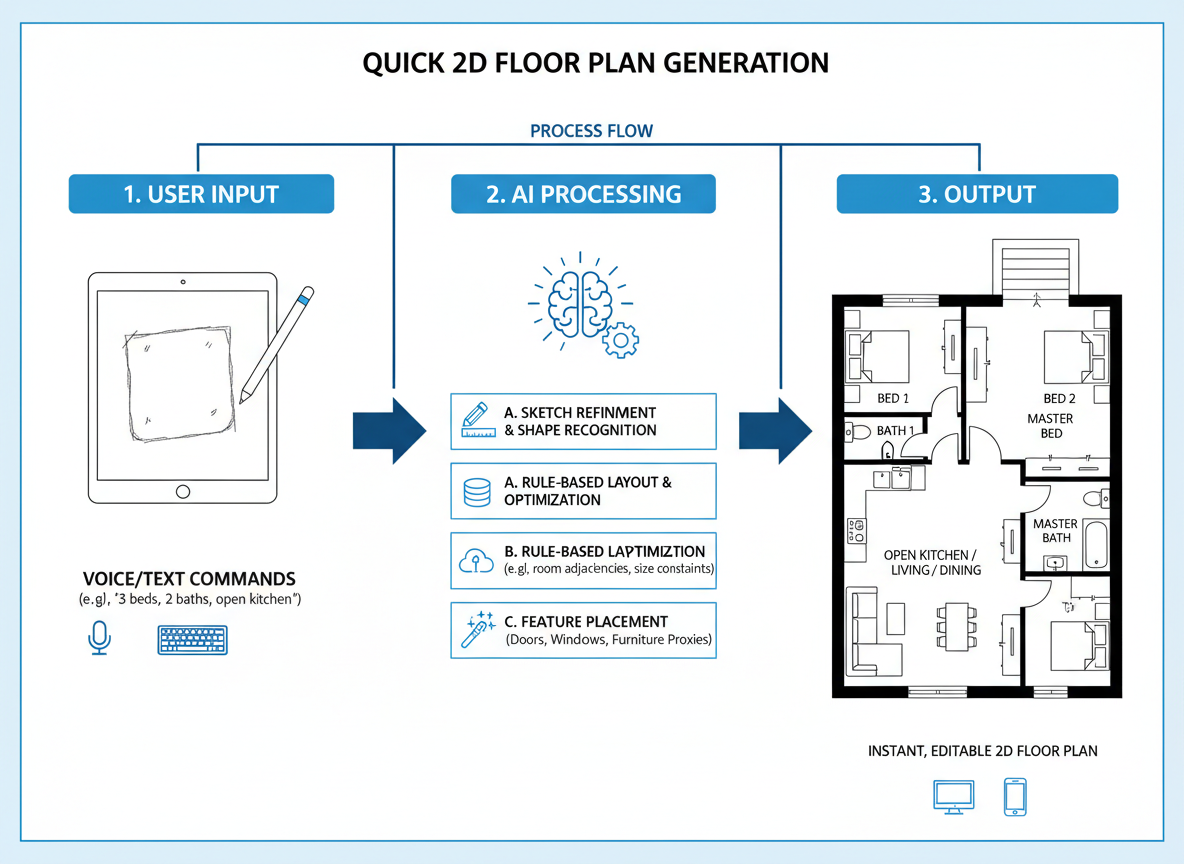
Instant 2D House Plans
Our AI House Floorplan Generator crafts clear, presentation-ready 2D floor plans from your input in moments. Simply define your needs, and watch as sophisticated algorithms create detailed layouts. This speed is invaluable for quick iterations and presenting concepts.
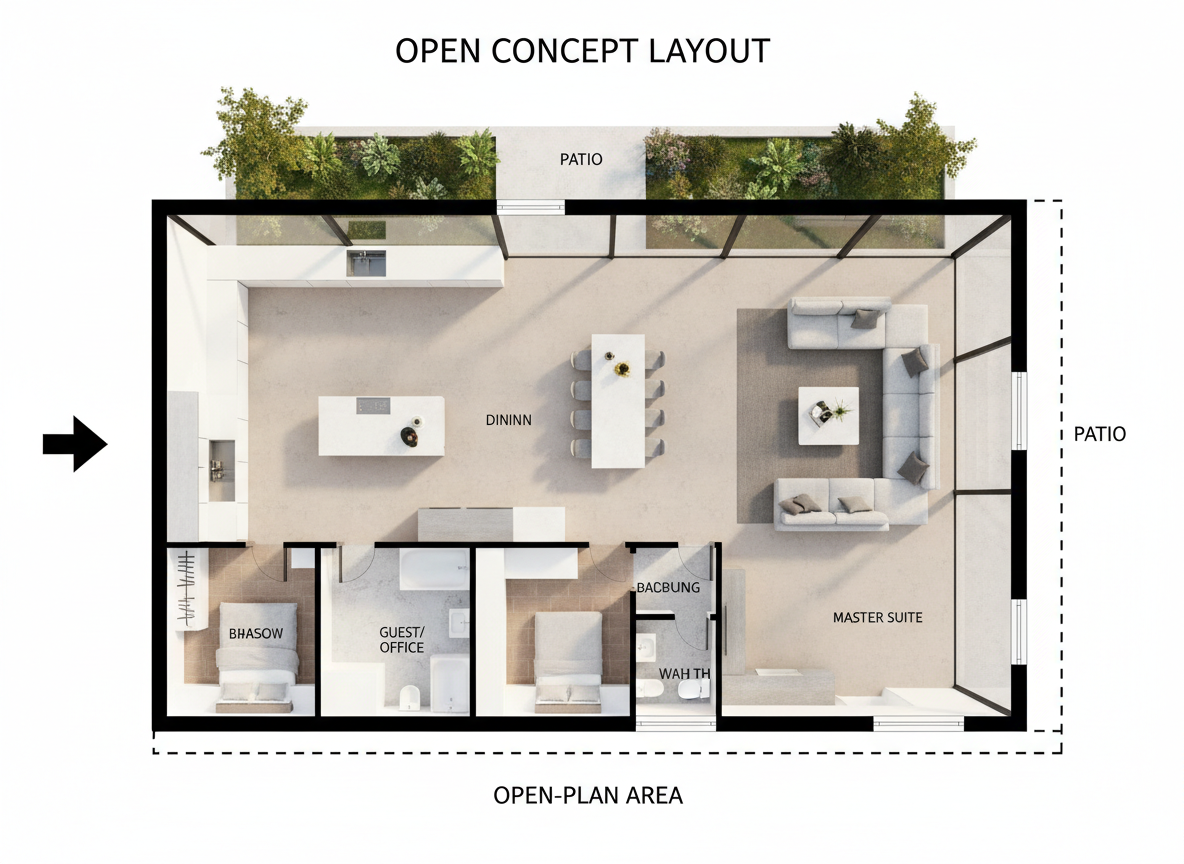
Customizable Layouts with Precision
From the number of bedrooms and bathrooms to specific features like a walk-in closet or home office, our house floorplan generator adapts. Choose between open or closed kitchen styles and specify gross area ranges to guide the AI in creating tailored residential floor plans that match your vision perfectly.
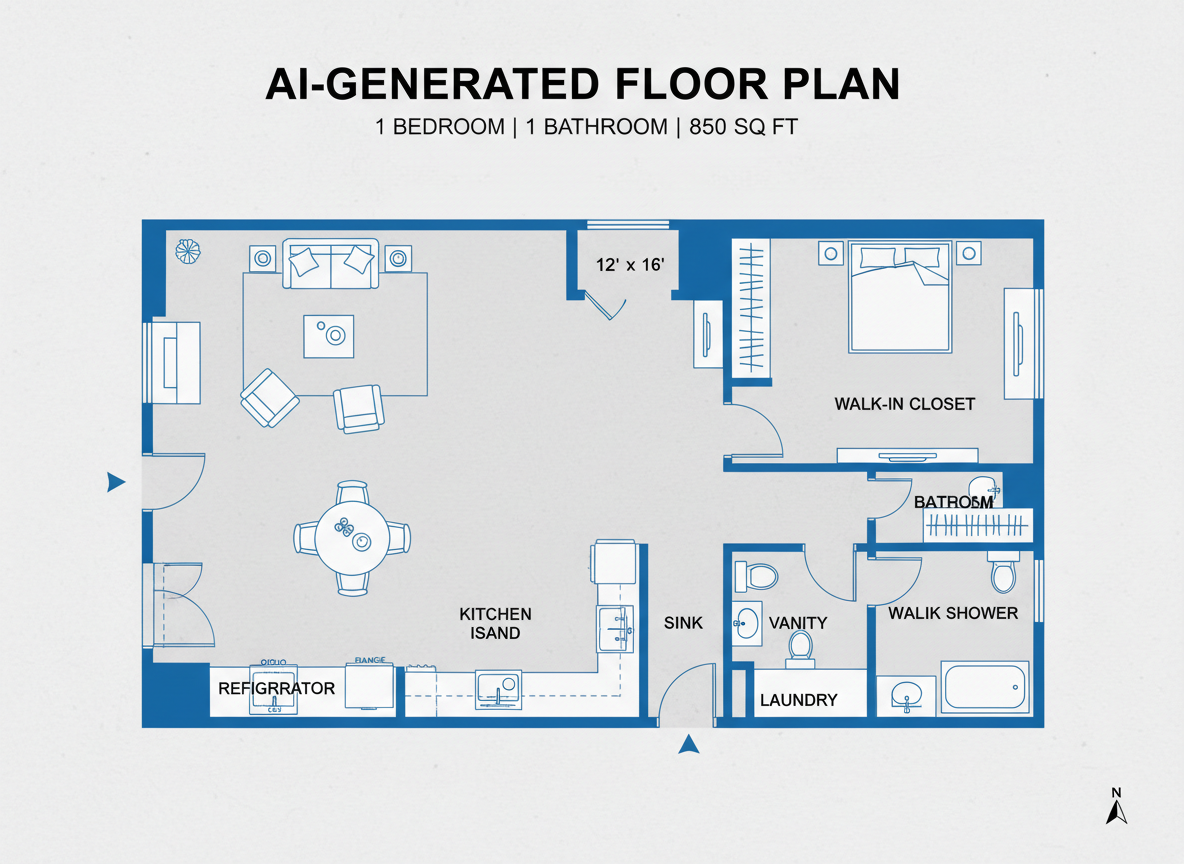
Enhanced Visualization for Real Estate
For real estate agents and developers, this AI floor plan creator is a game-changer. Quickly generate clean 2D real estate floor plans to enhance property listings, helping potential buyers immediately understand the home's flow and layout. Boost engagement and reduce time on market with compelling visuals.
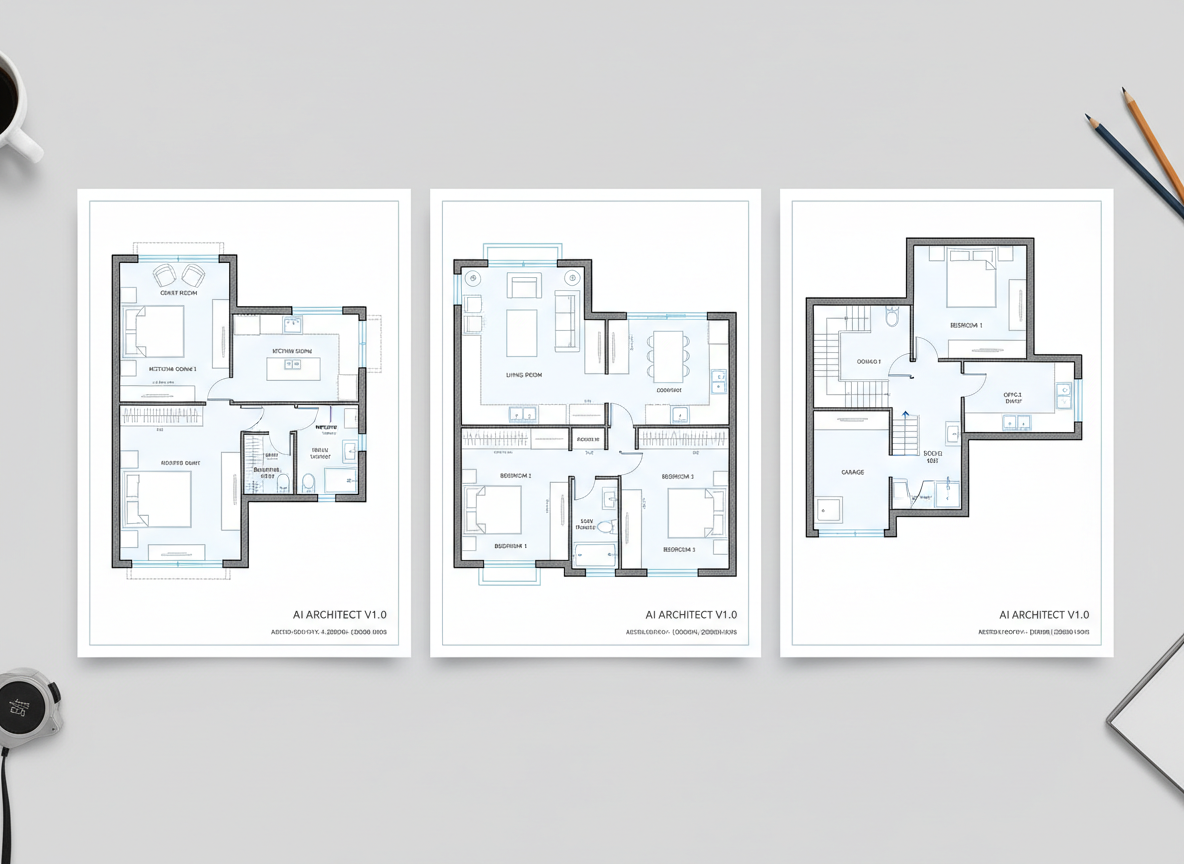
Effortless Iteration and Comparison
Every floor plan you generate is saved, allowing you to easily compare multiple versions. Tweak parameters and regenerate to explore different house plan layouts. The intuitive interface and history features make iterating on your perfect floor plan design simple and efficient, serving as your ultimate home layout planner.

Who Benefits from Our AI House Floorplan Generator?

Homeowners planning renovations or new builds who need a user-friendly home blueprint maker.

Interior Designers & Decorators seeking a fast floor plan designer to conceptualize client spaces.

Real Estate Professionals looking for automatic floor plan generation to enhance property listings.

Contractors & Consultants needing to visualize verbal programs into clear architectural floor plans.

How to Use Ideal House's House Floorplan Generator
1
Define Your Core: Select the desired number of bedrooms (0-4) and bathrooms (1-3) to begin shaping your residential floor plans.
2
Style Your Kitchen: Choose between an open or closed kitchen layout, influencing the flow of your home layout planner.
3
Set Your Scale: Pick a gross area range that aligns with your target home size, ensuring proportional digital floor plans.
4
Add Key Features: Multi-select 'extras' like a walk-in closet, home office, or garage to customize your custom floor plans.
5
Generate & Refine: Click 'Generate' to instantly produce a 2D house plan. Use the history to compare and fine-tune your designs.
6
Share Your Vision: Download your perfect floor plan as an image or PDF, ready to share with clients, family, or listings.
Frequently Asked Questions About Our AI Floor Plan Generator
How does the AI House Floorplan Generator create a plan from my choices?
Our AI floor plan creator processes your specified parameters—like beds, baths, kitchen type, gross area, and extras—and applies established architectural rules for adjacency and circulation to construct an intelligent 2D floor plan layout. Each generation offers a unique concept for you to refine and perfect.
What customizable options are available in the floor plan creator?
You can set bedrooms (0-4), bathrooms (1-3), kitchen style (open/closed), and a gross area band. Additionally, you can select various 'extras' such as a walk-in closet, laundry room, home office, garage, pantry, combined living-dining, or balcony to create truly custom floor plans.
What is the purpose of selecting 'Gross Area' for my house plan generator?
The 'Gross Area' selection guides the overall scale of your design. Choosing the appropriate range ensures that the generated rooms, corridors, and features are proportionally correct and result in believable 2D house plans, making our tool an effective room layout planner.
How do 'Extras' like a walk-in closet or home office affect the generated floor plan?
The 'Extras' you select inform the AI floor plan maker about key features to integrate and prioritize within your design. For example, a walk-in closet will typically be placed near a primary bedroom, and a pantry adjacent to the kitchen, influencing the overall floor plan layout.
Can I save and compare different versions generated by the house floorplan generator?
Absolutely! Every design generated by our online floor plan tool is automatically saved in your 'Generation History.' This allows you to easily compare different concepts, make adjustments, and find the perfect floor plan design by using filters and different views.
Complement Your Design with Related Ideal House Tools
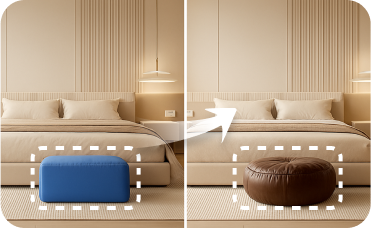
Smart Replacer
Instantly swap out specific objects in your photo, like changing a front door or window style.
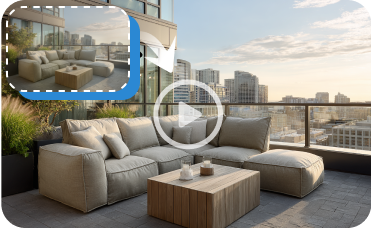
Image to Video
Turn your static design renderings into a dynamic video walkthrough to better showcase the flow and feel of the new space.
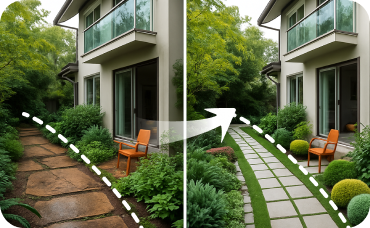
Landscaping
Fine-tune your yard with specific plants, lighting, and pathways to perfect your property's overall curb appeal.
Ready to Design Your Space with Our AI House Floorplan Generator?
Transform your ideas into stunning, functional 2D house plans in minutes. Efficient, precise, and user-friendly – start creating today!
Generate My Floor Plan
💰 Earn 10% commission as a Ideal House Affiliate Partner.
Join us