








Generator
History
AI Floor Plan Generator
Change Tool
Model
Base
Switch
Rooms
BedRoom
-
2
+
BathRoom
-
1
+
Kitchen
open
closed
Gross Area
Unit metric
 imperial
metric imperialArea
< 50㎡
50-80㎡
80-100㎡
100-120㎡
120-150㎡
> 150㎡
Extras
walk-in closet
laundry room
storage room
utility room
home office
garage
pantry
combined living-dining
balcon

Transform Concepts to Reality: Your Home Plan 3D Design Online Solution
Unleash your vision with Ideal House's AI Floor Plan Generator. Quickly create stunning, functional 2D floor plans that lay the groundwork for your dream space. From a simple sketch to a detailed architectural drawing, our intuitive tool makes generating your home plan 3d design online faster and more precise than ever before. Experience the future of home design and visualize every possibility.
Generate My Floor Plan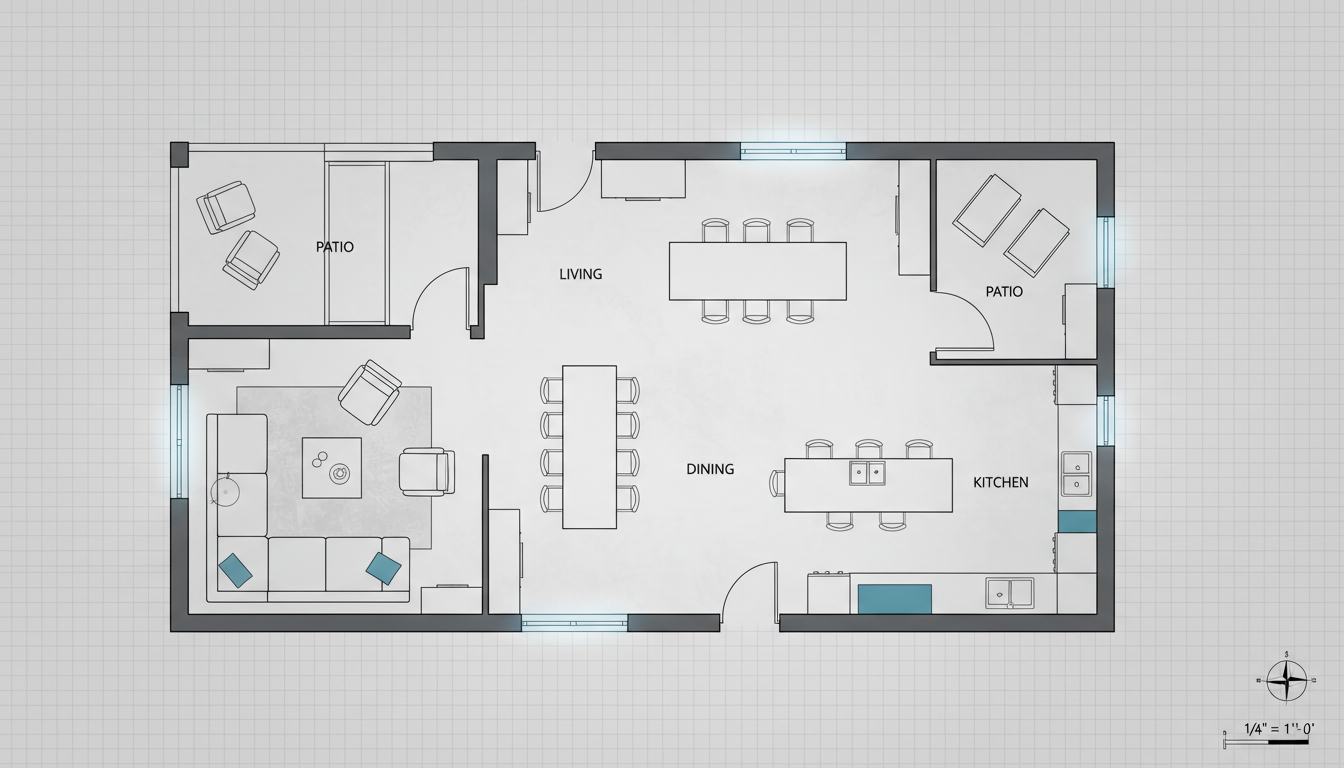


Why Ideal House is Your Premier Home Plan 3D Design Online Partner
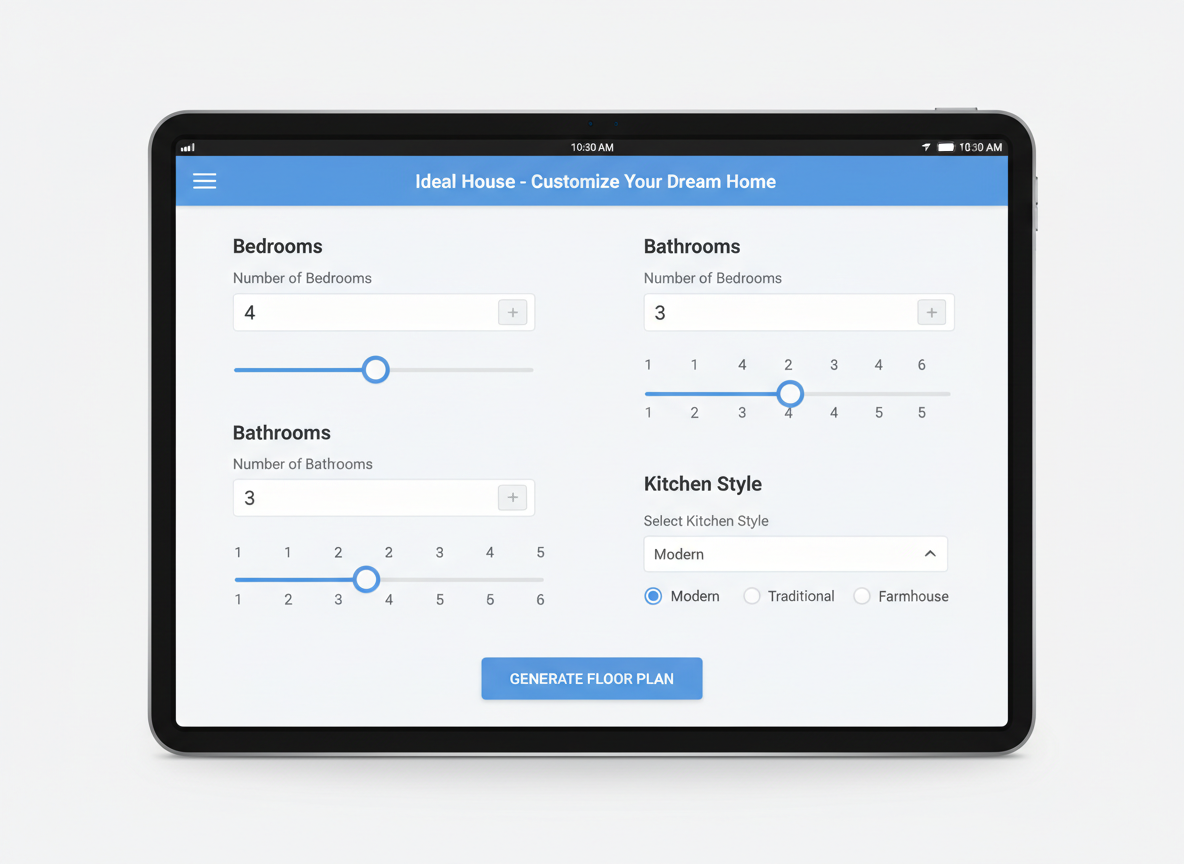
Instant 2D Floor Plans from Simple Inputs
Say goodbye to complex house design software. Our AI Floor Plan Generator allows you to set your desired number of bedrooms and bathrooms, kitchen style, and gross area range. With just a few clicks, you’ll receive a clear, presentation-ready 2D floor plan, perfect for early layout exploration or client presentations. This is the fastest way to get your home plan 3d design online.
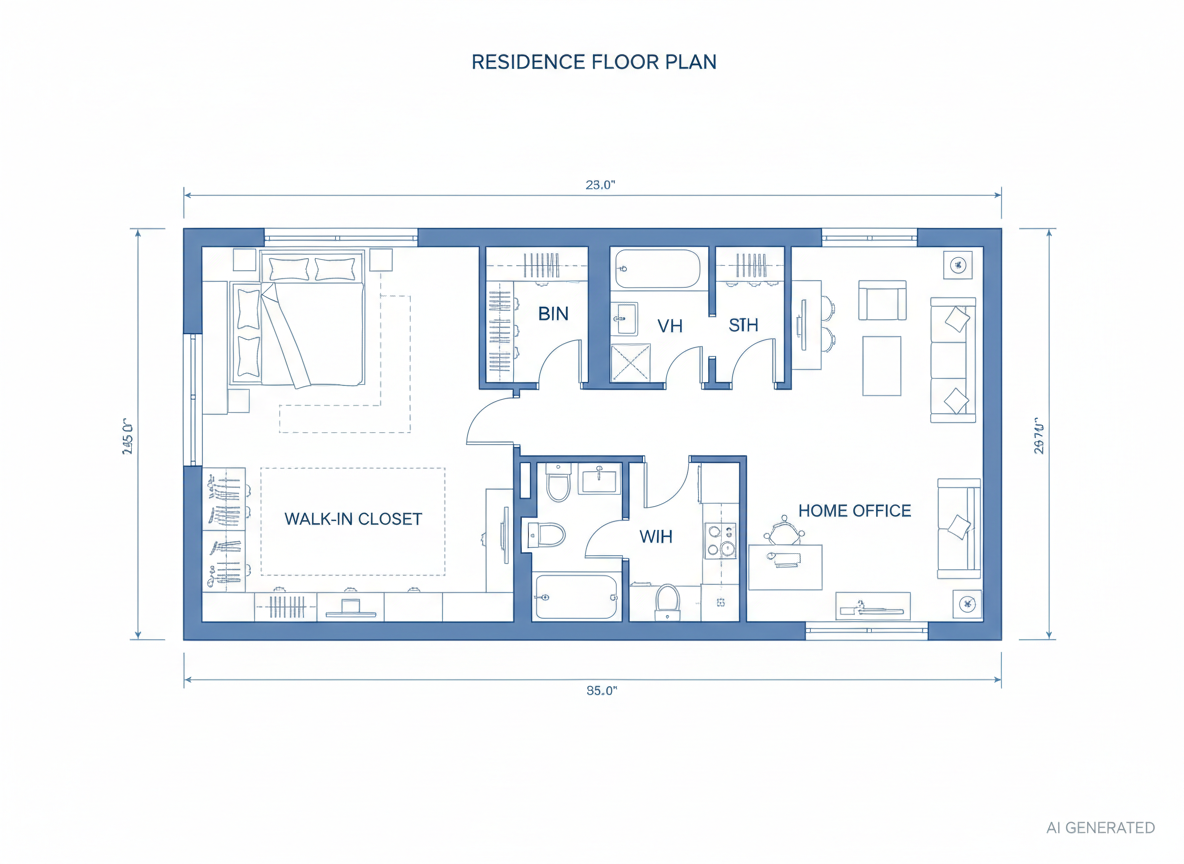
Shape Your Space with Smart Extras
Beyond basic layouts, our tool lets you incorporate specific features like a walk-in closet, laundry room, home office, or balcony. These 'extras' intelligently guide the AI to optimize zoning and room relationships, ensuring your 3d home design reflects your lifestyle needs. It’s like having a virtual home designer at your fingertips, customizing your home plan 3d design online.
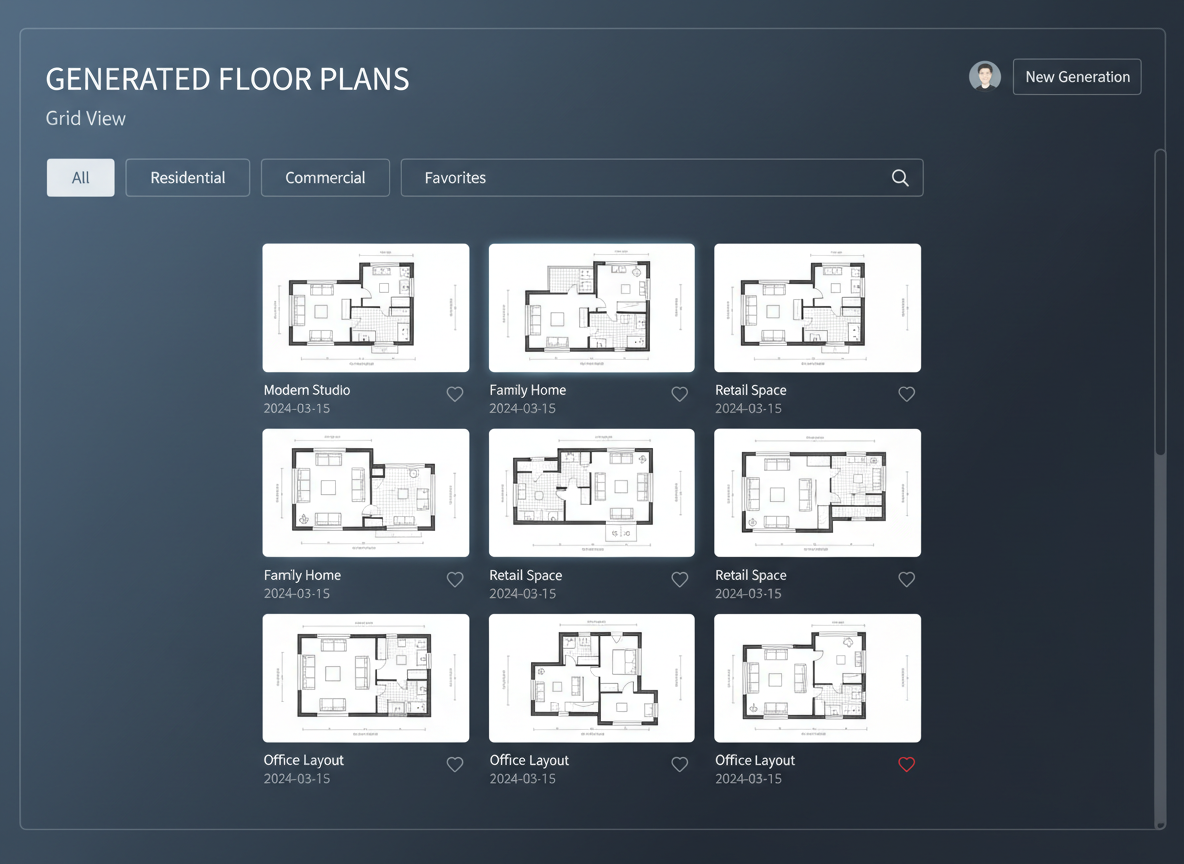
Seamless Iteration and History Tracking
Every floor plan generated is saved in your Generation History, making it easy to compare different versions. Filter by 'Created with AI Floorplan' to review multiple layouts side-by-side. This robust feature ensures you can refine your vision and select the perfect home plan 3d design online without losing previous ideas.
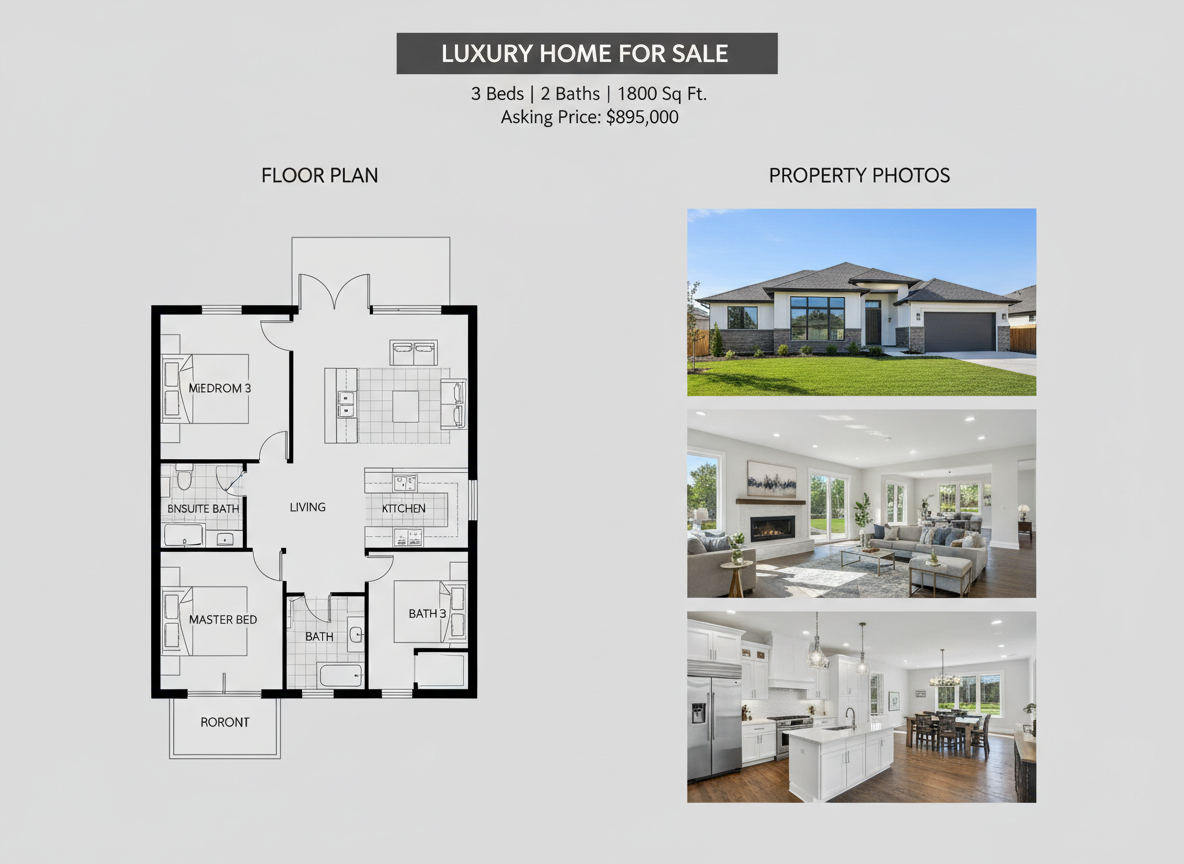
Boost Real Estate Listings with Professional Layouts
For real estate professionals, generating consistent, high-quality 2D floor plans for listings is critical. Our AI-powered tool provides buyers with an instant grasp of layout and flow, enhancing engagement and accelerating decision-making. Present compelling architectural drawings and digital home renderings that stand out in the market, all part of your home plan 3d design online strategy.

Who Benefits from Ideal House's Home Plan 3D Design Online Tool?

Homeowners & DIY Planners seeking intuitive 3d home design tools.

Interior Designers & Decorators needing quick concepts and client-ready visuals.

Real Estate Agents & Brokers aiming to elevate property listings with clear 3d house plans.

Contractors & Consultants requiring efficient space planning tools and client alignment.

Your Guide to Creating a Home Plan 3D Design Online with AI
1
Set Rooms: Define the number of bedrooms (0-4) and bathrooms (1-3) to fit your needs, kickstarting your 3d floor plan creator journey.
2
Choose Kitchen Style: Select an open or closed kitchen layout to influence the overall flow and functionality of your space, a key aspect of any good home plan 3d design online.
3
Pick Gross Area: Select a target size range to ensure your generated floor plan is proportional and practical for your desired footprint.
4
Add Extras: Incorporate specific features like a walk-in closet, home office, or garage to tailor the layout precisely to your requirements.
5
Generate & Review: Click 'Generate' to instantly create your 2D plan. Review results, tweak parameters, and regenerate to compare versions.
6
Download & Share: Export your chosen home plan 3d design online as an image or PDF to easily share with clients, colleagues, or for listing presentations.
FAQs About Your Home Plan 3D Design Online Tool
How does Ideal House turn my selections into a precise floor plan?
Our AI floor plan generator interprets your inputs – including room counts, kitchen type, gross area, and extras – and applies intelligent adjacency rules to produce a clear 2D floor plan. Each generation offers a fresh concept, acting as your personal 3d room planner.
What options are available for room counts and sizes?
You can select 0-4 bedrooms (default 2) and 1-3 bathrooms (default 1). Kitchens can be open or closed (default open). The 'Gross Area' band guides the overall scale, ensuring a realistic home layout designer experience.
What impact do the 'Extras' have on my home plan 3d design online?
Extras like a walk-in closet, laundry room, or home office tell the AI to prioritize and strategically place these spaces within your 3d home design, optimizing for functionality and flow.
Can I compare multiple generated floor plans?
Absolutely! Every design is saved in your 'Generation History.' Use the 'Created with AI Floorplan' filter and choose between grid or list views to easily compare and select the best home plan 3d design online.
Is this tool suitable for generating architectural drawings for professional use?
Our AI Floor Plan Generator provides excellent conceptual 2D floor plans and residential blueprints. While not a substitute for stamped architectural drawings, they are ideal for initial design exploration, client presentations, and enhancing real estate listings. Think of it as a powerful space planning tool and custom home plans generator.
Complement Your Home Plan 3D Design Online with Other Ideal House Tools

Photo Enhancer
Improve the lighting and clarity of your original photos for even more stunning remodel results.
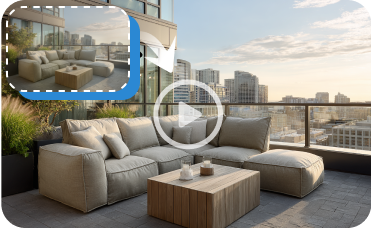
Image to Video
Create a dynamic video walkthrough of your proposed exterior and interior eco-upgrades to share with stakeholders.
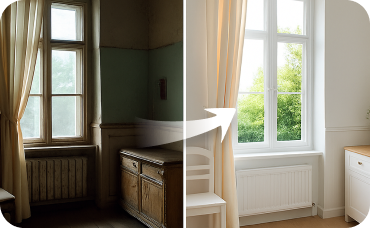
Interior Remodel
Extend the classic aesthetic indoors by visualizing period-appropriate interior design elements.
Ready to Design Your Dream Home Plan 3D Design Online?
Experience the ease and efficiency of Ideal House's AI Floor Plan Generator. Create, customize, and perfect your 3d house plan today.
Generate My Floor Plan
💰 Earn 10% commission as a Ideal House Affiliate Partner.
Join us