








Generator
History
AI Floor Plan Generator
Change Tool
Model
Base
Switch
Rooms
BedRoom
-
2
+
BathRoom
-
1
+
Kitchen
open
closed
Gross Area
Unit metric
 imperial
metric imperialArea
< 50㎡
50-80㎡
80-100㎡
100-120㎡
120-150㎡
> 150㎡
Extras
walk-in closet
laundry room
storage room
utility room
home office
garage
pantry
combined living-dining
balcon

Unlock Your Dream Layout with Our Free Ground Plan Creator
Imagine designing your ideal living space in minutes, not hours. Our AI-powered free ground plan creator lets you visualize perfect home layouts with unparalleled speed and accuracy. Whether you're planning a new build, a renovation, or just exploring design ideas, Ideal House offers the ultimate online floor plan maker to bring your vision to life, completely free.
Generate My Floor Plan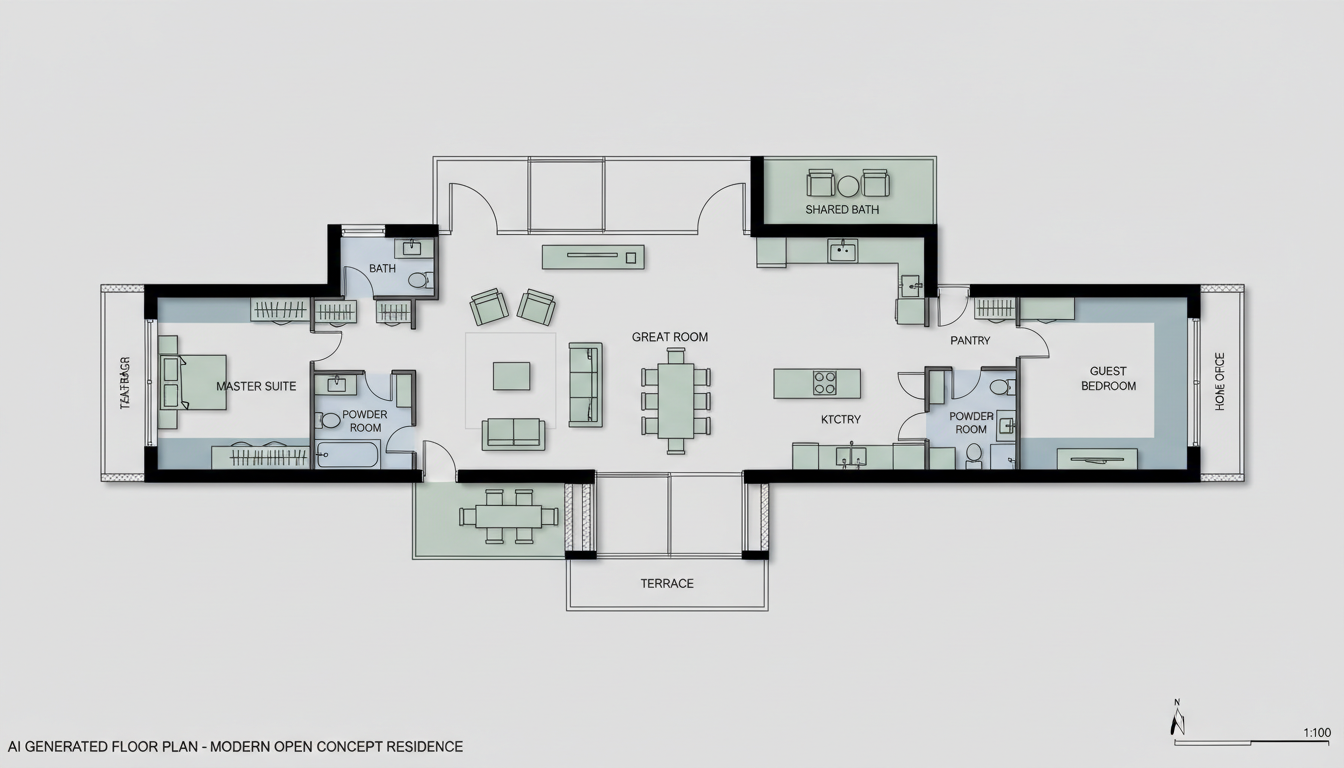


Why Ideal House is Your Go-To Free Ground Plan Creator
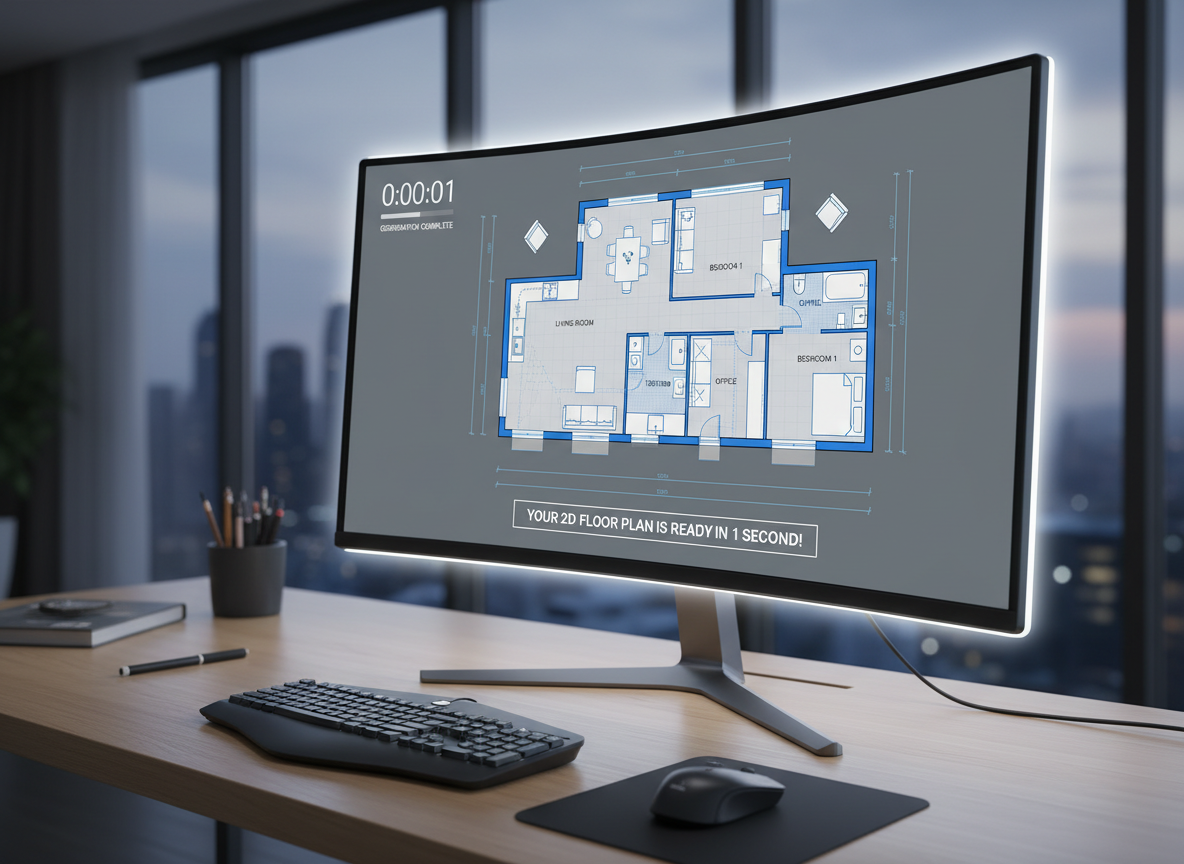
Instant 2D Floor Plan Generation
Say goodbye to complex software and lengthy design processes. Our AI floor plan maker takes your basic requirements—like the number of bedrooms, bathrooms, and desired gross area—and instantly drafts a clear, professional 2D floor plan. This quick floor plan capability means you can explore countless layouts in the time it would take to draw one by hand.
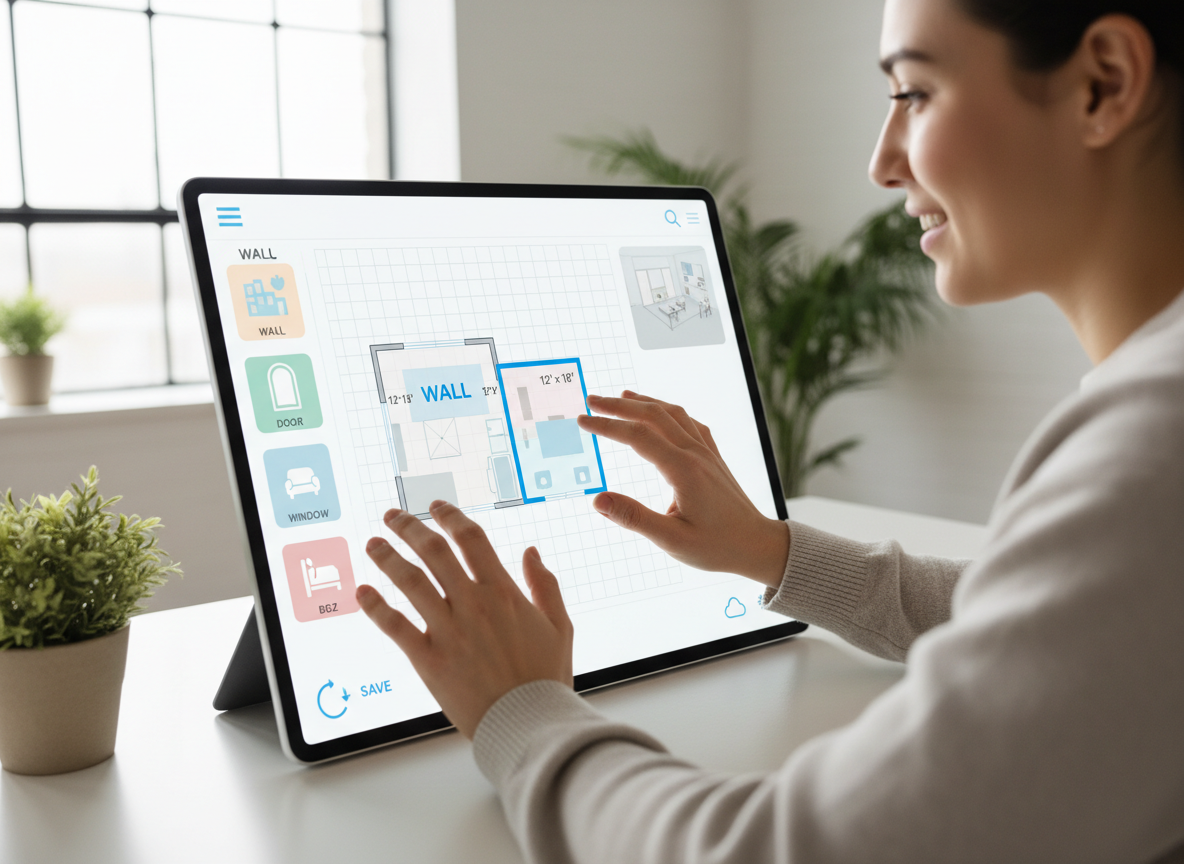
Intuitive Design, Zero Learning Curve
You don't need to be an architect to use our free ground plan creator. The intuitive floor plan design interface guides you through each step. Simply select your preferences for kitchen style, add extras like a walk-in closet or home office, and watch as our AI creates house plans tailored to your needs. It's the ultimate home design tool for everyone.
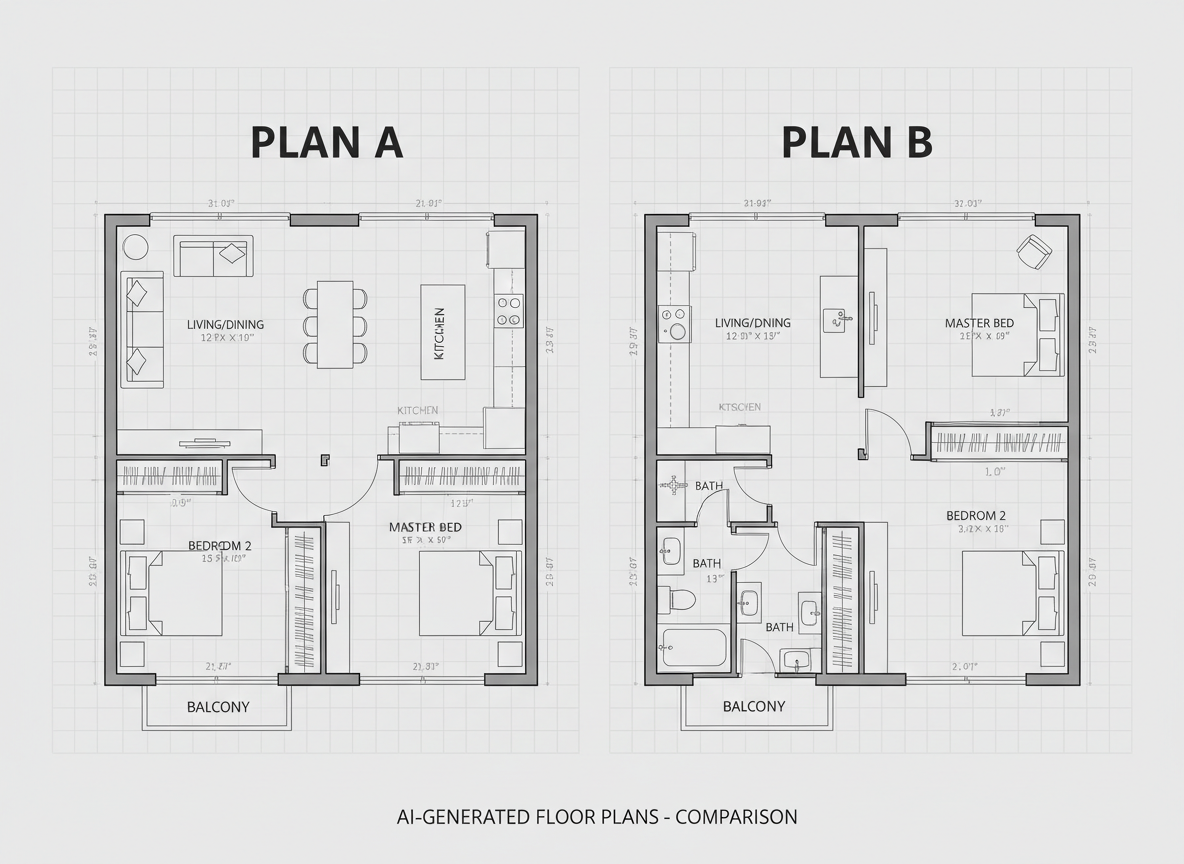
Precision & Versatility for Every Project
From initial sketches to detailed architectural drawing tool outputs, Ideal House ensures precision. Our AI floor plan generator supports various project scales, allowing you to create custom floor plans perfect for homeowners, real estate agents, or interior designers. Generate multiple versions, compare them side-by-side, and find the perfect layout planner for your space.

Streamline Real Estate Listings with Digital Floor Plans
For real estate professionals, our online floor plan maker is a game-changer. Quickly generate consistent, high-quality digital floor plans for every listing. This enhances buyer understanding, reduces time on market, and adds significant value to your property presentations. It's the essential space planner for a competitive North American market.

Who Benefits from Our Free Ground Plan Creator?

Homeowners & DIY Enthusiasts: Easily visualize renovations, additions, or dream homes without expensive software.

Real Estate Professionals: Generate professional 2D floor plans for listings, attracting more buyers and closing deals faster.

Interior Designers & Contractors: Quickly draft and iterate on layout concepts, improving client communication and project efficiency.

How to Create House Plans with Our Free Ground Plan Creator
1
Set Rooms: Define the number of bedrooms (0–4) and bathrooms (1–3) to establish your basic residential plan.
2
Choose Kitchen Style: Decide between an open or closed kitchen layout, influencing the flow of your main living areas.
3
Pick Gross Area: Select a size range to guide the overall proportions and scale of your digital floor plan.
4
Add Extras: Personalize your design with features like a walk-in closet, home office, garage, or balcony.
5
Generate & Review: Click 'Generate' to see your custom floor plan instantly. Review, refine, and compare versions with ease.
6
Download & Share: Export your chosen 2D floor plan as an image or PDF, ready to share with clients, family, or contractors.
FAQs About Our AI Floor Plan Generator
How does the free ground plan creator turn my selections into a plan?
Our AI floor plan generator interprets your specific requirements—beds, baths, kitchen type, gross area, and extras—and applies established design principles to create a clear 2D floor plan. Each generation offers a fresh, unique concept.
What are the common ranges and defaults for plan generation?
You can specify 0–4 bedrooms (default 2), 1–3 bathrooms (default 1), and choose an open (default) or closed kitchen. Gross area bands are available to guide the overall footprint, and various 'Extras' can be multi-selected.
Can I compare different versions of my custom floor plan?
Absolutely! Every iteration generated by our online floor plan maker is saved in your 'Generation History.' This allows you to easily compare multiple versions, helping you choose the perfect room layout planner design.
What's the difference between an open and closed kitchen layout?
An open kitchen promotes a continuous, flowing living-dining experience, ideal for modern homes. A closed kitchen provides a distinct, separate cooking zone, often preferred for traditional layouts, both available with our ai floor plan maker.
How fast is this online floor plan maker, and how are credits used?
Most 2D floor plan generations are completed in mere seconds. Each click of the 'Generate' button consumes the credits displayed, and all your results are conveniently stored for future reference. It’s the fastest way to create house plans.
Discover More Ideal House Design Tools
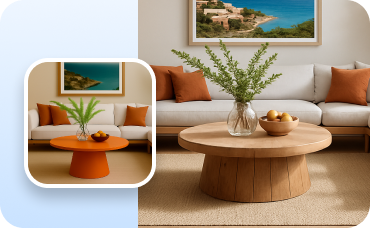
Change Furniture
Virtually swap furniture in any room to find the perfect pieces that fit your style and space.
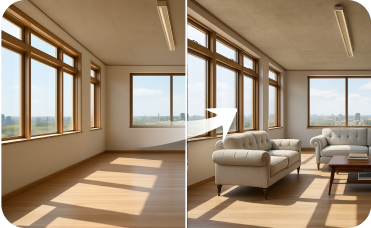
Virtual Staging
Furnish your home's interior or exterior spaces to create a fully realized, market-ready property.
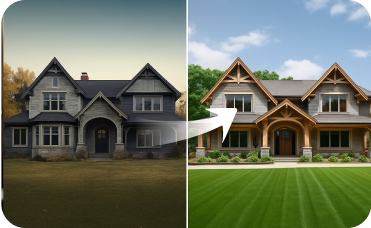
Exterior Renovator
Match your home's exterior to its new interior with AI-powered curb appeal makeovers.
Ready to Design Your Space with a Free Ground Plan Creator?
Ideal House makes creating house plans simple, fast, and completely intuitive. Get started on your perfect layout today.
Generate My Floor Plan
💰 Earn 10% commission as a Ideal House Affiliate Partner.
Join us