








Generator
History
AI Floor Plan Generator
Change Tool
Model
Base
Switch
Rooms
BedRoom
-
2
+
BathRoom
-
1
+
Kitchen
open
closed
Gross Area
Unit metric
 imperial
metric imperialArea
< 50㎡
50-80㎡
80-100㎡
100-120㎡
120-150㎡
> 150㎡
Extras
walk-in closet
laundry room
storage room
utility room
home office
garage
pantry
combined living-dining
balcon

Design Your Dream Space with a Free Floor Plan Creator for Windows
Unlock your home's potential with Ideal House's AI Floor Plan Generator. This intuitive tool helps you effortlessly create detailed 2D floor plans, perfect for visualizing new layouts, remodeling projects, or optimizing real estate listings. Generate accurate, professional-grade floor plans in minutes, all from your Windows device.
Generate My Floor Plan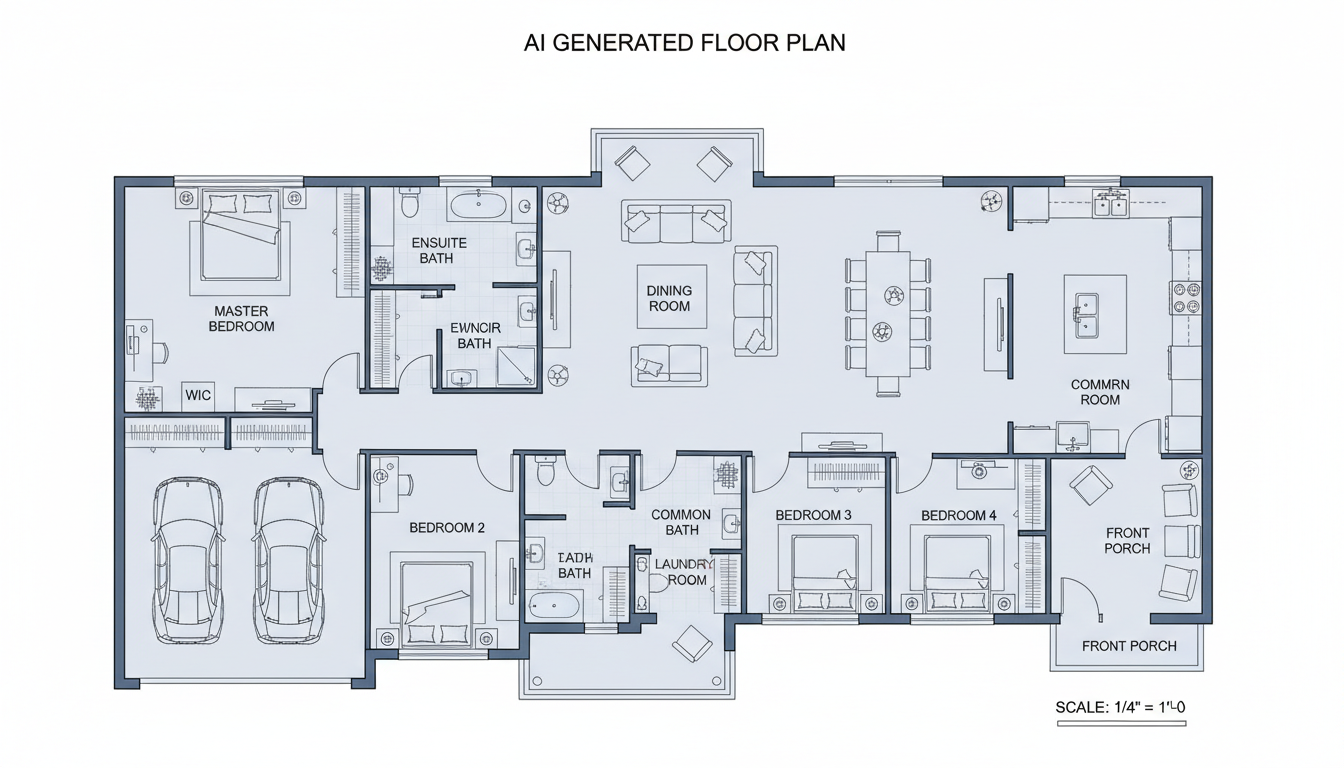


Revolutionize Your Design Process with Ideal House
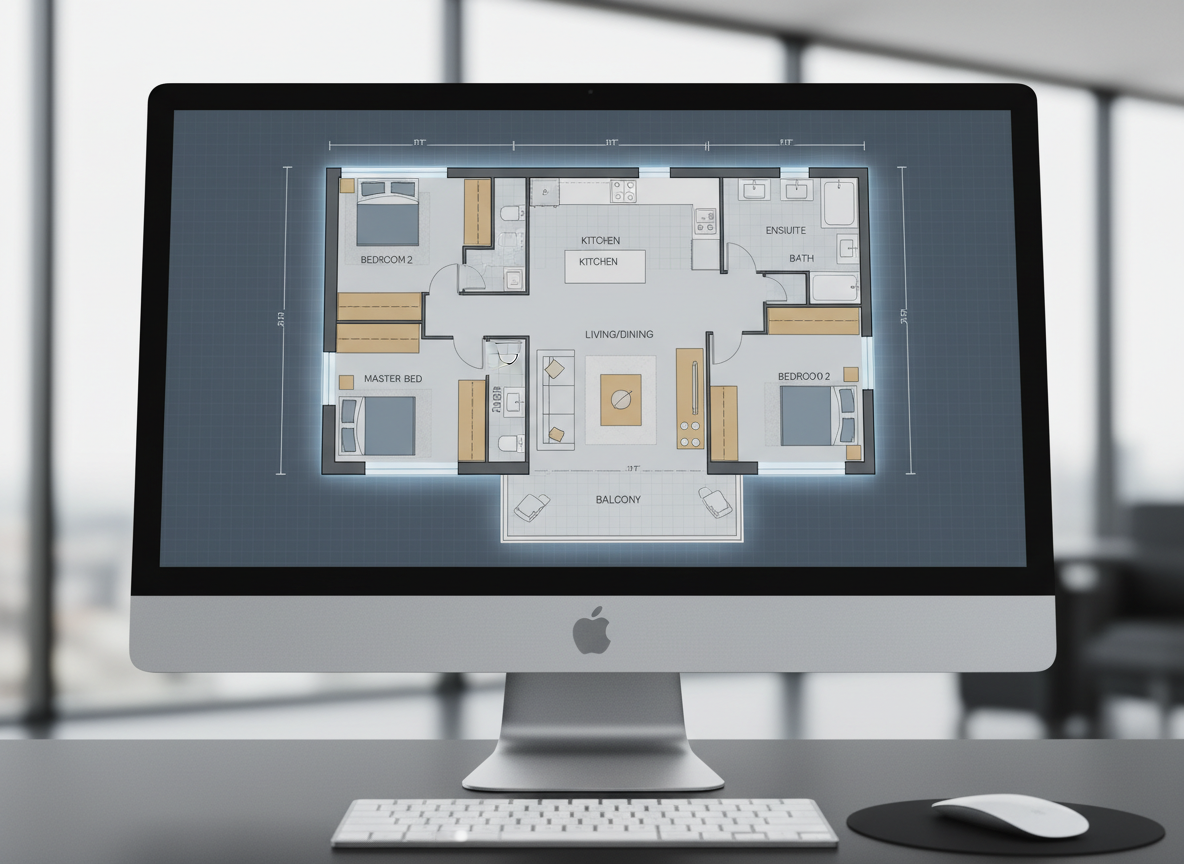
Instant 2D Floor Plans
Stop drawing by hand! Our AI Floor Plan Generator rapidly transforms your basic requirements into crisp 2D floor plans. Set bedrooms, bathrooms, kitchen style, and gross area, then watch your design come to life. It's the fastest way to get a visual representation of your residential floor plans, making it the ultimate free floor plan creator for Windows.
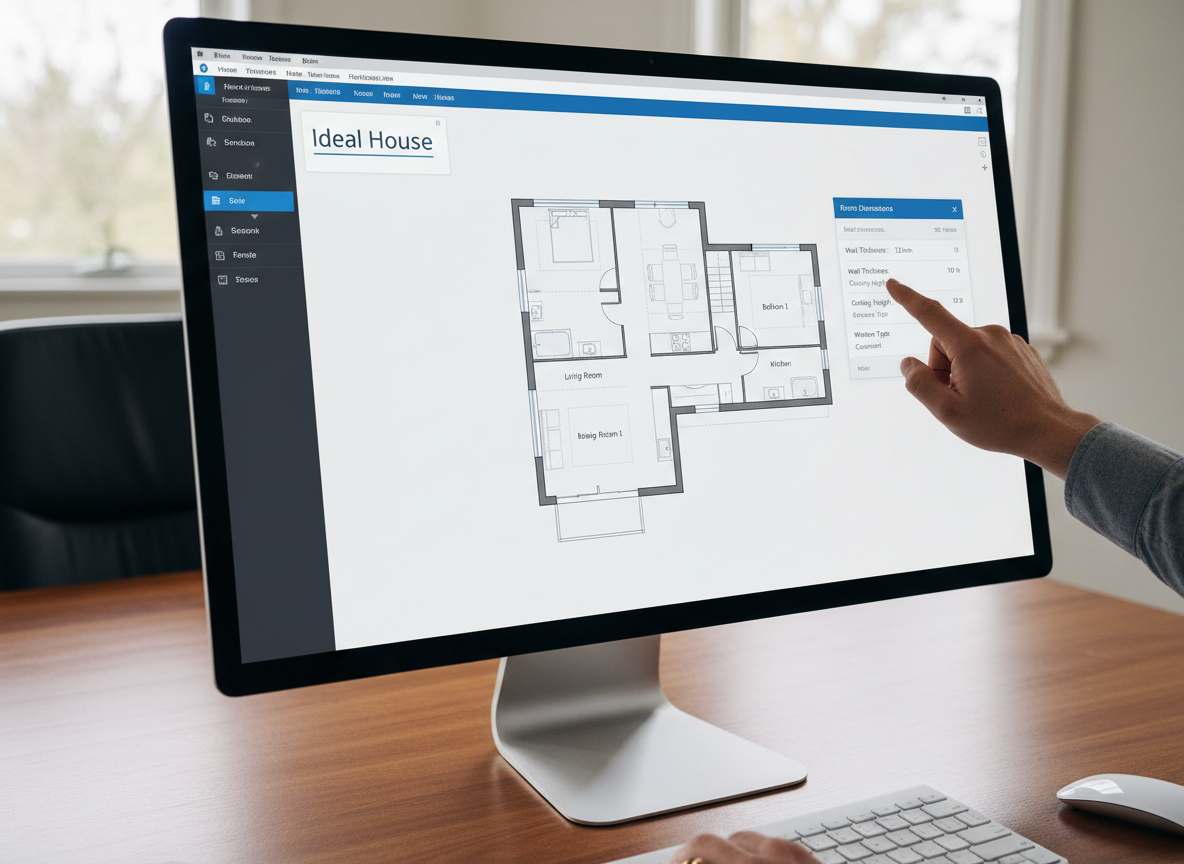
Smart Parameter-Driven Design
Customize your layouts with unparalleled precision. Our floor plan app allows you to dial in specific parameters like the number of bedrooms (0-4), bathrooms (1-3), and even choose between an open or closed kitchen. Plus, define a gross area range to guide the AI, ensuring your digital floor plan meets your exact spatial needs. This intelligent layout design tool ensures every detail counts.
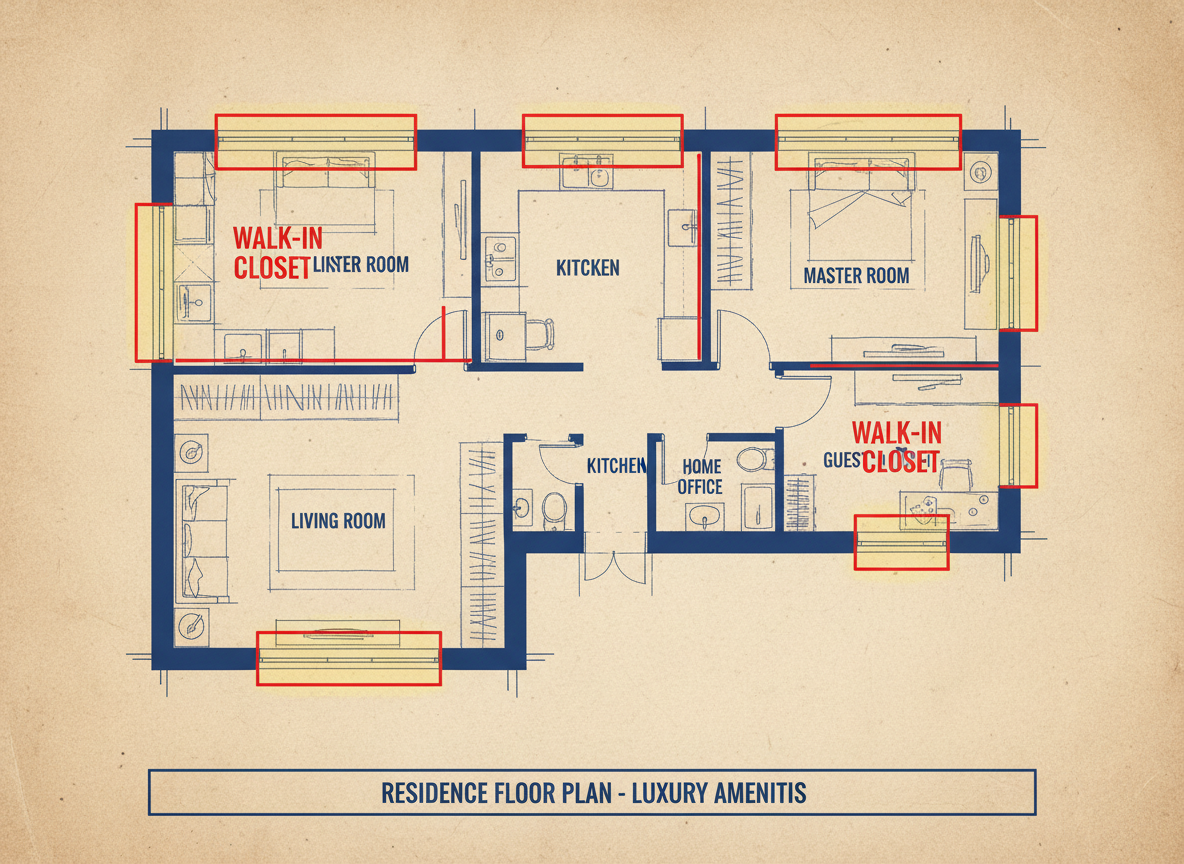
Feature-Rich Customization
Beyond basic rooms, our AI floor plan maker lets you integrate 'extras' that truly shape the home. Add a walk-in closet, laundry room, home office, garage, pantry, or a balcony. These selections influence zoning and room adjacencies, giving you a custom floor plan that reflects modern living and specific functional requirements.
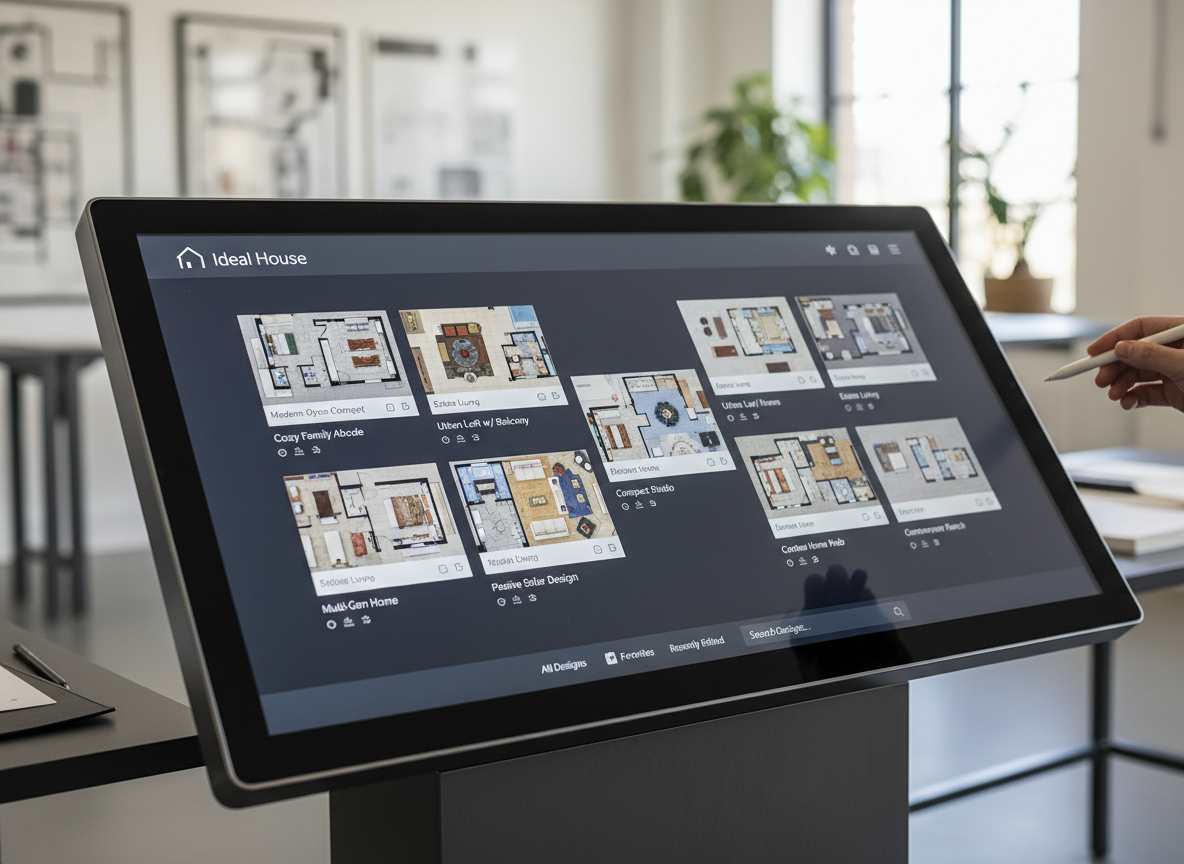
Seamless History & Iteration
Every design you generate is automatically saved in your Generation History, making it easy to compare and refine. Use the 'Created with AI Floorplan' filter and grid/list views to track your progress. Our floor plan designer empowers you to experiment with various concepts, ensuring you find the perfect room layout planner solution without losing previous ideas.

Who Benefits from Our AI Floor Plan Generator?

Homeowners & DIY Planners seeking a free floor plan creator for Windows to visualize their dream home layouts.

Interior Designers & Decorators needing quick, professional 2D floor plans for client presentations and concept development.

Real Estate Agents & Brokers looking to enhance property listings with clear, consistent 2D floor plans and a house plan generator.

Contractors & Consultants who require fast, accurate architectural drawing software to communicate project scope.

Generate Your Floor Plan in 5 Simple Steps
1
Set Rooms: Choose your desired number of bedrooms (0-4) and bathrooms (1-3) to begin shaping your home.
2
Choose Kitchen Style: Decide between an open or closed kitchen layout, influencing the flow and feel of your living space.
3
Pick Gross Area: Select a target area range to guide the AI in proportioning rooms and overall footprint effectively.
4
Add Extras: Multi-select features like a walk-in closet, home office, or garage to customize your digital floor plan.
5
Generate & Review: Click 'Generate' to see your 2D floor plan come to life, then review and refine in your history.
Frequently Asked Questions About Our AI Floor Plan Creator
How does the AI turn my selections into a floor plan?
The AI floor plan generator interprets your inputs (beds, baths, kitchen type, gross area, extras) and applies smart design principles and common adjacency rules to draft a clear 2D floor plan. Each generation creates a unique concept for your apartment layout tool needs.
What are the customization ranges available?
You can select 0-4 bedrooms, 1-3 bathrooms, open or closed kitchen, and various gross area bands. The 'Extras' feature allows for multi-selection of additional rooms like a home office or pantry, making it a truly custom floor plan solution.
What does 'Gross Area' influence in my floor plan?
The gross area range helps guide the overall scale and proportions of your floor plan. Selecting the band closest to your target size ensures rooms and corridors feel appropriate and creates the most believable layout with our house plan generator.
Can I compare different versions of my floor plan?
Absolutely! Every generated floor plan is saved in your 'Generation History.' You can use filters and different view modes to compare multiple drafts side-by-side, making it easy to choose the perfect design from our floorplan maker.
Is this a free floor plan creator for Windows?
Yes, Ideal House offers a robust free floor plan creator for Windows users, providing powerful AI-driven tools to help you design and visualize your spaces without needing expensive home design software. Enjoy professional results at no cost.
Enhance Your Designs with More Ideal House Tools

Magic Editor
Select any object in your design and replace it with a different piece of statement furniture.
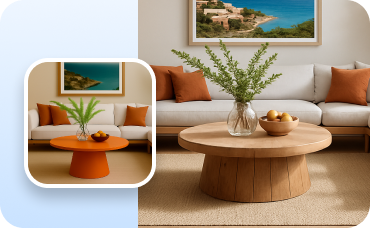
Change Furniture
Swap individual furniture pieces within your staged room to fine-tune the layout and style.
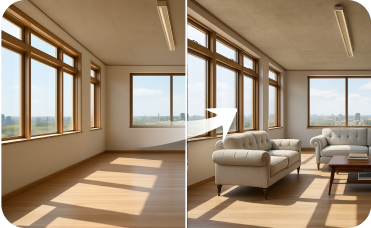
Virtual Staging
Furnish empty interior rooms with beautiful, realistic furniture to complete your property's appeal.
Ready to Design Your Space?
Experience the ultimate free floor plan creator for Windows. Simple, fast, and incredibly powerful. Create your perfect home layout today!
Generate My Floor Plan Now
💰 Earn 10% commission as a Ideal House Affiliate Partner.
Join us