








Generator
History
AI Floor Plan Generator
Change Tool
Model
Base
Switch
Rooms
BedRoom
-
2
+
BathRoom
-
1
+
Kitchen
open
closed
Gross Area
Unit metric
 imperial
metric imperialArea
< 50㎡
50-80㎡
80-100㎡
100-120㎡
120-150㎡
> 150㎡
Extras
walk-in closet
laundry room
storage room
utility room
home office
garage
pantry
combined living-dining
balcon

Unlock Your Dream Layout with a Free Building Plan Maker
Imagine creating detailed, professional-grade floor plans without needing an architect. Ideal House’s AI Floor Plan Generator is your ultimate free building plan maker, transforming your vision into stunning 2D layouts in seconds. Whether you're planning a new home, renovating, or preparing a real estate listing, our intuitive tool helps you design a house plan with unparalleled ease and precision. Say goodbye to complex drafting software and hello to instant, intelligent design.
Generate My Floor Plan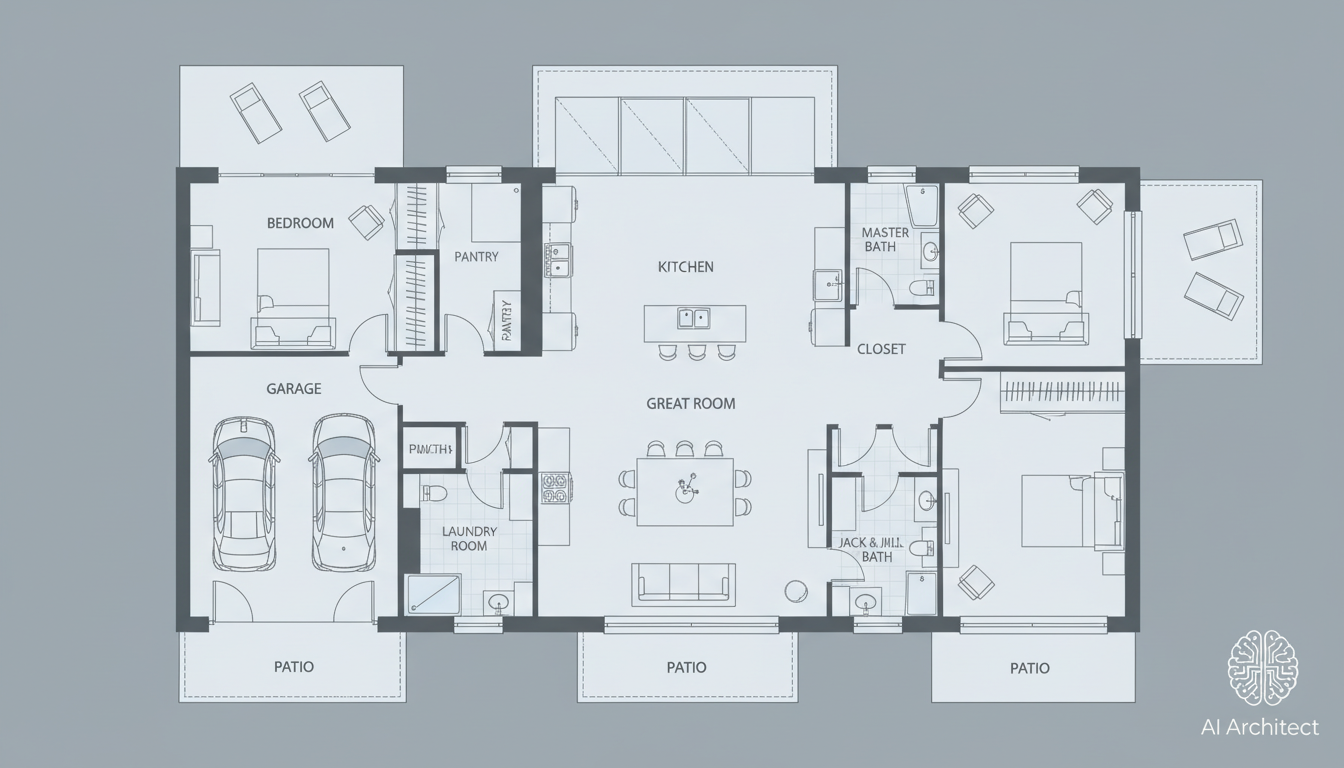


Why Ideal House is Your Go-To Free Building Plan Maker
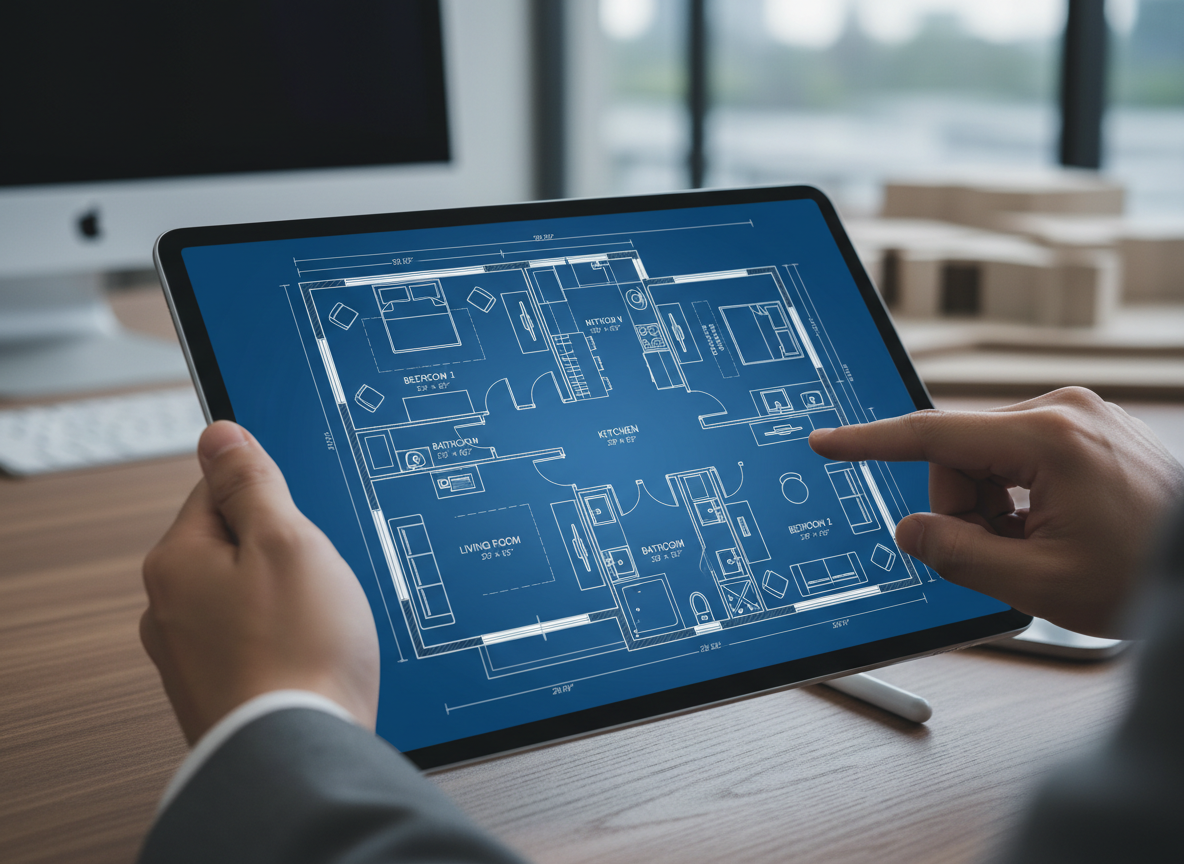
Instant 2D Floor Plan Generation
With Ideal House, you don't just get a free building plan maker; you get a lightning-fast floor plan creator. Input your desired number of bedrooms and bathrooms, kitchen style, and gross area, and watch as our AI generates a comprehensive 2D floor plan in moments. This speed is invaluable for initial concepts, client presentations, and rapid iteration, making it the perfect room planner online for any project.

Parametric Design & Custom Home Plans
Our AI isn't just fast—it's smart. Use precise parameters to guide your house layout planner. Select between open or closed kitchens, define your gross area range, and add specific extras like a walk-in closet, home office, or balcony. This level of customization ensures that the generated digital floorplan aligns perfectly with your custom home plans, offering a truly personalized design experience unlike any other blueprint generator.
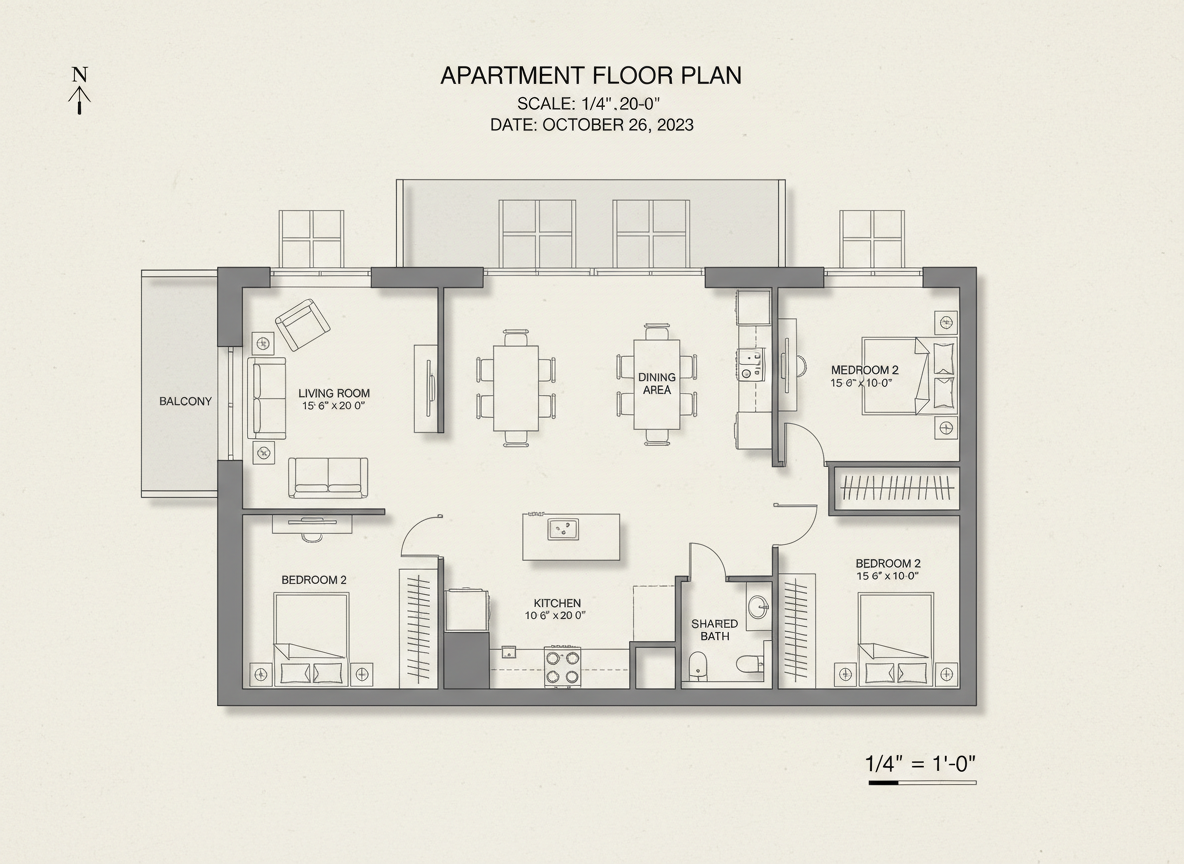
Professional Quality for Every Use Case
From homeowners to real estate professionals, our free building plan maker delivers high-quality residential floor plans suitable for any purpose. Create clear, presentation-ready layouts for listings, architectural drawing tool needs, or personal renovation projects. The AI Floor Plan Generator helps you communicate your space planning tool ideas effectively, ensuring everyone is on the same page.
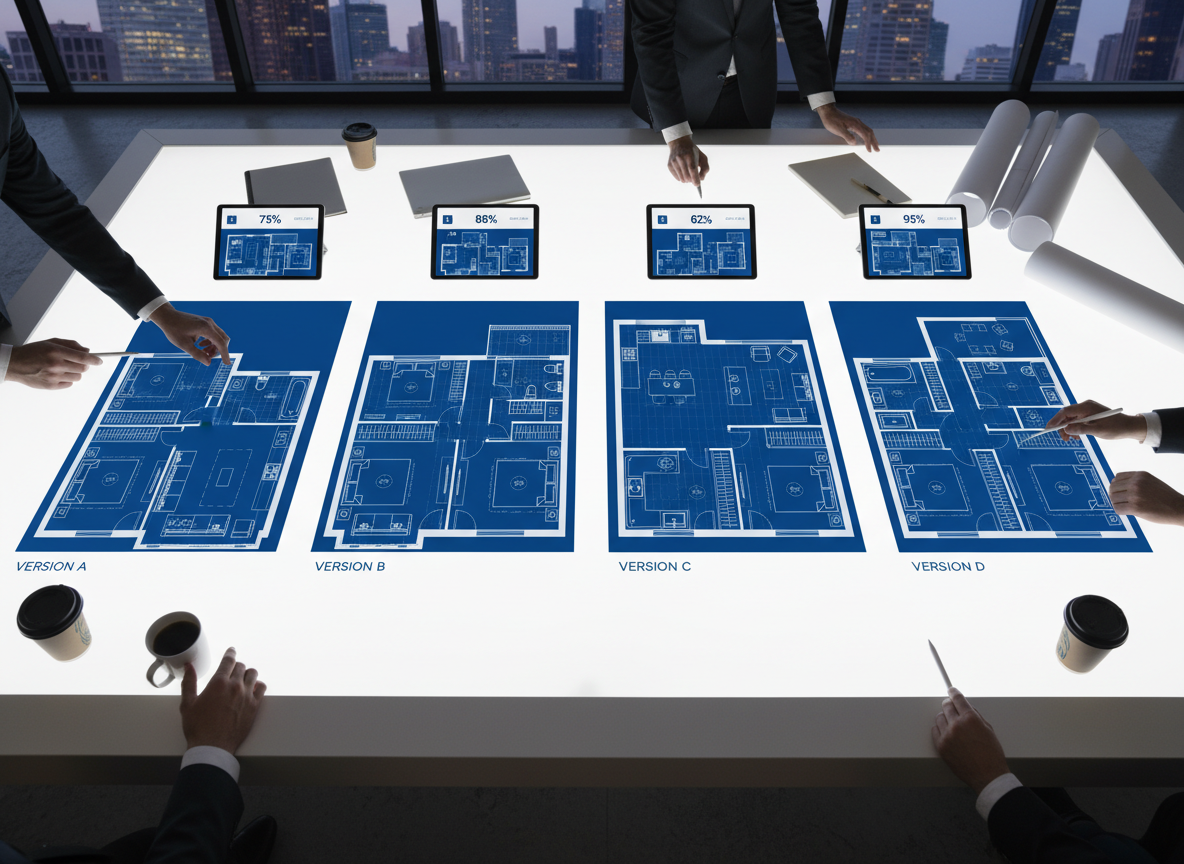
Seamless Workflow & Collaboration
Every floor plan you generate is saved in your history, allowing you to easily compare versions, filter by project, and share with clients or team members. This building layout software streamlines your design process, fostering collaboration and making it simple to iterate and refine your interior layout generator concepts. Ideal House is more than a diagram maker; it's a complete design ecosystem.

Who Benefits from Our Free Building Plan Maker?

Homeowners & DIY Enthusiasts: Easily visualize home renovations or new home builds without expensive software. Design a house plan that perfectly fits your lifestyle.

Real Estate Agents & Brokers: Generate consistent, professional 2D floor plans for listings quickly, helping potential buyers visualize the space and improving property appeal.

Interior Designers & Decorators: Rapidly create apartment layout concepts and iterate with clients, transforming ideas into tangible residential floor plans for design projects.

Design a House Plan in 5 Simple Steps
1
1. Define Your Rooms: Start by selecting the number of bedrooms (0-4) and bathrooms (1-3) you need for your perfect layout.
2
2. Choose Kitchen Style: Decide between an open or closed kitchen concept to influence the overall flow of your home design software plan.
3
3. Specify Gross Area: Pick a gross area range that best matches your target size, guiding the AI to create appropriate room proportions for your building plan maker project.
4
4. Add Custom Features: Enhance your design with 'extras' like a walk-in closet, laundry room, home office, or balcony to create truly custom home plans.
5
5. Generate & Refine: Click 'Generate' to see your 2D floor plan instantly. Review, tweak, and regenerate until you achieve your ideal house layout planner outcome.
Frequently Asked Questions About Our Free Building Plan Maker
How does the AI create my floor plan from selections?
Our AI floor plan generator intelligently interprets your inputs—bedrooms, bathrooms, kitchen style, gross area, and extras—and applies established architectural design principles. It considers adjacency, circulation, and optimal room placement to draft a clear 2D floor plan. Each generation provides a unique concept you can refine by adjusting your parameters.
What specific ranges and defaults are available?
You can select 0-4 bedrooms (default 2), 1-3 bathrooms (default 1), and choose an open or closed kitchen (default open). Gross Area offers various bands to ensure your digital floorplan aligns with your desired footprint. For extras, you can multi-select features like a walk-in closet, home office, pantry, and more to influence the layout.
How does 'Gross Area' impact my design?
The gross area band you choose acts as a critical guide for the AI, helping it scale rooms and corridors appropriately. Selecting the closest band ensures that the generated residential floor plans feel naturally proportioned and maximize the space efficiently for your custom home plans.
What's the difference between an open and closed kitchen layout?
An open kitchen design promotes continuous sightlines and a seamless flow between living and dining areas, ideal for modern, social spaces. A closed kitchen, conversely, creates a distinct, defined cooking zone, offering separation and often more wall space for cabinetry. Our blueprint generator adapts to either preference.
Can I compare different versions of my floor plans?
Absolutely! Every floor plan you generate is automatically saved in your 'Generation History.' You can easily review, compare, and manage multiple versions. Use the 'Created with AI Floorplan' filter and switch between grid or list views to find the perfect apartment layout or house plan.
Enhance Your Designs with Related Ideal House Tools

Image to Video
Turn your static room designs into dynamic video tours that engage buyers online.
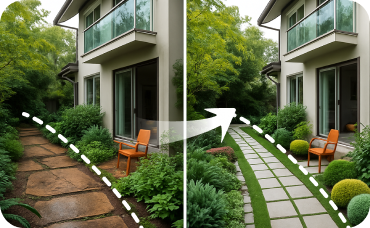
Landscaping
Extend your design vision to the outdoors by visualizing complementary garden and patio designs.
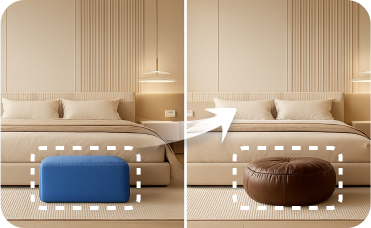
Smart Replacer
Fine-tune your design by changing smaller details like light fixtures, art, or windows.
Ready to Design Your Space?
Stop dreaming and start designing! Our free building plan maker is here to empower your creativity.
Generate My Floor Plan
💰 Earn 10% commission as a Ideal House Affiliate Partner.
Join us