








Generator
History
AI Floor Plan Generator
Change Tool
Model
Base
Switch
Rooms
BedRoom
-
2
+
BathRoom
-
1
+
Kitchen
open
closed
Gross Area
Unit metric
 imperial
metric imperialArea
< 50㎡
50-80㎡
80-100㎡
100-120㎡
120-150㎡
> 150㎡
Extras
walk-in closet
laundry room
storage room
utility room
home office
garage
pantry
combined living-dining
balcon

Design Your Dream Home with Our Free Blueprint Maker for Houses
Unleash your architectural vision with Ideal House’s AI Floor Plan Generator. Quickly create detailed digital floor plans, perfect for homeowners, designers, and real estate professionals. Generate custom floor plans in seconds, transforming your ideas into professional-grade blueprints. Get started today with the most intuitive free blueprint maker for houses.
Generate My Floor Plan


Revolutionize Your Design Process with Our Free Blueprint Maker

Instant Floor Plan Generation
Say goodbye to manual drafting. Our AI-powered tool acts as an instant floor plan generator, taking your specific needs—like bedroom count, kitchen style, and gross area—to create accurate, presentation-ready digital floor plans in seconds. This isn't just a layout maker; it's a speed solution for your design blueprints.

Unmatched Customization & Flexibility
From open-concept kitchens to dedicated home offices, our free blueprint maker for houses allows you to shape your space precisely. Add extras like a walk-in closet, laundry room, or balcony to your custom floor plans, ensuring every detail of your residential design is considered. It’s the ultimate home design tool.
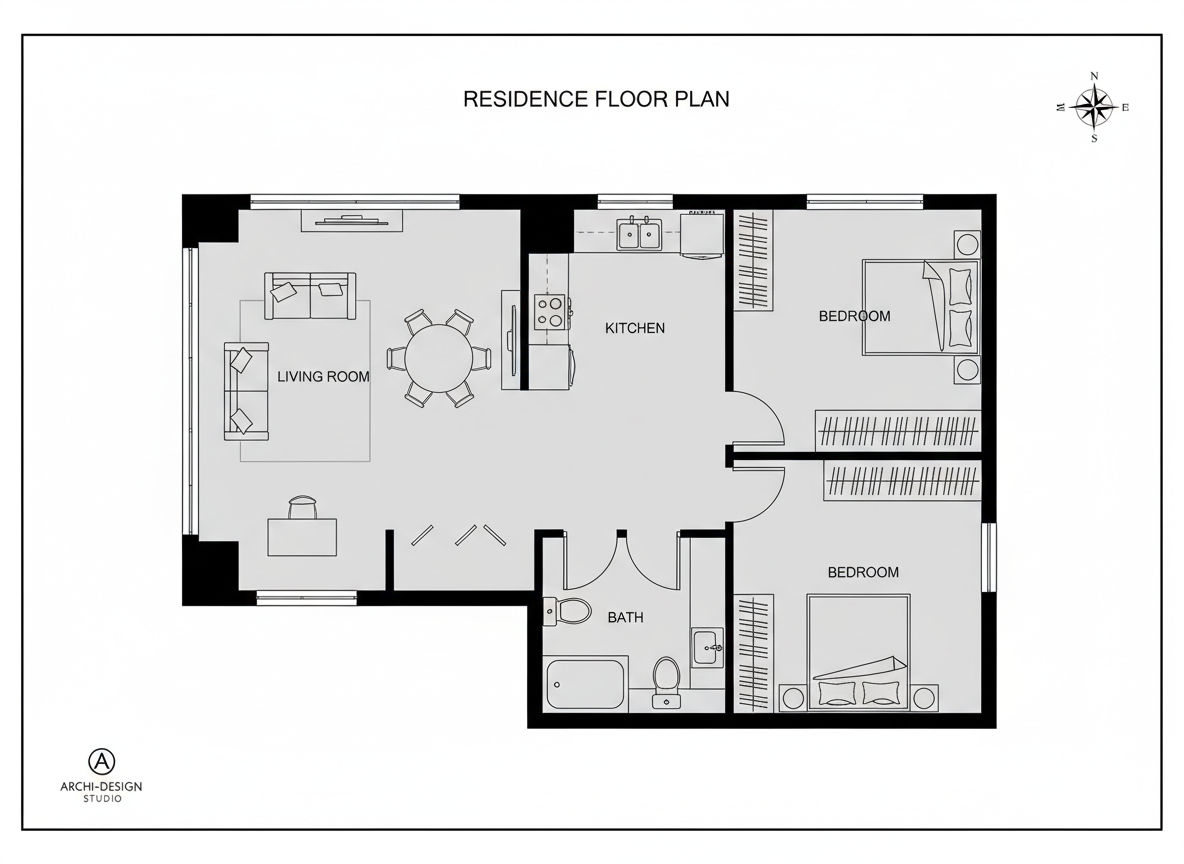
Professional-Grade 2D Floor Plans
Whether for a client presentation or a real estate listing, Ideal House delivers clear, high-quality 2D floor plans that are easy to understand. Our architectural drawing software ensures your designs are consistent and professional, helping you communicate your vision effectively and efficiently. Produce stunning digital floor plans effortlessly.
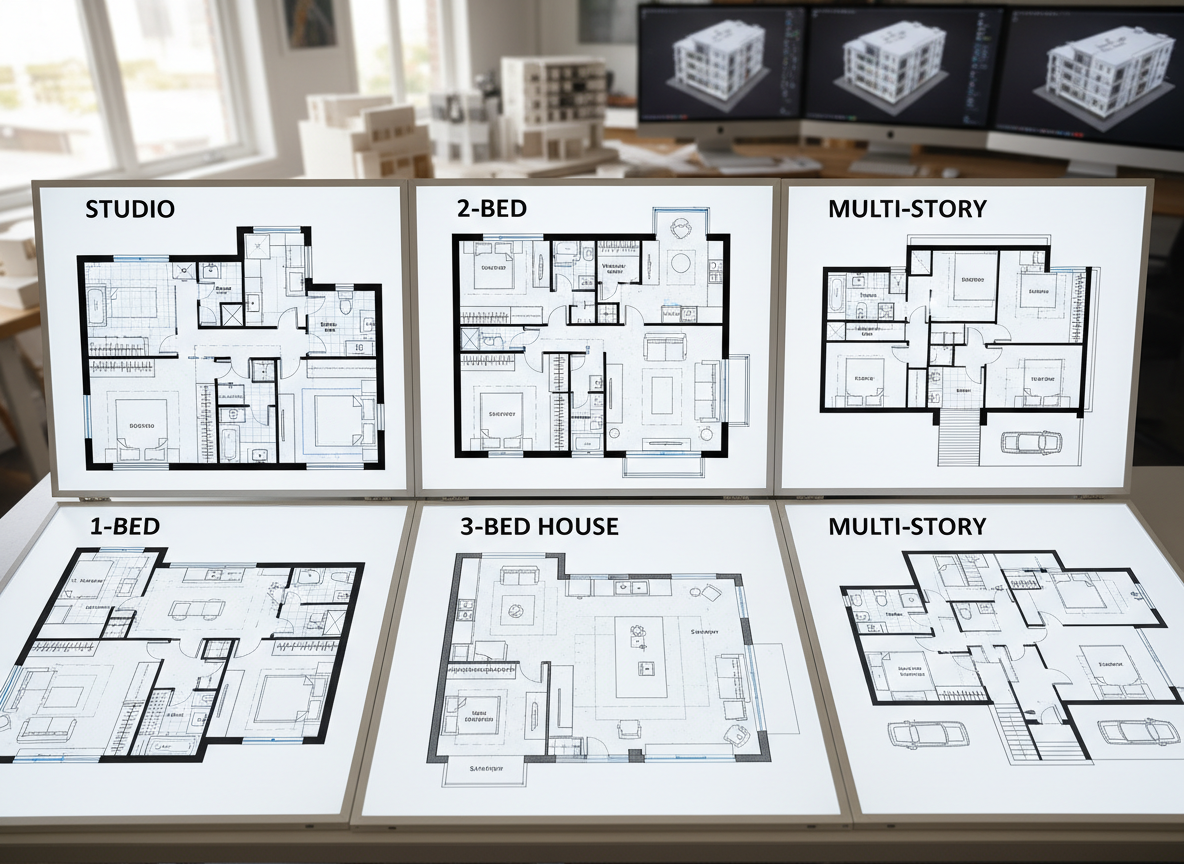
Streamlined Collaboration & Export
Easily compare multiple versions of your house plan designs in your Generation History. Download your finalized floor plans as images or PDFs, making sharing and collaboration seamless. This online floor planner simplifies your workflow, helping you iterate and align with teams and clients faster than ever before. It's more than just a floor plan creator.

Who Can Benefit from Our Free Blueprint Maker for Houses?

Homeowners & DIY Enthusiasts: Visualize renovations or new builds.

Interior Designers & Decorators: Rapidly prototype and present concepts.

Real Estate Professionals: Enhance listings with clear, accurate floor plans.

How to Generate Your Custom Floor Plans in 5 Easy Steps
1
Define Your Space: Select the desired number of bedrooms and bathrooms for your ideal home layout.
2
Choose Your Style: Decide between an open or closed kitchen concept to suit your living preferences.
3
Set Your Scale: Pick a gross area range that aligns with your project's footprint for accurate proportions.
4
Add Key Features: Incorporate important extras like a walk-in closet, home office, or garage to shape your design blueprints.
5
Generate & Refine: Click 'Generate' to instantly create your 2D floor plan. Review, tweak parameters, and regenerate until perfect!
Frequently Asked Questions About Our AI Floor Plan Generator
How does the AI create floor plans from my selections?
Our AI floor plan generator interprets your inputs—like room counts, kitchen type, and gross area—applying established architectural rules to produce a logical and functional 2D floor plan. Each generation provides a unique concept for your house plan.
Can I really create custom floor plans for free?
Yes, Ideal House offers a free tier that allows you to generate and experiment with custom floor plans, making it an accessible free blueprint maker for houses. Credits are used per generation, and you can always upgrade for more.
What does 'Gross Area' influence in my floor plan?
The 'Gross Area' selection guides the overall scale of your design blueprints. Choosing the closest size range ensures that rooms and circulation spaces are appropriately proportioned within your digital floor plans.
How do 'Extras' like a walk-in closet impact the design?
Extras provide critical cues to our AI floor plan maker. For example, a walk-in closet will typically be placed adjacent to a primary bedroom, while a pantry will be near the kitchen, optimizing your room planner's output.
Is this suitable as architectural drawing software for professionals?
While Ideal House is not a full-fledged CAD system, it serves as an excellent architectural drawing software for rapid concept generation, client presentations, and initial layout exploration, providing professional-looking 2D floor plans quickly.
Discover More Ideal House Design Tools
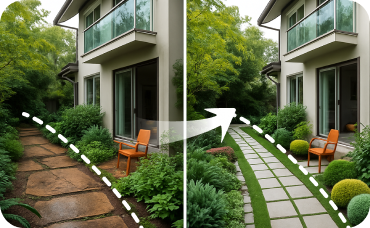
Landscaping
Redesign your entire yard, from gardens and patios to pools and pathways, for a complete curb appeal makeover.

HouseGPT
Ask our design AI for tips on how to describe your new Sculptural Form staging in your listing.

Magic Editor
Make pixel-perfect adjustments, remove unwanted objects, or tweak small landscape details in your generated images.
Ready to Design Your Space with the Best Free Blueprint Maker for Houses?
Transform your ideas into stunning digital floor plans in minutes. Start creating your ideal home layout today!
Generate My Floor Plan
💰 Earn 10% commission as a Ideal House Affiliate Partner.
Join us