








Generator
History
AI Floor Plan Generator
Change Tool
Model
Base
Switch
Rooms
BedRoom
-
2
+
BathRoom
-
1
+
Kitchen
open
closed
Gross Area
Unit metric
 imperial
metric imperialArea
< 50㎡
50-80㎡
80-100㎡
100-120㎡
120-150㎡
> 150㎡
Extras
walk-in closet
laundry room
storage room
utility room
home office
garage
pantry
combined living-dining
balcon

Transform Concepts into Reality: Your Ultimate Building Plan Maker
Unleash the power of AI with Ideal House's revolutionary building plan maker. Quickly generate detailed 2D floor plans from simple inputs, perfect for homeowners, designers, and real estate professionals across North America. Say goodbye to manual drafting and hello to instant, precision-driven design. This intuitive floor plan creator empowers you to visualize layouts, explore options, and bring your architectural dreams to life in seconds.
Generate My Floor Plan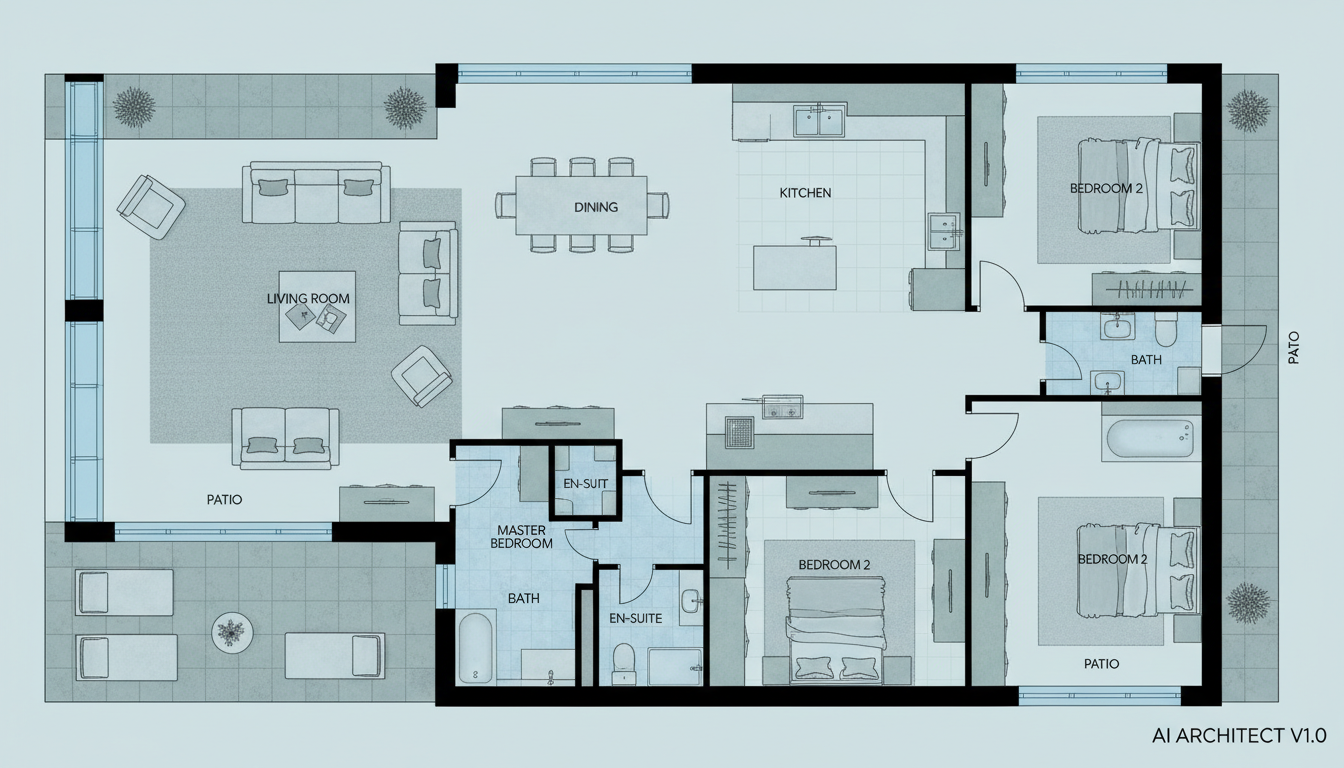


Why Ideal House is Your Go-To Building Plan Maker
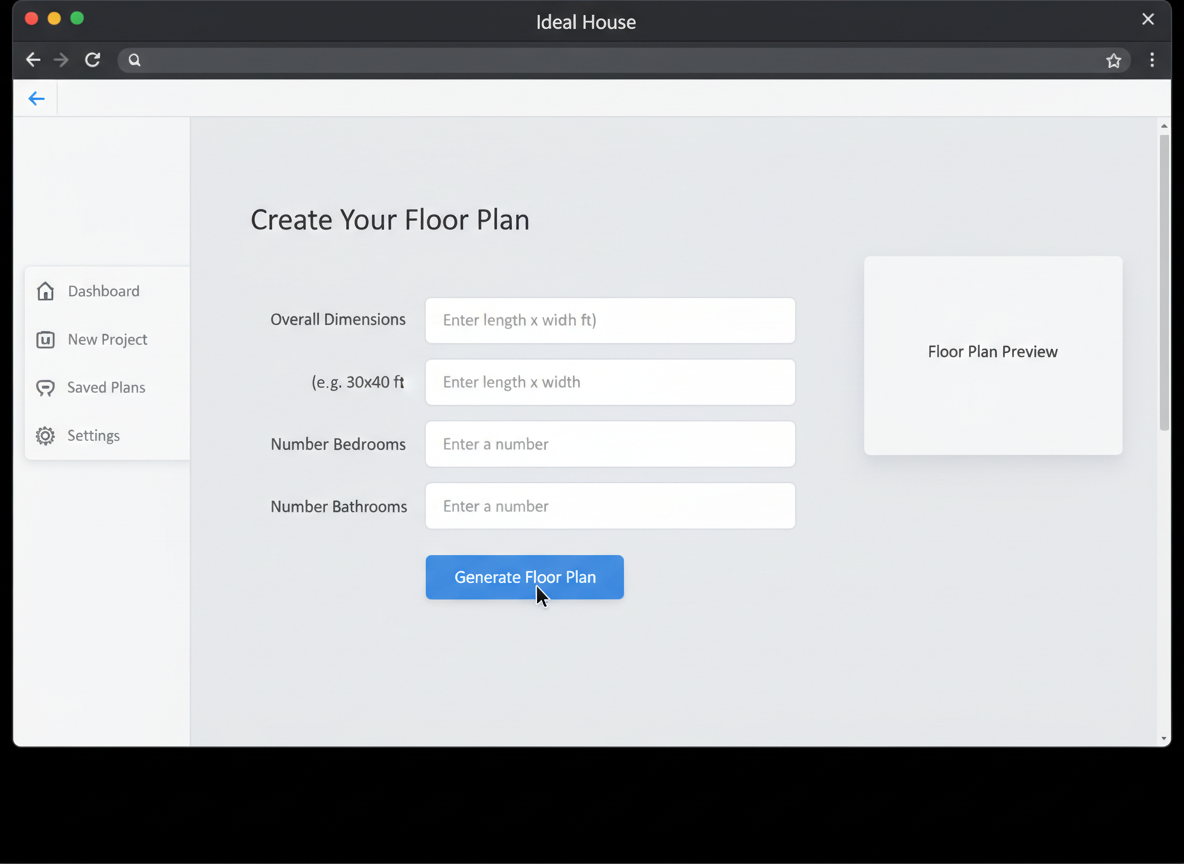
Instant 2D Floor Plans from Simple Inputs
Our advanced AI floor plan generator turns your high-level requirements into clear, precise 2D architectural drawings almost instantly. Specify bedrooms, bathrooms, kitchen style, and gross area, and watch as our building plan maker crafts a functional layout tailored to your needs. This seamless process makes us the ultimate house plan generator for quick visualization.
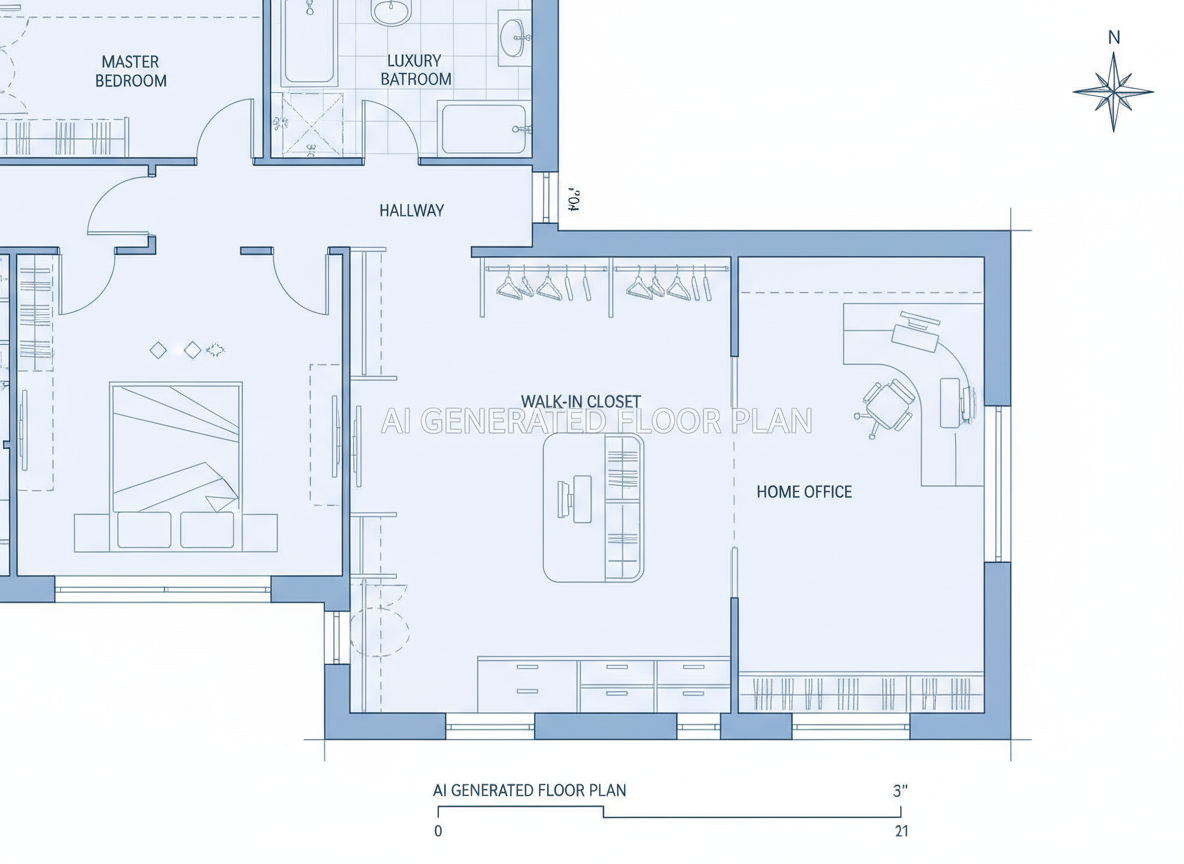
Parametric Design for Custom Floor Plans
Ideal House isn't just a basic room layout planner; it's a sophisticated building plan maker that adapts to your vision. Dial in parameters like the number of rooms, kitchen configuration (open or closed), and even add specific features like a walk-in closet or home office. Our spatial planning app allows for unparalleled customization, creating unique residential floor plans every time.

Efficiency and Speed for Every Project
Gone are the days of tedious drafting software. With Ideal House's building plan maker, you can iterate on designs and generate multiple virtual floorplans in minutes, not hours. This speed is crucial for real estate listings, client presentations, or simply exploring various schematic design options for your next project. It’s the fastest blueprint maker on the market.
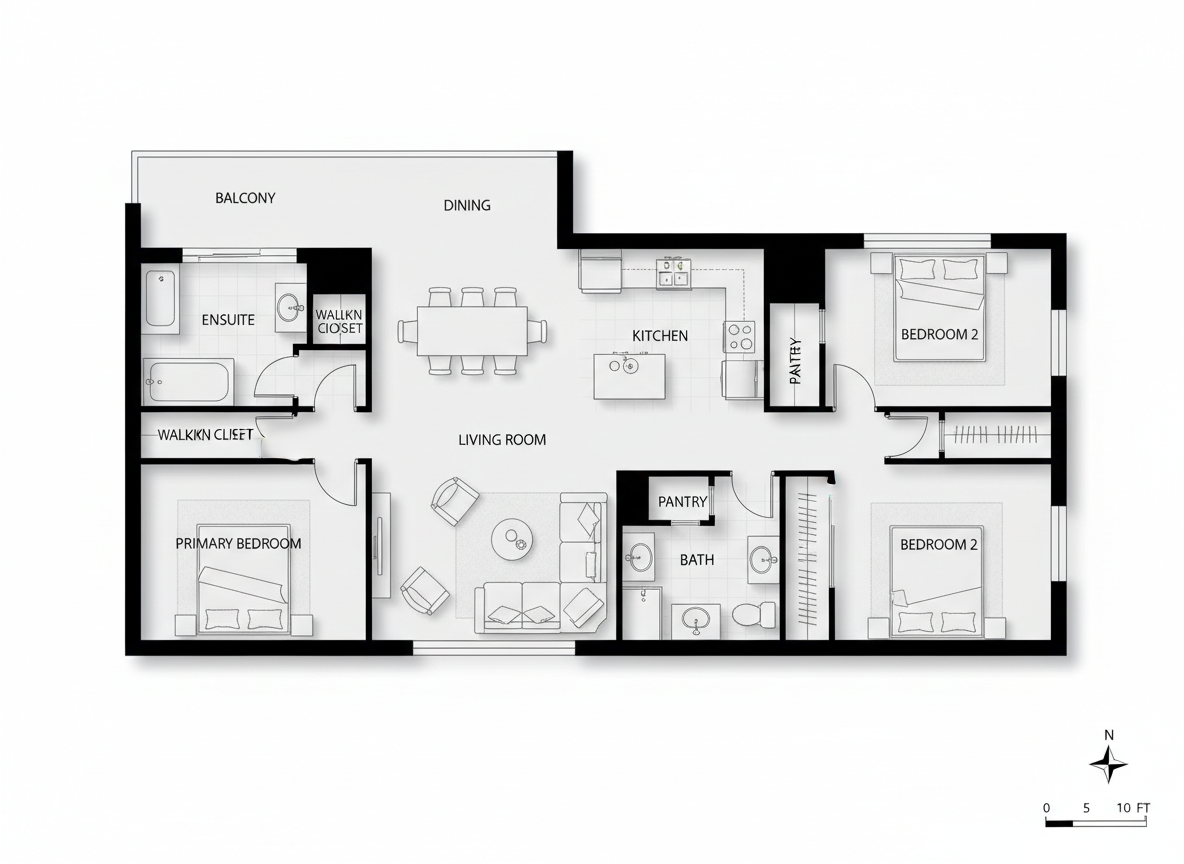
Professional-Grade Output for North American Listings
Whether you need digital floor plans for a real estate listing or a contractor consultation, our building plan maker delivers professional-grade 2D architectural drawings. Ensure your property stands out with clear, easy-to-understand layouts that enhance buyer and client understanding, boosting your ROI. This is the home design tool that gets results.

Who Benefits from Our AI Building Plan Maker?

Homeowners & DIY Planners: Experiment with different room counts, kitchen styles, and extras to visualize your ideal living space.

Interior Designers & Decorators: Quickly generate apartment floor plan concepts, iterate with clients, and refine layouts on the fly.

Real Estate & Rentals Professionals: Create consistent, professional 2D real estate floor plans for listings to attract and inform buyers.

Contractors & Consultants: Translate verbal briefs into clear 2D floor plan visuals to align scope, discuss options, and facilitate decision-making.

Generate Your Dream Building Plan in 5 Simple Steps
1
Set Rooms: Choose your desired number of Bedrooms (0-4) and Bathrooms (1-3) to begin shaping your building plan.
2
Choose Kitchen Style: Toggle between open or closed kitchen layouts, influencing flow and spatial relationships in your design.
3
Pick Gross Area: Select a size range to guide the overall proportions, ensuring your floor plan feels just right.
4
Add Extras: Multi-select features like a walk-in closet, home office, or garage to customize your layout with specific functional zones. This impacts the overall building layout tool's output significantly.
5
Generate & Review: Click 'Generate' to see your new building plan instantly. Review results, tweak parameters, and regenerate to compare versions and find your ideal blueprint.
Frequently Asked Questions About Our Building Plan Maker
How does the AI turn my selections into a building plan?
Our AI floor plan generator interprets your inputs—beds, baths, kitchen type, gross area, and extras—and applies established architectural principles to create a logical 2D floor plan. Each generation offers a fresh concept for your building plan.
What ranges and defaults are available for creating a building plan?
You can select Bedrooms (0-4, default 2), Bathrooms (1-3, default 1), Kitchen (open/closed, default open), and various Gross Area bands. Extras are multi-selectable to customize your building plan maker experience.
How does 'Gross Area' influence my building plan?
The Gross Area band guides the overall scale of your building plan. Selecting the closest band ensures that rooms and corridors are appropriately sized for the intended footprint, resulting in a more realistic and believable layout from our house plan generator.
What changes with an 'open' versus 'closed' kitchen in my building plan?
An open kitchen in your building plan favors continuous sightlines and a seamless flow between living and dining areas. A closed kitchen creates a more defined, separate cooking zone, offering different spatial dynamics from our floor plan creator.
What do the 'Extras' do for my building plan?
Extras inform the AI floor plan maker which specific spaces to prioritize and how to integrate them. For example, a walk-in closet near the primary bedroom or a pantry adjacent to the kitchen, optimizing the functional layout of your building plan.
Enhance Your Design Workflow with Ideal House Tools

Ready to Design Your Next Project with the Best Building Plan Maker?
Map your space in minutes with clear, professional 2D floor plans. Ideal House makes design fast, intuitive, and share-ready.
Generate My Floor Plan
💰 Earn 10% commission as a Ideal House Affiliate Partner.
Join us