








Generator
History
AI Floor Plan Generator
Change Tool
Model
Base
Switch
Rooms
BedRoom
-
2
+
BathRoom
-
1
+
Kitchen
open
closed
Gross Area
Unit metric
 imperial
metric imperialArea
< 50㎡
50-80㎡
80-100㎡
100-120㎡
120-150㎡
> 150㎡
Extras
walk-in closet
laundry room
storage room
utility room
home office
garage
pantry
combined living-dining
balcon

Design Your Dream Space with an AI-Powered App to Design a Floor Plan
Unleash your creativity and simplify spatial planning with Ideal House’s AI Floor Plan Generator. This revolutionary app to design a floor plan transforms your vision into professional 2D floor plans in seconds, perfect for homeowners, real estate professionals, and interior designers alike. Explore countless layouts, experiment with room configurations, and get precise results without complex software. It's the ultimate floor plan creator for anyone looking to visualize their next project.
Generate My Floor Plan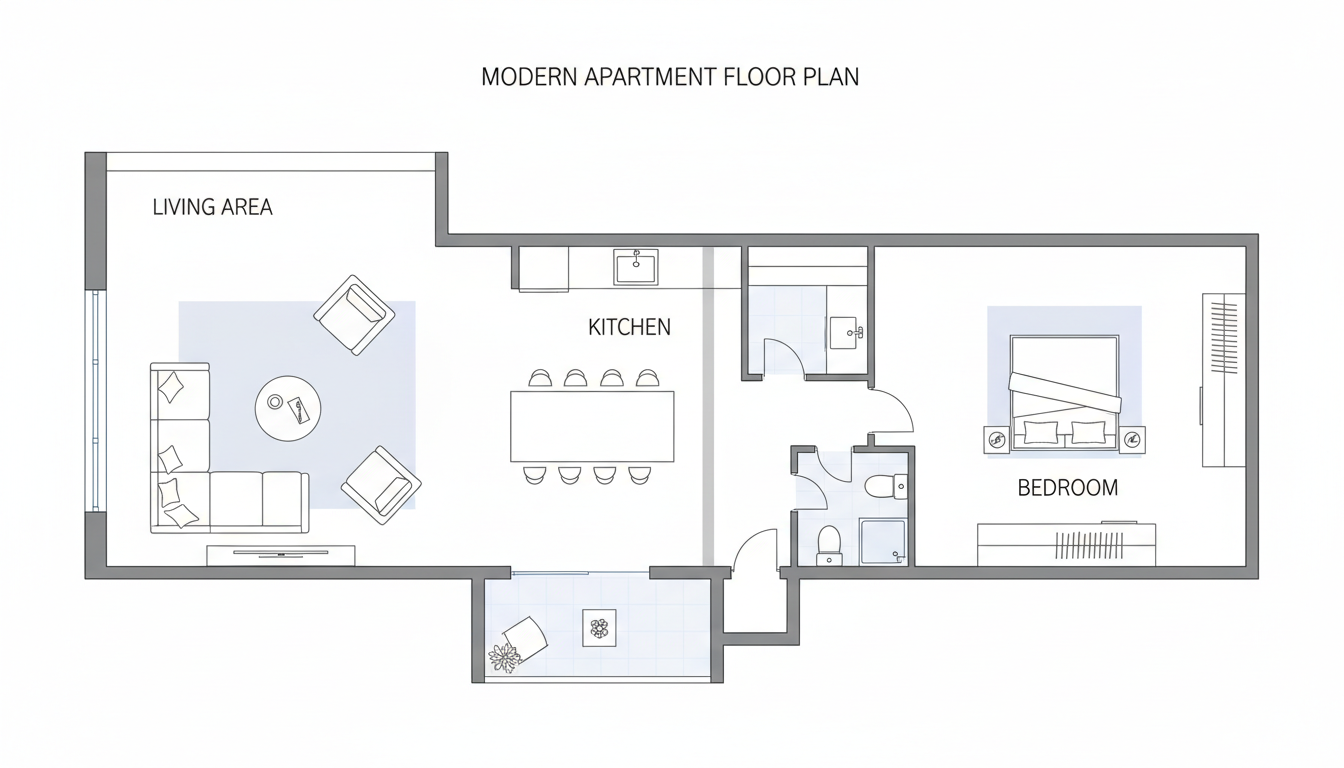


Why Ideal House is Your Go-To App to Design a Floor Plan

Instant 2D Floor Plans, Tailored to You
Say goodbye to manual drawing. Our AI Floor Plan Generator is the ultimate floor plan creator, allowing you to instantly generate professional 2D floor plans. Simply input your desired number of bedrooms and bathrooms, kitchen style (open or closed), and gross area range. The AI floor plan maker does the rest, providing clear, presentation-ready layouts. It’s the fastest app to design a a floor plan for any project, big or small.
Smart Customization with Essential Extras
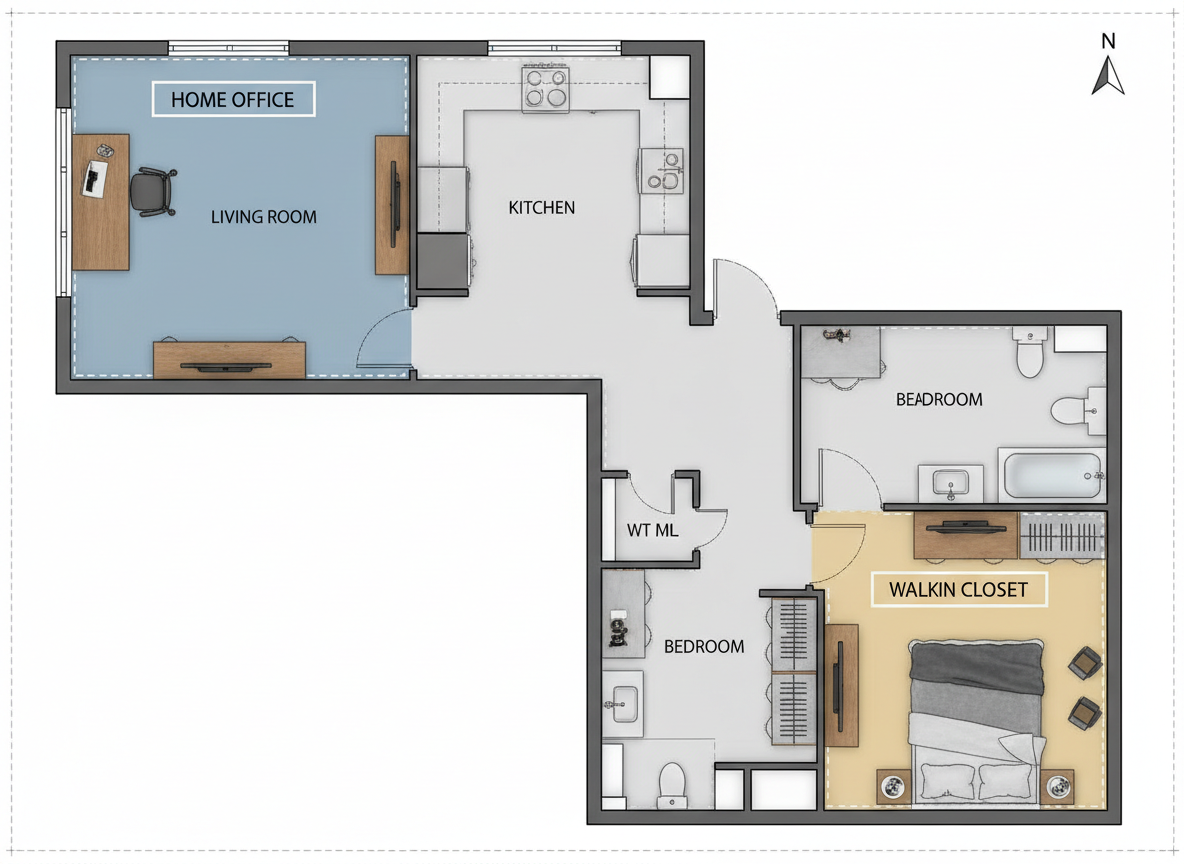
Go beyond basic layouts. Our intuitive home planner app lets you integrate critical design elements like walk-in closets, laundry rooms, home offices, or balconies. These 'extras' intelligently shape your floor plan, optimizing zoning and room relationships to fit your lifestyle or client needs. It’s an incredibly smart room layout planner that adapts to your specific requirements, making it the perfect app to design a floor plan with precision.
Seamless Iteration and Comparison
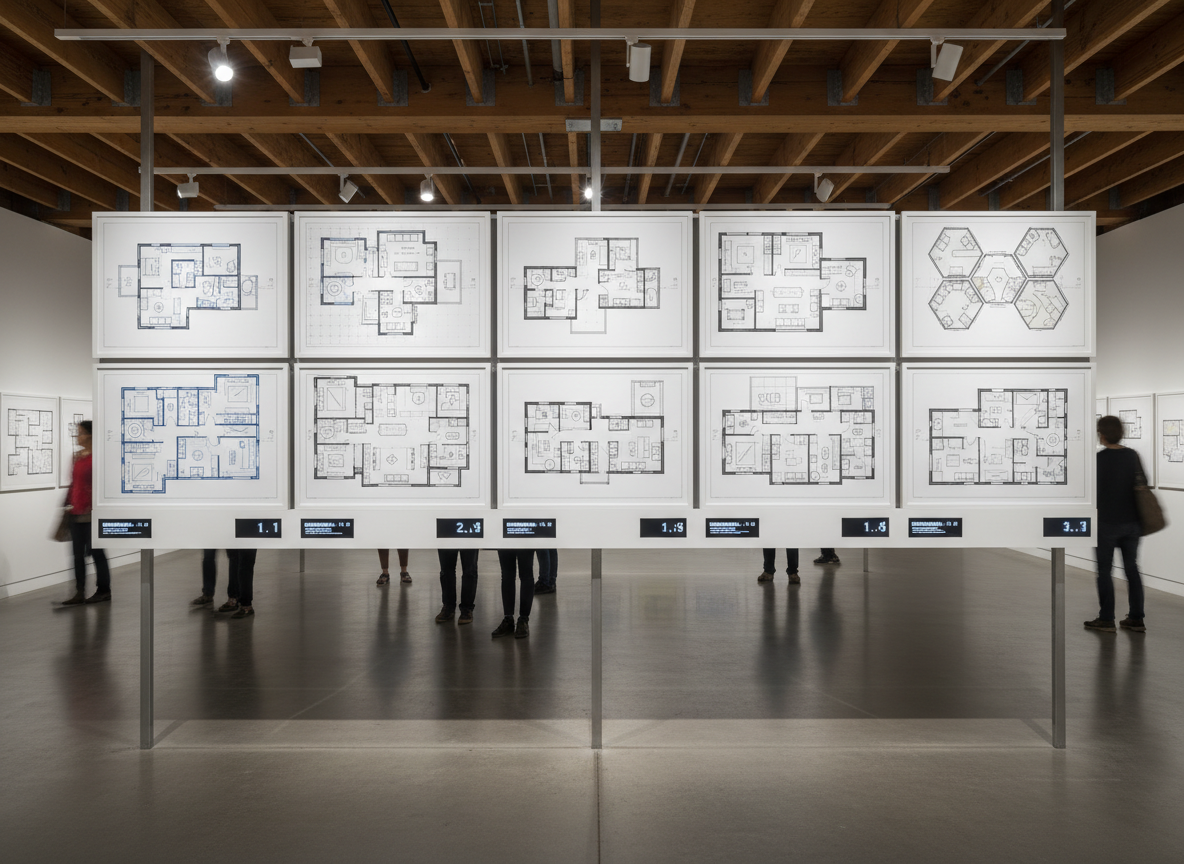
Every floor plan you generate is automatically saved in your Generation History. This powerful feature allows you to compare different versions, tweak parameters, and refine your design until it's perfect. Whether you're exploring multiple options for a residential design tool or showing clients different layouts, our platform makes iteration effortless. This online floor planner ensures you always have access to your previous designs.
Real-Time Visualization for Informed Decisions
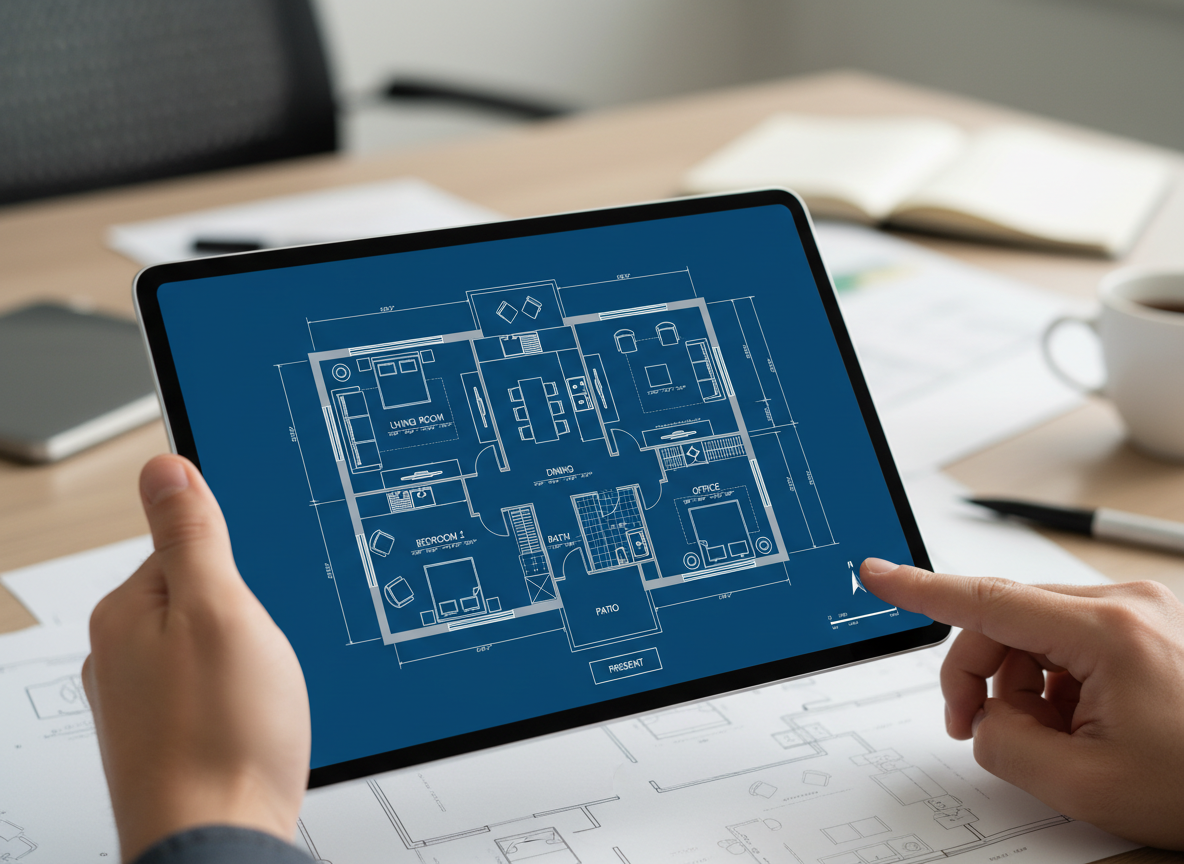
Visualize concepts quicker than ever. As an advanced architectural drawing app, Ideal House empowers you to turn high-level ideas into tangible 2D floor plans instantly. This speed is invaluable for early layout exploration, client discussions, and creating compelling real estate listings. Get a clear, accurate house blueprint creator at your fingertips, helping you make informed decisions efficiently with this leading app to design a floor plan.

Who Benefits from Our App to Design a Floor Plan?

Homeowners & DIY Enthusiasts: Easily visualize home renovations or new construction layouts without expensive software.

Real Estate Agents & Brokers: Generate consistent, professional 2D floor plans for listings, enhancing buyer engagement and clarity.

Interior Designers & Decorators: Quickly create and iterate on room layouts and spatial planning concepts for clients, saving time and improving collaboration.

How to Use the Ideal House App to Design a Floor Plan
1
1. Define Your Space: Begin by selecting the number of bedrooms (0-4) and bathrooms (1-3) to establish the core of your floor plan. This is the first step in using our app to design a floor plan tailored to your needs.
2
2. Choose Kitchen Style: Decide between an open or closed kitchen layout. Our AI floor plan maker instantly adapts to your preference, influencing the overall flow and interaction of living spaces.
3
3. Specify Gross Area: Pick a gross area range that best matches your desired size (e.g., <50㎡ to >150㎡). This guides the AI in proportioning rooms and corridors for a realistic and functional 2D floor plan.
4
4. Add Custom Features: Enhance your design with 'extras' like a walk-in closet, laundry room, home office, or balcony. These options influence the spatial planning, creating a more personalized layout.
5
5. Generate & Refine: Click 'Generate' to instantly see your custom floor plan. Review the results, then easily tweak your selections and regenerate to explore new possibilities. Every generation is saved.
6
6. Download & Share: Export your chosen floor plan as an image or PDF. Share it with clients, contractors, or integrate it directly into your property listings. It’s that simple to use this powerful app to design a floor plan.
Frequently Asked Questions About Our AI Floor Plan Generator
How does the AI turn my selections into a floor plan?
Our AI floor plan generator interprets your inputs (beds, baths, kitchen type, area, and extras) and applies smart architectural principles to draft a clear 2D floor plan. It considers common adjacencies and circulation rules to create a functional and realistic layout, making it an intelligent app to design a floor plan efficiently.
What are the available ranges for bedrooms, bathrooms, and gross area?
You can select 0-4 bedrooms, 1-3 bathrooms, and choose from various gross area ranges (e.g., <50㎡, 50–80㎡, 80–100㎡, 100–120㎡, 120–150㎡, >150㎡). This flexibility ensures our layout generator can accommodate diverse project requirements.
What's the difference between an open and closed kitchen in the floor plan?
An open kitchen typically fosters a continuous, flowing living-dining area, promoting social interaction. A closed kitchen creates a distinct, separate cooking zone. Our AI floor plan maker adjusts the surrounding spaces accordingly to reflect your choice.
Can I save and compare different floor plan versions?
Absolutely! Every floor plan generated is automatically saved in your Generation History. You can easily access, review, and compare multiple layouts side-by-side using filters and different viewing options. This feature of our house design app helps you make the best decision.
Is this app to design a floor plan suitable for real estate listings?
Yes, it's perfect for real estate! Generate simple, consistent, and professional 2D real estate floor plans that clearly communicate layout and flow to potential buyers. Enhance your listings with high-quality visuals created by our virtual floor plan tool.
Enhance Your Design Workflow with More Ideal House Tools
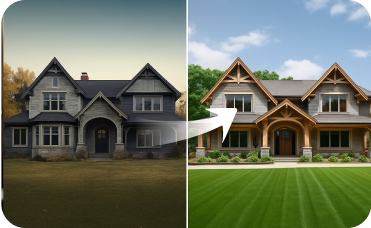
Exterior Renovator
Update your home's exterior to match the beautiful California Spanish style home aesthetic you've created inside.
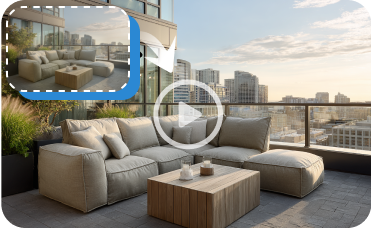
Image to Video
Create a dynamic virtual tour of your newly designed French country home to share with family or clients.

Photo Enhancer
Automatically improve the lighting, color, and clarity of your base photos for even better staging results.
Ready to Transform Your Design Ideas?
Experience the fastest, most intuitive app to design a floor plan. Get your perfect layout in minutes, not hours.
Generate My Floor Plan Now
💰 Earn 10% commission as a Ideal House Affiliate Partner.
Join us