








Generator
History
AI Floor Plan Generator
Change Tool
Model
Base
Switch
Rooms
BedRoom
-
2
+
BathRoom
-
1
+
Kitchen
open
closed
Gross Area
Unit metric
 imperial
metric imperialArea
< 50㎡
50-80㎡
80-100㎡
100-120㎡
120-150㎡
> 150㎡
Extras
walk-in closet
laundry room
storage room
utility room
home office
garage
pantry
combined living-dining
balcon

Design Your Dream Space with Our AI Floor Plan Generator
Tired of complicated software? Ideal House introduces the ultimate app for making building plans with unparalleled ease. Our AI Floor Plan Generator quickly transforms your vision into professional 2D floor plans, perfect for homeowners, designers, and real estate professionals. Generate precise layouts in seconds and bring your architectural dreams to life.
Generate My Floor Plan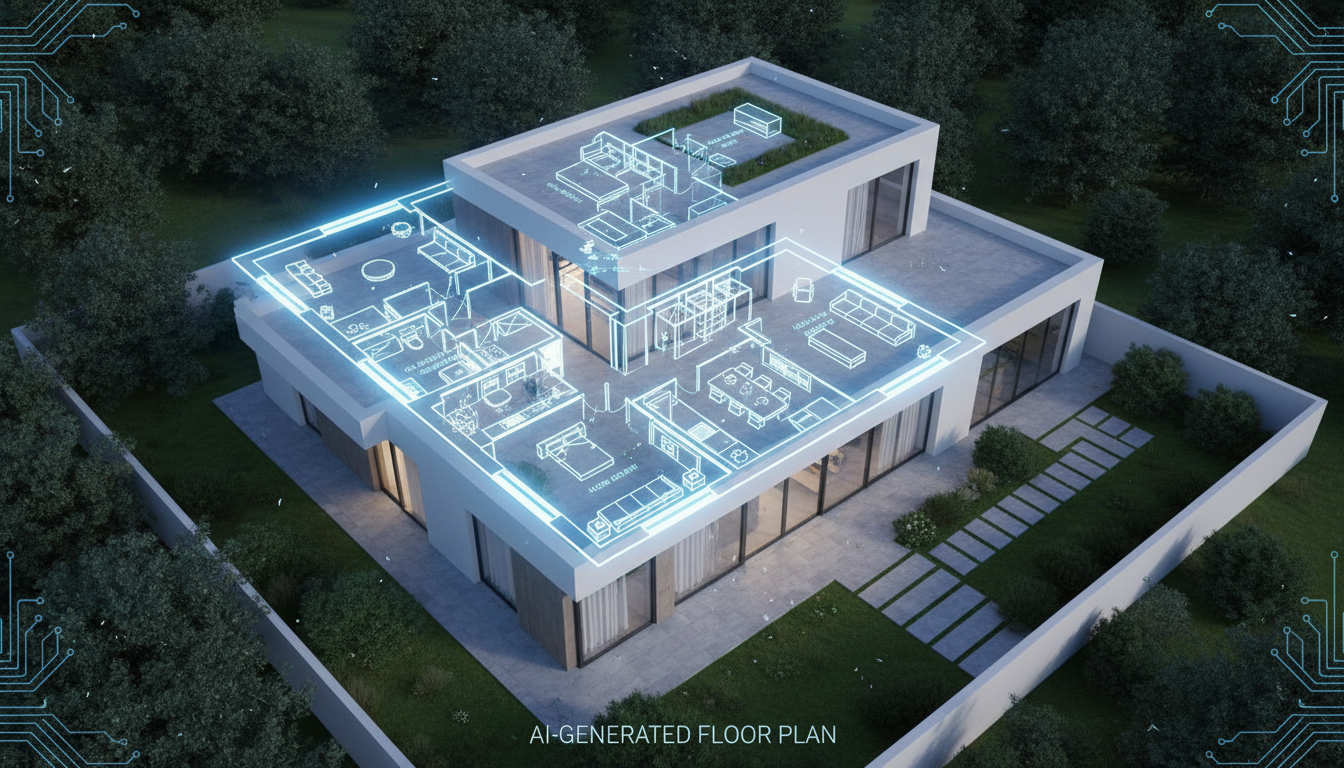


Why Choose Ideal House for Your Building Plans?
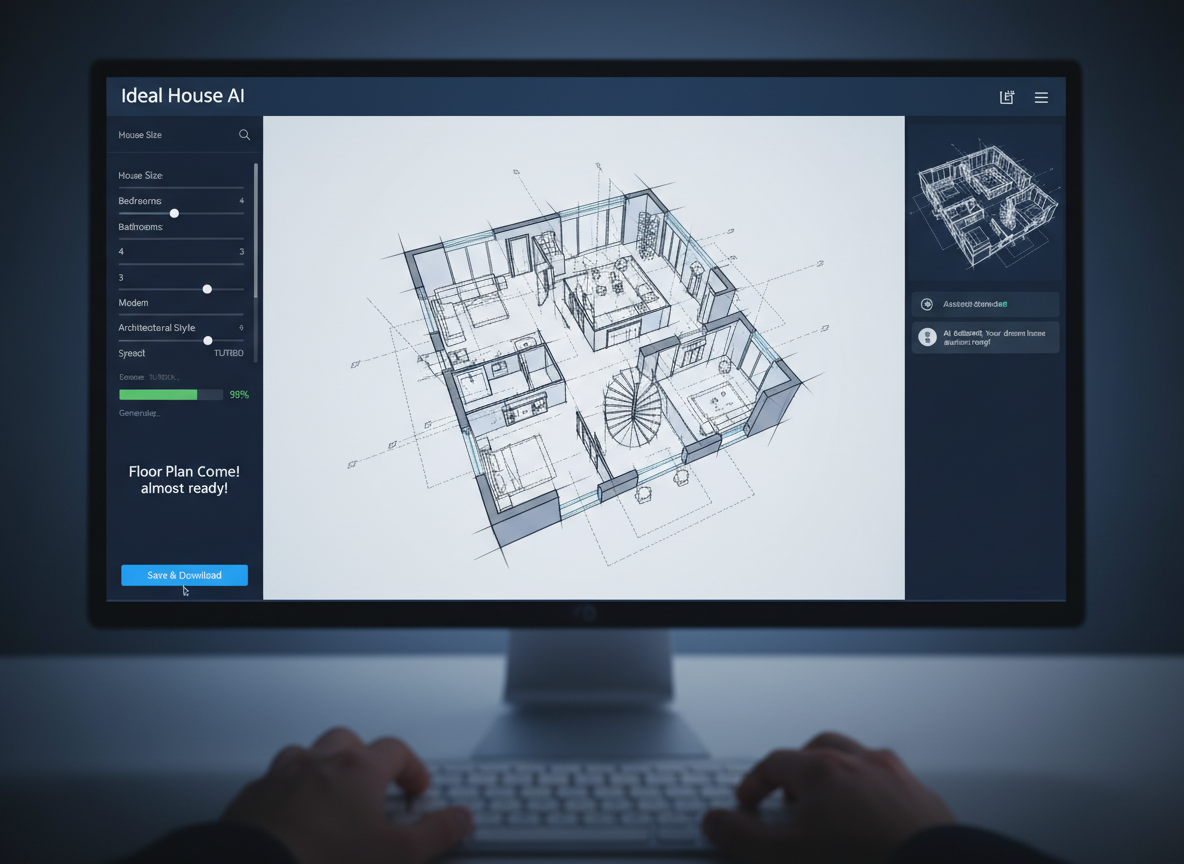
Instant 2D Floor Plans
Say goodbye to manual drafting. Our AI floor plan maker generates detailed 2D floor plans instantly, saving you valuable time. Simply input your preferences and watch as Ideal House creates accurate, presentation-ready designs. This app for making building plans delivers speed and precision.
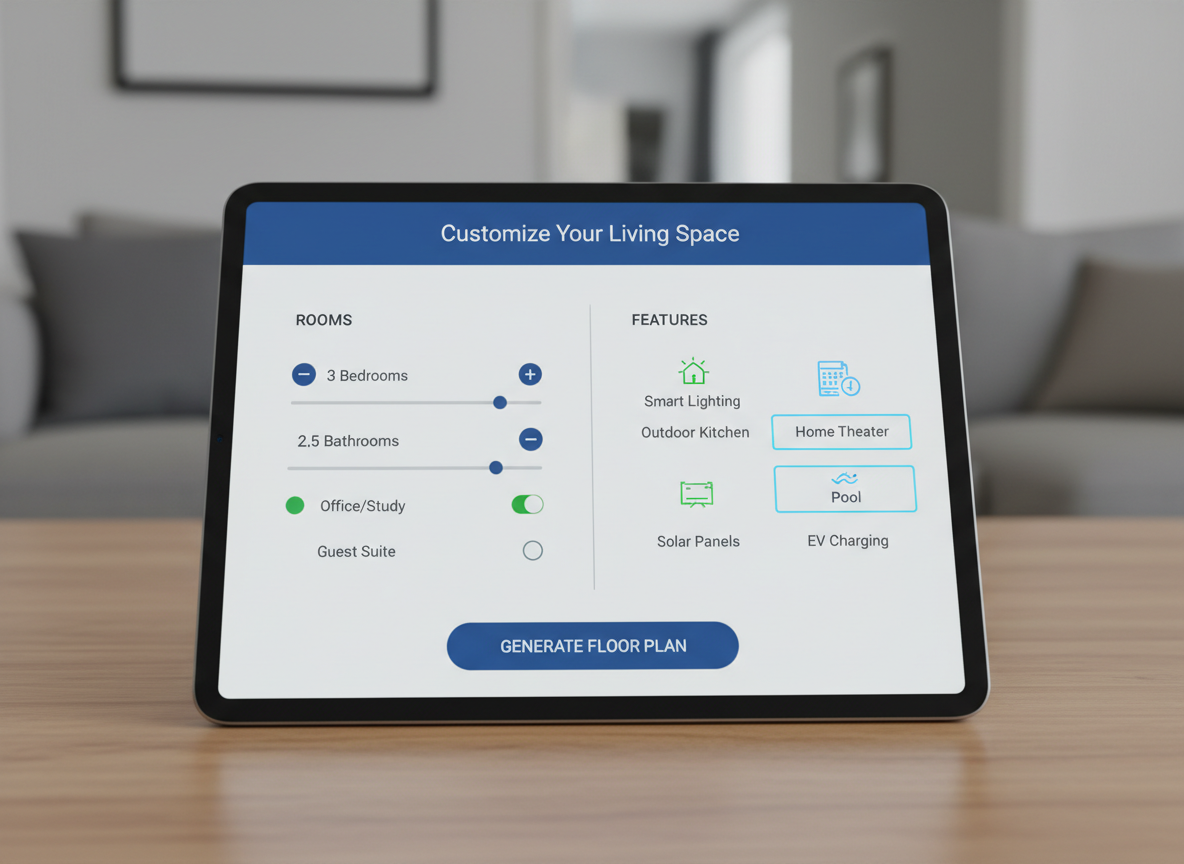
Intuitive Design Control
Customize every aspect of your home layout with ease. From bedrooms and bathrooms to kitchen styles (open or closed) and essential extras like walk-in closets or home offices, our floor plan creator puts you in control. It's the most user-friendly app for making building plans.
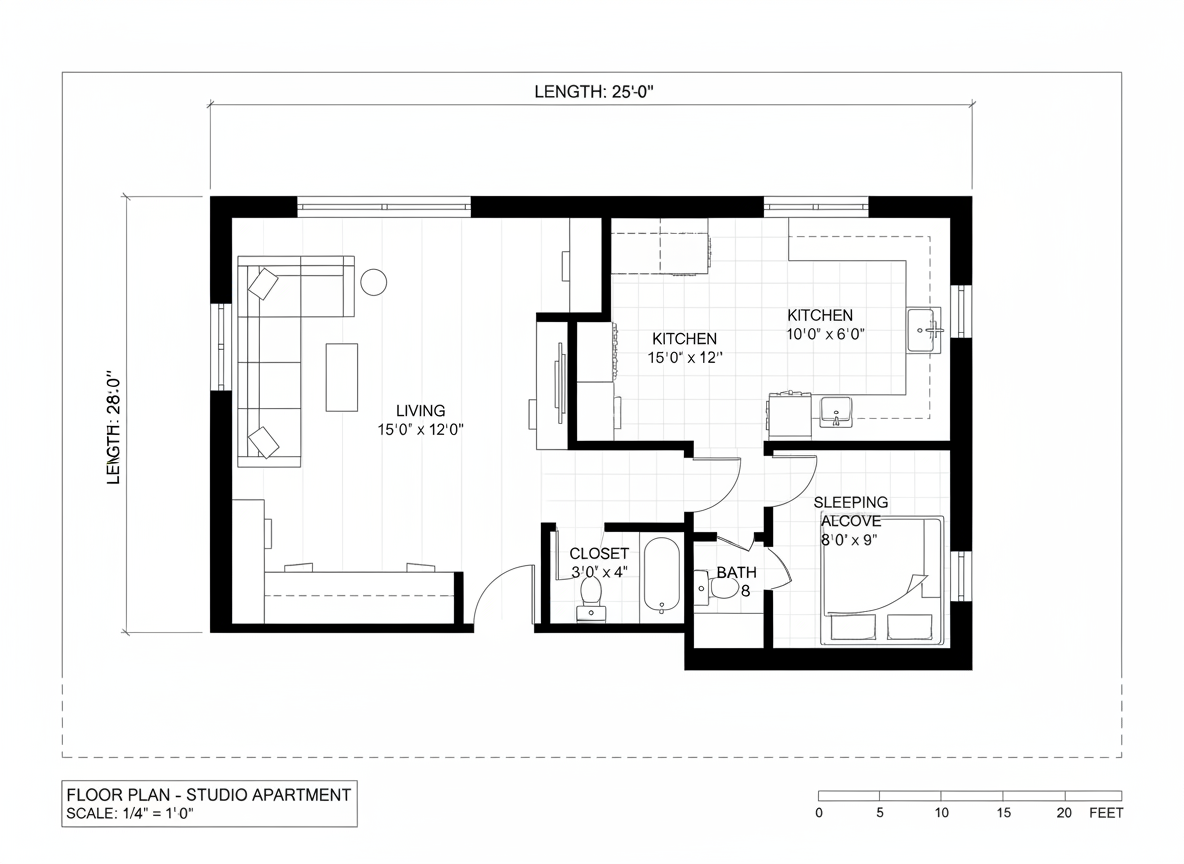
Visualize with Precision
Ensure your residential floor plans are to scale with our gross area selection feature. This detail helps to guide the AI, ensuring rooms and corridors feel just right for your desired footprint. Ideal House makes creating realistic dwelling blueprint tools accessible.
Streamlined Collaboration
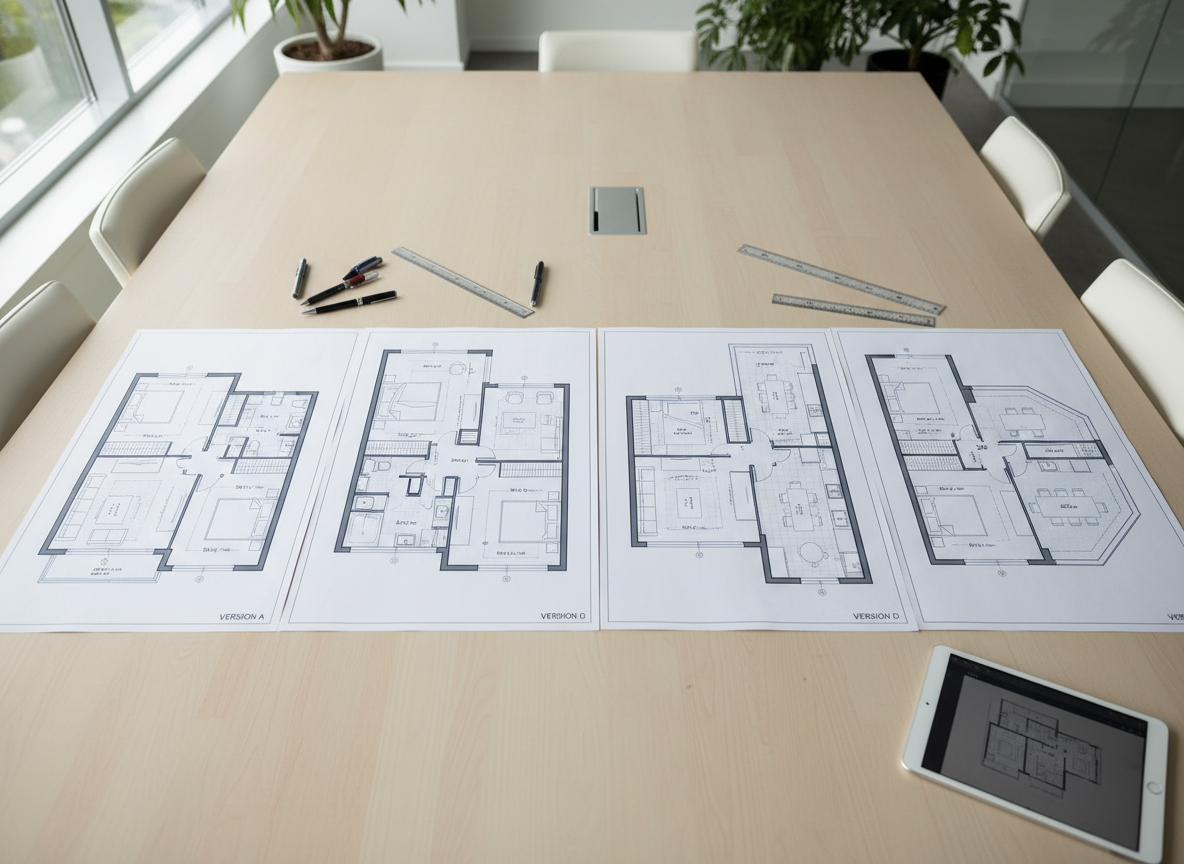
Every generated floor plan is saved in your history, making it simple to compare versions, share with clients, or use for listings. Our app for making building plans enhances communication, allowing everyone to visualize the space clearly. It’s an essential building design software for teams.

Who Benefits from Our AI Floor Plan Generator?

Homeowners & DIY Enthusiasts: Easily experiment with custom home layouts and room configurations.

Interior Designers & Decorators: Quickly generate apartment floor plan concepts for clients and iterate on designs.

Real Estate Professionals: Create compelling 2D real estate floor plans to enhance property listings and buyer understanding.

Your Guide to Generating Professional Building Plans
1
Set Rooms: Choose your desired number of bedrooms (0-4) and bathrooms (1-3) to begin defining your space.
2
Choose Kitchen Style: Decide between an 'open' or 'closed' kitchen layout to suit your lifestyle or client's preference.
3
Pick Gross Area: Select a gross area range that aligns with your target size, ensuring proportionate and realistic designs.
4
Add Extras: Multi-select additional features like a walk-in closet, home office, or garage to shape your floor plan's functionality.
5
Generate & Review: Click 'Generate' to instantly see your 2D floor plan, then refine and compare options in your history. It’s the easiest app for making building plans.
6
Download & Share: Export your chosen plan as an image or PDF, ready for sharing with clients, colleagues, or property listings.
Frequently Asked Questions About Our Floor Plan Creator
How does the AI create floor plans from my selections?
Our AI floor plan generator interprets your inputs—bedrooms, bathrooms, kitchen type, gross area, and extras—and applies established architectural drawing principles to produce clear, functional 2D floor plans. Each generation is a fresh, intelligent concept.
What are the available options for room counts and kitchen styles?
You can choose from 0-4 bedrooms and 1-3 bathrooms. For kitchens, you have the option of an open-concept or a closed, separate cooking area. This flexibility makes it a versatile app for making building plans.
How does the 'Gross Area' selection impact the floor plan?
The gross area band guides the overall scale of your dwelling blueprint, ensuring that rooms, hallways, and functional spaces are proportioned appropriately for the chosen footprint. This helps in creating a realistic house layout designer experience.
Can I save and compare different versions of my floor plans?
Absolutely! Every design you generate is automatically saved in your 'Generation History.' You can easily filter, view, and compare multiple versions side-by-side to find your ideal layout using this robust house plans app.
What do the 'Extras' (like walk-in closet, home office) do?
The 'Extras' allow you to prioritize specific functional spaces within your design. For example, selecting a walk-in closet prompts the AI floor plan maker to integrate it near a primary bedroom, optimizing the digital floor planner for your needs.
Complement Your Design with Other Ideal House Tools
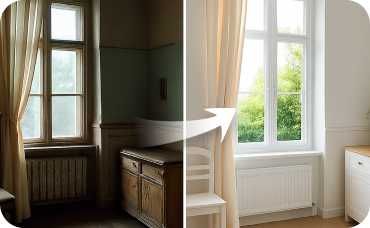
Interior Remodel
Virtually change flooring, wall colors, and more to completely transform a space.

Magic Editor
Fine-tune small details in your redesign, like swapping a lamp or changing a piece of art.
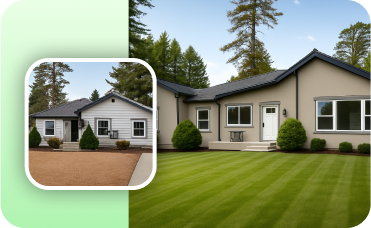
Photo Enhancer
Automatically improve the lighting and clarity of your source photos for better remodel results.
Ready to Design Your Space with the Best App for Making Building Plans?
Transform your ideas into professional 2D floor plans quickly and efficiently. Ideal House makes creating house plans easier than ever.
Generate My Floor Plan
💰 Earn 10% commission as a Ideal House Affiliate Partner.
Join us