








Generator
History
AI Floor Plan Generator
Change Tool
Model
Base
Switch
Rooms
BedRoom
-
2
+
BathRoom
-
1
+
Kitchen
open
closed
Gross Area
Unit metric
 imperial
metric imperialArea
< 50㎡
50-80㎡
80-100㎡
100-120㎡
120-150㎡
> 150㎡
Extras
walk-in closet
laundry room
storage room
utility room
home office
garage
pantry
combined living-dining
balcon

Design Your Dream Home with Our AI Floor Plan Generator
Unleash your creativity with Ideal House, the leading AI floor plan generator that transforms your vision into detailed 2D floor plans in seconds. Our intuitive app for interior design floor plan allows you to easily experiment with layouts, room configurations, and essential features like a walk-in closet or a spacious combined living-dining area. Ideal for homeowners, designers, and real estate professionals, our tool simplifies space planning and brings your architectural dreams to life without the need for complex CAD software. Generate professional-grade house layout planner concepts and explore endless design possibilities effortlessly.
Generate My Floor Plan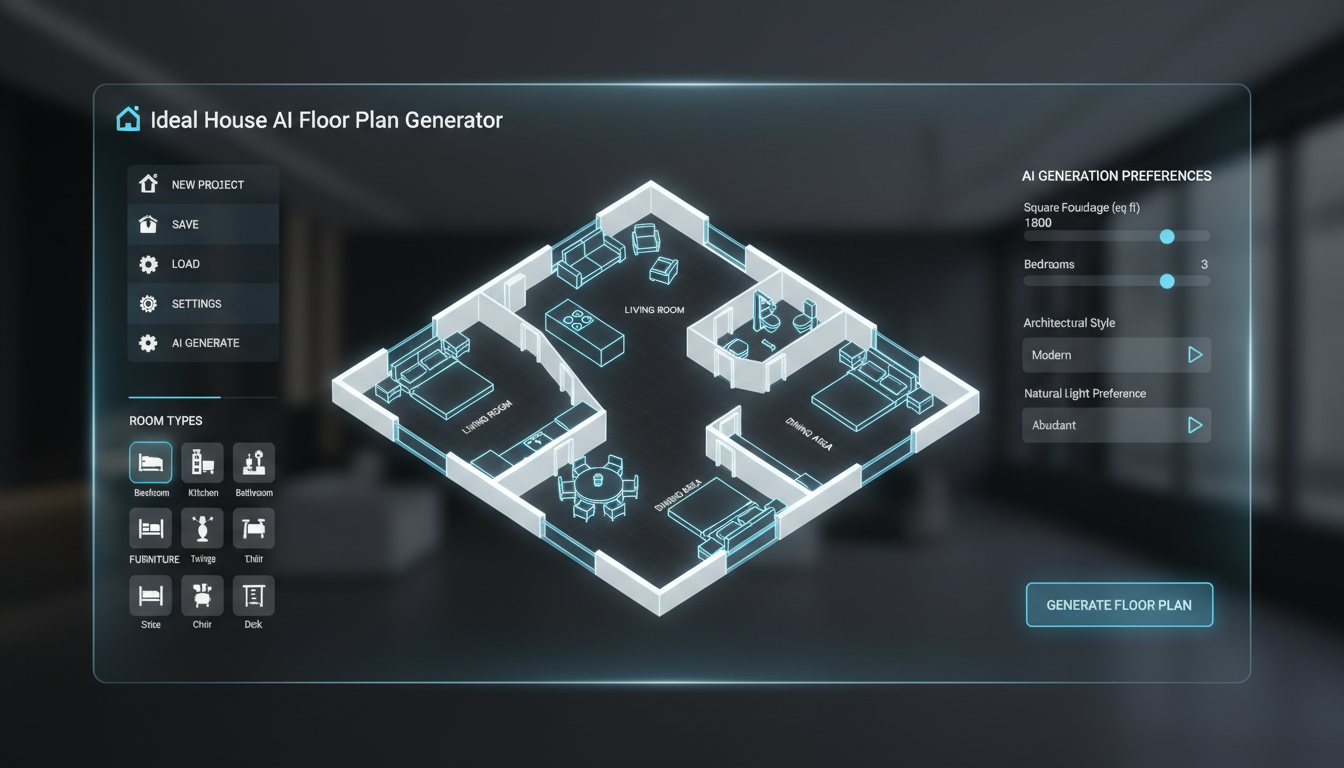


Why Ideal House is Your Go-To App for Interior Design Floor Plan
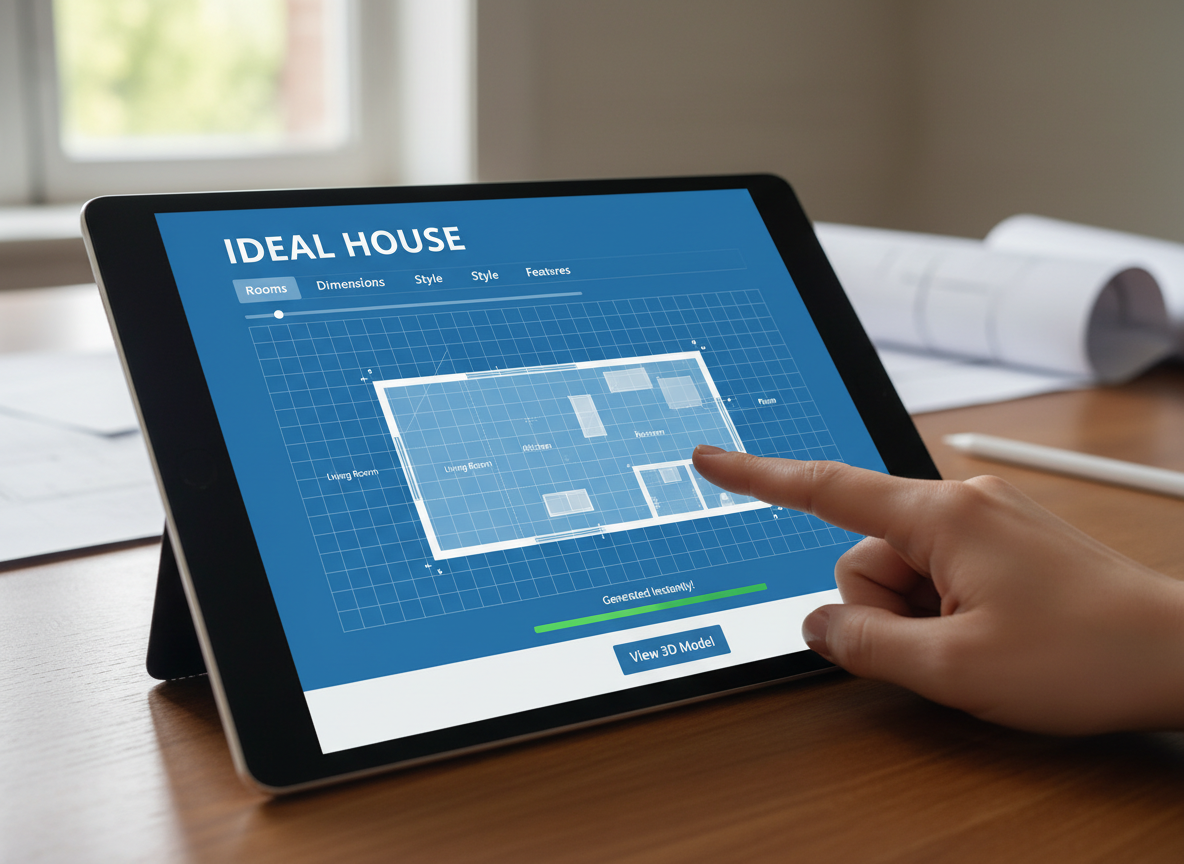
Instant 2D Floor Plan Creation
Say goodbye to manual drafting. Our AI floor plan maker rapidly generates clean, professional 2D floor plans from your simple inputs. Specify bedroom count, bathroom layout, kitchen design, and gross area to instantly visualize your ideal living space. This speed makes it the ultimate app for interior design floor plan needs, allowing for rapid iteration and exploration of various house layout planner concepts.
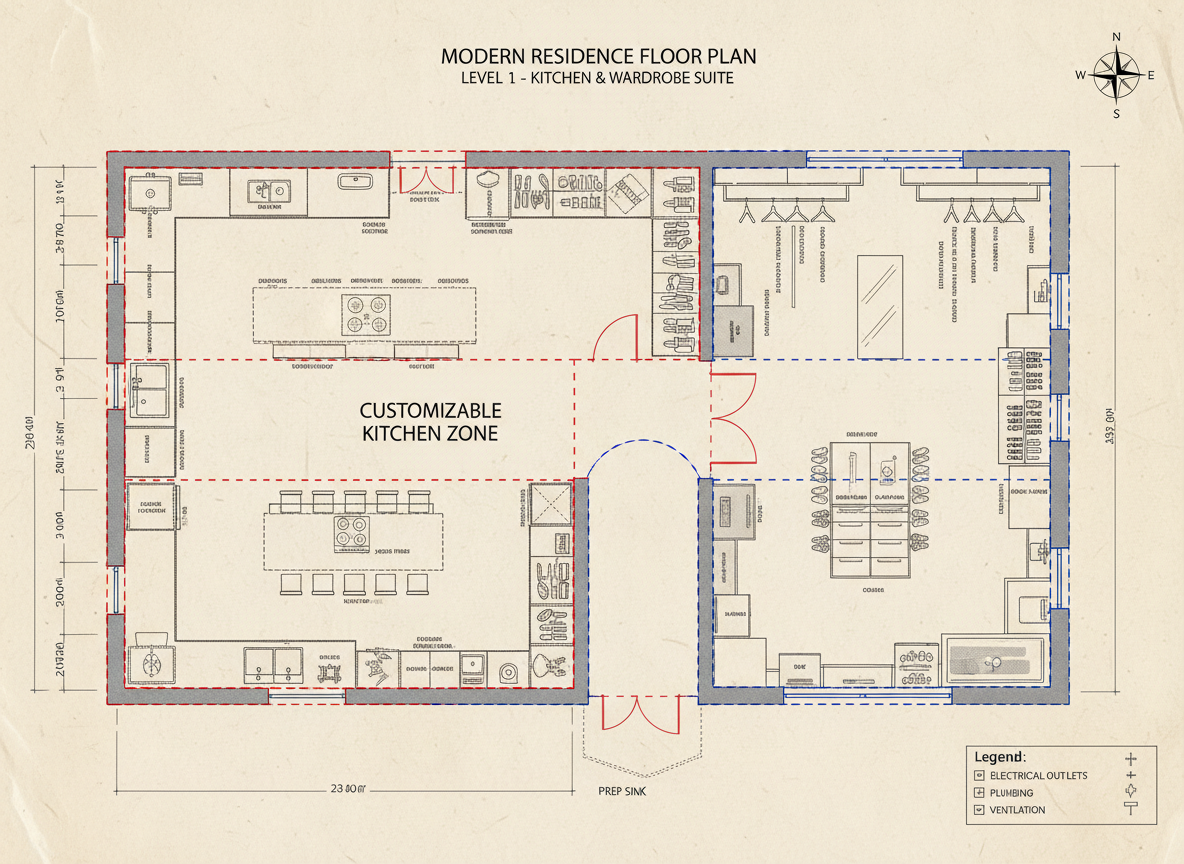
Customizable Layouts & Features
Tailor every aspect of your design. From choosing between an open or closed kitchen to adding specific elements like a laundry room, home office, or garage, Ideal House empowers you to personalize your architectural drawings. This design tool considers your selections to create a coherent and functional floor plan that perfectly matches your vision, making it an indispensable app for interior design floor plan enthusiasts.
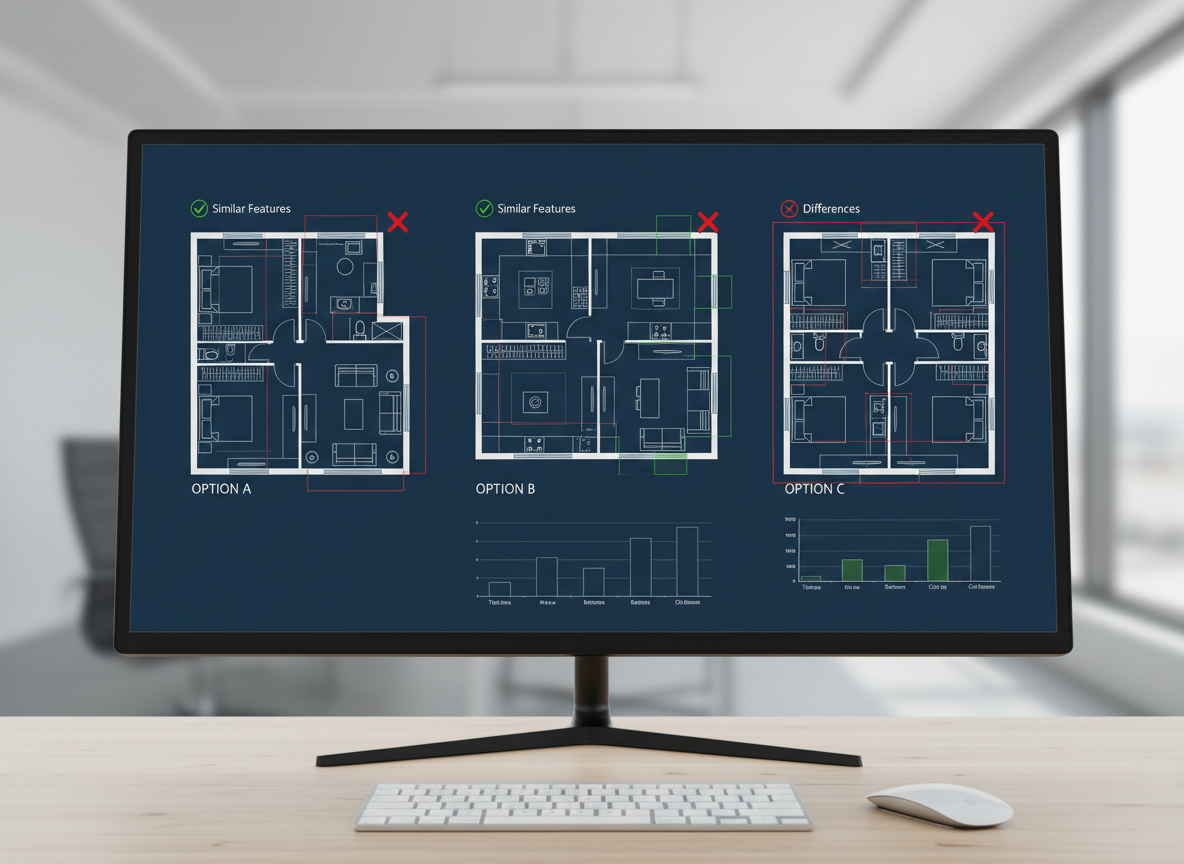
Seamless Workflow & Collaboration
Our AI floor plan generator saves every iteration in your history, making it easy to compare, filter, and share your designs. Whether you're a homeowner planning a renovation or an interior designer collaborating with clients, Ideal House provides a streamlined platform to present clear, shareable 2D floor plans. Enhance your space planning process and make informed decisions with ease, solidifying our position as the best app for interior design floor plan collaboration.
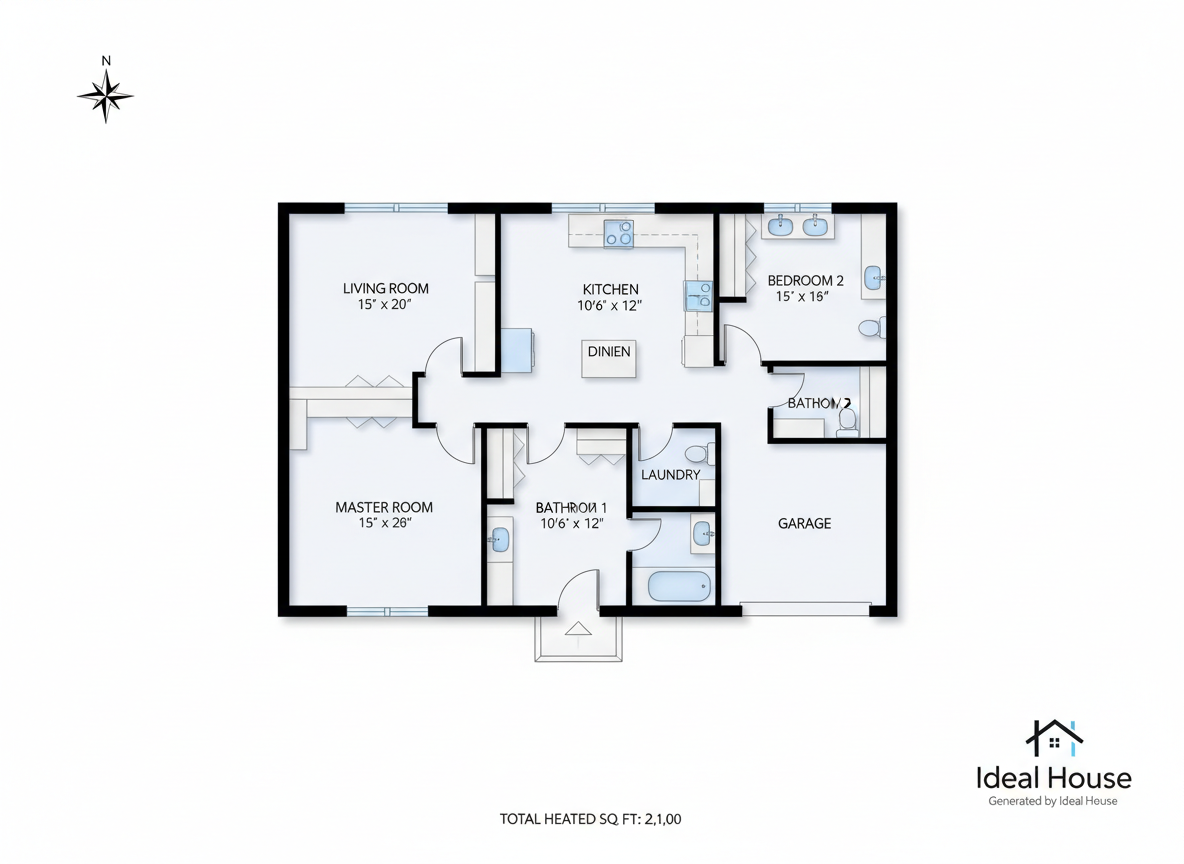
Optimized for North American Listings
Generate professional floor plans that are perfect for real estate listings across North America. Clear and consistent 2D floor plans help buyers quickly understand the house layout, improving engagement and sales potential. Our room planner focuses on creating realistic and appealing designs, ensuring your listings stand out. Ideal House is the smart app for interior design floor plan needs, boosting your property's appeal with high-quality visual aids.

Who Benefits from Our AI Floor Plan Generator?

Homeowners & DIY Enthusiasts: Easily visualize home renovations, additions, or new builds with intuitive design tools.

Interior Designers & Decorators: Quickly generate and iterate on design concepts for clients, saving time and fostering creativity.

Real Estate Agents & Brokers: Create compelling 2D floor plans for listings to attract buyers and enhance property presentations.

How to Use the Ideal House App for Interior Design Floor Plan
1
1. Define Your Space: Begin by selecting your desired bedroom count (0-4) and bathroom layout (1-3). Our AI floor plan generator uses these as core parameters for your design.
2
2. Choose Kitchen Style: Decide between an open or closed kitchen design. This crucial choice influences the flow and feel of your living-dining area and overall space planning.
3
3. Specify Gross Area: Input your target gross area to guide the AI in scaling rooms and corridors appropriately, ensuring a realistic house layout planner output.
4
4. Add Essential Features: Personalize your floor plan by multi-selecting extras like a walk-in closet, laundry room, home office, garage, pantry, combined living-dining space, or a balcony. This helps shape the functional zones of your 2D floor plan.
5
5. Generate & Refine: Click 'Generate' to instantly produce a 2D floor plan. Review the results and make adjustments to your selections to create new versions. All generations are saved in your history, making it easy to compare and pick the best design.
6
6. Download & Share: Export your final floor plan as an image or PDF. Share it with clients, contractors, or include it in your real estate listings. Our app for interior design floor plan makes sharing simple and effective.
Frequently Asked Questions About Our AI Floor Plan Generator
How does the AI floor plan generator convert my inputs into a design?
Our advanced AI floor plan generator interprets your selections—bedroom count, bathroom layout, kitchen type, gross area, and special extras—then applies smart architectural and space planning rules. It drafts a clear 2D floor plan, ensuring functionality and aesthetic appeal. Each click offers a fresh design concept you can refine.
What customization options are available for rooms and features?
You can select 0-4 bedrooms (default 2), 1-3 bathrooms (default 1), and choose between an open or closed kitchen (default open). You also define the gross area range and can add multiple extras like a walk-in closet, laundry room, home office, garage, pantry, combined living-dining space, or a balcony, giving you full control over your house layout planner.
How does 'Gross Area' affect the generated floor plan?
The selected gross area range is crucial. It guides the AI floor plan maker in determining the overall scale of your design, ensuring that rooms, hallways, and features are proportionally correct for the specified footprint. Choosing the closest band helps create the most believable and functional 2D floor plan.
What's the difference between an open and closed kitchen layout?
An open kitchen promotes a continuous sightline and seamless flow into living and dining areas, fostering a more communal feel. A closed kitchen, conversely, provides a distinct cooking zone with clearer separation from other spaces, often preferred for noise and aroma containment. Both options significantly impact your space planning.
Can I compare different floor plan versions created by the app?
Absolutely! Every 2D floor plan generated by our AI floor plan maker is automatically saved in your 'Generation History.' You can easily use filters like 'Created with AI Floorplan' and toggle between grid and list views to compare multiple design versions side-by-side, helping you choose the best layout.
Discover More Ideal House Design Tools
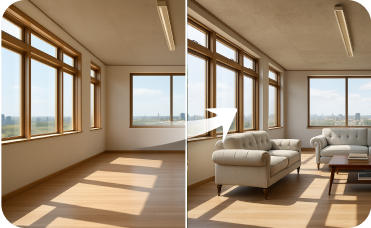
Virtual Staging
Furnish empty interior or exterior spaces with stylish, AI-generated furniture and decor to attract potential buyers.
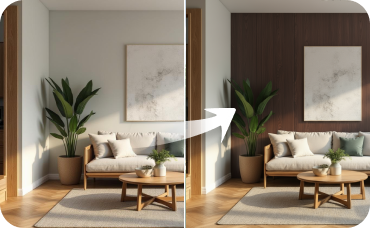
Room Visualizer
Carry the light and airy Tropical Coastal Oasis theme into your living room, bedroom, or kitchen.

HouseGPT
Ask our AI for detailed advice on materials, history, and Gilded Age mansion design principles.
Ready to Design Your Perfect Space?
Experience the ease and power of the Ideal House app for interior design floor plan. Start generating stunning, functional 2D floor plans today.
Generate My Floor Plan
💰 Earn 10% commission as a Ideal House Affiliate Partner.
Join us