


Top 10 Home Design Tools for Every Skill Level
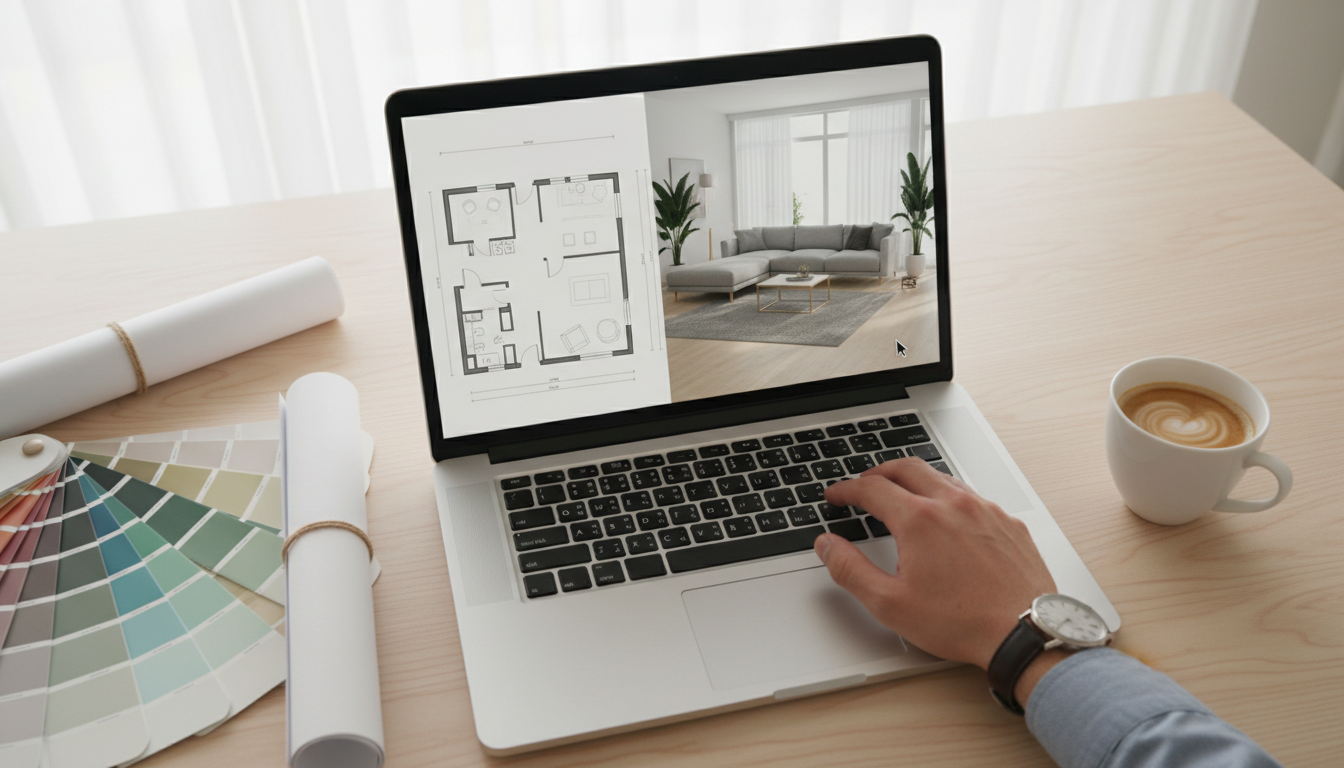
Discover the best home design software including AI interior design tools, 3D modeling platforms and floor plan makers. Compare features, pros and cons to pick the perfect tool to visualize, plan and create your dream home easily for beginners and professionals.
Designing a room, or even an entire home, is an exciting journey. You have a vision in your head—that perfect cozy reading nook, a sleek and functional kitchen, or a living room that just screams "you." But translating that vision into a tangible plan can be daunting. Where do you start? How do you know if that sofa will fit, or if those paint colors will clash? This is where home design software comes in, transforming your ideas into detailed, visual plans.

With so many options available, choosing the right software can feel like a project in itself. They range from simple, browser-based tools for quick mockups to complex professional-grade programs for architects. This article will explore some of the top home design software available, helping you find the perfect digital partner to bring your North American home to life.
A New Era of Design: AI-Powered Tools and Classic Planners
The landscape of design software is evolving. While traditional programs offer incredible control, new AI-powered tools provide unprecedented speed and inspiration. Let's dive into the best options to match your project needs, budget, and skill level.
1. Ideal House
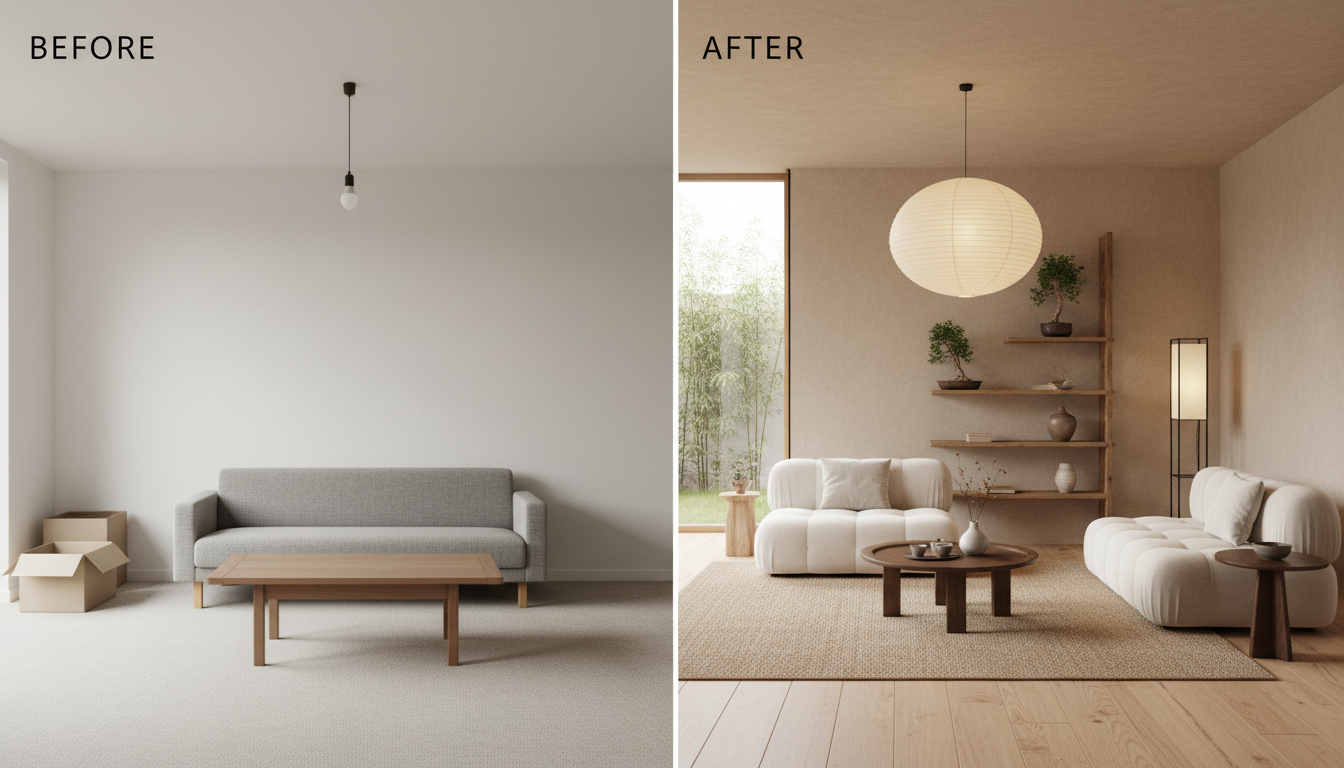
Leading the charge in the new wave of design is Ideal House, an AI-powered interior design tool crafted for the modern homeowner. Instead of requiring you to painstakingly build a room from scratch, Ideal House uses artificial intelligence to generate stunning, photorealistic design concepts in seconds. You simply upload a photo of your own space, select your preferred styles—from Mid-Century Modern to Japandi or Farmhouse—and let the AI work its magic. It’s a revolutionary approach for anyone who wants to visualize possibilities without the steep learning curve of traditional 3D modeling.
- Who It's For: Homeowners, renters, and DIY enthusiasts who want instant, personalized design inspiration. It's also a powerful tool for real estate agents looking to create virtual staging concepts quickly.
- Key Features:
- AI-Powered Rendering: Generates multiple high-quality design variations of your actual room in seconds.
- Effortless Workflow: No need to measure or build floor plans. Just upload a photo and start designing.
- Vast Style Library: Experiment with over 40 distinct interior design styles to find your perfect match.
- Virtual Staging: Perfect for visualizing a furnished space in an empty room or reimagining an existing one.
- Pros: Incredibly easy to use, produces photorealistic results instantly, great for overcoming "designer's block" and discovering new ideas.
- Cons: As a tool focused on visualization and style, it's not intended for creating detailed architectural blueprints or construction documents.
2. SketchUp
SketchUp is a giant in the 3D modeling world, known for its flexibility and robust capabilities. It offers a free, web-based version that’s surprisingly powerful for personal projects, as well as professional-grade desktop software. SketchUp is like a digital pencil; you can draw anything you can imagine, from a simple floor plan to intricate furniture details.

- Who It's For: Architects, interior designers, woodworkers, and serious hobbyists who need granular control over their 3D models.
- Pros: Highly versatile, massive 3D Warehouse library of pre-made models, powerful free version available.
- Cons: Has a significant learning curve compared to simpler tools; achieving photorealistic renders requires additional plugins.
3. Floorplanner
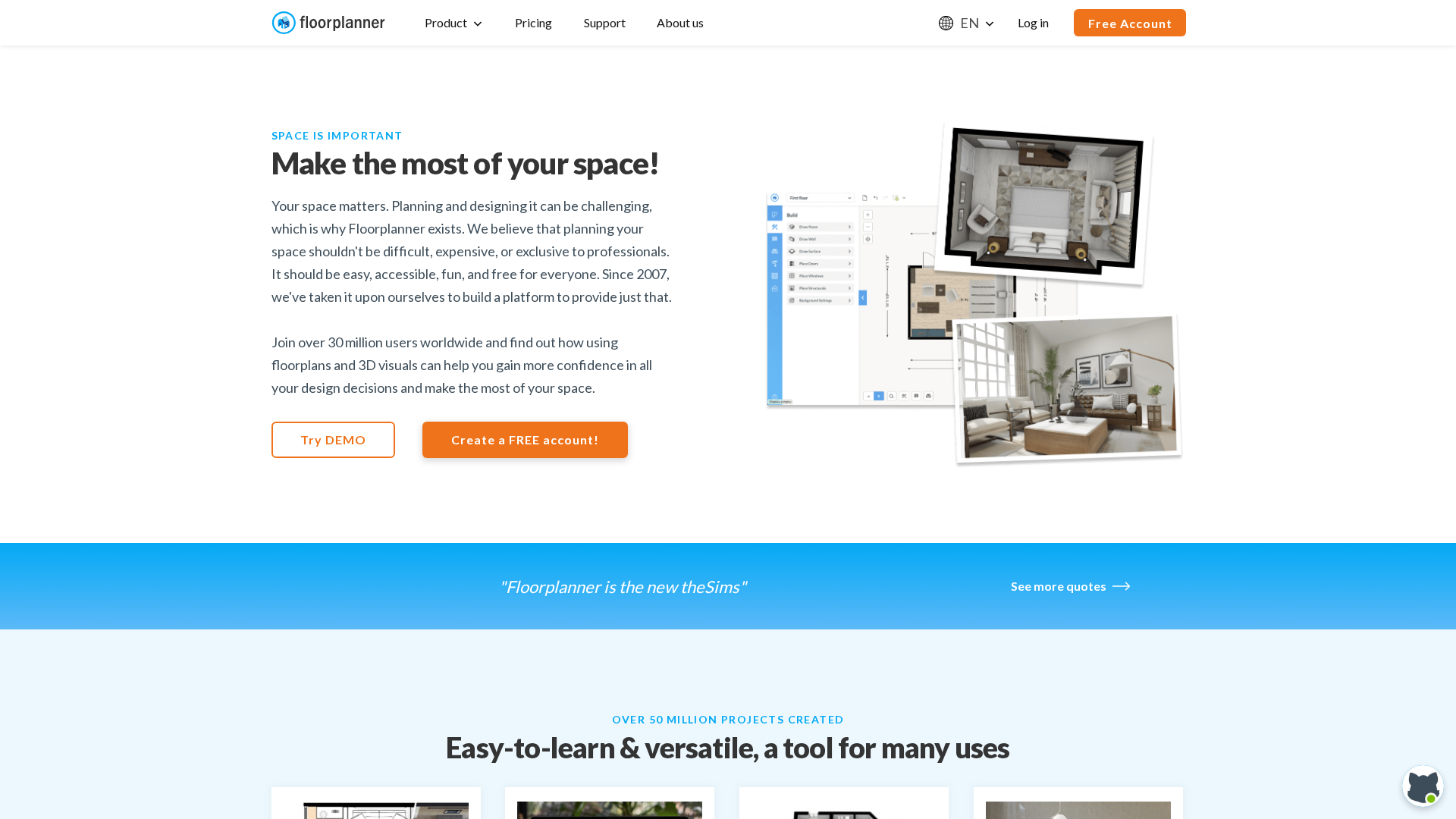
If your main goal is creating a clear and accurate floor plan, Floorplanner is an excellent choice. This browser-based tool makes it incredibly easy to draw 2D layouts, furnish them with a large library of objects, and then instantly view your creation in 3D. Its intuitive interface is a major plus for beginners.
- Who It's For: Homeowners, real estate professionals, and anyone needing to create quick and easy floor plans.
- Pros: Very user-friendly drag-and-drop interface, great for 2D planning, a solid free version for basic projects.
- Cons: The 3D rendering quality isn't as high as more specialized software.
4. Planner 5D
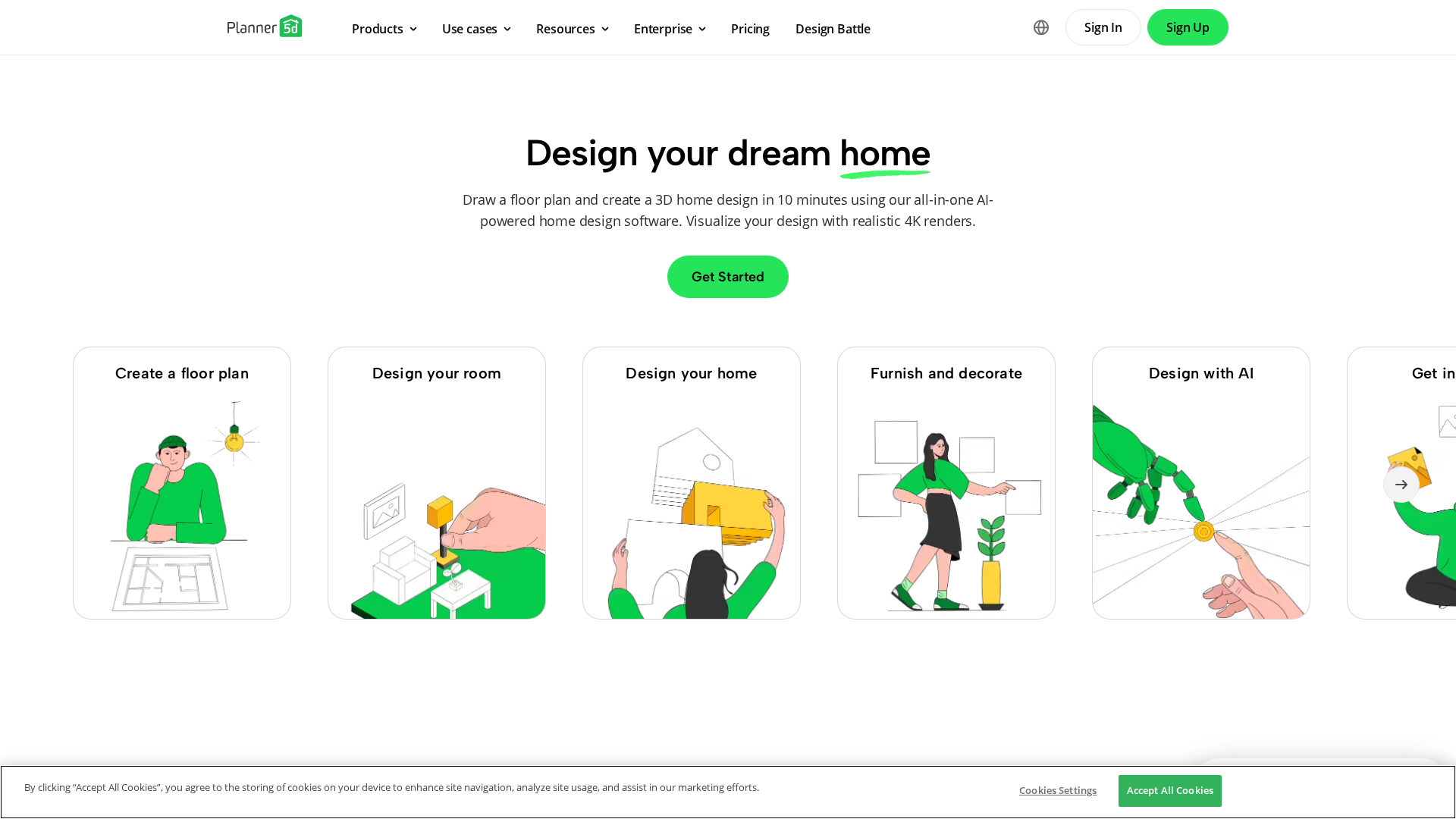
Planner 5D is an immersive design tool that empowers users to create detailed 2D and 3D floor plans and stunningly realistic interior designs. It has a massive catalog of items and textures and allows for a high degree of customization, making it a favorite among DIY design enthusiasts.
- Who It's For: Homeowners and design hobbyists who want an all-in-one tool to create detailed plans and high-quality visuals.
- Pros: Works across multiple platforms (web, iOS, Android), offers HD photorealistic snapshots, and has a large, active community.
- Cons: Unlocking the full catalog of items requires a premium subscription.
5. HomeByMe
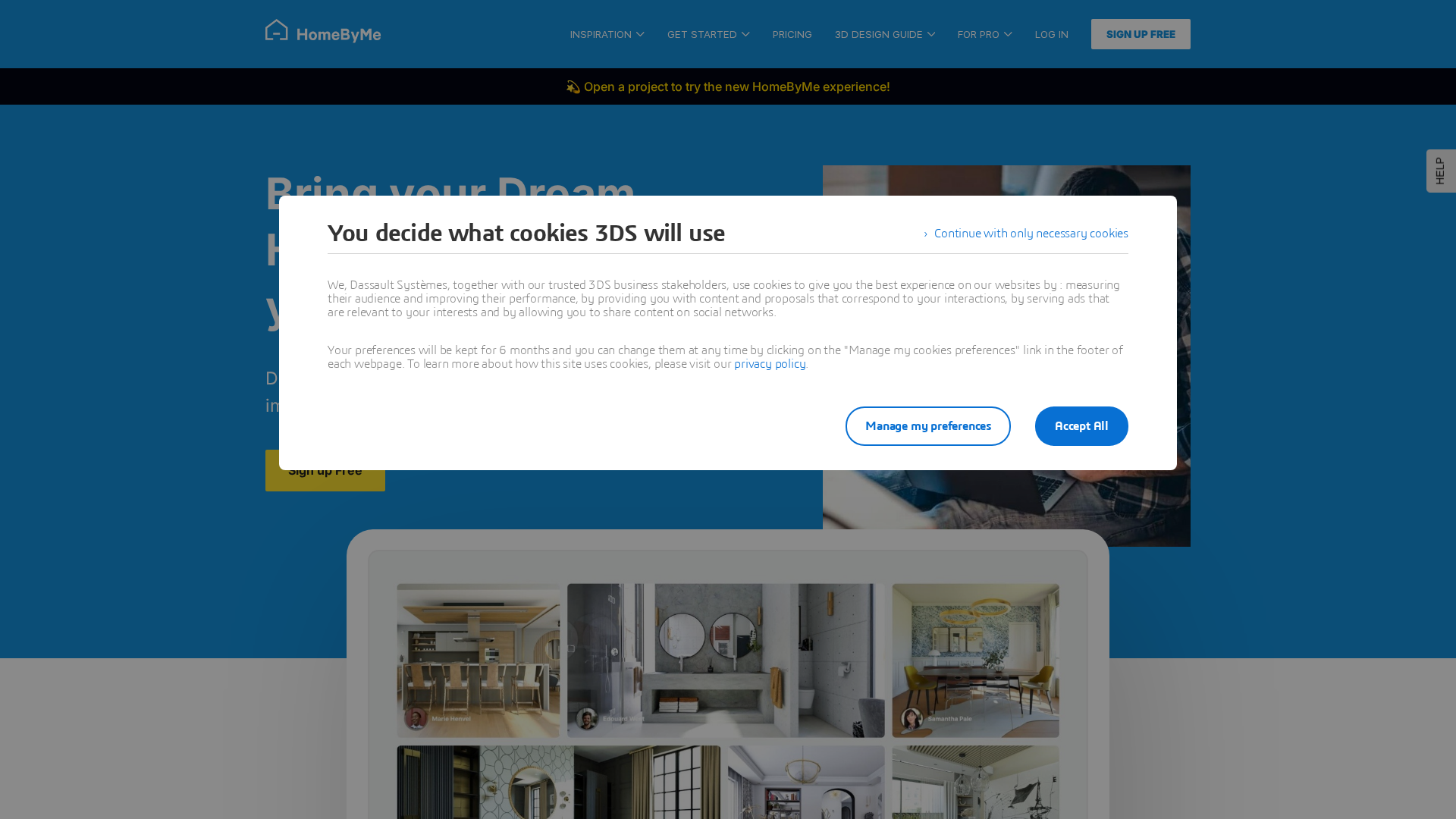
Developed by 3D powerhouse Dassault Systèmes, HomeByMe stands out by featuring furniture and decor from real-world brands. This means you can design your room with actual products you can purchase, closing the gap between your digital design and your real-life home.
- Who It's For: Individuals who want to design and shop for their space simultaneously.
- Pros: Includes a catalog of real, purchasable products; good quality 3D rendering; user-friendly interface.
- Cons: The free version limits the number of projects and high-quality renderings you can create.
6. Roomstyler 3D Home Planner
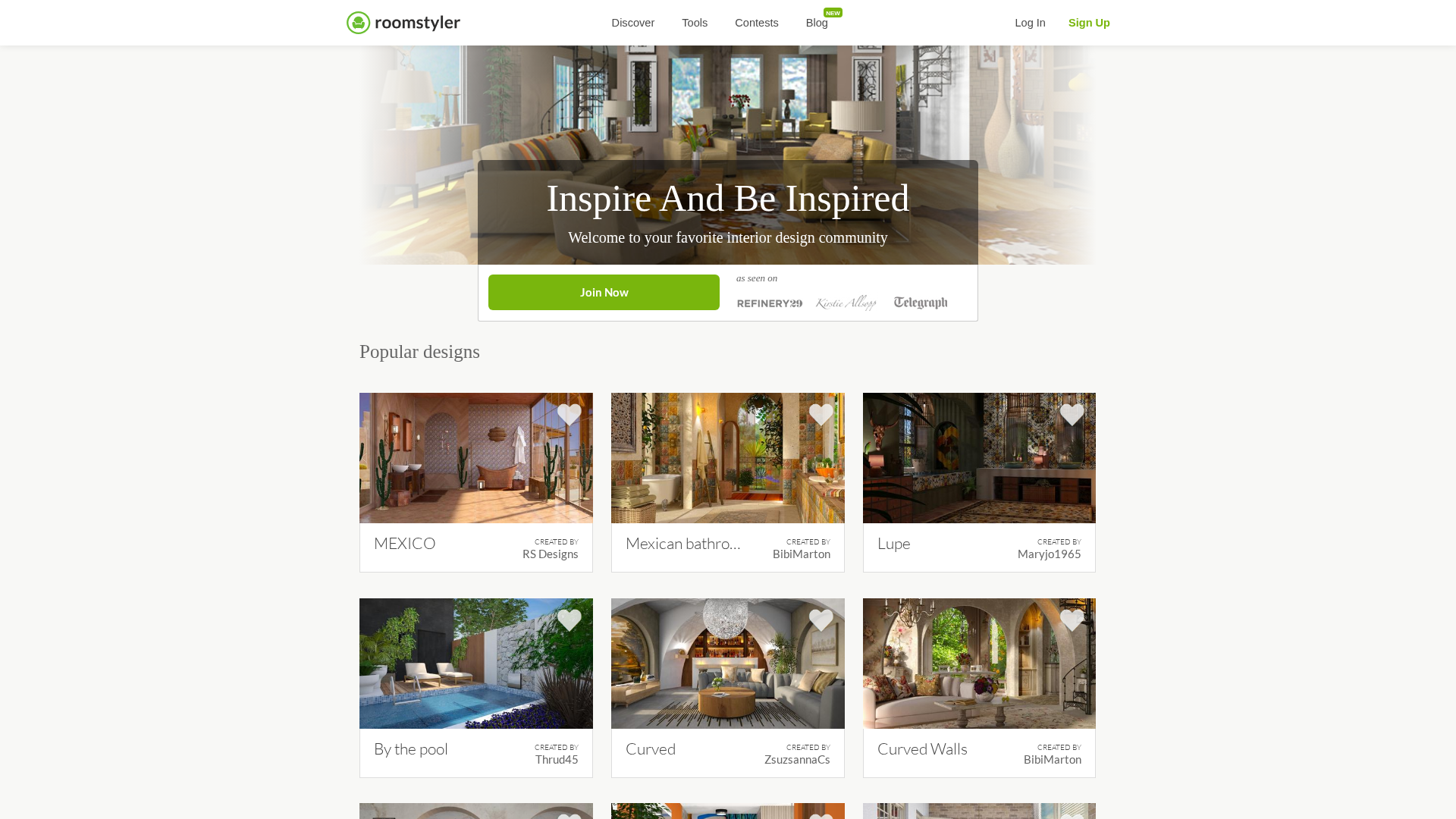
Roomstyler is another tool that lets you design with products from real brands. It's incredibly easy to use: you simply drag and drop items into a room template or a shape you draw. It functions more like a mood board and styling tool than a technical planner, making it fun and accessible.
- Who It's For: Beginners and hobbyists looking to experiment with room styling and furniture layouts.
- Pros: Completely free to use, very easy to learn, large library of brand-name products.
- Cons: The graphics can feel a bit dated, and it lacks advanced planning features.
7. Foyr Neo
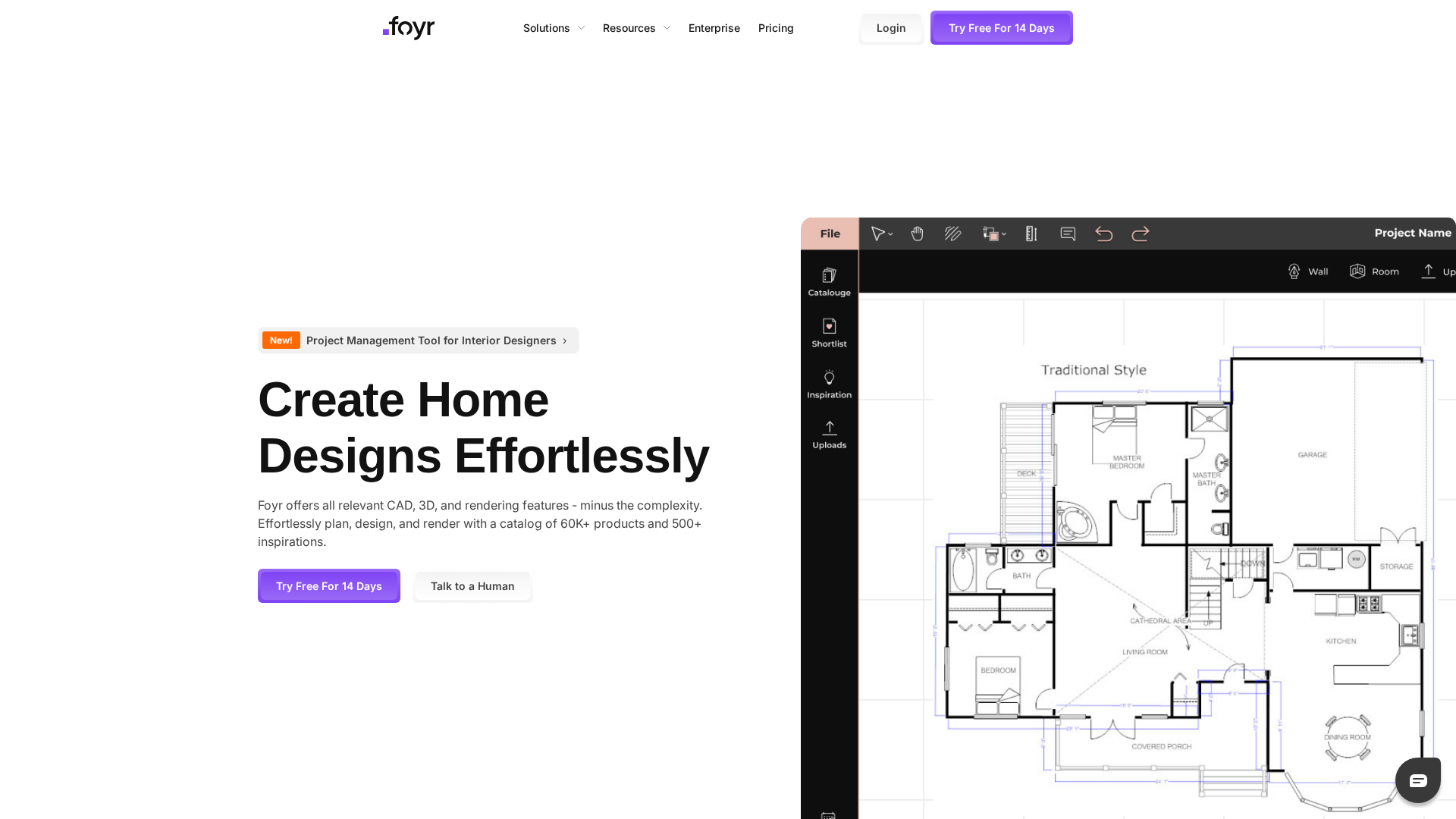
Foyr Neo is a powerful, all-in-one online platform built specifically for professional interior designers. It covers the entire workflow from floor plan creation to 4K photorealistic renders, and it does so with impressive speed, leveraging its own AI capabilities to assist with lighting and rendering.
- Who It's For: Professional interior designers and students who need a comprehensive, fast, and cloud-based solution.
- Pros: Extremely fast rendering, intuitive interface for professionals, end-to-end design features.
- Cons: It's a subscription-based service geared towards professionals, making it a costly option for casual users.
8. Sweet Home 3D
Sweet Home 3Dis a free, open-source interior design application you download and run on your desktop. It's a great choice if you prefer to work offline. You create a 2D plan, and the 3D view is updated simultaneously, providing a helpful perspective as you work.
- Who It's For: Budget-conscious users who need detailed 2D planning and want to work offline.
- Pros: Completely free and open-source, runs on Windows, Mac, and Linux, supports importing additional 3D models.
- Cons: The interface and graphics are less polished than modern web-based alternatives.
9. Chief Architect
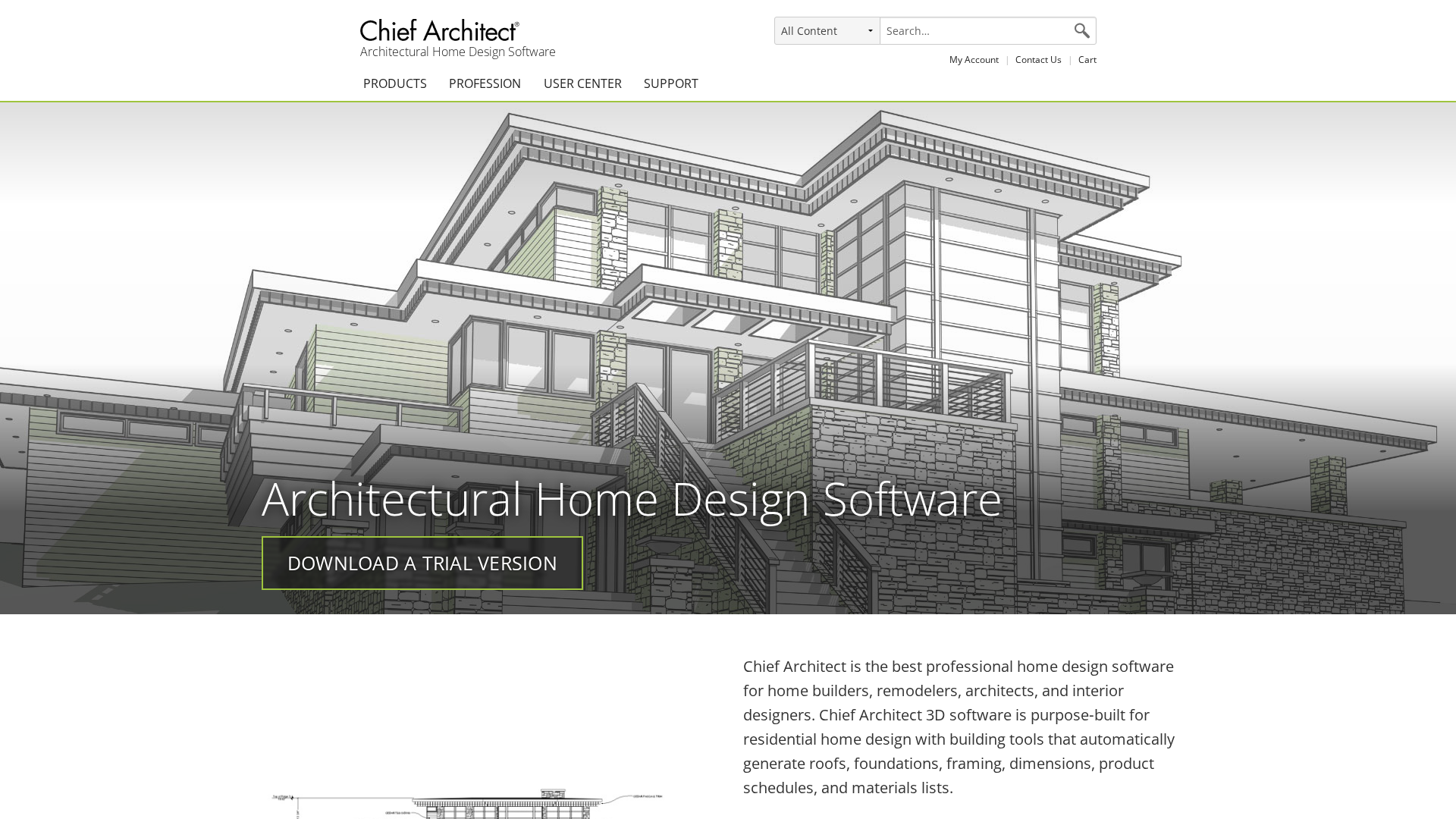
When it comes to professional residential design, Chief Architect is an industry gold standard. This is heavy-duty software that automates many of the most complex parts of the design process, from building rooflines and foundations to generating full construction documents.
- Who It's For: Professional architects, builders, and remodelers.
- Pros: Incredibly powerful and feature-rich, generates detailed blueprints, excellent for professional construction projects.
- Cons: Very expensive and has a steep learning curve, making it overkill for homeowners.
10. IKEA Home Planner Tools
If you know your project will be built around IKEA products, why not go straight to the source? IKEA offers a suite of free, browser-based planning tools for designing kitchens (IKEA Kitchen Planner), storage solutions (PAX wardrobe planner), and more. These tools let you drag and drop IKEA products into your room's dimensions and even generate a shopping list.
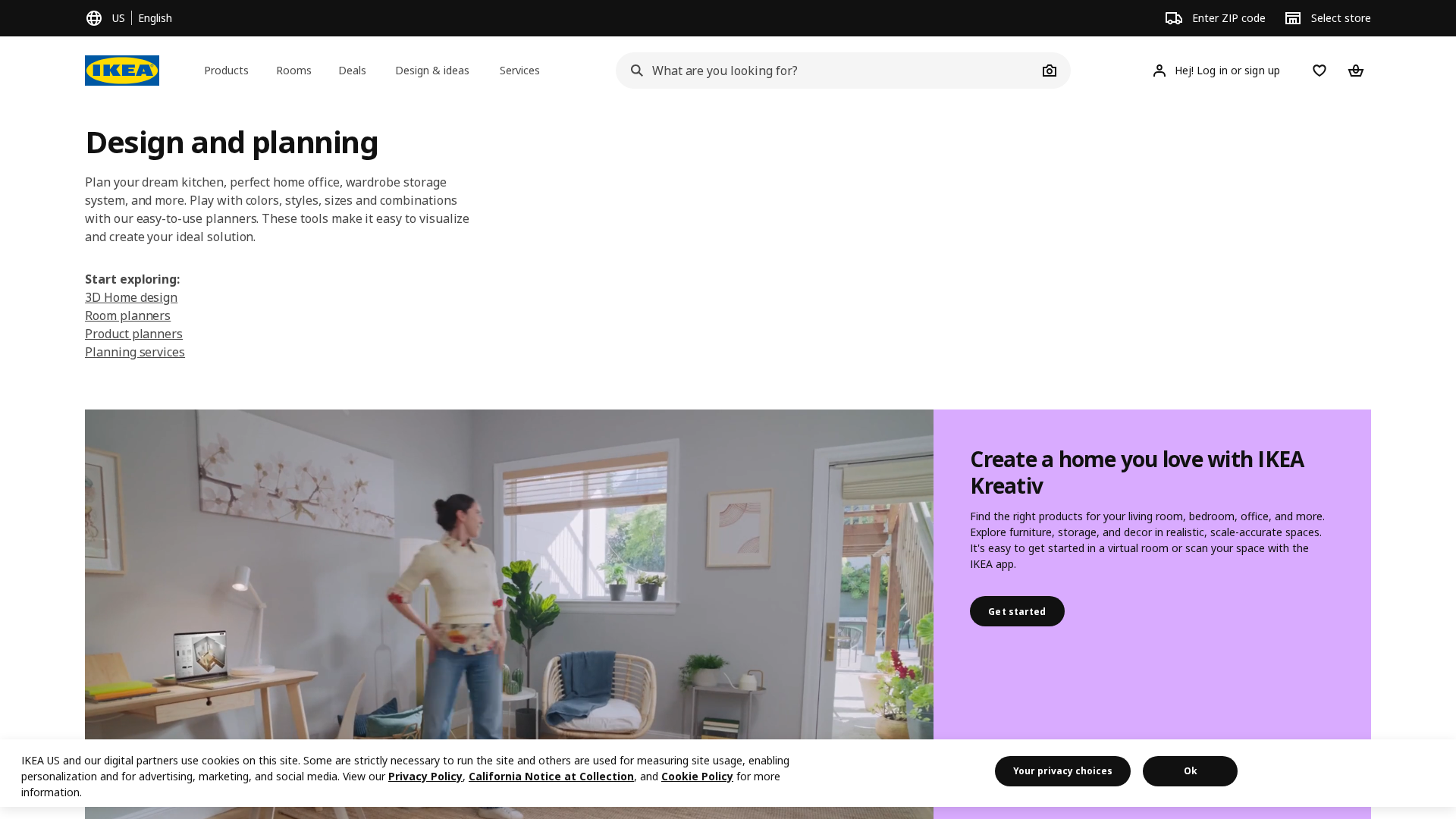
- Who It's For: Anyone planning a room renovation using exclusively IKEA furniture and cabinetry.
- Pros: Free, perfectly tailored to IKEA's product ecosystem, generates a shopping list for easy purchasing.
- Cons: Limited to only IKEA products; the interface can be clunky at times.
How to Choose the Right Design Software for You
With so many options, the best choice depends on your goal.
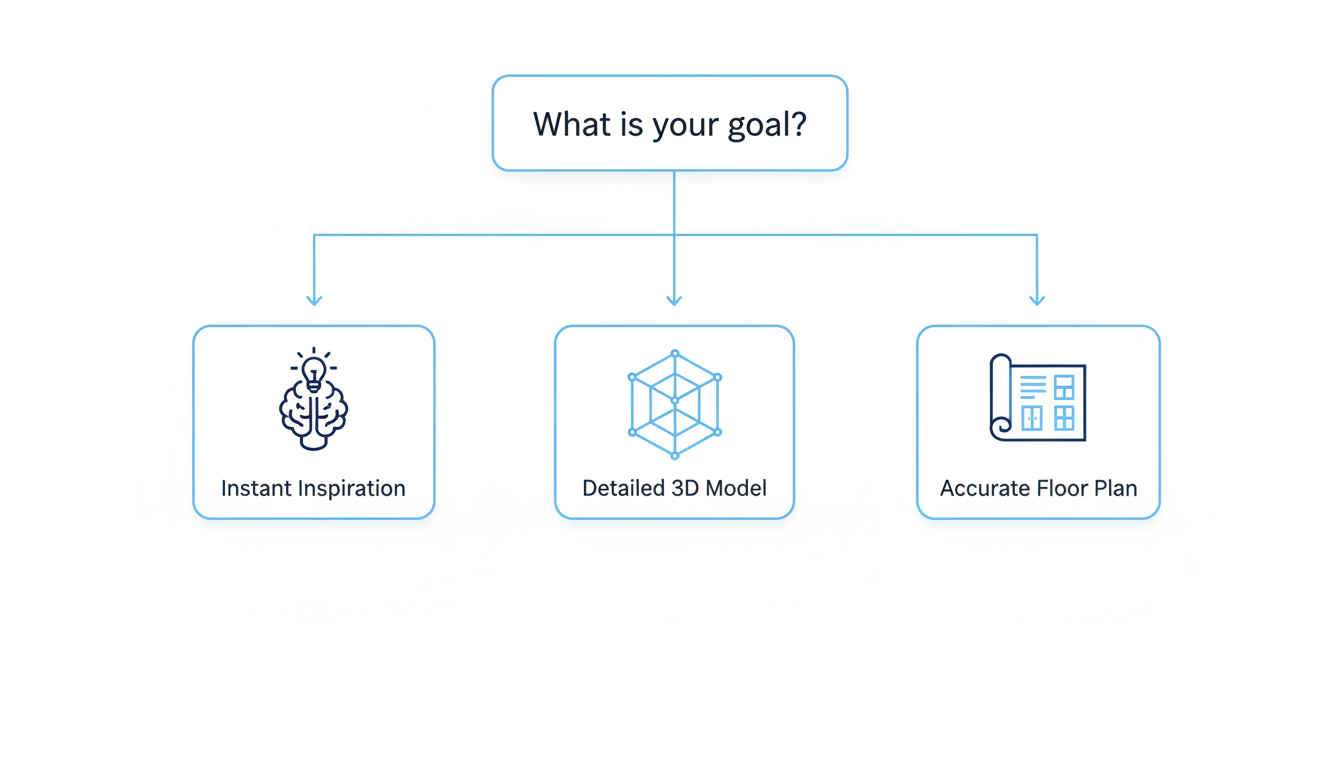
- For Instant Inspiration & AI Magic: If you want to see your own room transformed with new styles without any manual work, an AI design generator like Ideal House is your best bet.
- For Detailed 2D Floor Plans: If accuracy and layout are your top priorities, tools like Floorplanner or Sweet Home 3D excel.
- For Full 3D Control & Customization: For those who want to build every detail from the ground up, SketchUp offers unmatched freedom.
- For Professional-Grade Projects: If you're a professional designer, builder, or architect, investing in software like Chief Architect or Foyr Neo is essential.
Your Design Journey Starts Now
The power to visualize and plan your perfect home is more accessible than ever. Whether you are sketching a precise blueprint for a contractor or using AI to instantly discover a style you never knew you loved, the right software acts as a bridge between your imagination and reality. Take the time to consider your project's scope and your own creative process, and you'll find the perfect digital partner to help you build the home of your dreams.