


Best Exterior Paint Visualizers of 2026: A Guide to AI & Brand Tools
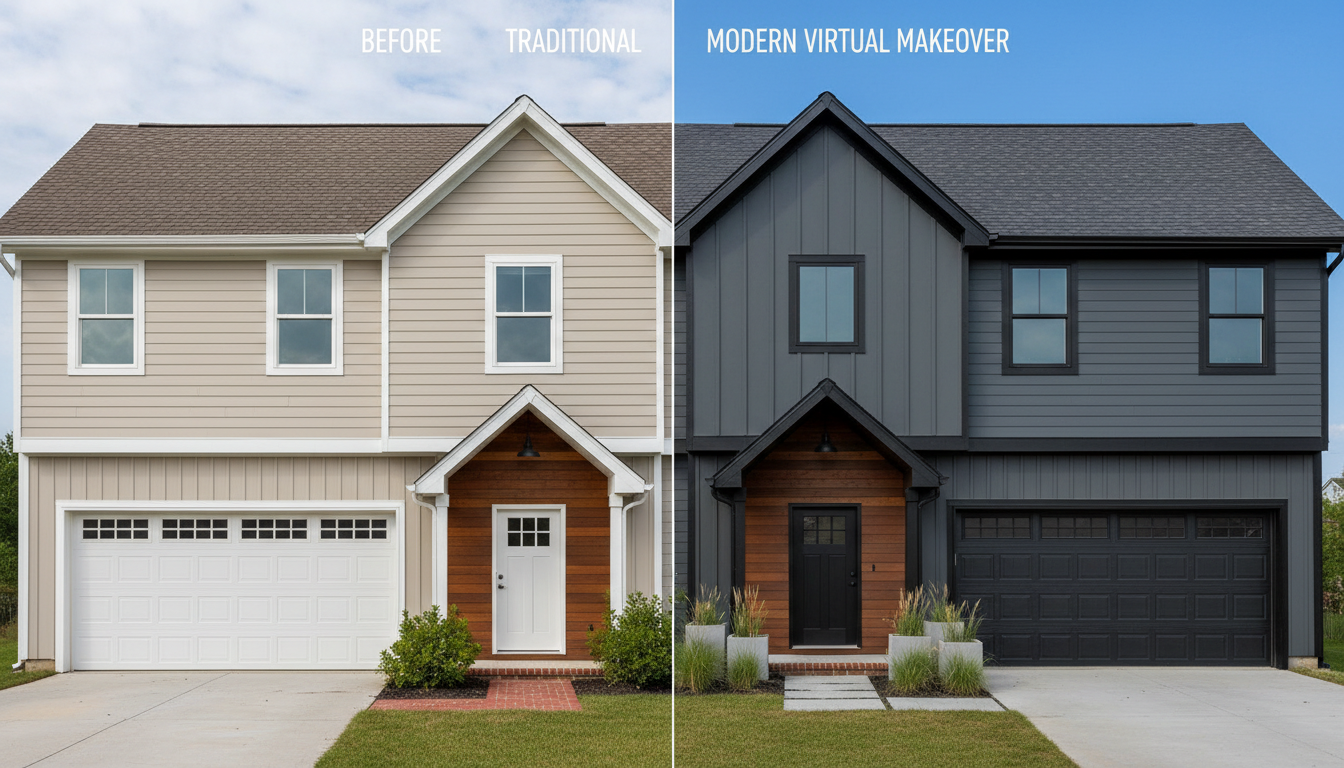
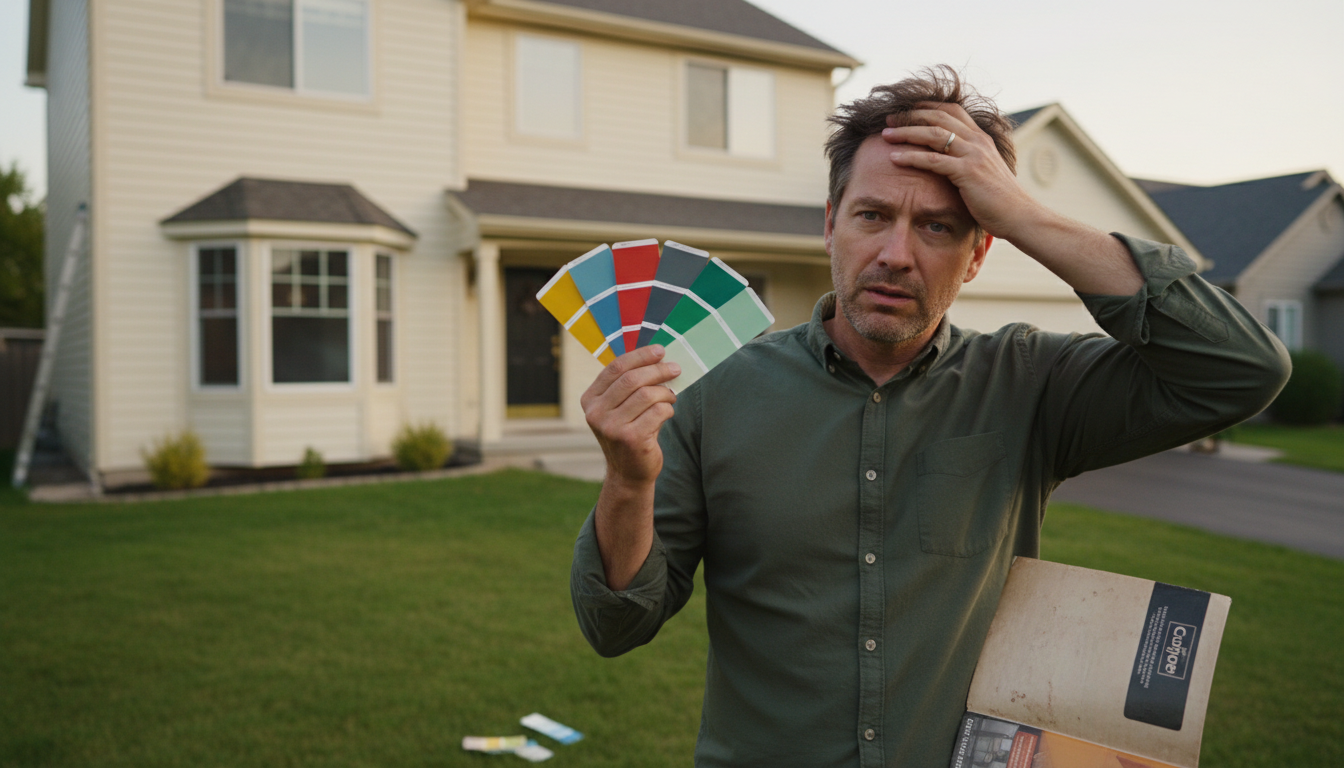
Choosing an exterior paint color is a high-stakes decision. That tiny paint swatch you love can look dramatically different when scaled across your entire home, and a mistake is both costly and frustrating to fix. For years, homeowners have had to rely on imagination and a few messy sample patches. But what if you could virtually paint your house before ever picking up a brush?
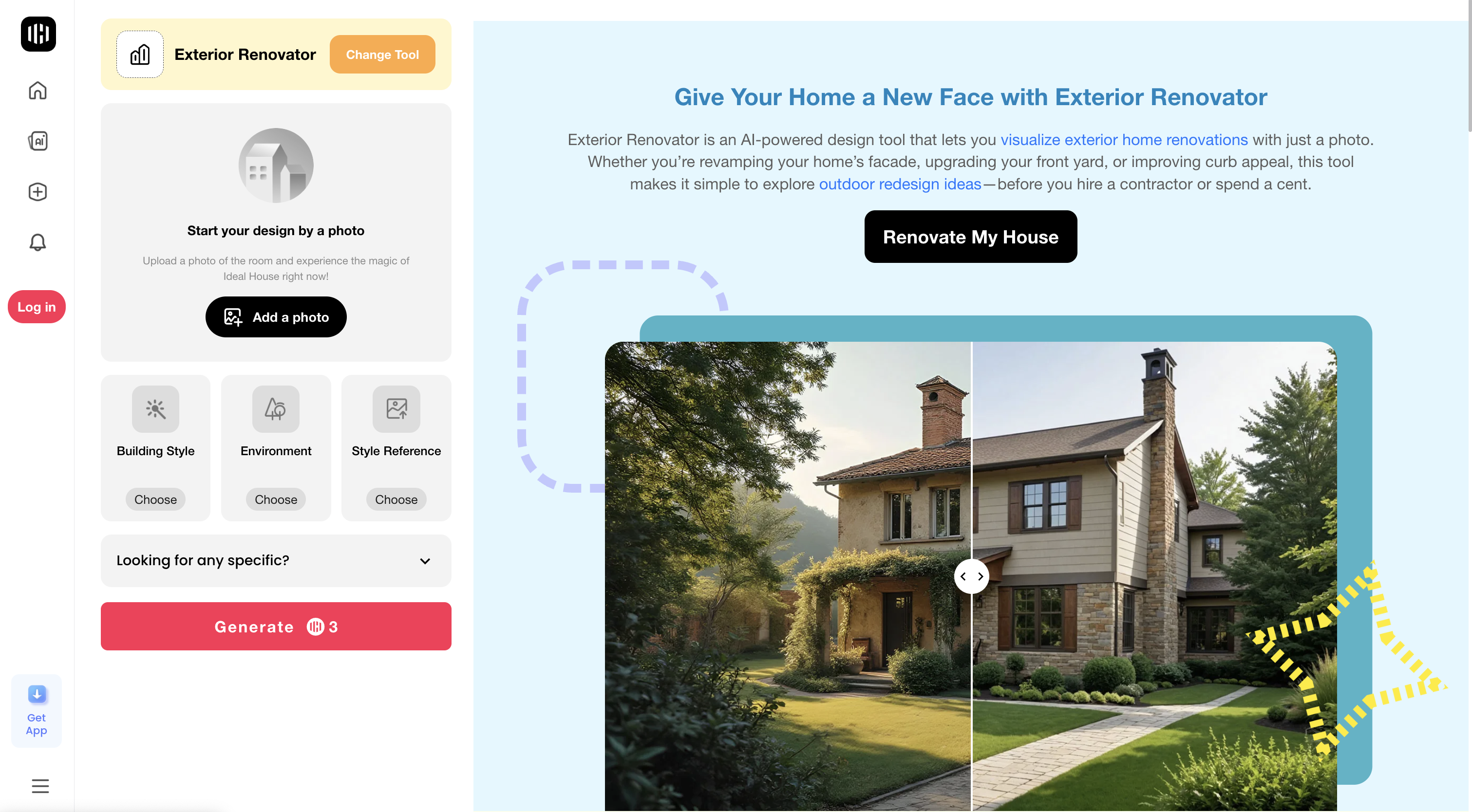
That’s the promise of an exterior paint visualizer. These digital tools let you upload a photo of your home and test drive different colors for your siding, trim, and doors. While traditional paint brand tools have been around for a while, a new generation of AI-powered platforms like Ideal House's Exterior Renovator is changing the game entirely. Instead of just swapping colors, these advanced tools can reimagine your entire facade, giving you the confidence to create the curb appeal you’ve always wanted.
This article breaks down the different types of exterior paint visualizers available, from powerful AI design suites to simple brand-specific apps, so you can find the perfect tool for your project.
The AI-Powered Renovation Suite: More Than Just Paint
The latest and most powerful tools use artificial intelligence to do more than just change colors—they help you visualize a complete exterior remodel. They are perfect for homeowners who want to see the big picture, from paint and materials to landscaping updates.
Ideal House stands at the forefront of this technology, offering a suite of AI tools that give you unparalleled creative control with stunning realism.
-
Ideal House Exterior Renovator: This is your all-in-one curb appeal generator. Simply upload a photo of your home’s exterior and describe your vision. You can give it a simple prompt like, “Paint the siding a deep sage green with off-white trim,” or go further with, “Give my home a modern farmhouse look with white board-and-batten siding, black window frames, and a natural wood front door.” The AI generates multiple high-resolution concepts in seconds, letting you explore entire architectural styles, not just paint colors.
-
Ideal House Texture Replacer: If you have a specific material in mind, this tool is a game-changer. It functions as a best-in-class flooring and paint visualizer but excels at applying complex textures. You can see exactly how your home would look with a new vinyl siding material, a German schmear finish on your brick, or a new style of roofing. Just upload a photo of your house and a photo of the material you want to test.
-
Ideal House Smart Replacer: For targeted changes, the Smart Replacer offers surgical precision. Want to see a new color on just the front door or shutters? Use the brush to select the area, type a prompt like “a glossy black front door,” and let the AI render the change. It’s perfect for experimenting with accent colors without altering the entire image.
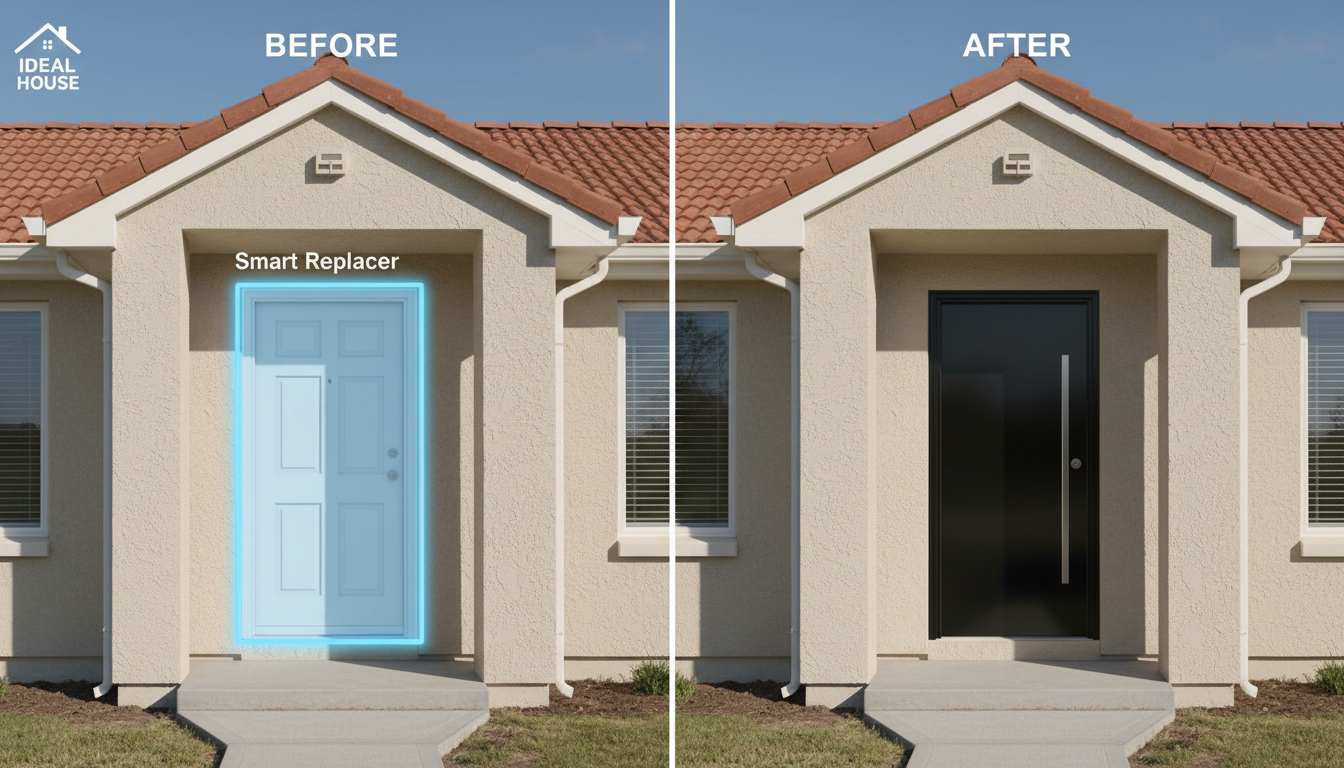
These AI tools move beyond the limitations of older apps, providing photorealistic results that account for texture, shadow, and light, making them the most versatile and accurate way to plan your home’s exterior makeover.
Traditional Paint Brand Visualizers
For decades, major paint brands have offered free online tools to help customers choose colors. These visualizers are a good starting point if you’re already committed to a specific brand.
Popular options include:
-
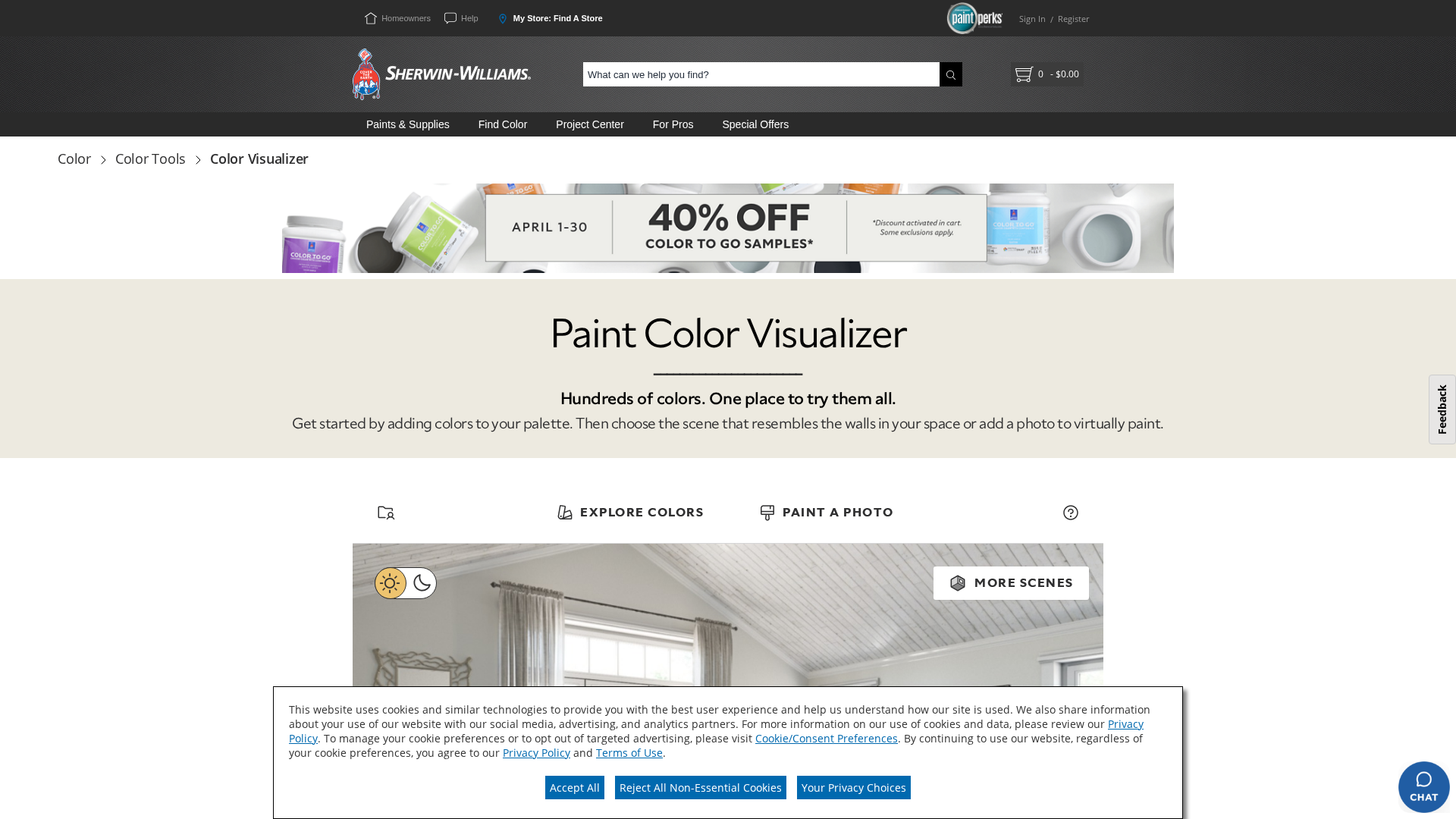
Sherwin-Williams ColorSnap Visualizer
-
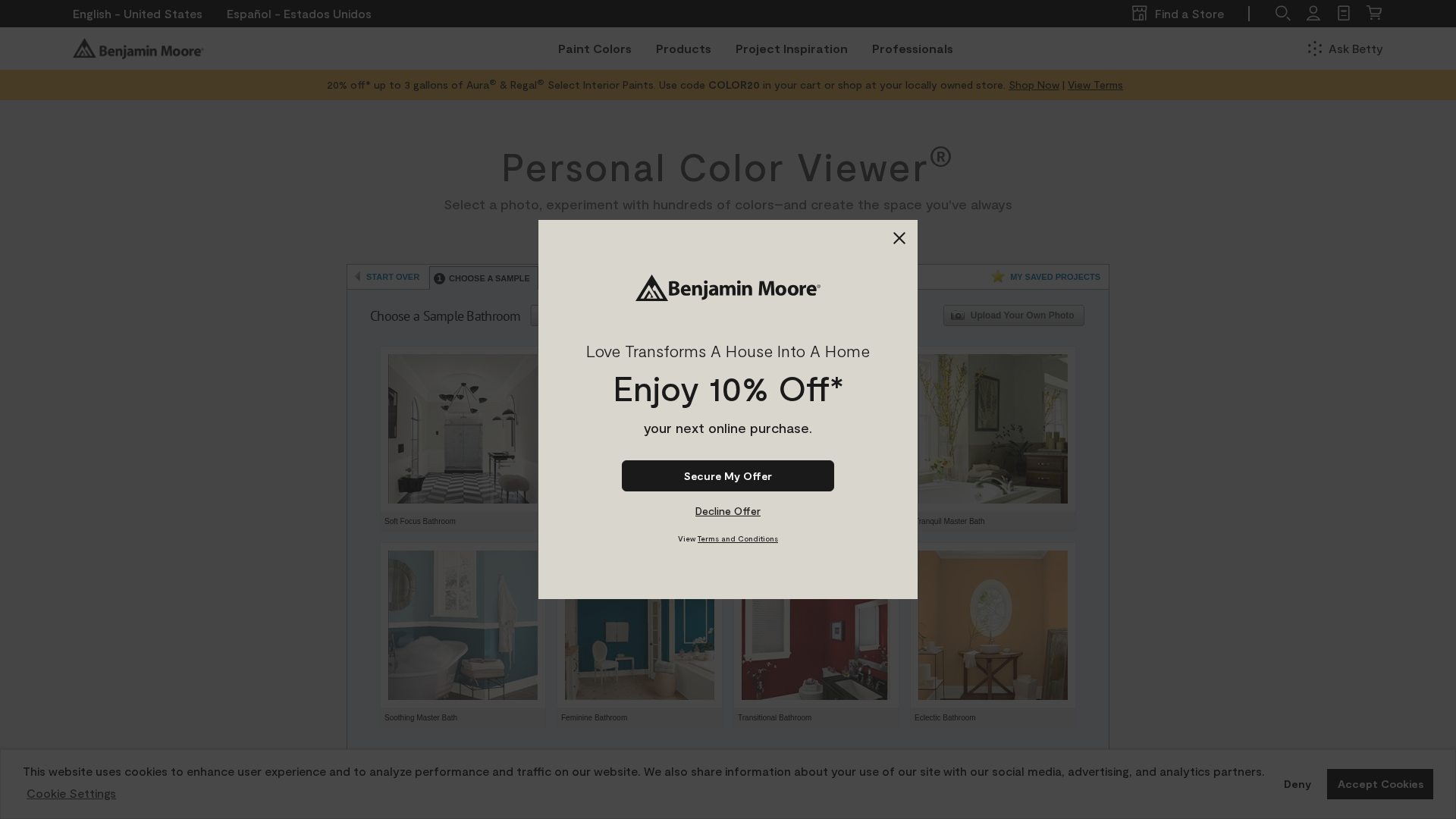
Benjamin Moore Personal Color Viewer
-
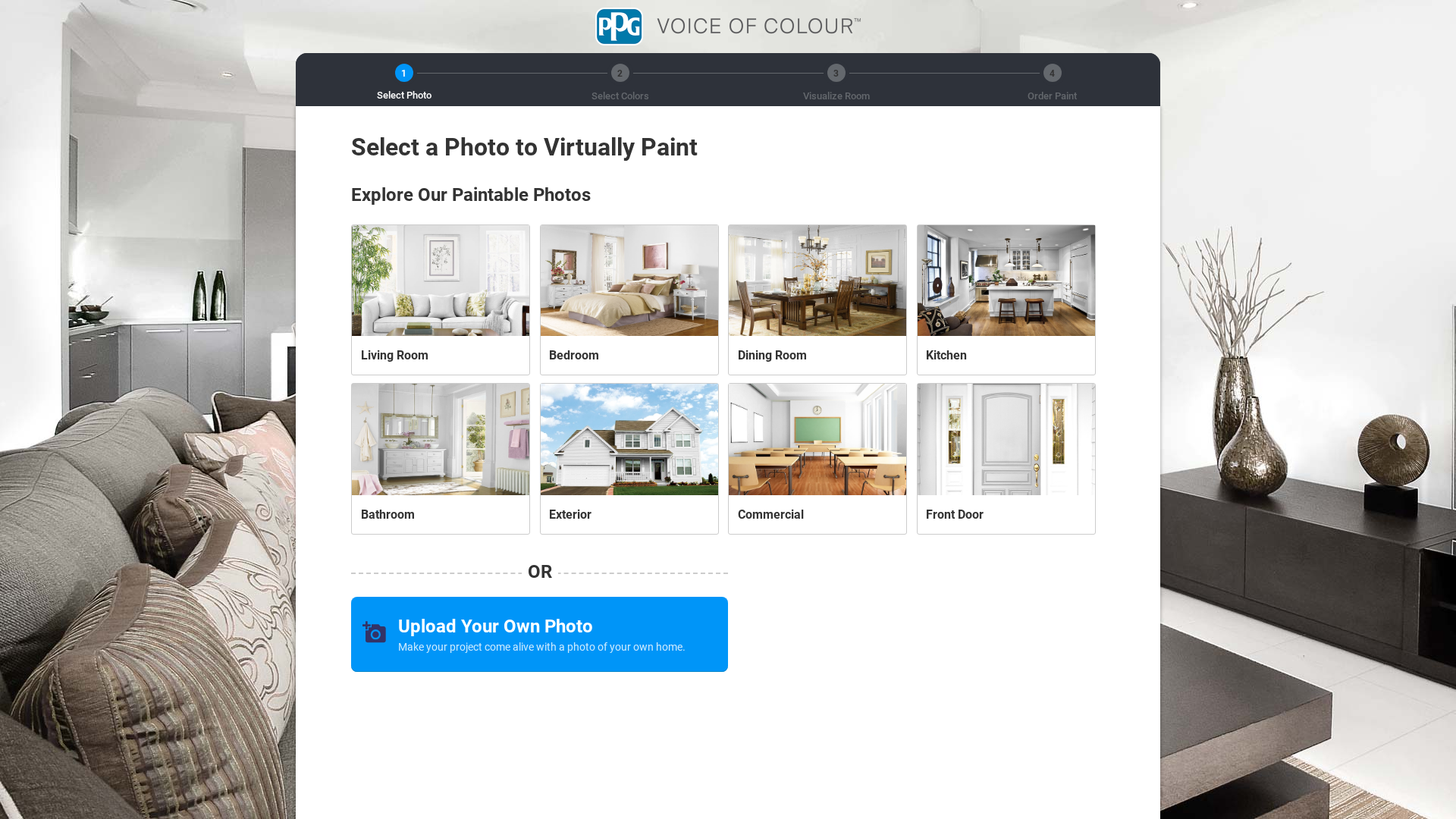
PPG Paints Online Visualizer
-
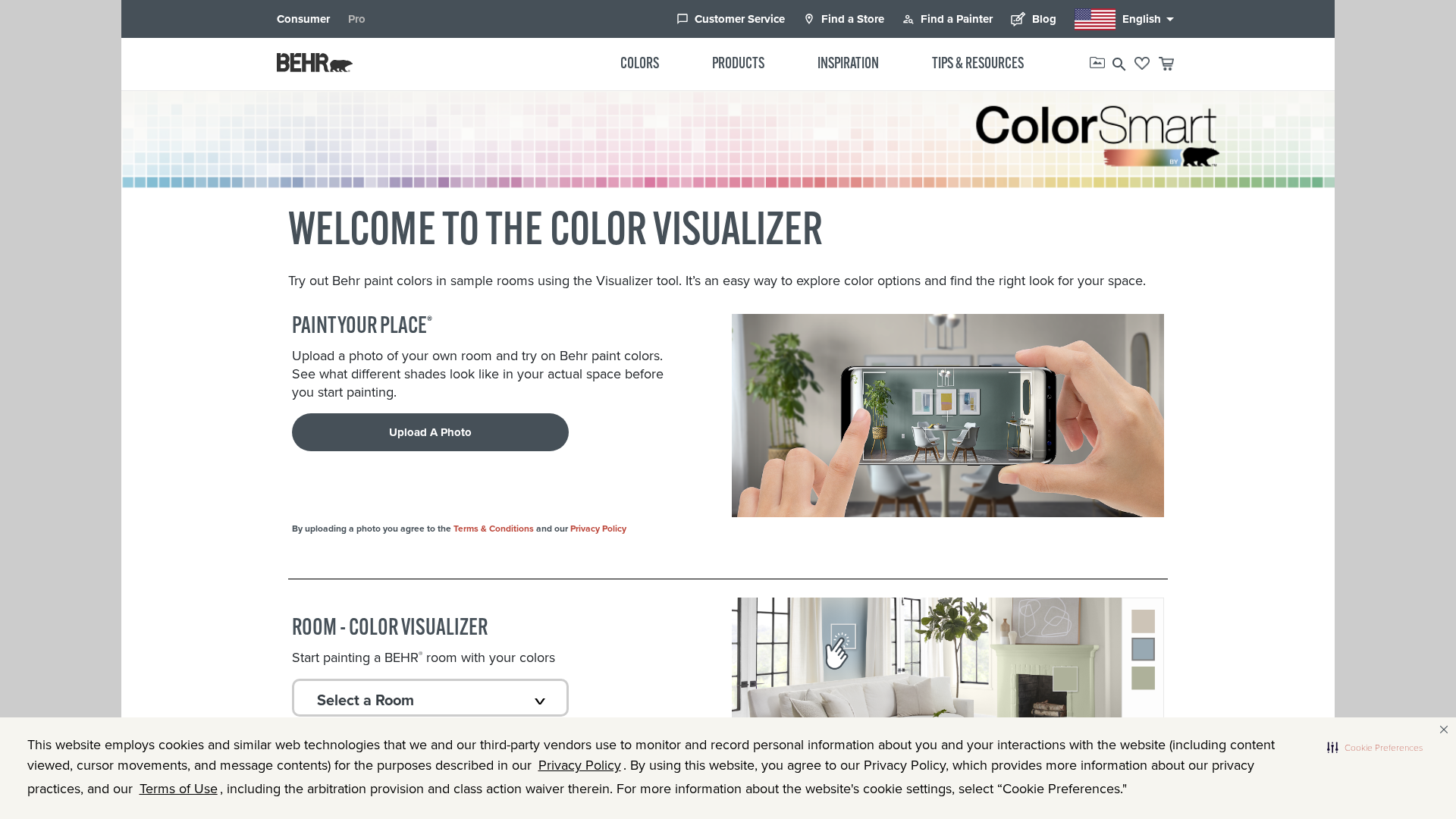
Behr ColorSmart
How They Work
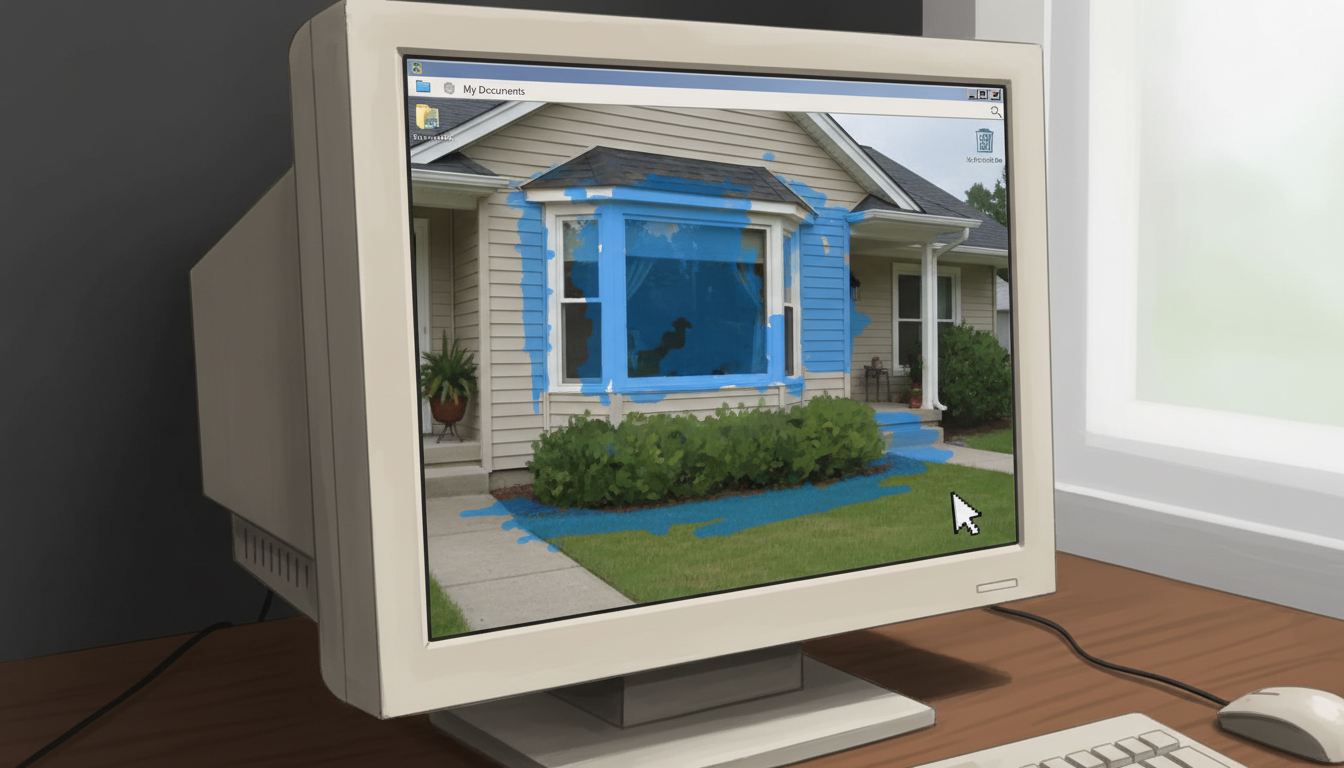
Typically, you upload a photo of your house and use a digital “paintbrush” or “fill” tool to manually mask the areas you want to change. You can then apply any color from that brand’s library.
Pros and Cons
Pros:
- Free to use: There is no cost to experiment with colors.
- Brand-specific libraries: You get access to the complete and official color catalog for that brand.
Cons:
- Often clunky and tedious: The manual masking process can be time-consuming, especially on homes with complex architectural details or landscaping in the way.
- Unrealistic results: Many tools apply a simple, flat color overlay that looks blotchy and doesn’t account for real-world lighting or surface textures. Poor edge detection can cause colors to "bleed" onto trim or windows.
- Limited to one brand: You can't compare a Sherwin-Williams siding color with a Benjamin Moore trim color in the same tool.
Independent Paint Visualizer Apps
A growing market of independent apps aims to solve the problems of traditional visualizers. Available on web and mobile, these apps often provide a better user experience and more features.
Examples include Housepaint AI, Paint My Place, and Renovate AI.
How They Work
Many of these apps use AI to automatically detect different surfaces like walls, trim, and doors, which saves you from manual masking. Some even offer paint libraries from multiple major brands.
Pros and Cons
Pros:
- Better user experience: Many feature automatic surface detection, which is a huge time-saver.
- Multi-brand palettes: The ability to mix and match colors from different manufacturers is a major advantage.
Cons:
- Cost: While some offer a free trial, most operate on a credit system, in-app purchases, or a recurring subscription. Costs can add up quickly.
- Inconsistent quality: User reviews are often mixed. Color accuracy, edge detection, and overall realism can vary widely from app to app.
Tips for Getting the Best Visualization Results
No matter which tool you choose, following these tips will help you get a more accurate and useful preview.
- Start with a High-Quality Photo: The old saying "garbage in, garbage out" applies here. For the best results, use a photo taken on a clear, overcast day to avoid harsh shadows or direct sun. Stand directly in front of your house to minimize distortion and make sure the entire facade is in the frame.
- Be Specific with AI Prompts: When using an AI tool like Ideal House, detailed descriptions yield better results. Instead of “paint the house blue,” try “Paint the wood siding a dark slate blue with crisp white trim around the windows and a natural wood front door.”
- Visualize More Than Just Walls: A successful exterior palette is about harmony. Use the visualizer to test siding and trim color combinations. Experiment with bold front door paint ideas and see how different shutter colors impact the overall look.
- Consider Your Roof Color: Your roof is a massive, unchangeable part of your home’s color scheme. Make sure your new paint choices complement its color, whether it’s black, brown, gray, or terracotta.
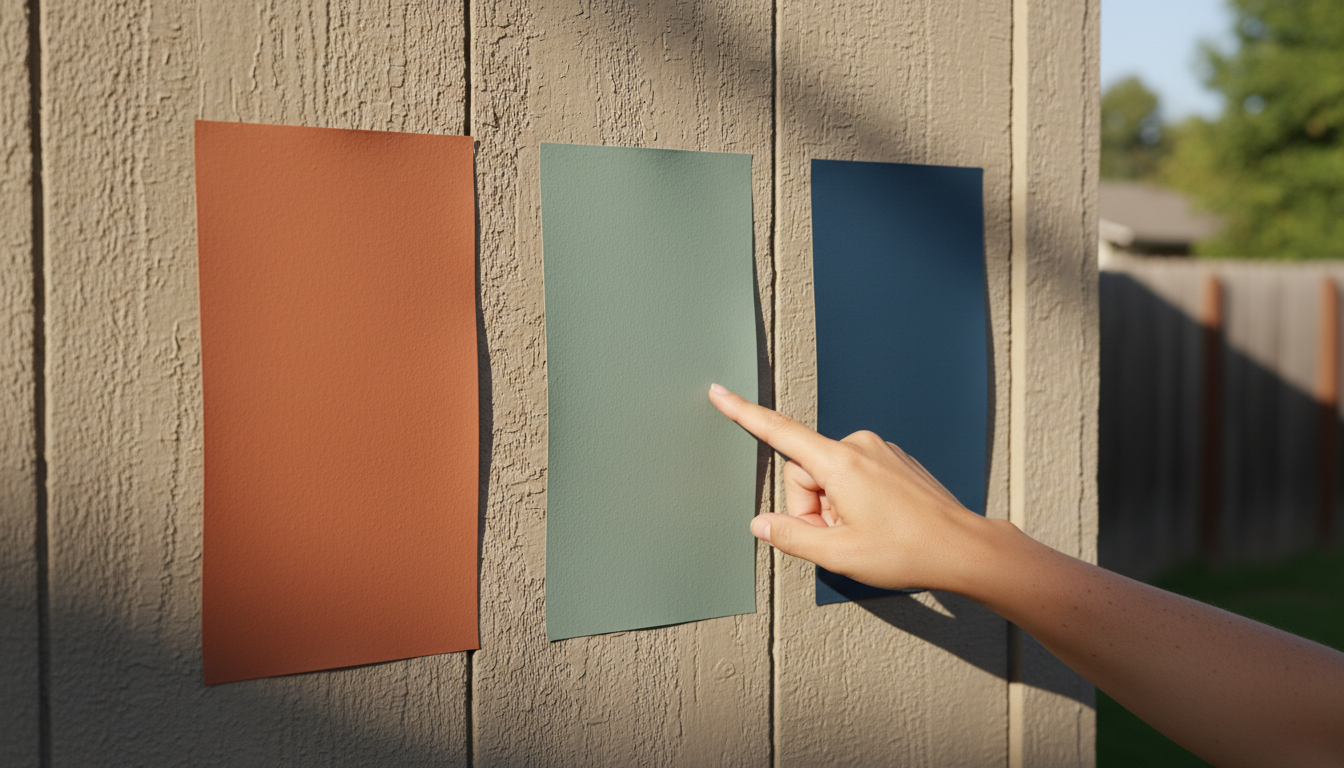
- Always End with Physical Samples: Digital tools are fantastic for narrowing down your options, but they can’t perfectly replicate how a color will look in your specific environment. Once you have a few favorites, get peel-and-stick paint samples or small test cans. View them on your house at different times of day before making your final decision.
Stop Guessing, Start Seeing
Choosing an exterior paint color no longer has to be a leap of faith. With tools ranging from simple color pickers to comprehensive AI design suites, you can make confident decisions that will boost your home's curb appeal for years to come. Whether you're exploring a simple color refresh or a full-scale remodel, visualizing the outcome is the most important first step.
Ready to see your home's full potential? Stop guessing and start designing with Ideal House's powerful and intuitive Exterior Renovator today.