


Seedance 2.0 Interior Design Prompts: Craft the Perfect Cinematic Room Tour
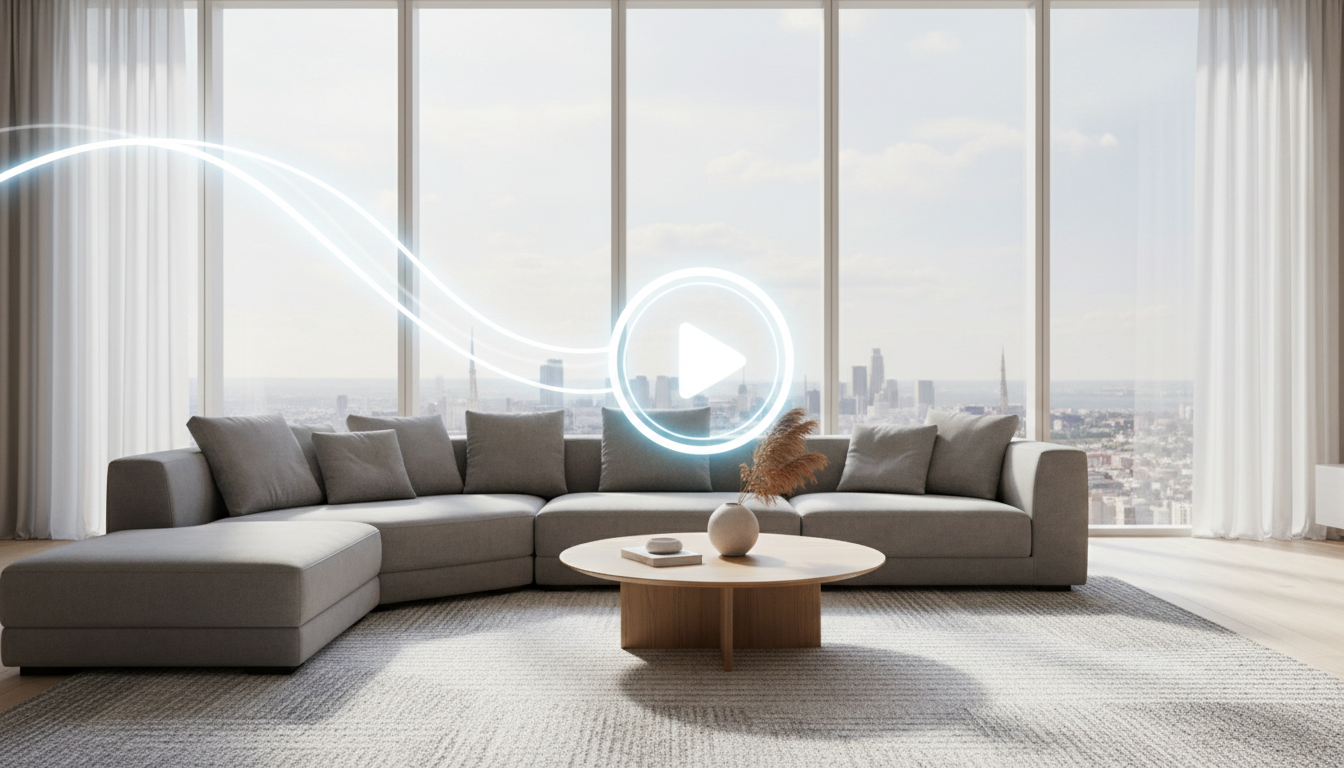
The world of artificial intelligence is rapidly evolving, with advanced models transforming how creative professionals work. For interior designers, architects, and real estate agents, the leap from static 2D renders to dynamic, cinematic video tours has often been a complex and costly process. Now, new multimodal AI video generators like Seedance 2.0 are creating a buzz, promising to turn simple text and image inputs into compelling video sequences. But how can these powerful, general-purpose tools be harnessed for the specific needs of interior design?
While exploring these cutting-edge technologies is exciting, achieving professional, client-ready results requires a focused approach. For designers seeking a streamlined, powerful, and integrated solution, tools built specifically for the industry, like Ideal House, offer a more direct path. Ideal House’s suite of AI-powered tools, including its intuitive Image to Video generator, empowers you to create stunning design presentations without the steep learning curve of complex multimodal models. This article explores the potential of models like Seedance 2.0 for design visualization and demonstrates how a purpose-built platform like Ideal House provides a more practical and efficient workflow.
What is Seedance 2.0 and Why is it Exciting for Designers?
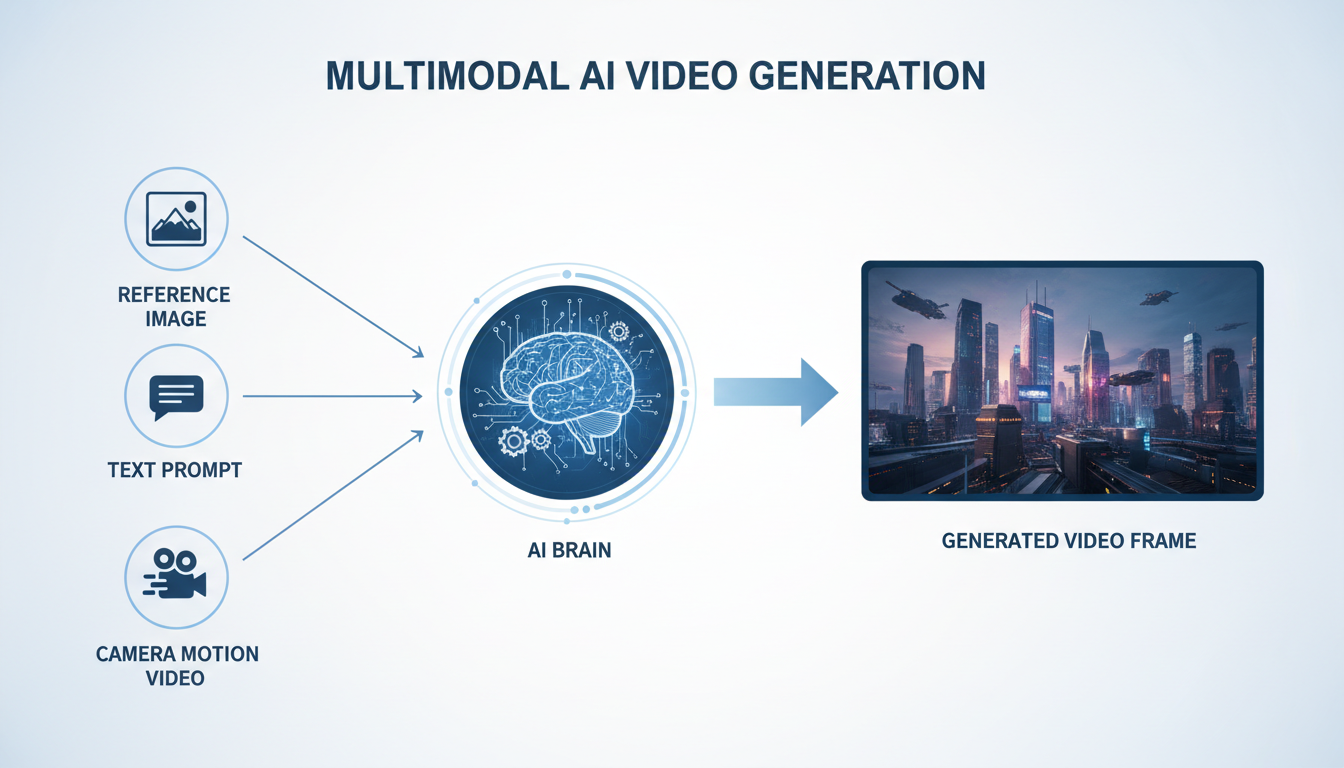
Seedance 2.0 is a second-generation AI video model from ByteDance, the company behind popular apps like CapCut. What makes it stand out is its multimodal capability, meaning it can understand and combine multiple types of input—text, images, videos, and even audio—to generate a single, coherent video output.
For an interior designer, this opens up fascinating possibilities:
- Scene Consistency: You can provide a reference image of a room, and the AI will work to keep the furniture, color palette, and overall style consistent throughout the generated video clip.
- Precise Camera Control: By referencing a video clip with a specific camera movement (like a slow pan or a dolly zoom), you can instruct the AI to replicate that cinematic motion in your design walkthrough.
- One-Take Continuity: The model is capable of generating longer, unbroken shots, perfect for creating a seamless virtual tour that flows from one space to another without jarring cuts.
- Detailed Storytelling: You can combine an image of your design with a detailed text prompt describing the action, like "sunlight streams through the window and moves across the floor," to bring the scene to life.
How to Conceptualize Interior Design Prompts for Seedance 2.0
Using a model like Seedance 2.0 effectively requires thinking like a film director. A structured approach, often called the CRAFT framework (Context, Reference, Action, Framing, Timing), is necessary to guide the AI. While this is complex, understanding the logic can help you appreciate what goes into AI video generation.
Here’s how you might apply this to an interior design project:
Example Prompt: A Modern Minimalist Living Room Tour
Let's say you have a render of a living room and want to create a short, cinematic clip.
Reference Assets:
@Image1: Your final high-resolution render of the minimalist living room.@Image2: A detail shot of a specific textured armchair in the room.@Video1: A stock video clip of a slow, smooth camera pan from left to right.
A potential prompt could look like this:
Context: A bright, modern minimalist living room with the aesthetic and layout from
@Image1. Reference: Strictly follow the camera movement from@Video1. Action: The camera reveals the space slowly. Sunlight should cast soft shadows on the floor. No characters are present. Framing: Begin with a wide shot showing the entire room. The movement should end with a medium shot focused on the armchair, ensuring its texture, as seen in@Image2, is visible. Timing: The entire sequence should be 8 seconds long, executed as a single, continuous shot.
As you can see, creating an AI animated room tour requires a lot of specific inputs and technical language, which can be a significant hurdle.
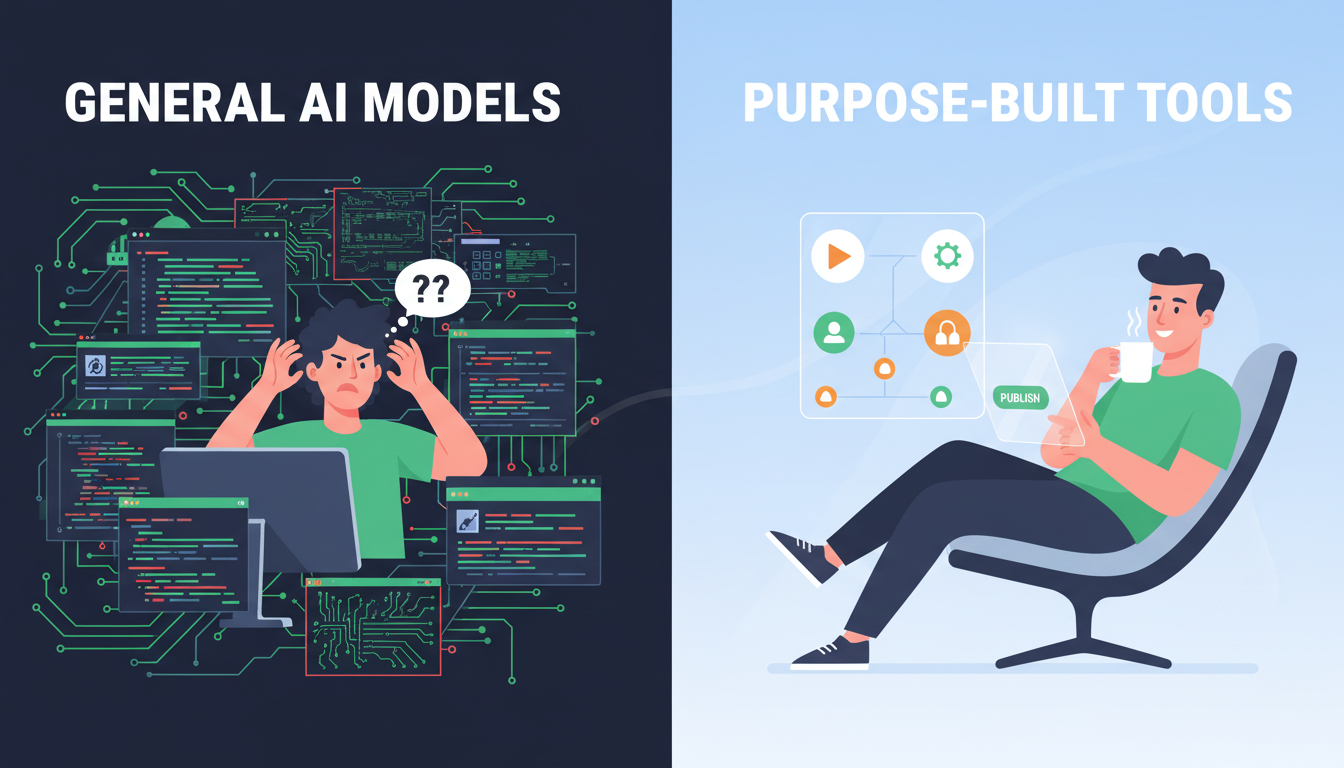
The Practical Challenges of General AI Video Models
While incredibly powerful, general-purpose models like Seedance 2.0 were not built exclusively for architectural walkthrough AI. This presents several challenges for design professionals:
- Steep Learning Curve: Mastering the art of writing detailed, multimodal prompts is time-consuming and can feel more like coding than designing.
- Asset Requirement: You often need multiple high-quality reference assets, including videos of specific camera movements, which you may not have readily available.
- Unpredictable Results: Without a perfectly crafted prompt, the AI might misinterpret your instructions, leading to distorted furniture, unrealistic lighting, or bizarre camera motion.
- Lack of Integration: These models operate in isolation. You can't easily stage a room, swap out a sofa, and then generate a video within the same cohesive environment.
A Streamlined Alternative: Creating Design Videos with Ideal House
This is where a specialized tool shines. Ideal House was built from the ground up for designers, architects, and real estate professionals. Its Image to Video feature is designed to eliminate the complexity while delivering professional-grade results.
The workflow is refreshingly simple:
- Upload Your Design: Start with a single, beautiful image of your interior design.
- Write a Simple Prompt: Instead of a complex script, you just describe the desired camera effect. For example: "Cinematic slow zoom towards the window," "Gentle pan from left to right," or "Upward tilt revealing the high ceiling."
- Generate Your Video: The AI handles the rest, creating a smooth, polished video clip that brings your static image to life.
The biggest advantage of Ideal House is its fully integrated ecosystem. You aren't just uploading a random image; you're animating a design you've perfected within the same platform.
The Complete AI Design Workflow: From Concept to Client Presentation
Imagine designing an entire project without leaving one intuitive platform. This is the power of an integrated AI interior visualization workflow.
- Stage the Space: Start with a photo of an empty room and use Ideal House’s Virtual Staging tool to furnish it with stunning, style-appropriate pieces.
- Refine the Details: Not happy with the coffee table? Use the Smart Replacer to instantly swap it for a different one. Want to test a new wall texture? The AI Texture Replacer can do it in seconds.
- Perfect the Image: Before creating your video, use the Photo Enhancer to automatically adjust lighting, color, and clarity for a crisp, professional look.
- Animate Your Design: With your perfect static image ready, seamlessly send it to the Image to Video generator to create a dynamic walkthrough.
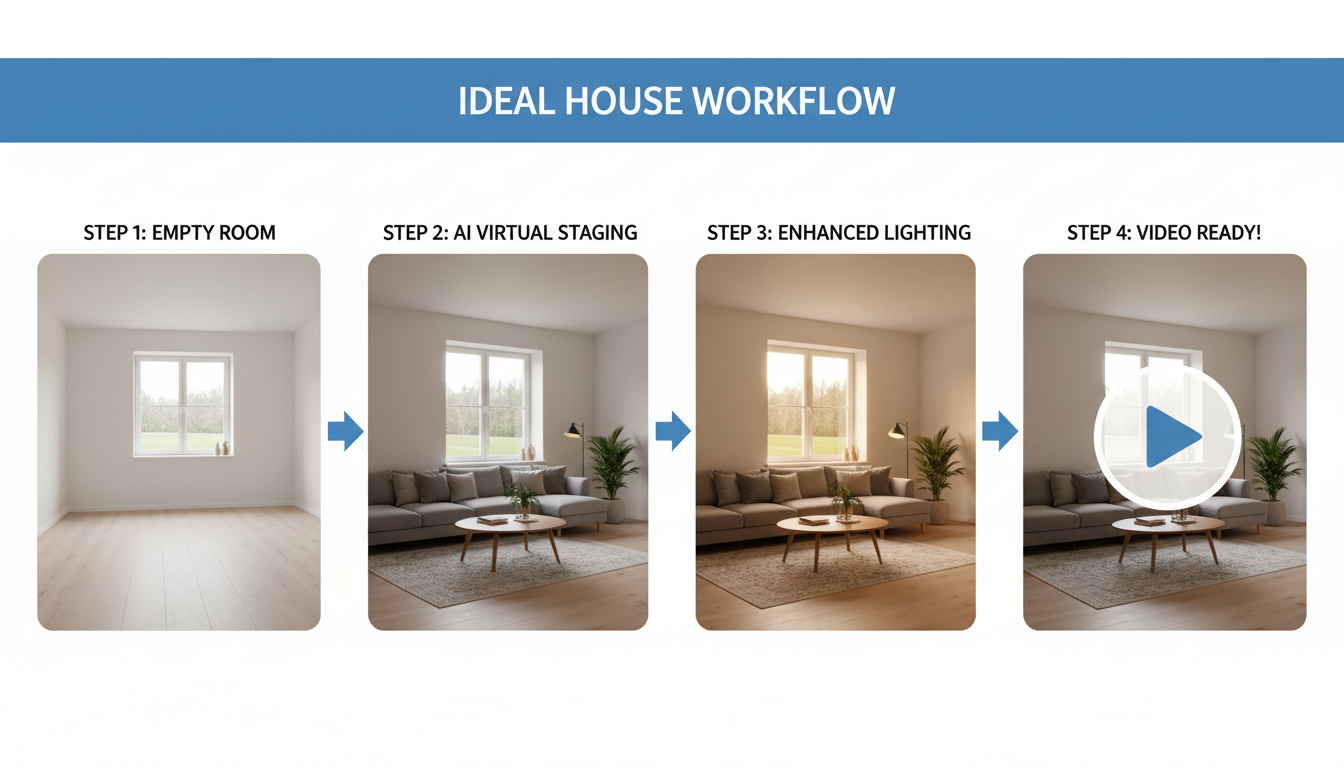
This workflow, which combines tools for AI furniture placement and video generation, is a game-changer. It replaces the need to juggle multiple apps and master complex prompting with a single, cohesive process designed for your specific needs.
The Future of Design Visualization Is Here
Multimodal AI like Seedance 2.0 offers an exciting glimpse into a future where any designer can become a filmmaker, creating immersive property tours and dynamic presentations. However, for professionals who need reliable, high-quality results today, the most effective solution is a tool that is purpose-built for their industry.
Ideal House provides that solution. By combining powerful, easy-to-use features for virtual staging, remodeling, and enhancement with a simple yet effective virtual staging video generator, it empowers you to transform your creative vision into compelling video content that will wow clients and elevate your portfolio.