








ジェネレータ
歴史
AI フロアプランジェネレーター
変更ツール
モデル
ベース版
切り替え
部屋
寝室
-
2
+
bathRoom
-
1
+
キッチン
オープン
クローズド
延べ面積
ユニット メトリック
メトリック 帝国
帝国
メトリック 帝国エリア
< 50㎡
50-80㎡
80-100㎡
100-120㎡
120-150㎡
> 150㎡
追加設備
ウォークインクローゼット
ランドリールーム
収納室
ユーティリティルーム
在宅勤務用オフィス
ガレージ
食品貯蔵室
リビングダイニング一体型
バルコニー

Design Your Dream Home Instantly: AI Floor Plan Generator Makes It Easy to Buy House Plans
Searching to buy house plans? Ideal House brings your vision to life with our revolutionary AI Floor Plan Generator. Quickly create detailed 2D floor plans, home plans for sale, and building layout plans tailored to your exact specifications. Whether you're a homeowner, designer, or realtor, generate professional, ready-to-use residential floor plans in seconds. Our intuitive floor plan creator empowers you to explore countless designs, from small house plans to modern house plans, transforming abstract ideas into concrete architectural drawings. Stop guessing and start designing with Ideal House.
Generate My Floor Plan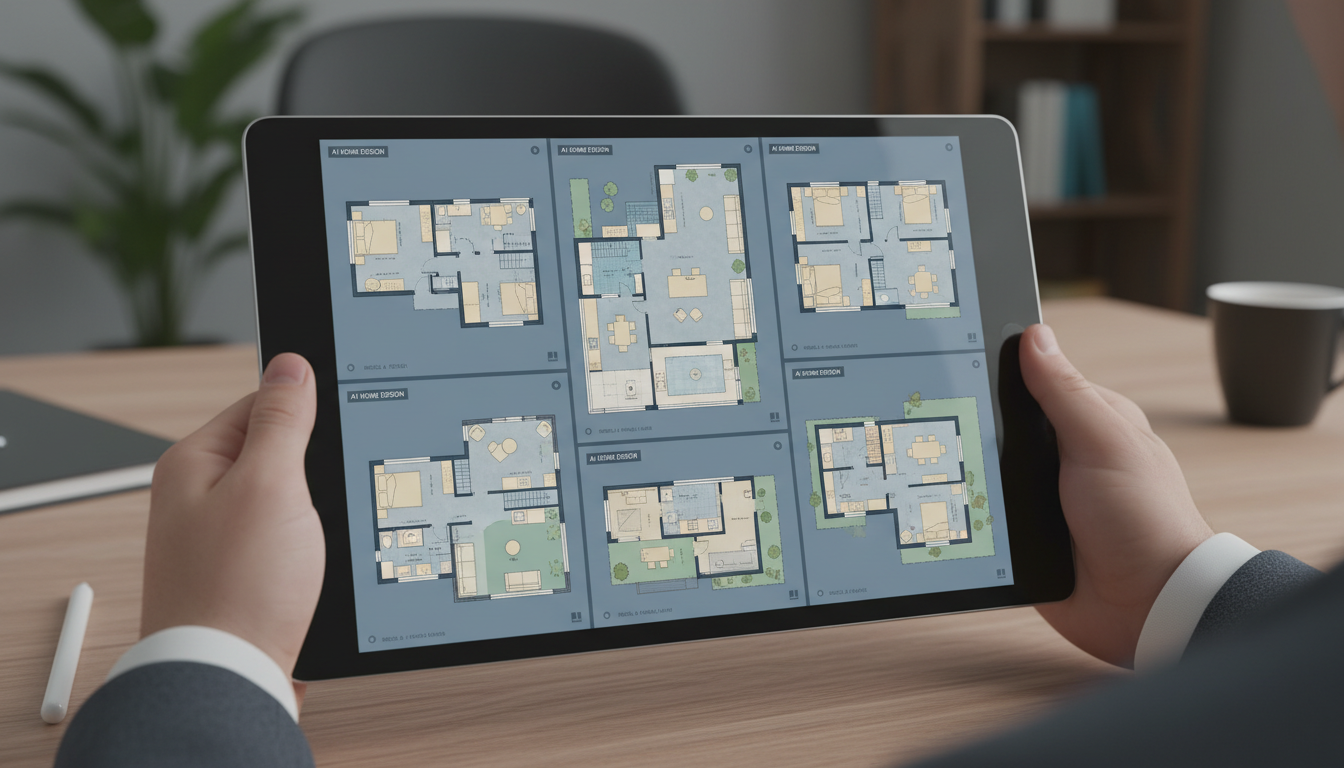


Revolutionize How You Buy House Plans with AI
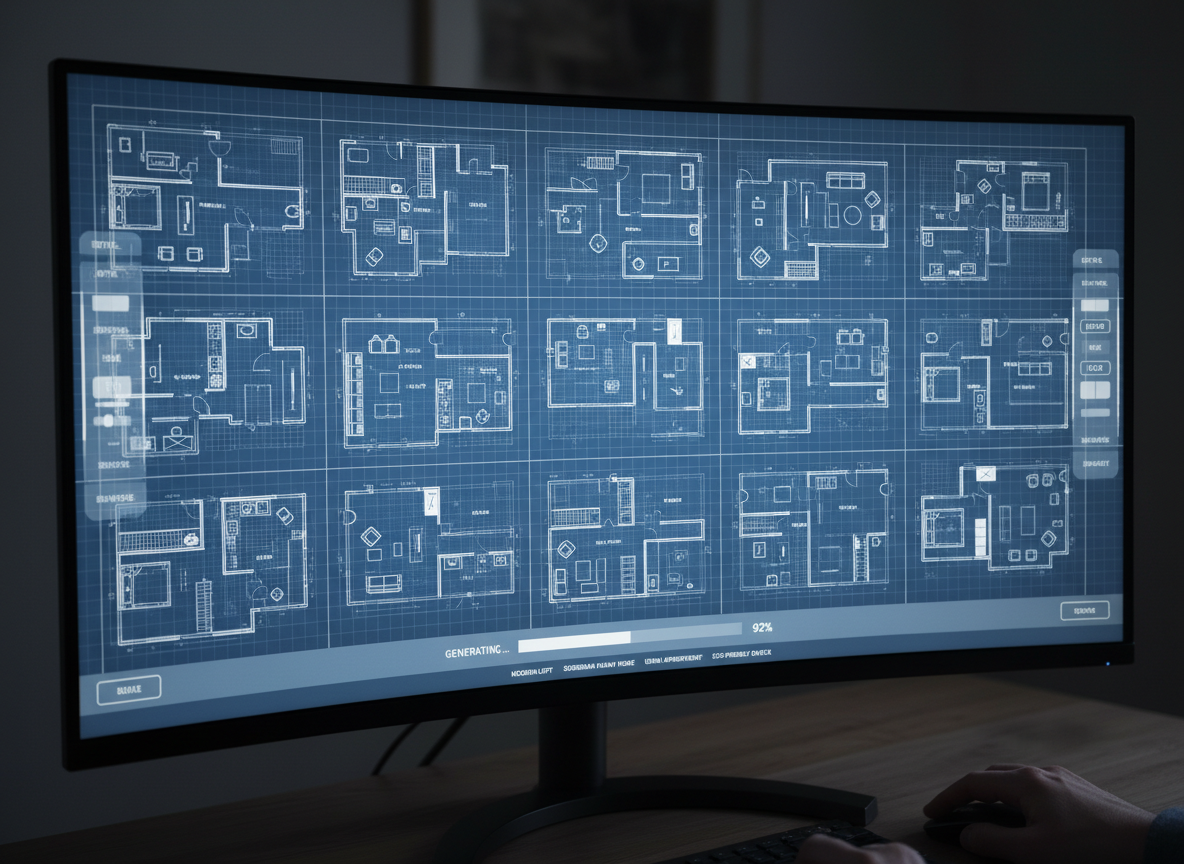
Speed & Efficiency: Instant House Blueprints
Gone are the days of waiting weeks for architectural drawings. Our AI Floor Plan Generator creates full-fledged house blueprints in mere seconds. Define your needs—bedrooms, bathrooms, kitchen style—and watch as our AI delivers precise, professional 2D floor plans. This unparalleled speed means you can iterate on designs faster, saving valuable time and accelerating your decision-making process when you need to buy house plans.
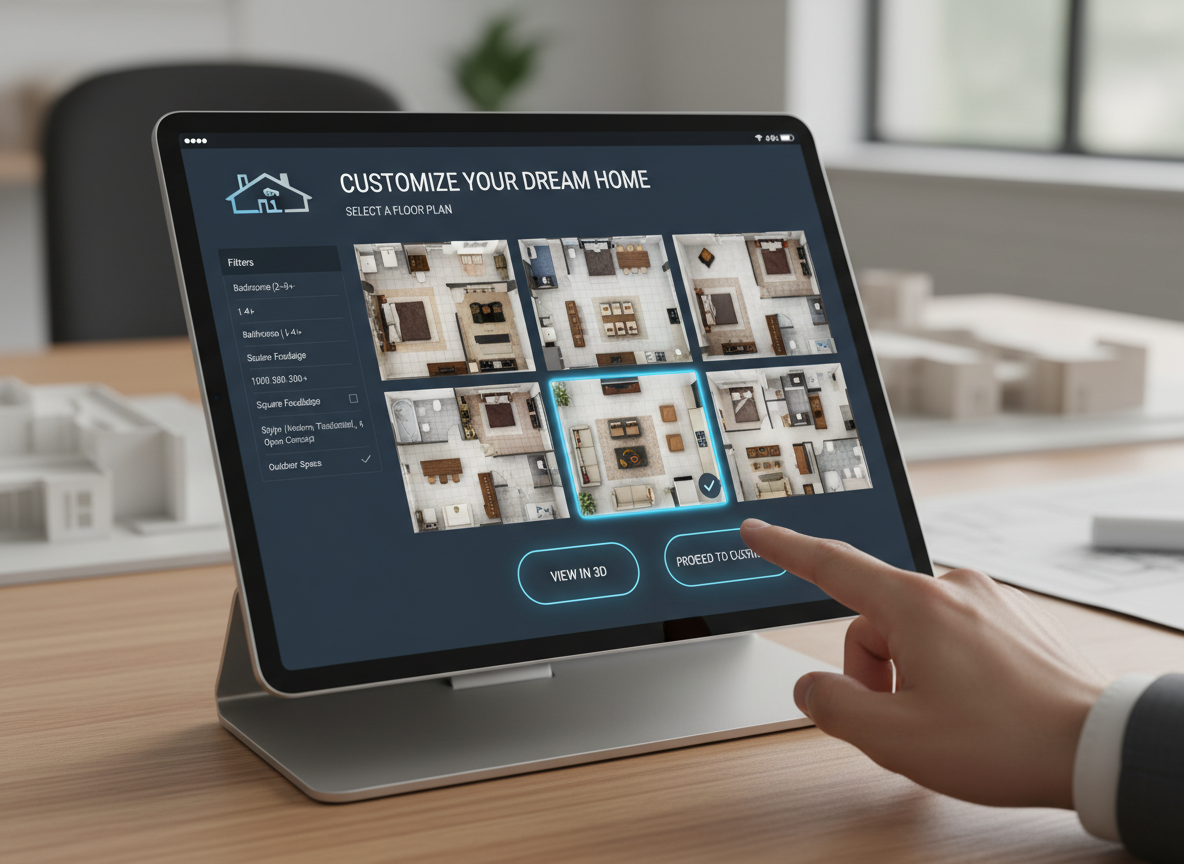
Unrivaled Customization: Your Vision, Perfected
Why settle for off-the-shelf when you can create custom home plans? Our tool offers granular control over your home's layout. Specify everything from an open-concept kitchen to a walk-in closet, a dedicated home office, or a spacious garage. Each selection dynamically shapes your residential floor plans, ensuring the result perfectly matches your lifestyle or client brief. This level of customization makes it easier than ever to buy house plans that truly fit.
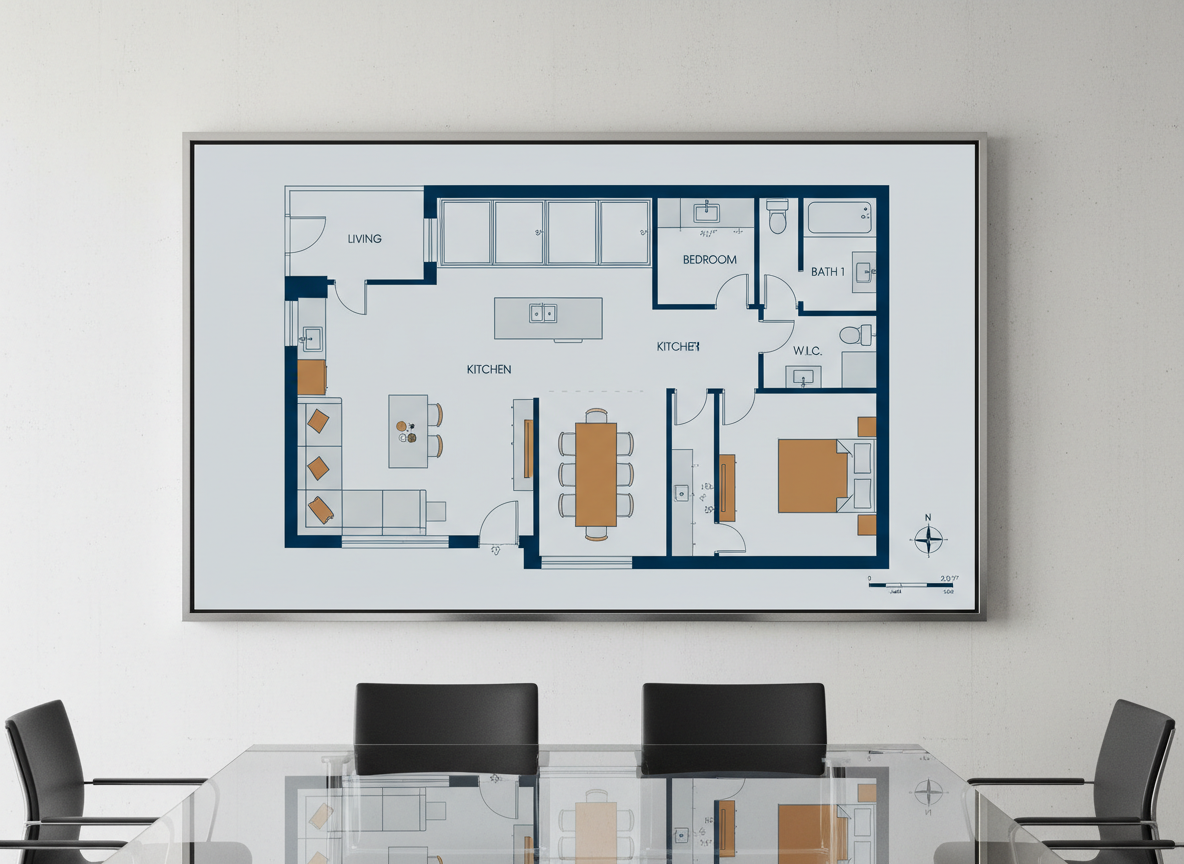
Realistic & Ready: High-Quality Building Plans Online
Every floor plan generated by Ideal House is not just a sketch; it's a presentation-ready asset. Our AI ensures that each 2D floor plan adheres to logical building layout plans, making them suitable for real estate listings, client presentations, or as a starting point for house construction plans. Access high-quality building plans online that convey clarity and professionalism, helping you confidently buy house plans or present them to others.
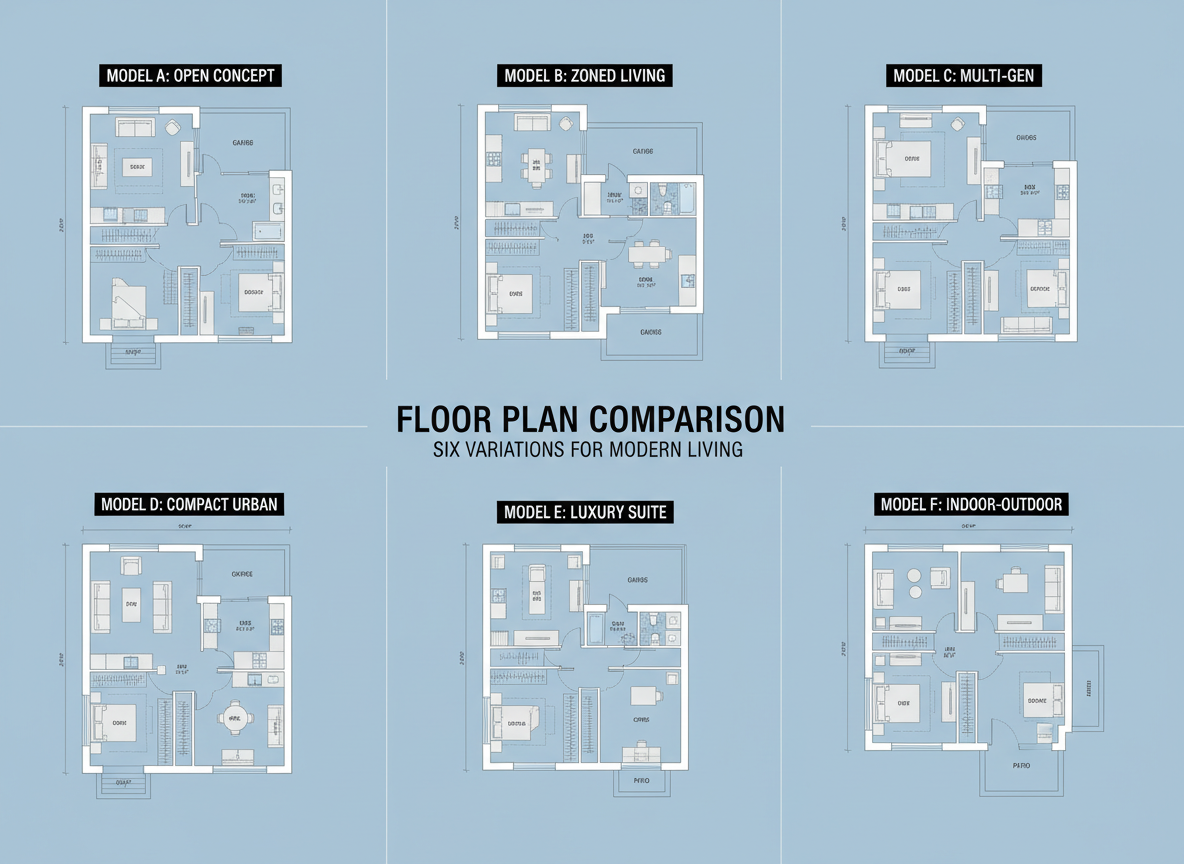
Smart Iteration: Compare and Refine New House Plans
The journey to finding the perfect design often involves exploration. With Ideal House, every generated plan is saved, allowing you to easily compare different versions side-by-side. Experiment with various configurations for new house plans, tweak parameters, and refine your choices until you find the ideal layout. This iterative process ensures you make informed decisions when you buy house plans or simply visualize your next project.

Who Benefits from Our AI Floor Plan Generator?

Homeowners dreaming of new house plans or renovation ideas, looking to visualize potential layouts before they buy house plans.

Interior Designers & Decorators who need quick 2D floor plans for client pitches and rapid concept development.

Real Estate Agents & Brokers creating compelling property listings with clear residential floor plans to attract buyers.

Contractors & Developers seeking efficient ways to generate initial building layout plans and discuss project scope with stakeholders.

How to Generate Your Perfect Floor Plan
1
Set Rooms: Choose the number of bedrooms (0-4) and bathrooms (1-3) to define your initial space needs. This guides our AI in crafting suitable house blueprints.
2
Choose Kitchen Style: Select between an 'open' or 'closed' kitchen to influence the flow and privacy of your living spaces. A crucial step for any home plans for sale.
3
Pick Gross Area: Specify your desired size range (e.g., <50㎡, 50-80㎡) to ensure the AI generates appropriately scaled residential floor plans.
4
Add Extras: Enhance your design with features like a walk-in closet, home office, garage, or balcony. These shape the functional zones of your new house plans.
5
Generate & Review: Click 'Generate' to instantly view your 2D floor plan. Review and compare iterations in your history to find the best fit. Your path to buy house plans starts here.
6
Download & Share: Export your chosen design as an image or PDF, ready to share with clients, family, or use in listings. Easy distribution of your architectural drawings.
Frequently Asked Questions About AI Floor Plan Generation
How does the AI turn my selections into a floor plan?
Our AI floor plan generator interprets your selections—beds, baths, kitchen, gross area, and extras—and applies smart algorithms based on common design principles and adjacencies. It drafts clear 2D floor plans instantly. Each regeneration offers a fresh concept, helping you explore diverse house design plans.
What are the available ranges and default settings?
You can select 0-4 bedrooms (default 2), 1-3 bathrooms (default 1), and toggle between open or closed kitchens (default open). Gross area can be chosen from various bands. Extras are multi-selectable, allowing you to customize your building layout plans comprehensively.
How does the 'Gross Area' selection impact the plan?
The 'Gross Area' band helps the AI scale rooms and corridors appropriately, ensuring that the generated floor plans feel proportional and realistic for your chosen footprint. It's vital for creating practical custom home plans.
What's the difference between an open and closed kitchen in the generated plans?
An open kitchen typically integrates with living-dining areas, promoting a continuous flow and social interaction. A closed kitchen defines a separate cooking space, offering more privacy. Your choice influences the overall residential floor plans and how spaces interact.
What do the 'Extras' like a walk-in closet or home office do?
Extras like a walk-in closet, laundry room, home office, garage, pantry, combined living-dining, or balcony guide the AI to prioritize and strategically place these specific spaces within your 2D floor plans. This ensures functionality matches your preferences when you buy house plans.
Can I compare multiple versions of generated floor plans?
Absolutely! Every floor plan created is saved in your 'Generation History'. You can easily use filters and different view options to compare multiple versions side-by-side, helping you make the best decision for your home design plans.
How quickly does it generate plans, and how are credits used?
Most floor plans are generated in just a few seconds. Each click of the 'Generate' button consumes the credits indicated. All generated results are stored for your convenience, making it efficient to buy house plans or iterate designs.
Complementary Tools for Your Home Design Journey
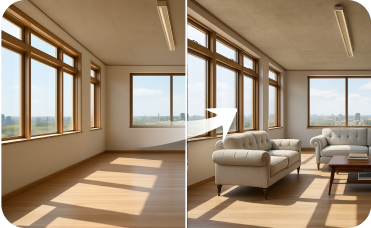
Virtual Staging
Stage the interiors of your Craftsman home with period-appropriate furniture to attract more buyers online.
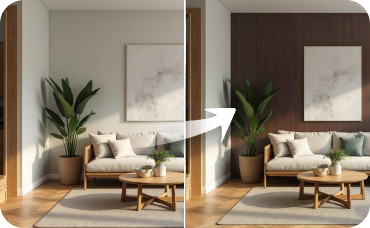
Room Visualizer
Continue the Mediterranean theme inside by redesigning your rooms to complement your Andalusian Colonial facade.
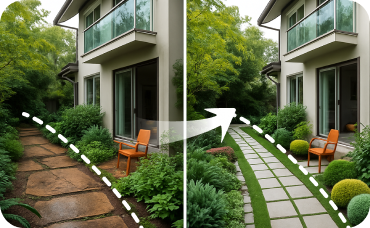
Landscaping
Design your dream yard by adding gardens, patios, pools, and pathways to your property.
Ready to Design Your Future? Start Your Free Trial Today!
Stop searching to buy house plans and start creating them. Our AI Floor Plan Generator is your ultimate floor plan creator.
Generate My Floor Plan
💰 Ideal Houseのアフィリエイトパートナーとして10%のコミッションを獲得しましょう。
参加しませんか