








Generator
History
AI Floor Plan Generator
Change Tool
Model
Base
Switch
Rooms
BedRoom
-
2
+
BathRoom
-
1
+
Kitchen
open
closed
Gross Area
Unit metric
 imperial
metric imperialArea
< 50㎡
50-80㎡
80-100㎡
100-120㎡
120-150㎡
> 150㎡
Extras
walk-in closet
laundry room
storage room
utility room
home office
garage
pantry
combined living-dining
balcon

Design Your Dream Home with AI: Instantly Generate Three Bedroom House Plans
Unleash your creativity with Ideal House’s AI Floor Plan Generator. Quickly create professional, presentation-ready three bedroom house plans, 2 bedroom house plans, or even 4 bedroom layouts in seconds. Whether you’re a homeowner, designer, or real estate professional, our intuitive tool transforms your vision into detailed 2D floor plans, perfect for exploration, listings, and client discussions.
Generate My Floor Plan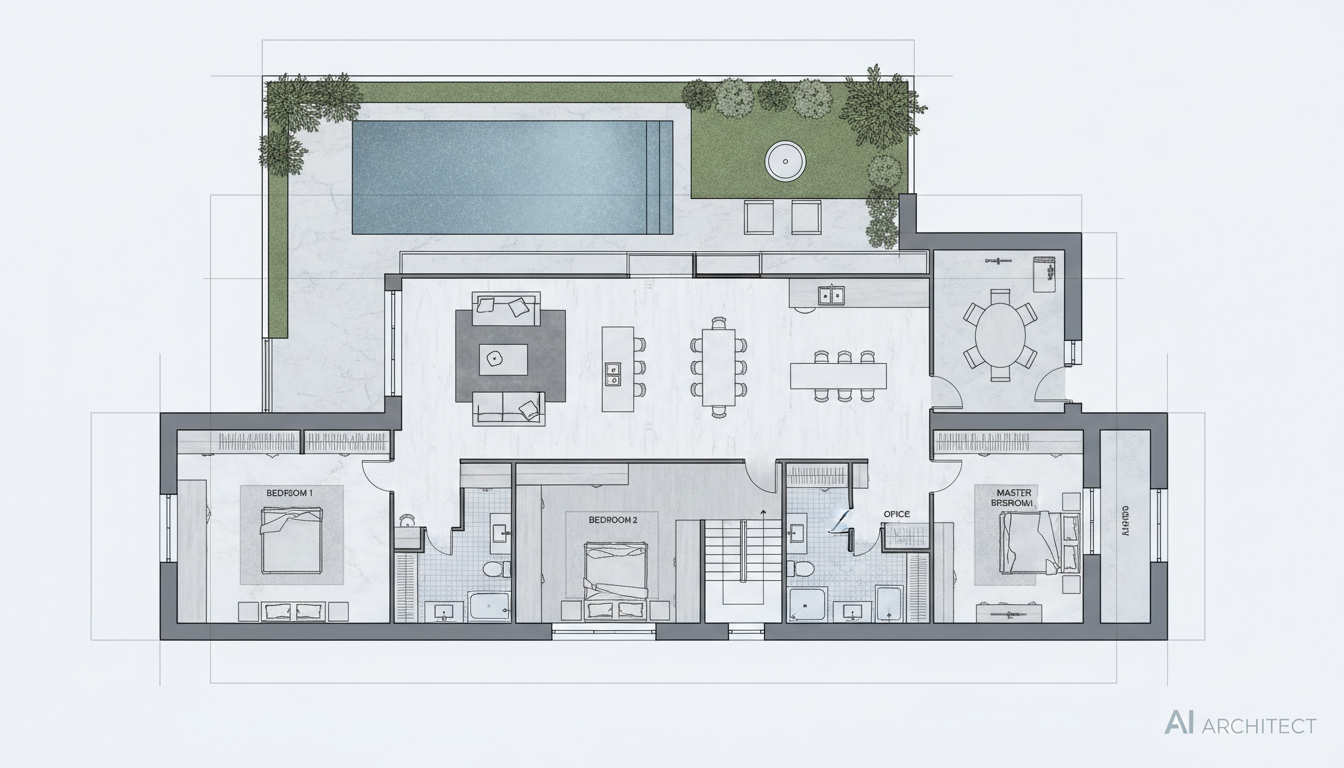


Why Ideal House is Your Ultimate Floor Plan Creator
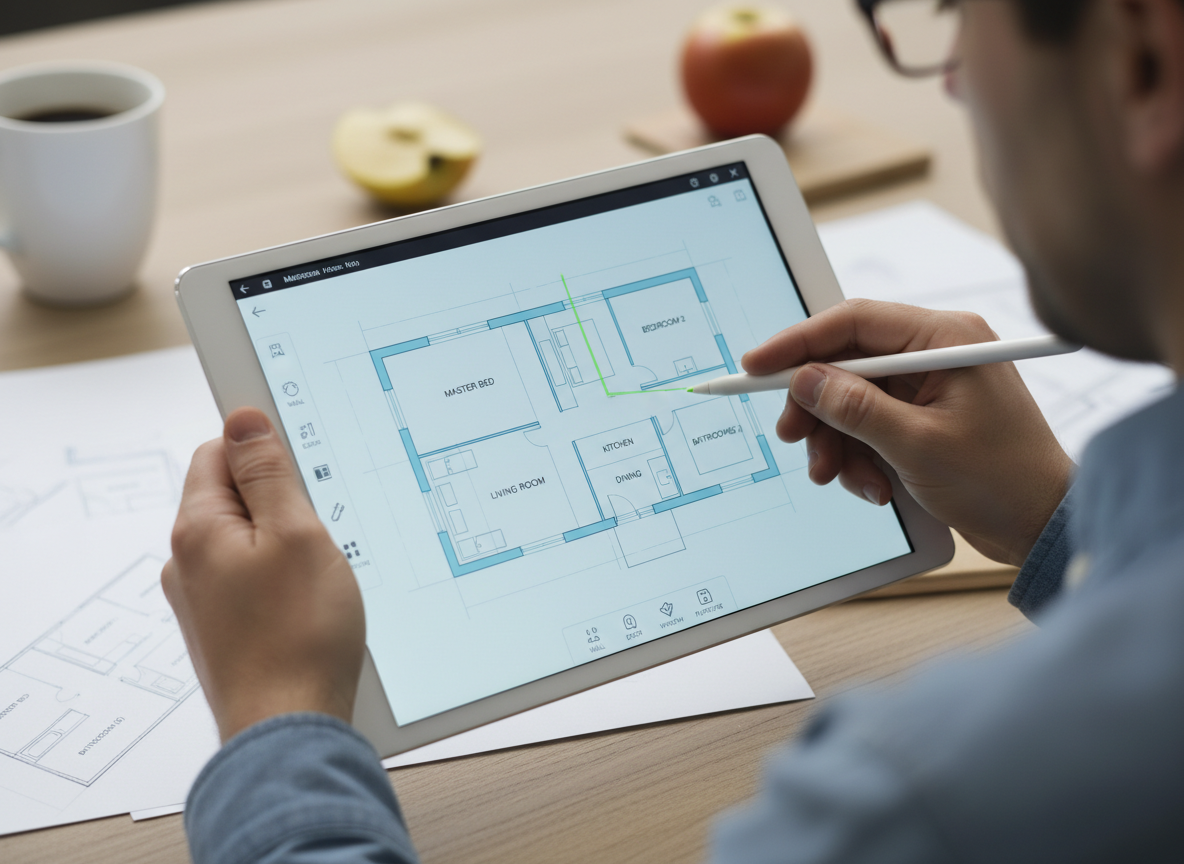
Speed & Simplicity: AI-Powered Three Bedroom House Plans
Gone are the days of tedious manual drafting. Our AI Floor Plan Generator lets you define your dream three bedroom house plans, 2 bedroom house plans, or even a studio layout with just a few clicks. Specify bedrooms, bathrooms, kitchen style, and gross area, then watch as our AI delivers high-quality 2D floor plans in moments. Get instant visualization for residential floor plans without the wait.
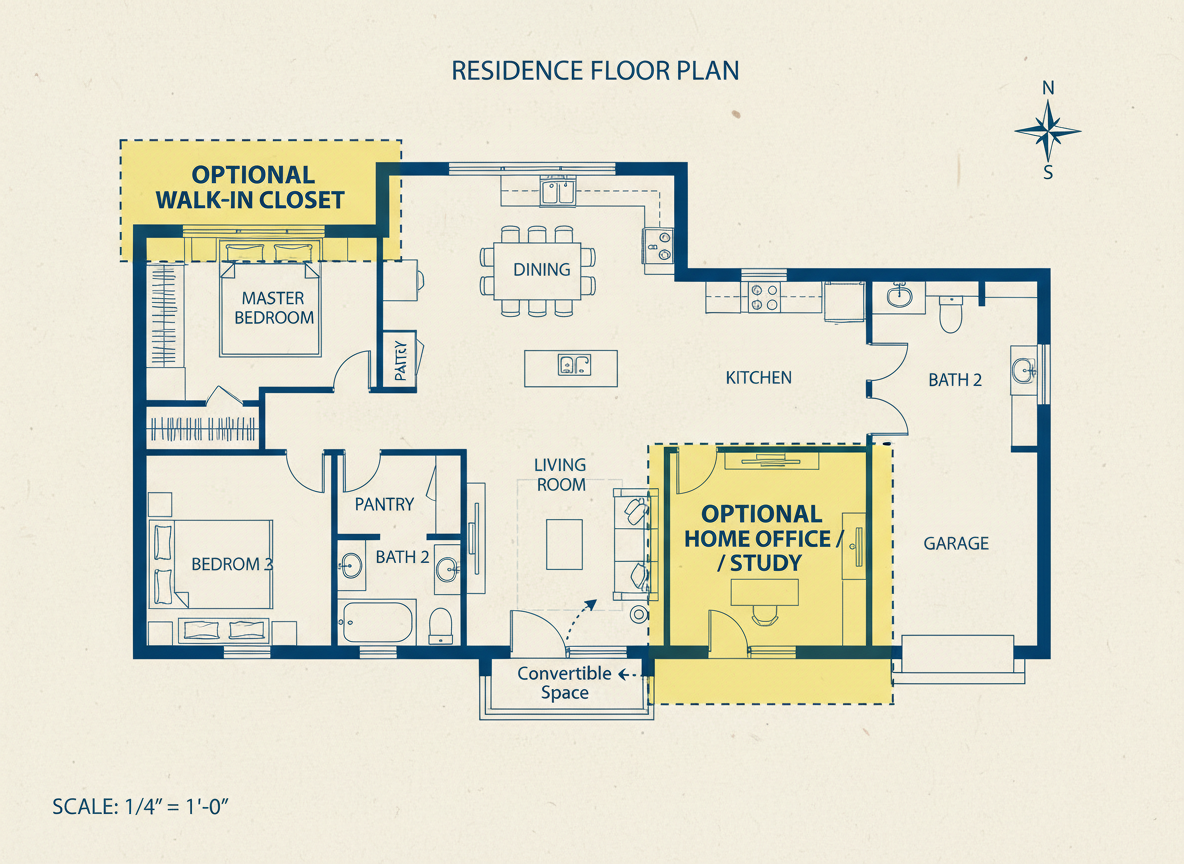
Customization at Your Fingertips: Tailored Home Designs
Ideal House empowers you to create truly custom house plans. Add desired extras like a walk-in closet, laundry room, home office, garage, or a combined living-dining area. Our AI intelligently integrates these features into your three bedroom house plans, adapting the layout design to your precise needs. Explore various house designs and building plans effortlessly.
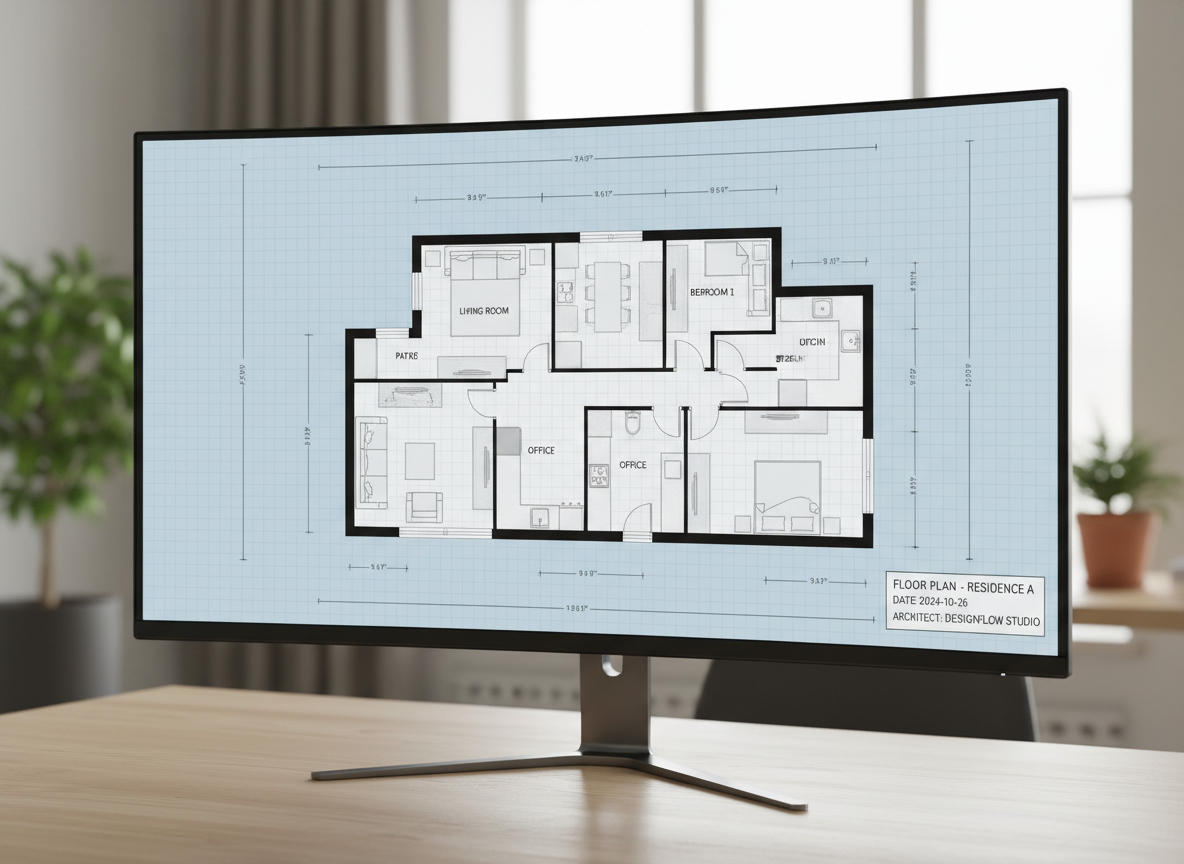
Realistic & Presentation-Ready 2D Floor Plans
Every generated floor plan is designed for realism and clarity, making it perfect for both personal use and professional presentations. Our tool creates clean, easy-to-understand architectural drawings that accurately represent your desired three bedroom house plans. Ideal for real estate listings, client pitches, or personal home renovation projects, providing clear property blueprints.
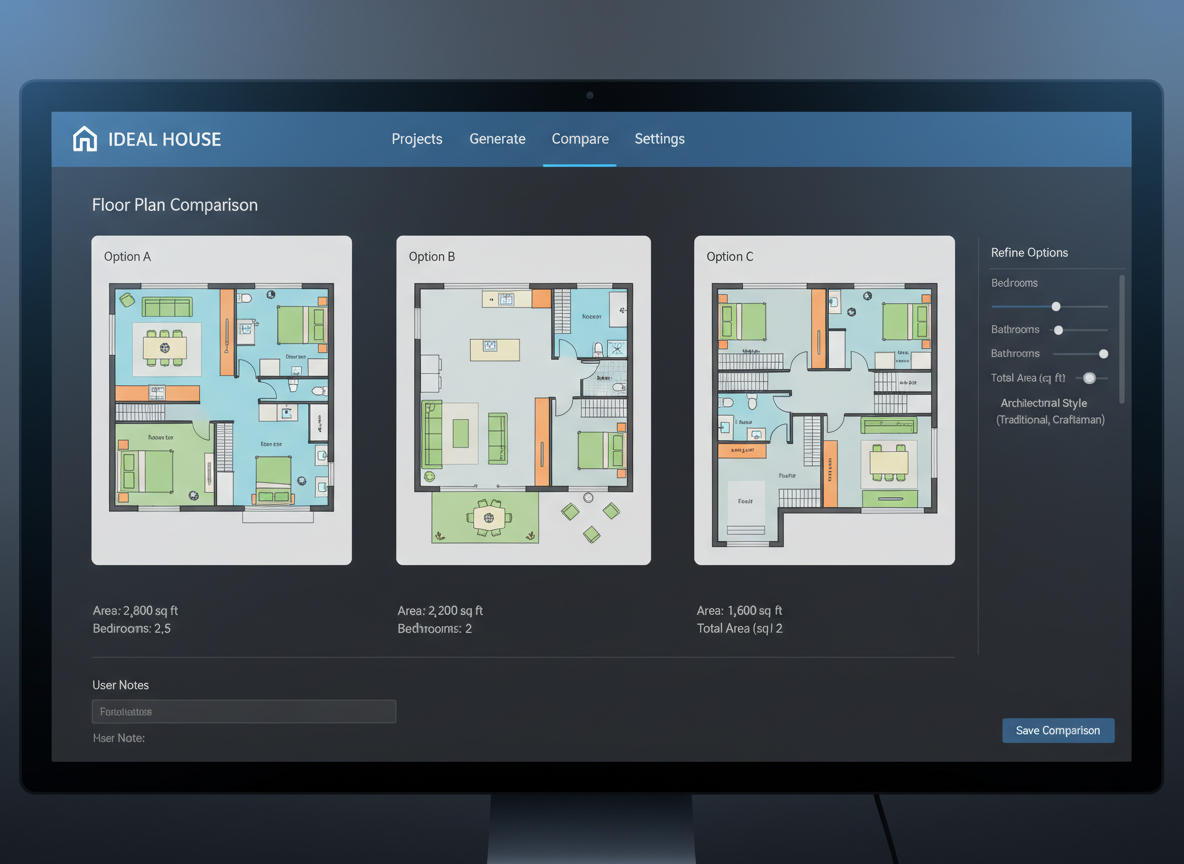
Seamless Iteration & Comparison for Optimal New Home Plans
Experiment freely without losing your progress. All your generated three bedroom house plans are saved in your history, allowing you to easily compare different versions side-by-side. Tweak parameters like an open concept floor plan or add new extras, regenerate, and select the perfect new home plans that meet all your criteria. Perfect for iterating on dwelling plans.

Who Benefits from Ideal House's AI Floor Plan Generator?

Homeowners & DIY Enthusiasts: Quickly visualize renovations, new builds , or simply explore different three bedroom house plans for future projects.

Interior Designers & Decorators: Generate initial layout concepts, iterate with clients, and present diverse residential floor plans efficiently.

Real Estate Professionals & Developers: Create consistent, clear 2D floor plans for listings to attract buyers and showcase property potential effectively.

Your Guide to Generating Three Bedroom House Plans with AI
1
1. Define Your Space: Select the number of bedrooms (up to 4, including three bedroom house plans) and bathrooms.
2
2. Choose Kitchen Style: Decide between an open concept floor plan or a closed kitchen layout.
3
3. Set Gross Area: Pick a size range to guide the overall proportions of your home plans.
4
4. Add Desired Features: Multi-select extras like a walk-in closet, garage, home office, or pantry to shape your layout.
5
5. Generate & Refine: Click 'Generate My Floor Plan' to instantly create your custom house plans. Review, tweak, and regenerate until perfect.
6
6. Download & Share: Export your 2D floor plan as an image or PDF to share with clients, family, or use in listings.
Frequently Asked Questions About AI Floor Plan Generation
How does the AI create three bedroom house plans from my inputs?
Our AI floor plan generator analyzes your selections – bedrooms (like three bedroom house plans), bathrooms, kitchen type, gross area, and extras – then applies advanced algorithms and common architectural principles to draft a functional and aesthetically pleasing 2D floor plan. Each generation provides a unique layout, allowing for endless exploration of house designs.
Can I generate plans for sizes other than three bedroom house plans?
Absolutely! While we excel at three bedroom house plans, our tool supports 0 to 4 bedrooms, making it perfect for small house plans, larger family homes, or even unique dwelling plans. Simply adjust the bedroom count to suit your project.
What influence does 'Gross Area' have on my custom house plans?
The 'Gross Area' setting guides the overall scale and proportion of your residential floor plans. Selecting the closest size range ensures that rooms and circulation areas feel appropriate for the intended footprint, leading to more realistic and usable layout designs. This helps the AI create believable blueprint creator outputs.
How does the AI handle features like 'open concept floor plans'?
Opting for an 'open concept floor plan' instructs the AI to prioritize continuous sightlines and fluid transitions between common areas like living, dining, and kitchen. Conversely, a 'closed kitchen' will result in a more defined, separate cooking zone, impacting the overall flow of your house layout planner output.
Can I compare different versions of my three bedroom house plans?
Yes! Every floor plan generated is automatically saved in your 'Generation History'. This allows you to easily compare multiple versions of your three bedroom house plans, or any other layout, using filters and different viewing modes. It’s perfect for iterative design and finding your ideal home plans.
Enhance Your Design Journey with Ideal House Tools
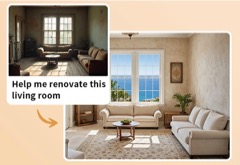
HouseGPT
Ask our design AI for advice on materials, color pairings, and Blended French Revival style history.
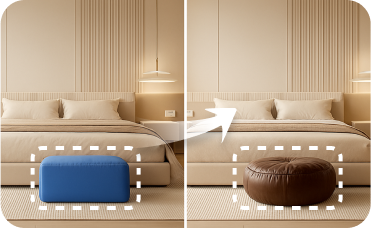
Smart Replacer
Perfect your minimalist look by instantly changing flooring, wall colors, or even removing clutter before staging.
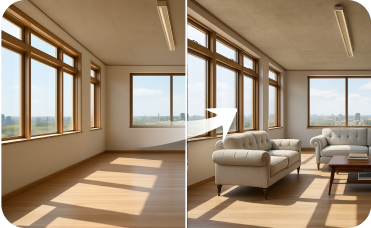
Virtual Staging
Go beyond furniture and perform a complete overhaul to perfect your Japanese Natural virtual staging.
Ready to Design Your Ideal Three Bedroom House Plans?
Experience the future of home design. Simple, fast, and remarkably intuitive.
Generate My Floor Plan
💰 Earn 10% commission as a Ideal House Affiliate Partner.
Join us