








Generator
History
AI Floor Plan Generator
Change Tool
Model
Base
Switch
Rooms
BedRoom
-
2
+
BathRoom
-
1
+
Kitchen
open
closed
Gross Area
Unit metric
 imperial
metric imperialArea
< 50㎡
50-80㎡
80-100㎡
100-120㎡
120-150㎡
> 150㎡
Extras
walk-in closet
laundry room
storage room
utility room
home office
garage
pantry
combined living-dining
balcon

Design Your Dream Space: Get a Simple Floor Plan Creator Free!
Unlock instant design possibilities with Ideal House's AI Floor Plan Generator. Create professional-grade 2D floor plans in seconds, transforming your ideas into clear, actionable layouts. Whether you're a homeowner, designer, or real estate professional, our intuitive platform makes generating floor plans incredibly easy and accessible. Experience the future of home design today.
Generate My Floor Plan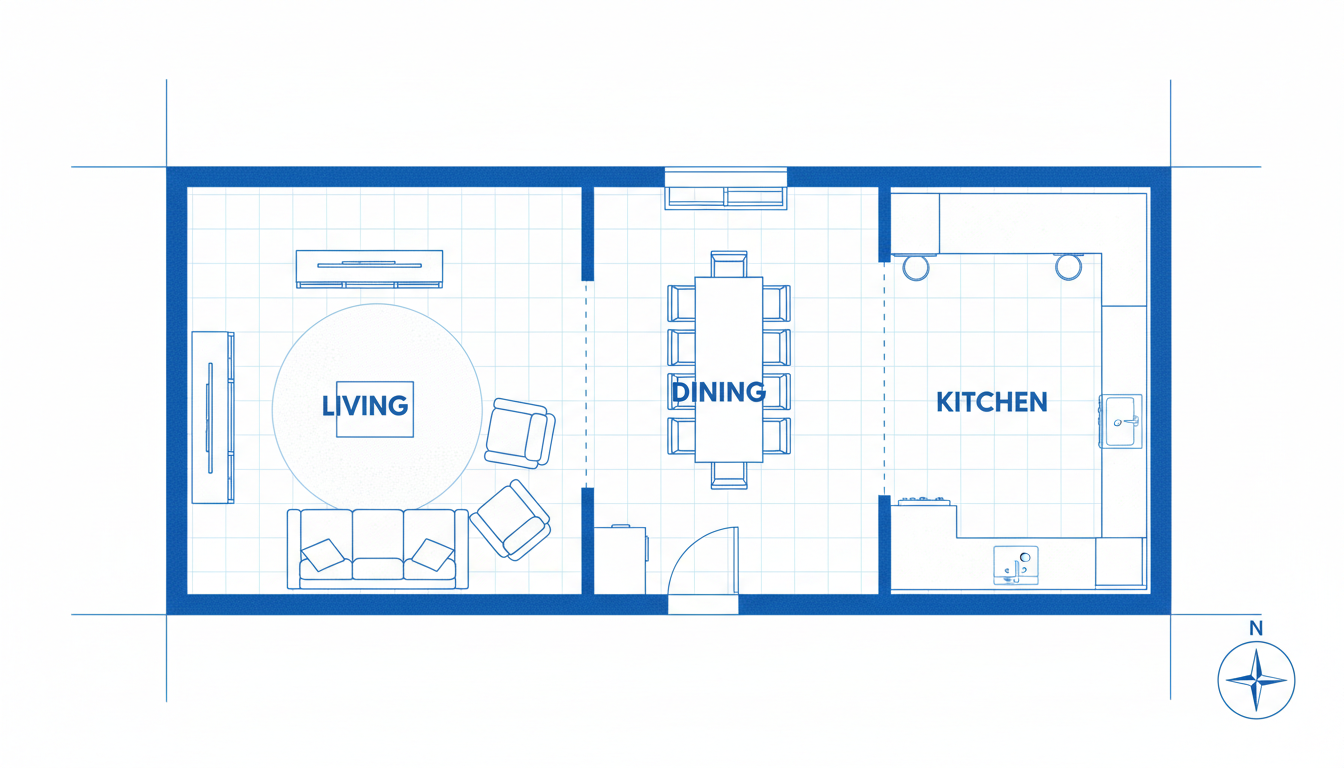


Revolutionize Your Design Workflow with Ideal House
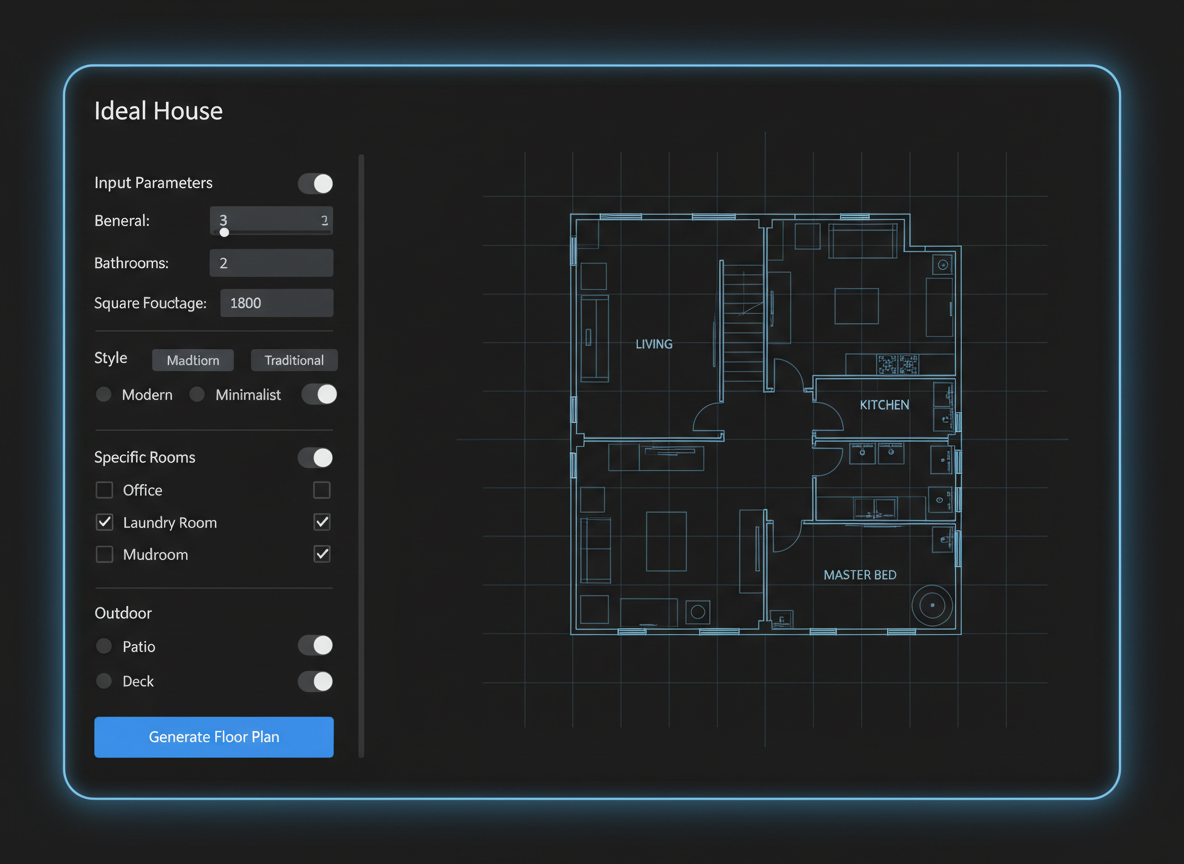
Instant 2D Floor Plans from Simple Inputs
Gone are the days of complex CAD software. Our AI floor plan maker lets you generate detailed 2D floor plans by simply choosing your desired number of bedrooms, bathrooms, kitchen style, and gross area. It's the most simple floor plan creator free solution for quickly visualizing your space, offering unparalleled speed and ease for every project.
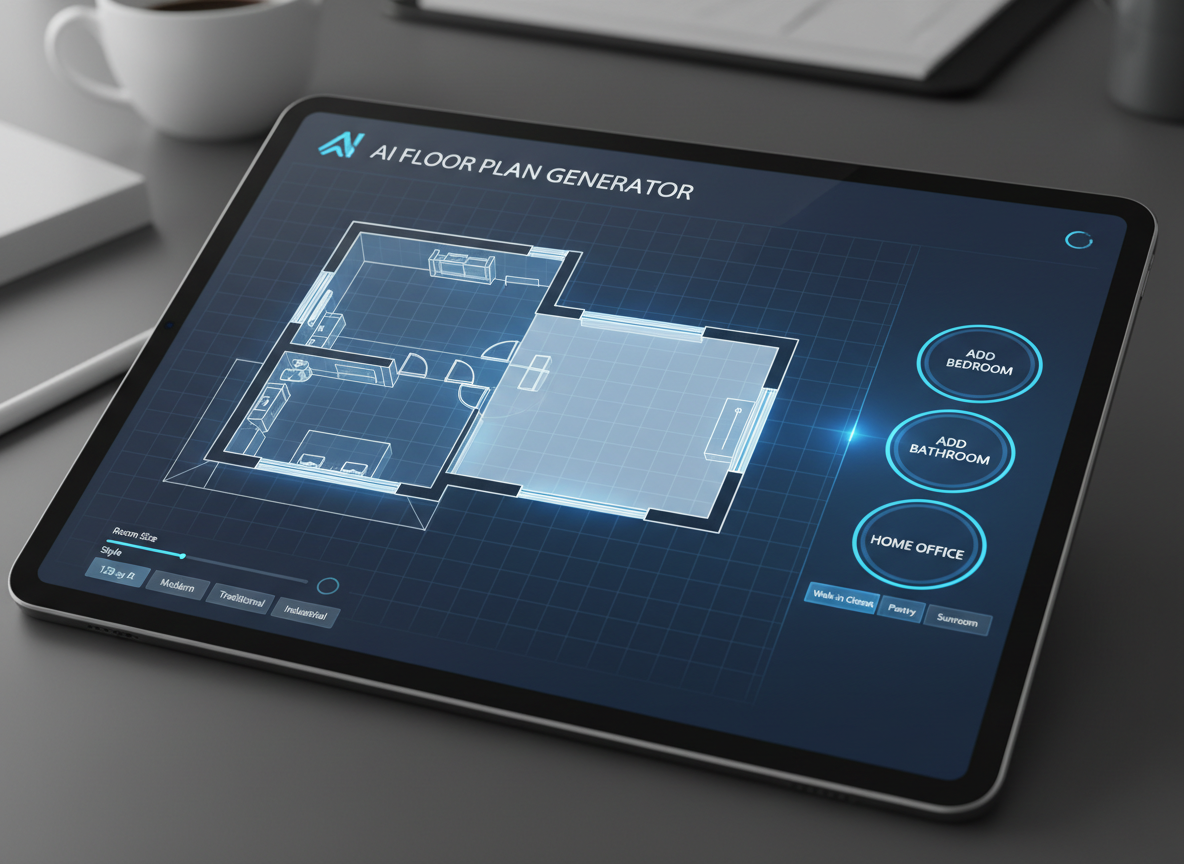
Tailor Your Layout with Smart Extras
Beyond basic room counts, our AI Floor Plan Generator allows you to add specific features like a walk-in closet, laundry room, home office, or balcony. These intelligent additions guide the AI to craft a custom floor plan that perfectly matches your lifestyle needs and preferences. Get detailed, functional simple house plans without the hassle.
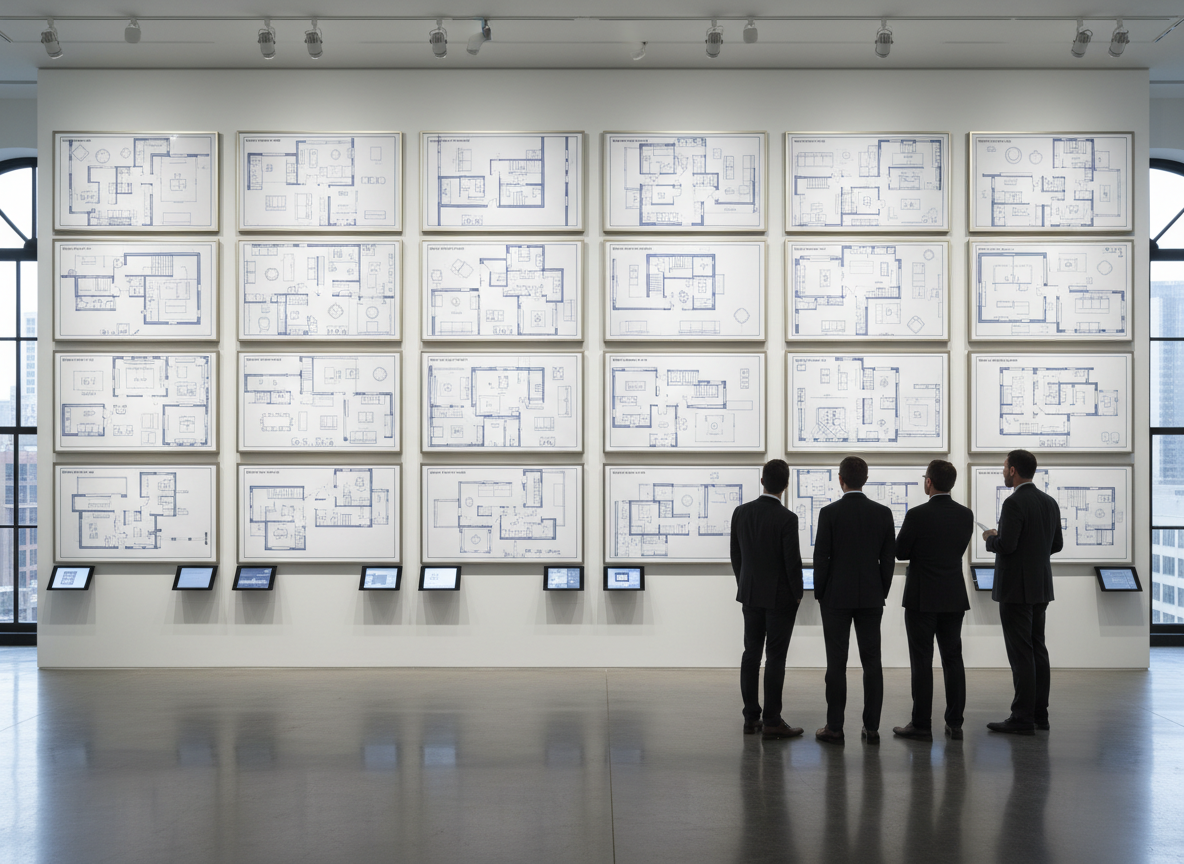
Visualize and Iterate with Ease
Every generated floor plan is saved in your history, allowing you to easily compare different layouts and refine your vision. This powerful feature makes Ideal House the best free floor plan software for experimentation. Quickly generate floor plans, tweak parameters, and regenerate until you find the perfect digital floor plan for your needs.

Perfect for Any Project: From Renovation to Listings
Whether you're exploring renovation ideas, preparing real estate listings, or collaborating with clients, our online floor plan creator delivers professional results. Generate quick floor plans that clearly communicate layout and flow, making it an essential floor design tool for homeowners, designers, and real estate agents alike. It's the simple floor plan creator free solution you've been searching for.

Who Benefits from the Ideal House AI Floor Plan Generator?

Homeowners & DIY Planners: Easily visualize renovations, redesigns, and new builds with a simple floor plan creator free.

Interior Designers & Decorators: Rapidly generate custom floor plans for clients, streamlining initial concept development.

Real Estate Agents & Developers: Create consistent, clear 2D floor plans for property listings, enhancing buyer understanding and engagement.

How to Generate Your Perfect Floor Plan in 5 Simple Steps
1
Input Your Basics: Select your desired number of bedrooms (0-4) and bathrooms (1-3) to start shaping your basic floor plan.
2
Choose Your Kitchen Style: Decide between an 'open' or 'closed' kitchen layout to define your living space's flow.
3
Define Gross Area: Pick a gross area range that aligns with your project's size requirements, guiding the AI for optimal proportions.
4
Add Key Extras: Enhance your design with specific features like a walk-in closet, home office, or balcony for a truly custom floor plan.
5
Generate & Refine: Click 'Generate My Floor Plan' to instantly see your design. Tweak your selections and regenerate until you achieve your ideal home design floor plan.
Your Questions About Our AI Floor Plan Creator, Answered
How does the AI create a floor plan from my selections?
Our AI floor plan generator uses advanced algorithms to interpret your inputs—beds, baths, kitchen type, gross area, and extras—then applies industry-standard design principles to draft a coherent 2D floor plan. Each generation offers a fresh, unique concept.
What ranges and default settings are available?
You can choose from 0-4 bedrooms (default 2), 1-3 bathrooms (default 1). Kitchens can be open or closed (default open). Gross area is selected from predefined ranges, and extras are multi-selectable to fit your custom floor plan needs.
How does the 'Gross Area' selection impact my floor plan?
The gross area range guides the overall scale of your home design floor plan, ensuring that rooms, hallways, and features are sized appropriately for your chosen footprint. Selecting the closest band helps create a realistic and functional layout.
What's the difference between an open and closed kitchen in the generated plans?
An open kitchen promotes a continuous, flowing living-dining area, fostering a sense of spaciousness. A closed kitchen creates a more distinct, private cooking zone. Our AI floor plan maker adjusts the layout to reflect these design philosophies.
How do 'Extras' influence the final floor plan?
Selecting extras like a walk-in closet, laundry room, or home office tells the AI to prioritize and integrate these spaces strategically within your layout. For example, a walk-in closet will typically be placed near a primary bedroom, optimizing the floor layout planner efficiency.
Enhance Your Design with Our Integrated Tools

Image to Video
Convert your static Cuba Contemporary remodel image into a dynamic video tour to captivate potential buyers.
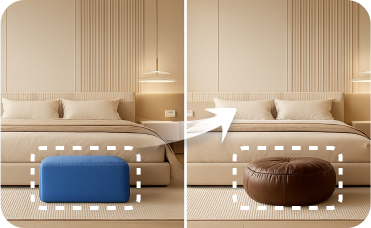
Smart Replacer
Perfect your game room's foundation by instantly changing wall colors, flooring materials, or even adding a stylish accent wall.
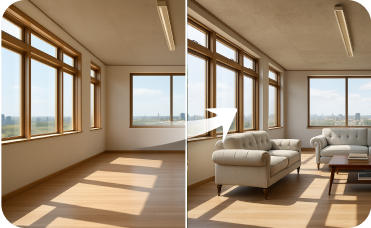
Virtual Staging
Instantly furnish empty rooms with curated Nordic Industrial furniture sets.
Ready to Design Your Space with a Simple Floor Plan Creator Free?
Experience the fastest, easiest way to generate floor plans. Your ideal home design is just a few clicks away.
Generate My Floor Plan
💰 Earn 10% commission as a Ideal House Affiliate Partner.
Join us