








Generator
History
AI Floor Plan Generator
Change Tool
Model
Base
Switch
Rooms
BedRoom
-
2
+
BathRoom
-
1
+
Kitchen
open
closed
Gross Area
Unit metric
 imperial
metric imperialArea
< 50㎡
50-80㎡
80-100㎡
100-120㎡
120-150㎡
> 150㎡
Extras
walk-in closet
laundry room
storage room
utility room
home office
garage
pantry
combined living-dining
balcon

Design Your Dream Space with Our AI Home Plan Maker
Unleash your architectural vision with Ideal House's AI Floor Plan Generator. Quickly create precise 2D floor plans tailored to your exact specifications. Whether you're a homeowner, designer, or real estate professional, our intuitive home plan maker transforms your ideas into professional layouts in seconds. Discover the fastest way to visualize and share your ideal residential floor layouts.
Generate My Floor Plan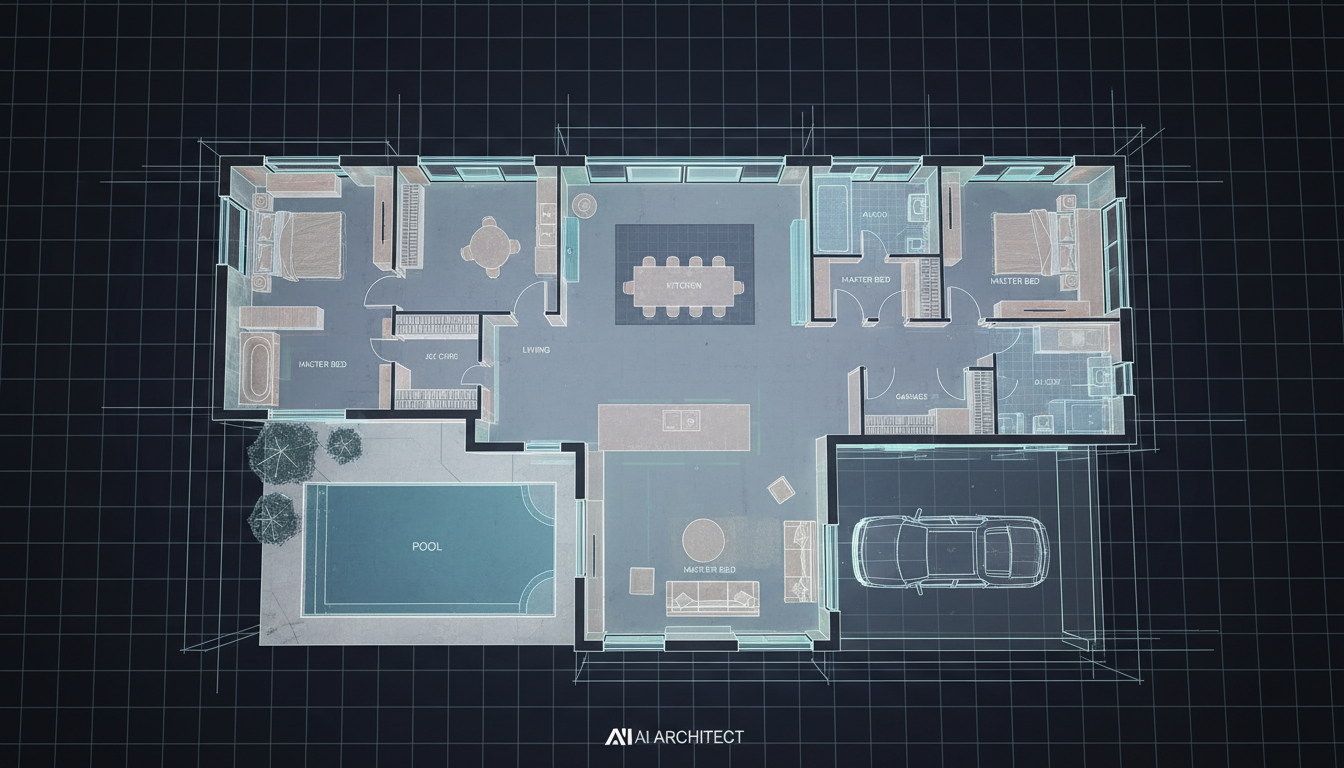


Revolutionize Your Design Process with Our Home Plan Maker
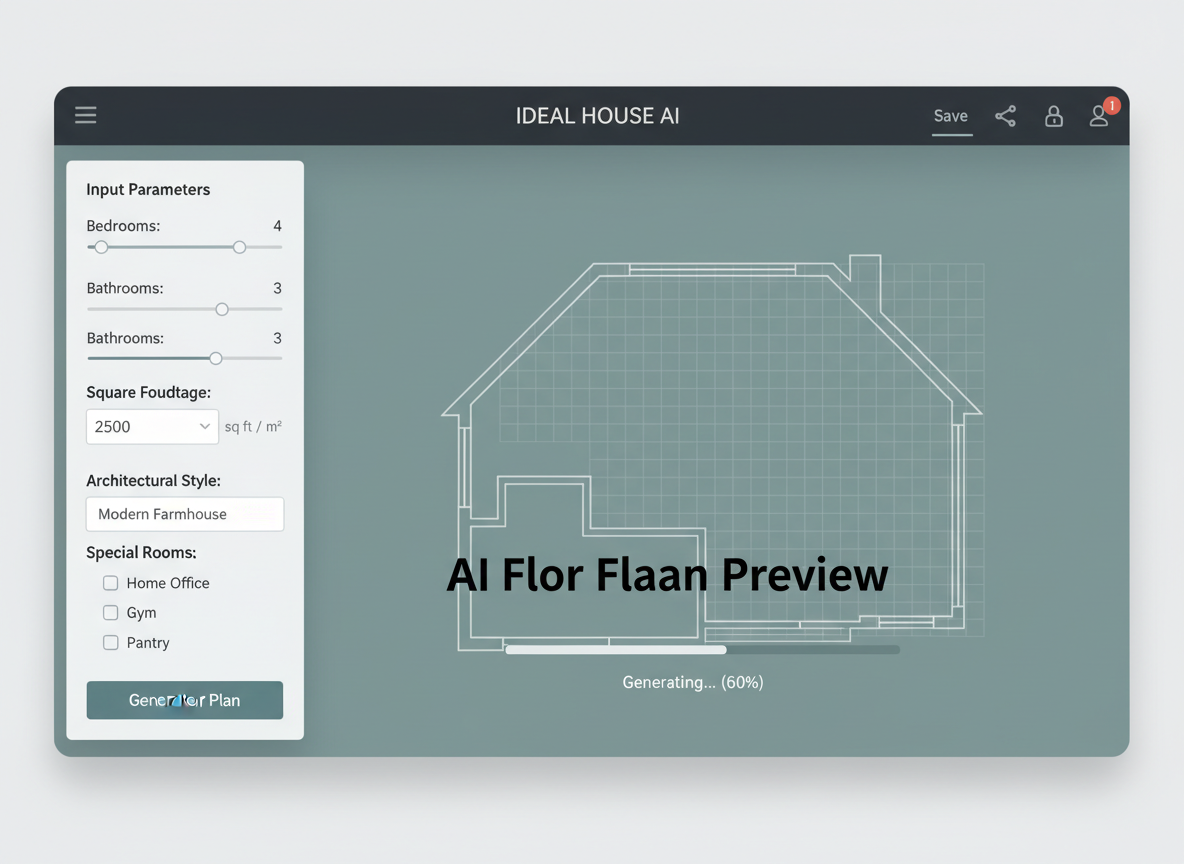
Instant 2D Floor Plans from Simple Inputs
Our AI-powered home plan maker allows you to generate detailed 2D floor plans by simply inputting your desired number of bedrooms and bathrooms, kitchen style (open or closed), gross area range, and a selection of key extras like a walk-in closet or home office. This parameter-driven planning gives you unprecedented control and speed in creating initial designs. Get your layout in seconds.
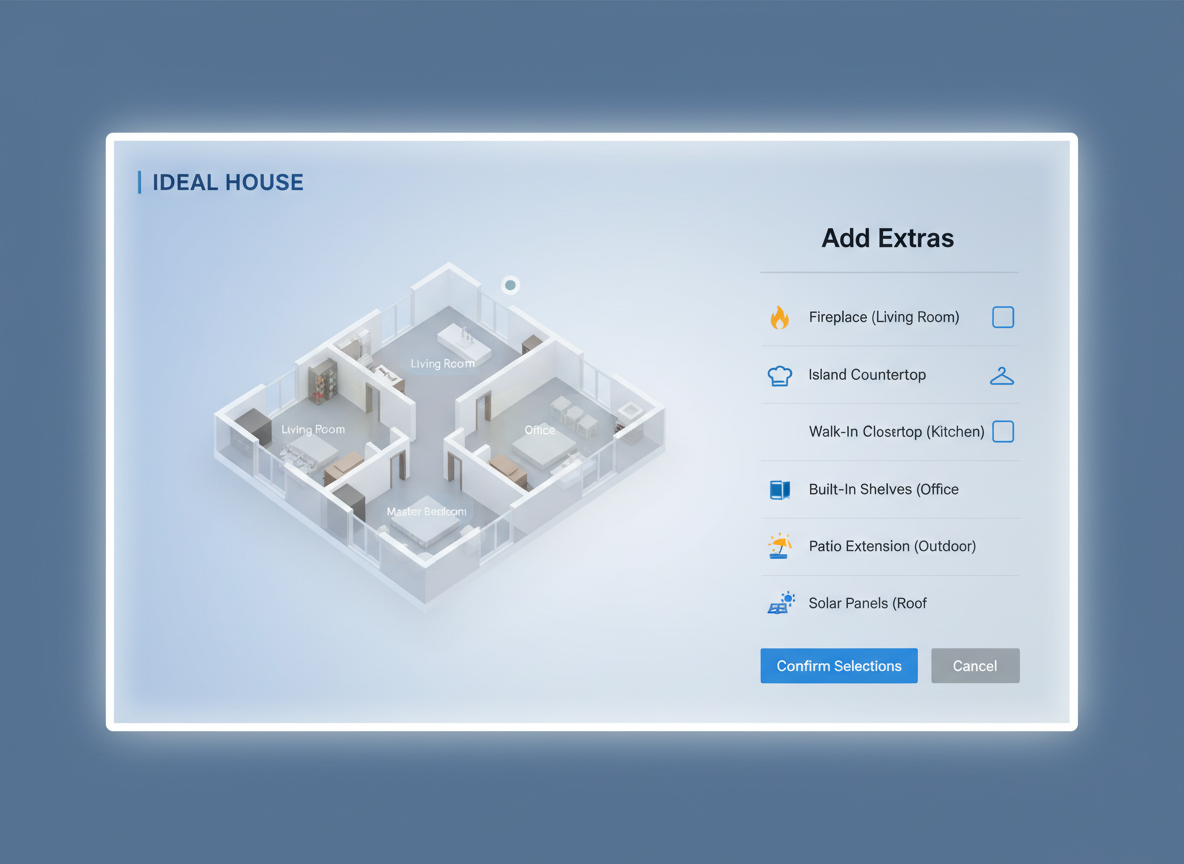
Tailored Layouts with Smart Extras
Go beyond basic layouts. Our home plan maker integrates 'extras' such as laundry rooms, pantries, combined living-dining areas, and balconies, allowing the AI to intelligently shape your property floor planner. These selections guide the AI to optimize spatial planning and room relationships, creating a blueprint creator that truly understands your needs for custom home plans.
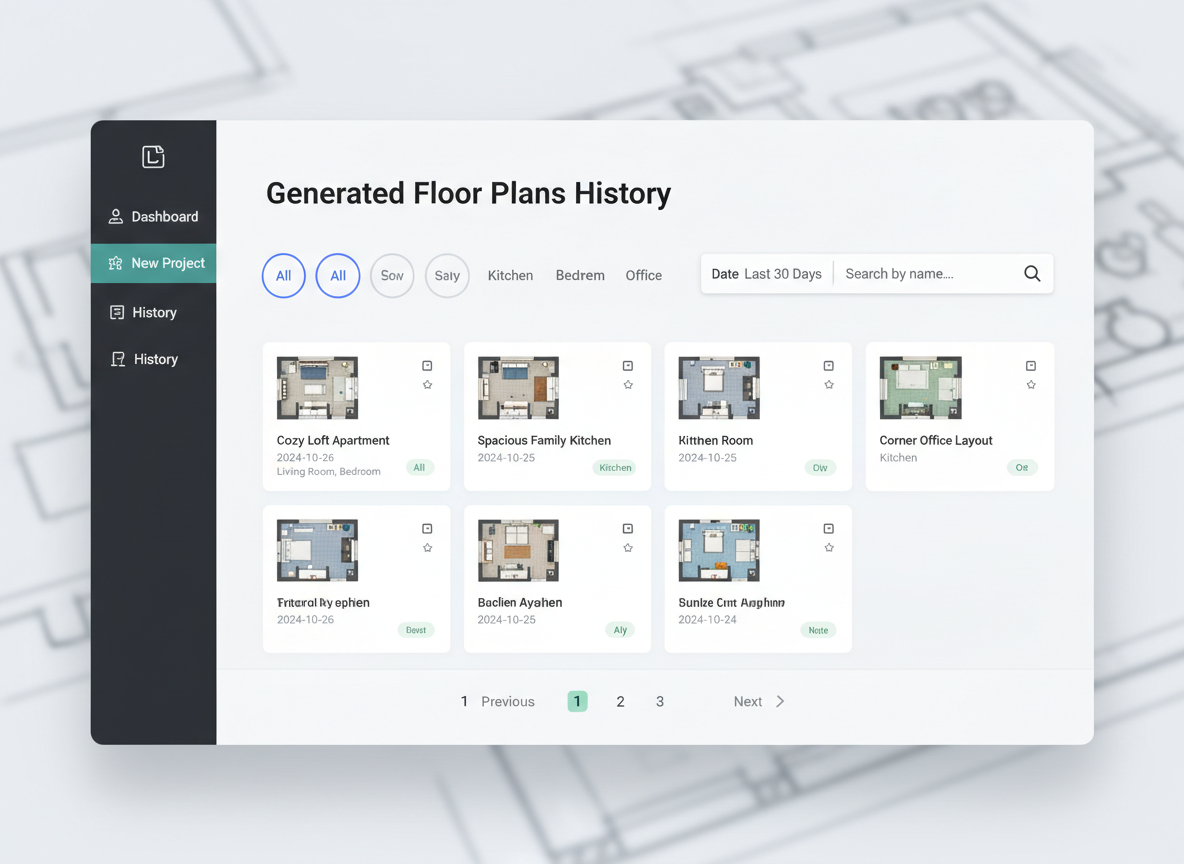
Efficient Iteration and History Tracking
Every floor plan you generate is automatically saved in your 'Generation History.' This powerful feature, combined with filtering options like 'Created with AI Floorplan,' allows you to easily compare different versions of your house layout planner. Review multiple room layout designs side-by-side to find the perfect fit, making Ideal House an indispensable digital floorplan tool for iterative design.
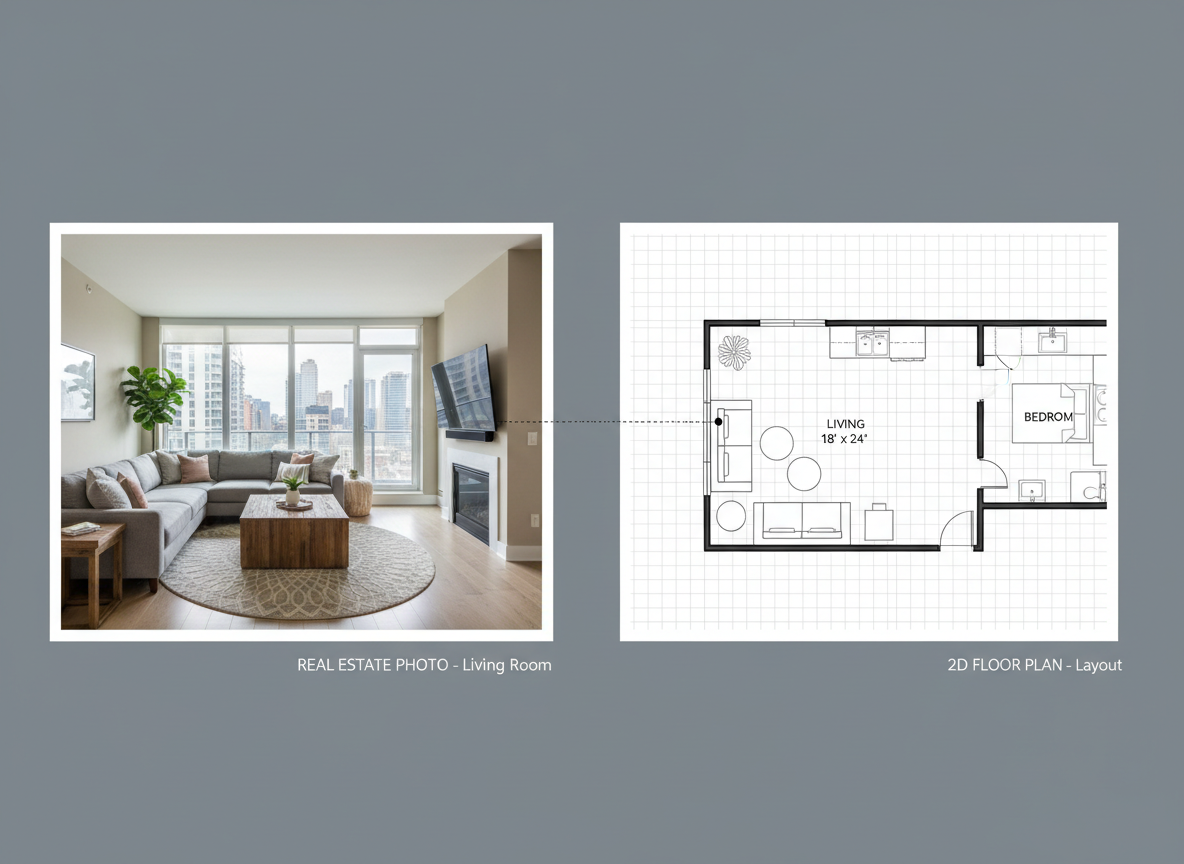
Ideal for Real Estate Listings and Client Communication
In the competitive North American real estate market, clear and professional visuals are key. Our home plan maker quickly produces presentation-ready residential floor layouts perfect for listings. Enhance your property marketing with detailed apartment layout planners or house blueprint makers that clearly communicate space and flow to potential buyers or renters, improving engagement and sales velocity.

Who Benefits from Our AI Home Plan Maker?

Homeowners & DIY Planners looking to visualize renovations or new builds.

Interior Designers & Decorators needing quick concept generation and client collaboration tools.

Real Estate Agents & Brokers enhancing property listings with clear 2D floor plans.

Contractors & Consultants aligning project scope and discussing options with stakeholders.

Generate Your Floor Plan in 5 Simple Steps
1
Set Rooms: Choose your desired number of bedrooms (0–4) and bathrooms (1–3) to begin your house layout planner.
2
Choose Kitchen Style: Toggle between open or closed kitchen configurations for your ideal flow.
3
Pick Gross Area: Select a gross area range that matches your target size to guide the overall proportions of your floor plan drawing app.
4
Add Extras: Multi-select features like a walk-in closet, home office, or balcony to customize your home plan maker further.
5
Generate & Review: Click 'Generate' to instantly see your new 2D floor plan. Review and refine your design in the Generation History.
Frequently Asked Questions About Our AI Home Plan Maker
How does the AI turn my selections into a floor plan?
Our AI home plan maker processes your inputs—bedrooms, baths, kitchen type, gross area, and extras—to apply common architectural rules for adjacency and circulation. It then drafts a clear 2D floor plan, offering fresh concepts with each generation.
What are the available ranges and default settings?
You can select 0–4 bedrooms (default 2) and 1–3 bathrooms (default 1). Kitchens can be open or closed (default open). Gross Area offers several bands, and extras are multi-selectable to give you complete control as a blueprint creator.
What does the 'Gross Area' selection influence?
The gross area band guides the overall scale of your property floor planner. Selecting the closest match ensures that rooms and corridors are proportioned believably for your desired footprint, resulting in a more realistic house blueprint maker.
Can I compare multiple versions of my floor plans?
Absolutely! Every generation is saved in your 'Generation History.' You can use the 'Created with AI Floorplan' filter and switch between grid and list views to review and compare different residential floor layouts side-by-side, streamlining your design process.
Is this home plan maker suitable for real estate professionals?
Yes, it's perfect for real estate! Quickly generate simple, consistent 2D real estate floor plans for listings. Enhance your property marketing with clear visuals that help potential buyers or renters instantly grasp the layout and flow of any home or apartment layout planner.
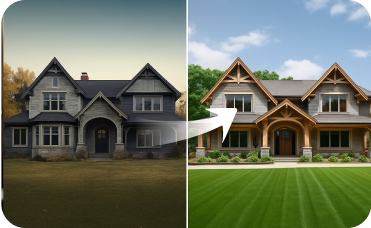
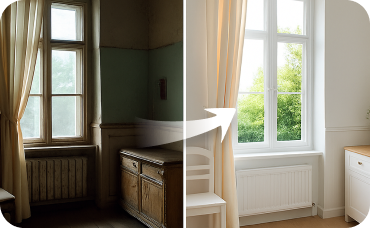
Enhance Your Vision with Related Ideal House Tools

Ready to Design Your Dream Space?
Experience the future of home design. Generate precise, customizable 2D floor plans in moments with our powerful AI home plan maker. Simplify your spatial planning and bring your vision to life today.
Generate My Floor Plan
💰 Earn 10% commission as a Ideal House Affiliate Partner.
Join us