








Generator
History
AI Floor Plan Generator
Change Tool
Model
Base
Switch
Rooms
BedRoom
-
2
+
BathRoom
-
1
+
Kitchen
open
closed
Gross Area
Unit metric
 imperial
metric imperialArea
< 50㎡
50-80㎡
80-100㎡
100-120㎡
120-150㎡
> 150㎡
Extras
walk-in closet
laundry room
storage room
utility room
home office
garage
pantry
combined living-dining
balcon

Transform Ideas into Layouts with Our AI Floor Plan Diagram Maker
Quickly visualize your dream home or next listing with Ideal House's AI Floor Plan Generator. Our intuitive floor plan diagram maker helps you craft detailed 2D floor plans in seconds, perfect for homeowners, designers, and real estate professionals. Generate presentation-ready designs that truly capture your vision.
Generate My Floor Plan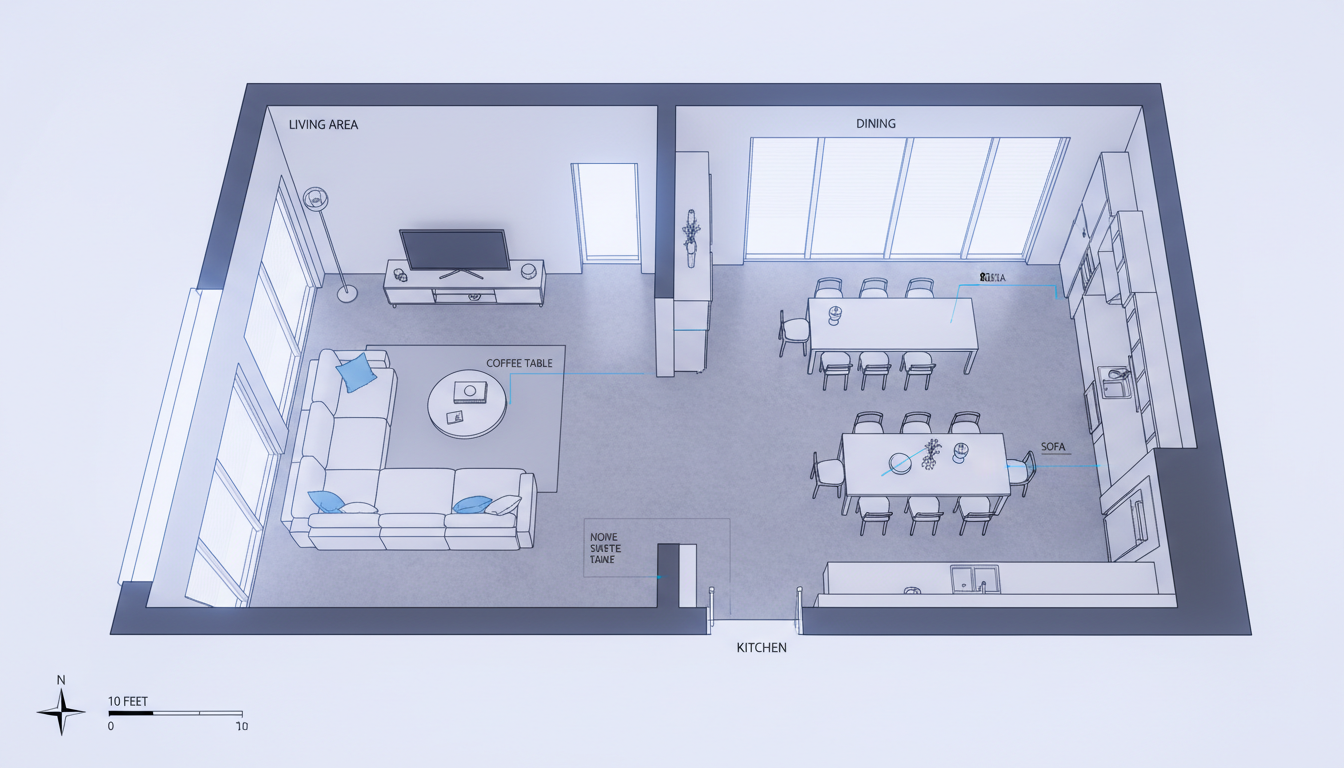


Why Choose Ideal House for Your Floor Plan Diagram Maker Needs?
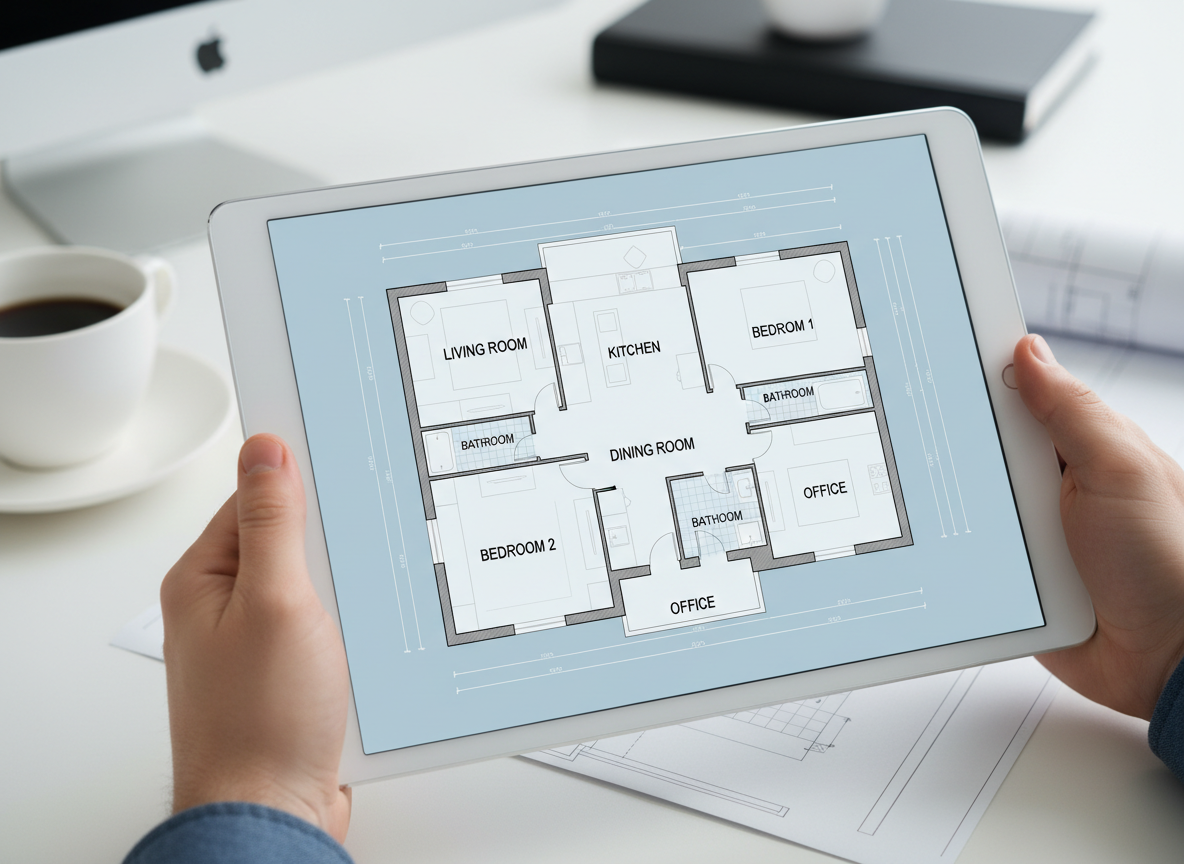
Instant 2D Floor Plan Generation
Say goodbye to manual drawing. Our AI floor plan diagram maker turns your inputs into professional 2D floor plans almost instantly. Get accurate room layouts and essential details without the wait, making it the ultimate floor plan creator for efficiency.
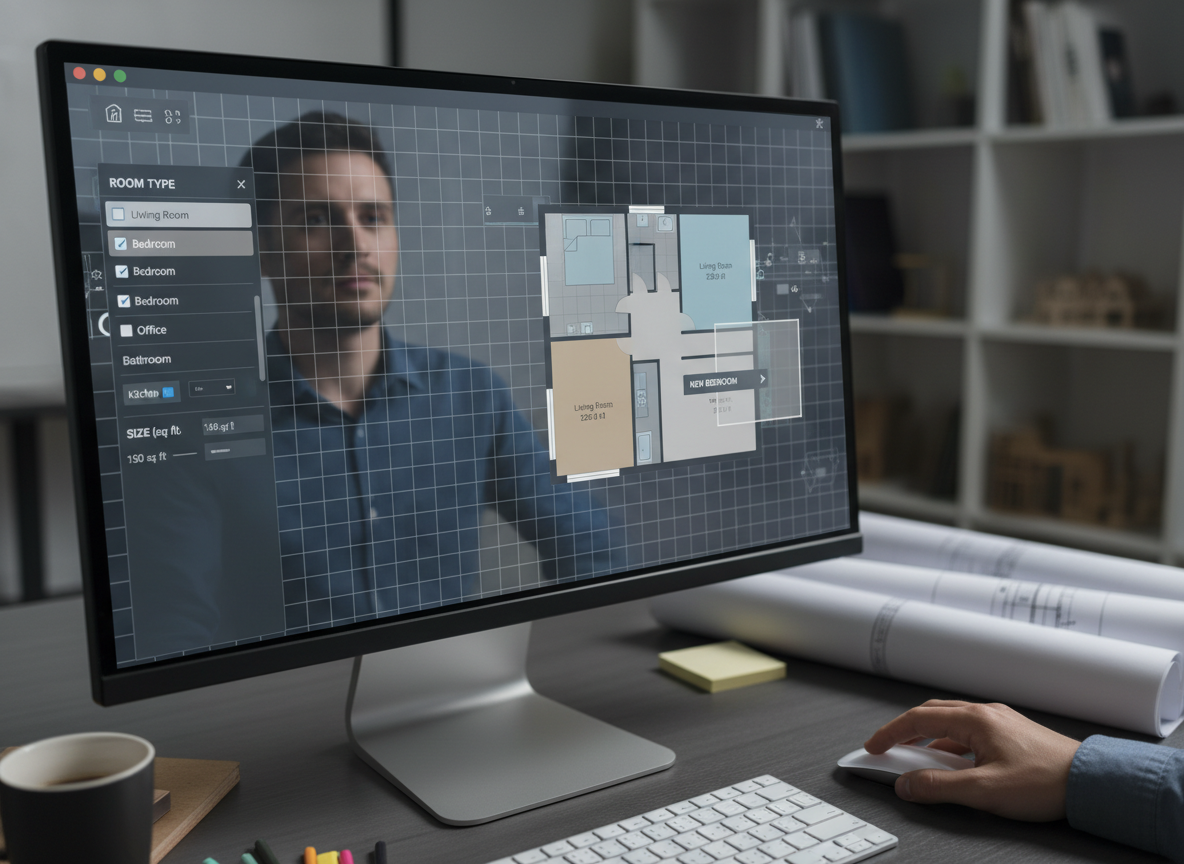
Customizable & Detail-Rich Designs
From the number of bedrooms and bathrooms to specific extras like a walk-in closet or home office, our house plan generator allows for precise customization. Shape your residential floor plans with an online floor planner that understands your needs, giving you a truly custom floor plan.
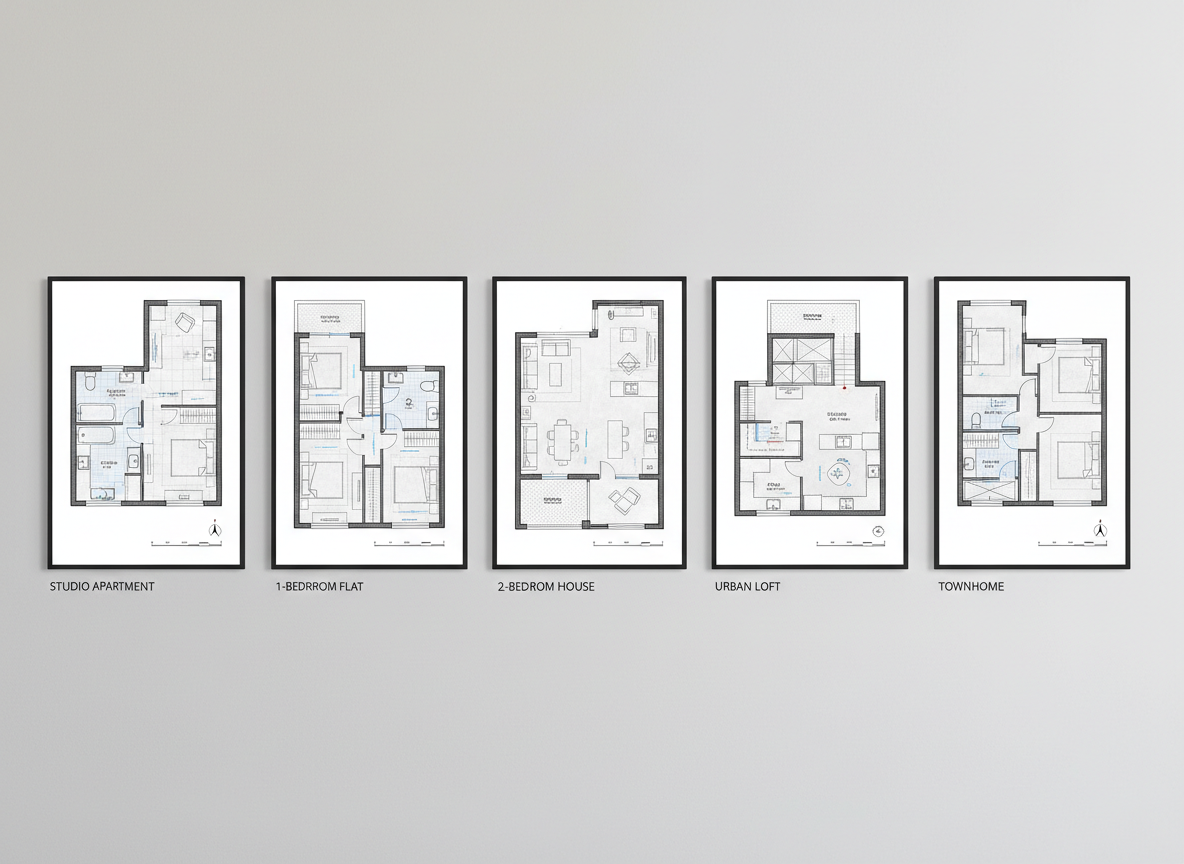
Perfect for Any Property Layout
Whether you're exploring apartment layouts, designing a new build, or preparing real estate listings, this building plan maker adapts. Create a clear property layout designer diagram that enhances understanding and communication for any project, establishing Ideal House as a versatile space planning software.
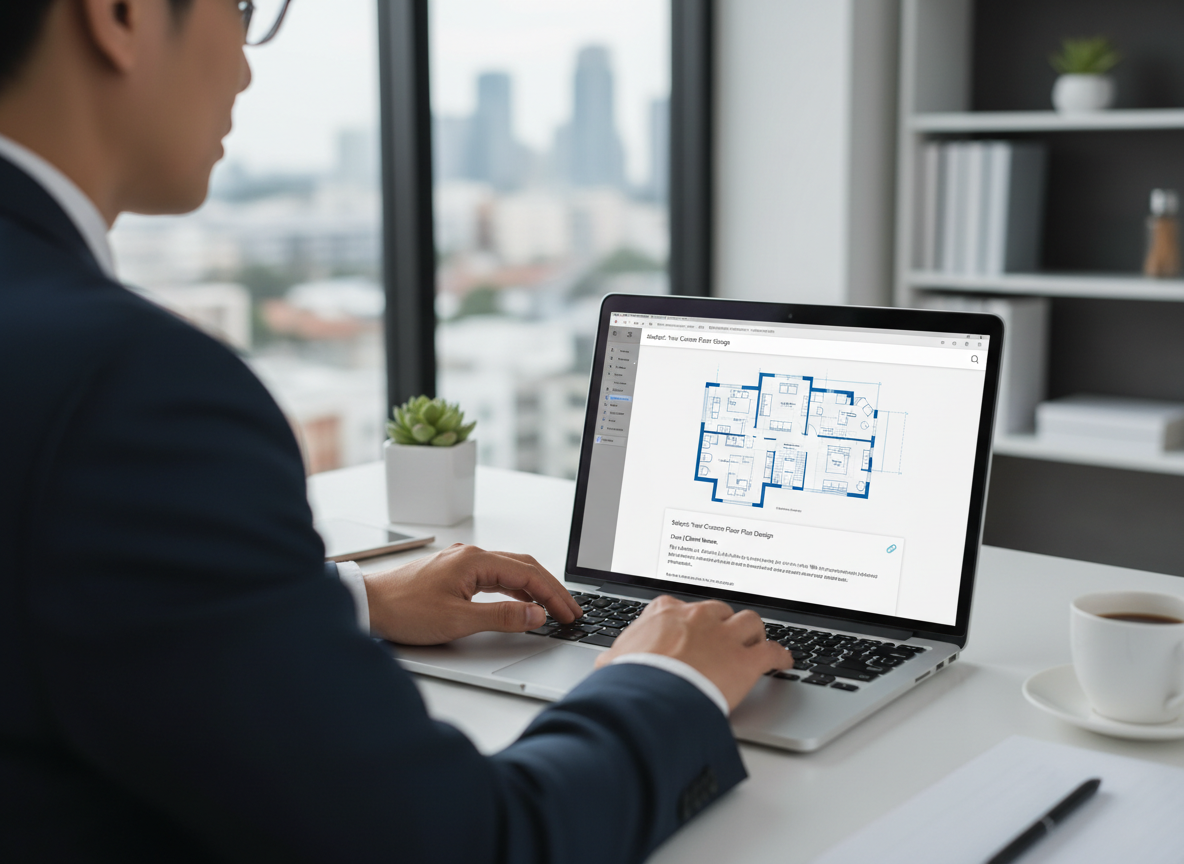
Shareable & Presentation-Ready Outputs
Our AI floor plan diagram maker delivers clean, high-quality digital floor plans ready for sharing. Export as images or PDFs for clients, contractors, or listing platforms, ensuring everyone is on the same page. This architectural drawing tool streamlines your workflow.

Who Benefits from Our AI Floor Plan Diagram Maker?

Homeowners & DIY Enthusiasts: Easily visualize potential home renovations or new builds with intuitive room layout planning.

Interior Designers & Decorators: Rapidly prototype and present apartment layouts or interior designs to clients.

Real Estate Professionals & Agents: Generate consistent, professional 2D real estate floor plans for compelling property listings that attract buyers.

How to Use Our AI Floor Plan Diagram Maker in 5 Simple Steps
1
Set your desired number of Bedrooms (0- 4) and Bathrooms (1-3) to begin defining your primary spaces with our floor plan creator.
2
Choose your preferred Kitchen style: Open for an integrated living experience or Closed for a distinct cooking zone.
3
Select a Gross Area range that best matches your target footprint, ensuring realistic proportions for your custom floor plans.
4
Add essential Extras like a walk-in closet, home office, or balcony to guide the AI in shaping specific functional areas.
5
Click 'Generate' to instantly produce your 2D floor plan diagram and review options in your history. Tweak and regenerate to iterate your perfect design.
Frequently Asked Questions About Our Floor Plan Diagram Maker
How does the AI create a floor plan from my selections?
Our AI floor plan diagram maker interprets your inputs—bedrooms, baths, kitchen type, gross area, and extras—and applies smart spatial logic and common architectural principles to draft a clear 2D floor plan. Each generation provides a fresh, optimized concept.
What customizable options are available in this floor plan creator?
You can customize bedrooms (0-4), bathrooms (1-3), kitchen style (open/closed), and gross area bands. Additionally, select from various extras like a laundry room, garage, pantry, combined living-dining, and more to refine your room layout planner design.
Can I compare different floor plan versions?
Absolutely! Every floor plan diagram generated is automatically saved in your 'Generation History.' You can filter by 'Created with AI Floorplan' and view them in grid or list formats to easily compare and choose the best layout.
What impact do 'Extras' have on the generated floor plan?
Extras act as powerful directives for our AI floor plan maker. For example, selecting a 'walk-in closet' ensures it's strategically placed near a bedroom, or a 'pantry' is logically positioned adjacent to the kitchen, optimizing your interior layout creator results.
Is this tool suitable for both residential and commercial floor plans?
While optimized for residential floor plans and apartment layouts, its flexibility makes it an excellent blueprint maker and 2D design tool for conceptualizing small commercial spaces or home offices. The focus is on clear, functional layouts.
Complement Your Designs with Other Ideal House Tools
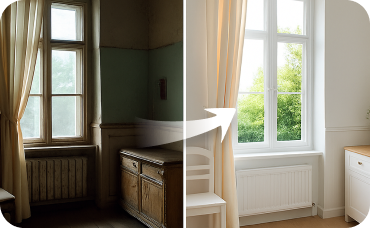
Interior Remodel
Knock down virtual walls, change flooring, and redesign entire interior layouts instantly.

Magic Editor
Remove unwanted clutter or old furniture from your photo before applying the perfect Nordic Classic stage.

Exterior Renovator
Give your home's exterior a cottage-style makeover with new siding, paint, and trim.
Ready to Design Your Space with the Ultimate Floor Plan Diagram Maker?
Experience the ease of generating professional 2D floor plans in minutes. Our AI-powered tool simplifies home design, making custom floor plans accessible to everyone. Start creating your ideal layout today!
Generate My Floor Plan
💰 Earn 10% commission as a Ideal House Affiliate Partner.
Join us