








Generator
History
AI Floor Plan Generator
Change Tool
Model
Base
Switch
Rooms
BedRoom
-
2
+
BathRoom
-
1
+
Kitchen
open
closed
Gross Area
Unit metric
 imperial
metric imperialArea
< 50㎡
50-80㎡
80-100㎡
100-120㎡
120-150㎡
> 150㎡
Extras
walk-in closet
laundry room
storage room
utility room
home office
garage
pantry
combined living-dining
balcon

Transform Concepts into Reality with AI-Powered 3D Floor Design
Unleash the potential of your next project with Ideal House's AI Floor Plan Generator. Quickly create stunning 2D floor plans that are perfect for visualizing spaces, optimizing layouts, and impressing clients. Our intuitive tool streamlines your architectural drawing process, making professional 3d floor design accessible to everyone. Experience rapid visualization and precise space planning like never before.
Generate My Floor Plan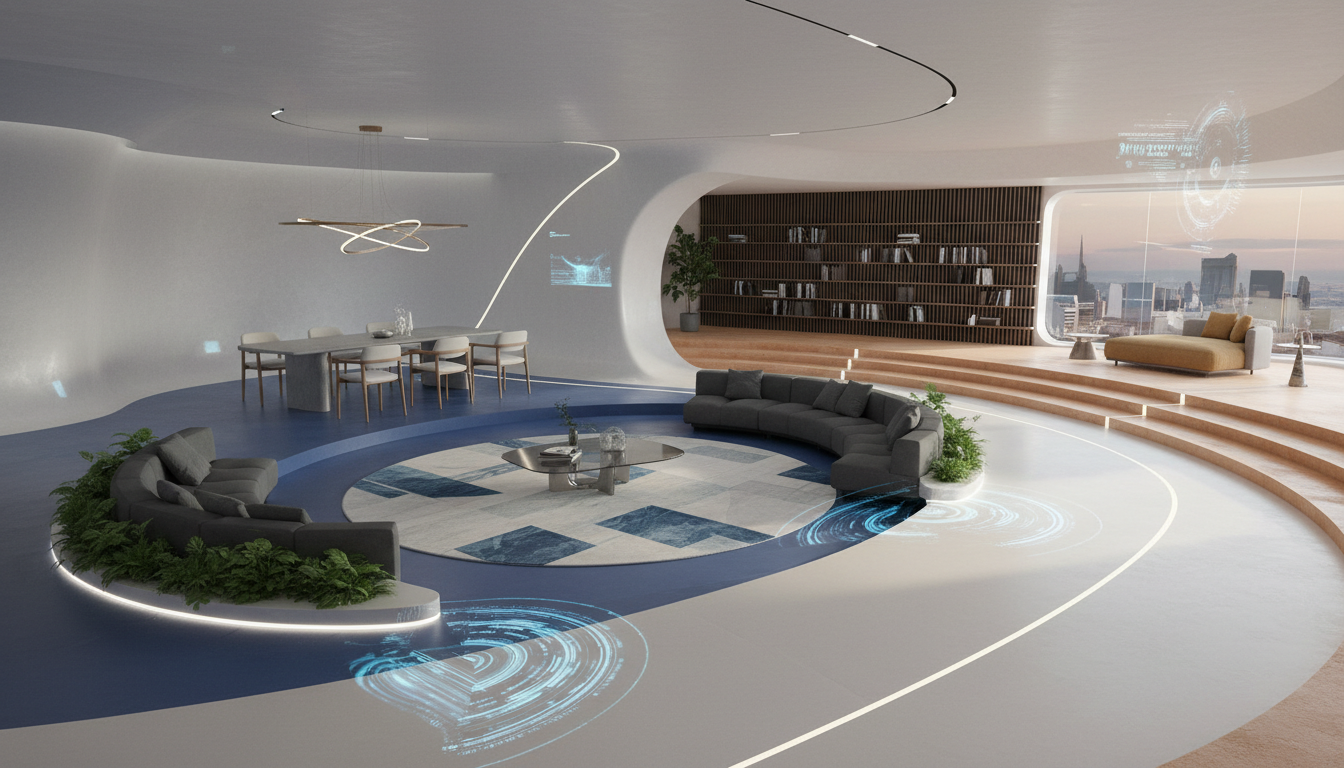


Why Ideal House is Your Ultimate 3D Floor Design Partner

Instant Visualization & Iteration
Say goodbye to tedious manual drafting. Our AI Floor Plan Generator delivers precise 2D floor plans in seconds, allowing you to quickly explore countless layout design possibilities. Iterate on different room configurations, kitchen styles, and gross areas with a few clicks, accelerating your 3d floor design process and bringing your visions to life faster.
Parametric Control for Perfect Layouts
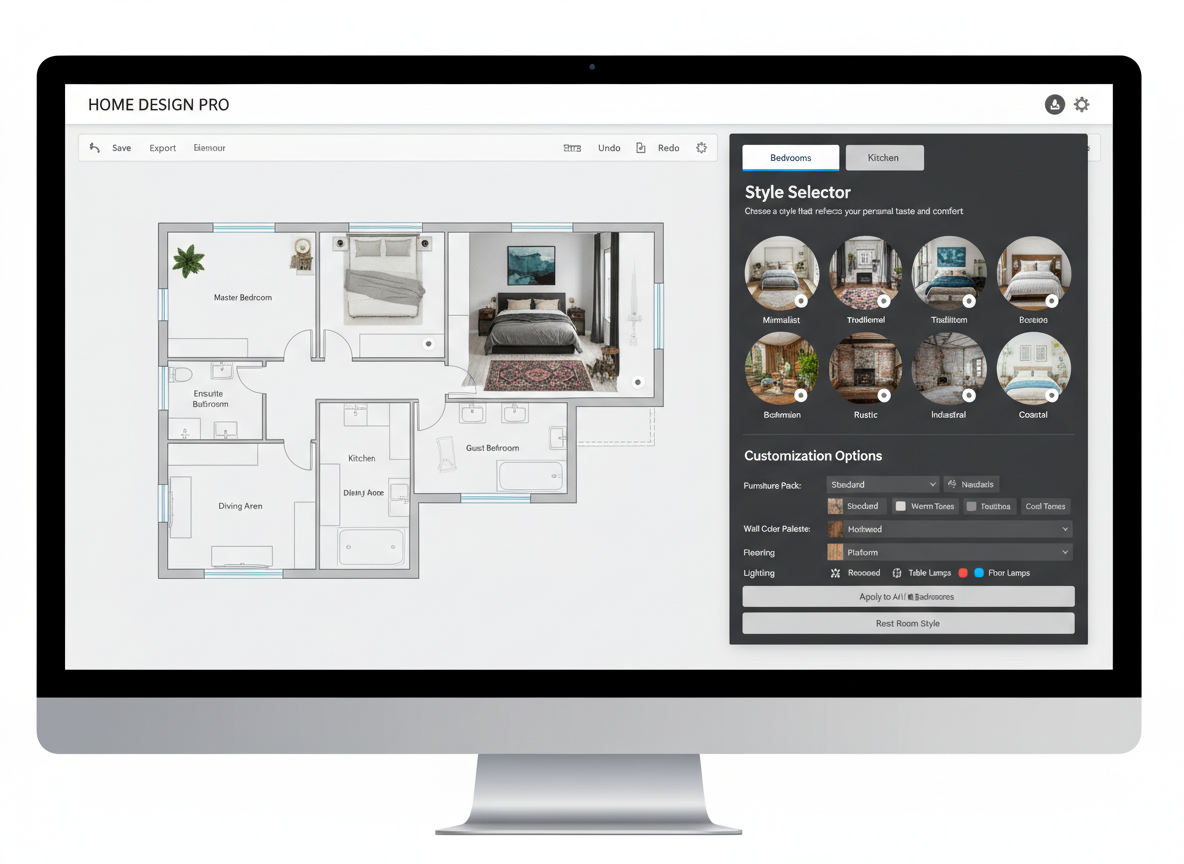
Take command of your designs with powerful parametric controls. Specify bedrooms, bathrooms, kitchen style (open/closed), and gross area ranges to guide the AI in creating your ideal house plans. This precise control ensures your 3d floor design aligns perfectly with your requirements, offering an unparalleled interactive floor plan experience.

Enhance Listings and Client Communication
For real estate professionals and designers, high-quality 2D floor plans are crucial. Our AI-generated visuals provide clear, presentation-ready architectural drawing tools that captivate buyers and simplify client discussions. Elevate your property listings and ensure everyone understands the space planning and interior layout with professional 3d floor design.
Smart Features for Optimized Space Planning
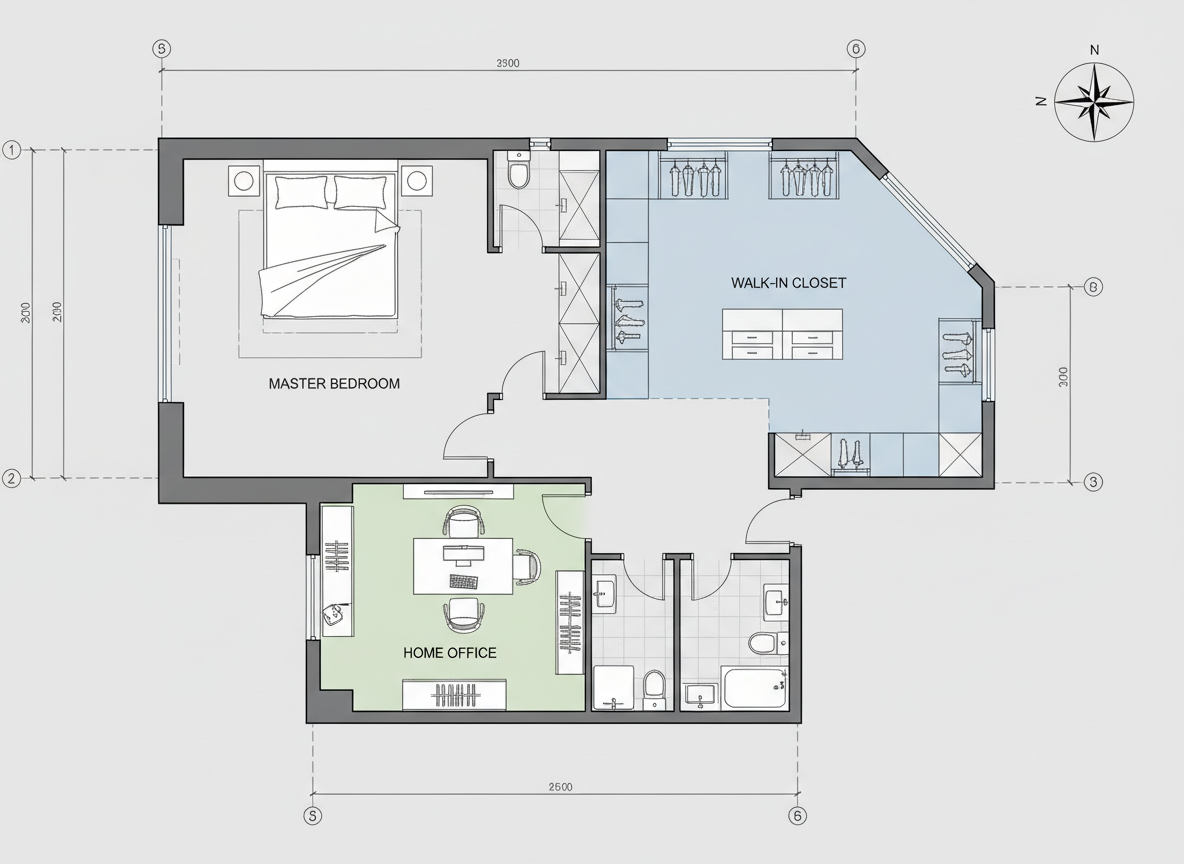
Beyond basic layouts, Ideal House intelligently incorporates 'extras' like walk-in closets, laundry rooms, and home offices, influencing zoning and room relationships. This smart feature ensures your virtual room design is not just aesthetically pleasing but also highly functional, making it an indispensable room layout planner.

Who Benefits from Ideal House's 3D Floor Design Tool?

Homeowners & DIY Enthusiasts: Easily visualize remodels and new home layouts.

Interior Designers & Decorators: Quickly draft concepts and iterate with clients.

Real Estate Agents & Developers: Create compelling visuals for property listings.

Contractors & Consultants: Translate concepts into clear blueprints for project alignment.

Seamless 3D Floor Design in 6 Simple Steps
1
Set Rooms: Define your needs by selecting the number of bedrooms (0-4) and bathrooms (1-3).
2
Choose Kitchen Style: Opt for an open or closed kitchen layout to suit your preference.
3
Pick Gross Area: Select a size range to guide the overall dimensions of your 3d floor design.
4
Add Extras: Personalize your blueprint with features like a walk-in closet, home office, or balcony.
5
Generate & Review: Click 'Generate' to instantly create your 2D floor plan and review it in your history.
6
Download & Share: Export your finalized plan as an image or PDF for easy sharing and collaboration.
Frequently Asked Questions about 3D Floor Design
How does the AI create my 3d floor design from my selections?
Our AI floor plan generator interprets your parameters (beds, baths, kitchen, area, extras) and applies smart design principles to produce a coherent 2D floor plan. It intelligently considers adjacency and circulation to optimize your layout design, offering fresh concepts with each generation.
What influence does 'Gross Area' have on the 3d floor design?
The 'Gross Area' range you select guides the AI in proportioning rooms and corridors, ensuring the generated 2D floor plan feels appropriately scaled for your desired total footprint. Choosing the closest range yields the most realistic and functional room layout planner results.
Can I compare multiple 3d floor design versions?
Absolutely! Every 2D floor plan generated is automatically saved in your 'Generation History.' You can easily use filters and grid/list views to compare different versions side-by-side, helping you make informed decisions for your house plans.
Is the AI Floor Plan Generator suitable for complex architectural drawing?
While Ideal House excels at generating quick, presentation-ready 2D floor plans for early exploration and visualization, it's designed as a powerful conceptual tool rather than a substitute for detailed architectural drawing software. It provides an excellent starting point for any 3d floor design project.
How quickly can I get a 3d floor design?
Our AI Floor Plan Generator is engineered for speed. Most 2D floor plans are generated in a matter of seconds, allowing for rapid iteration and exploration of your space planning ideas without any delay. Get your interactive floor plan almost instantly.
Complement Your 3D Floor Design with Related Tools
Exterior Renovator
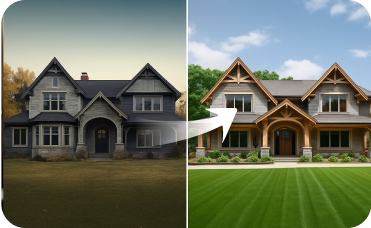
Visualize a new paint color or facade that matches the modern interior.
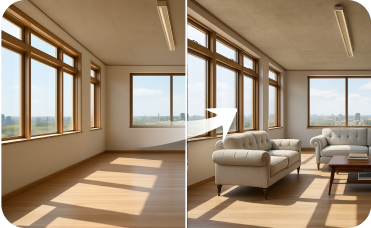
Virtual Staging
Stage your renovated outdoor spaces. Visualize furniture on patios, decks, and porches to complete your curb appeal.

HouseGPT
Chat with our AI design assistant for expert tips on staging, decor, and writing listing descriptions.
Ready to Revolutionize Your 3D Floor Design?
Experience the fastest, most intuitive way to create professional 2D floor plans and bring your house plans to life. Ideal House makes advanced space planning effortless.
Generate My Floor Plan
💰 Earn 10% commission as a Ideal House Affiliate Partner.
Join us